Screenshot appears after consentScreenshot appears after consentScreenshot appears after consentScreenshot appears after consentScreenshot appears after consent
Summary
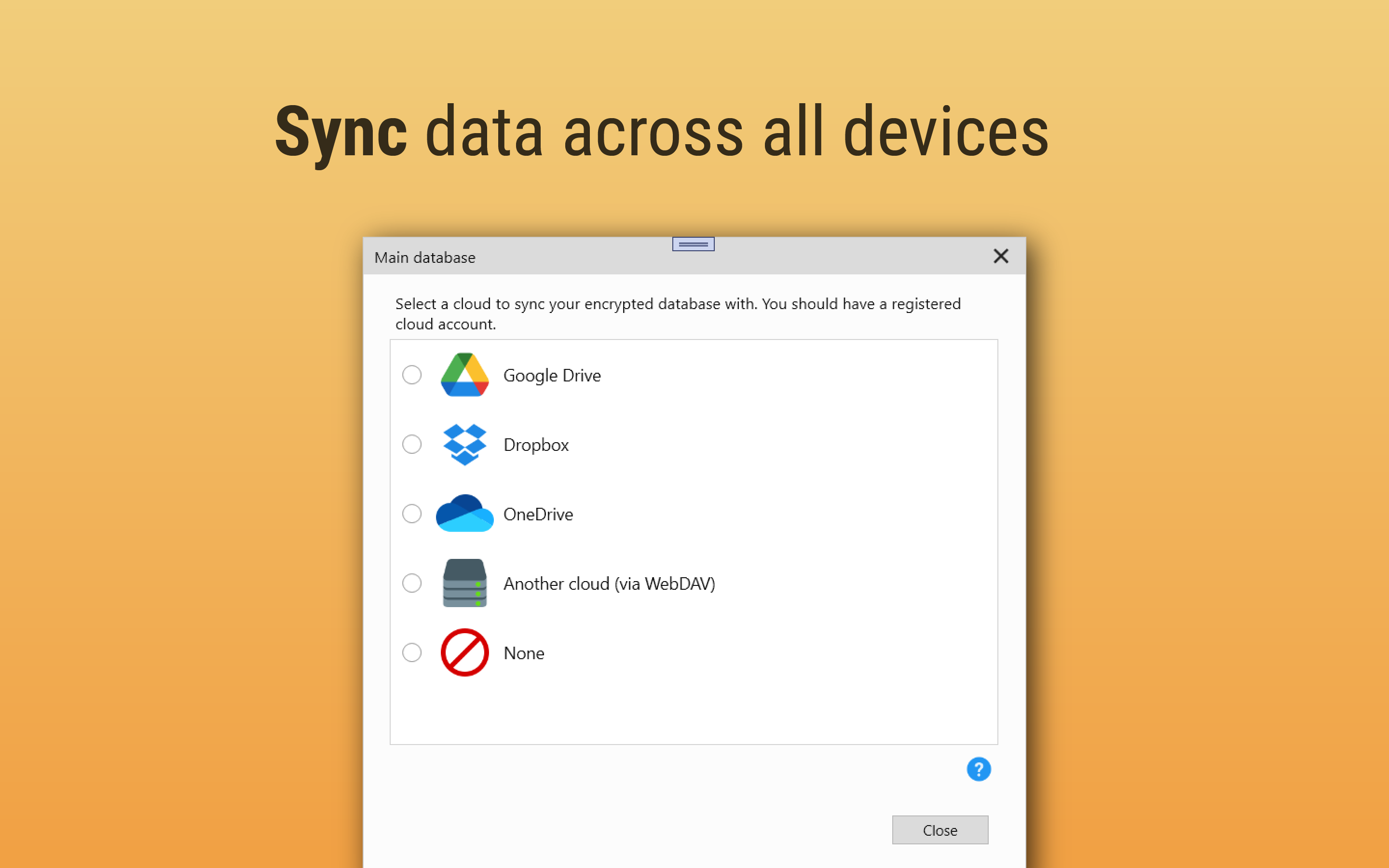
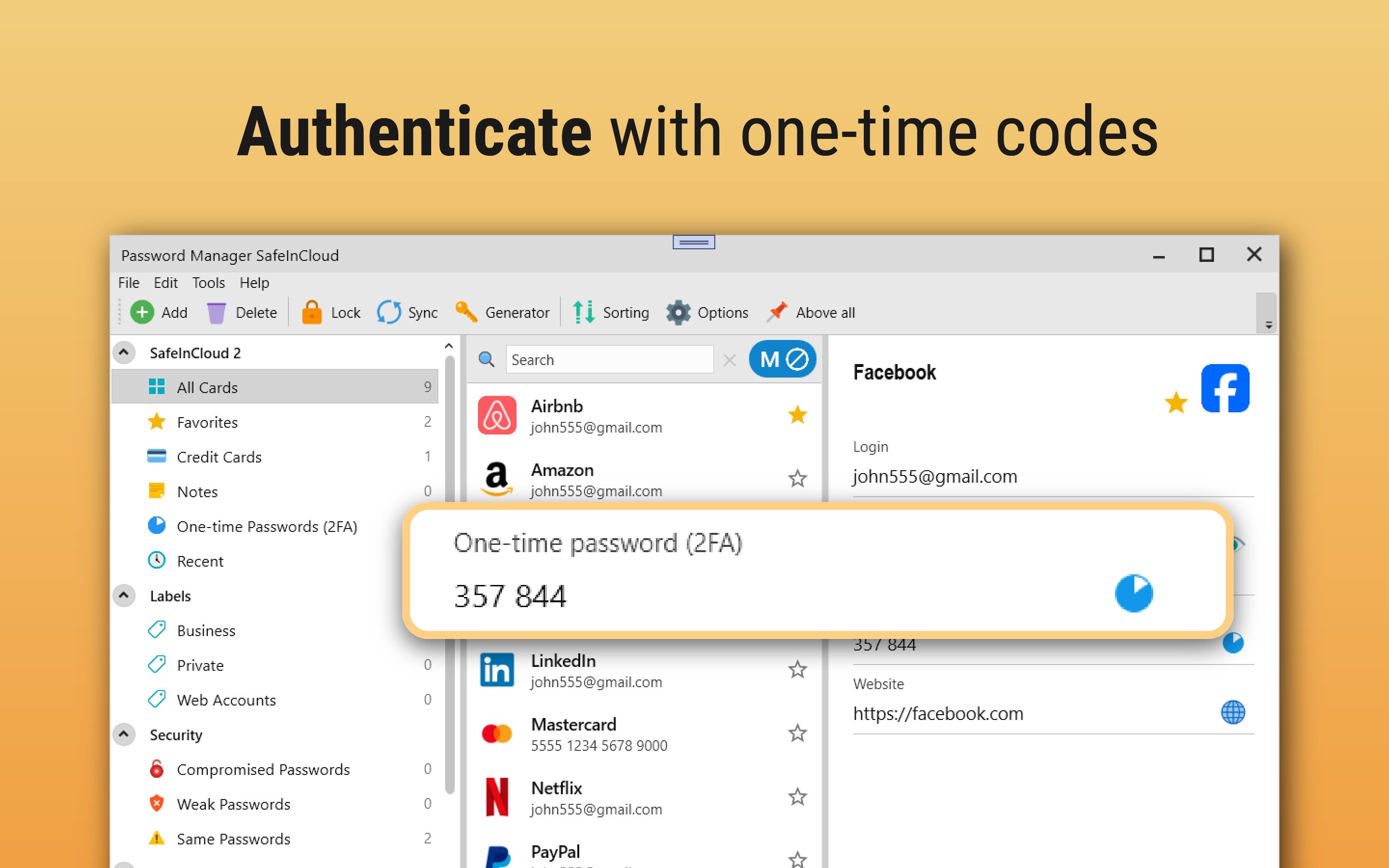
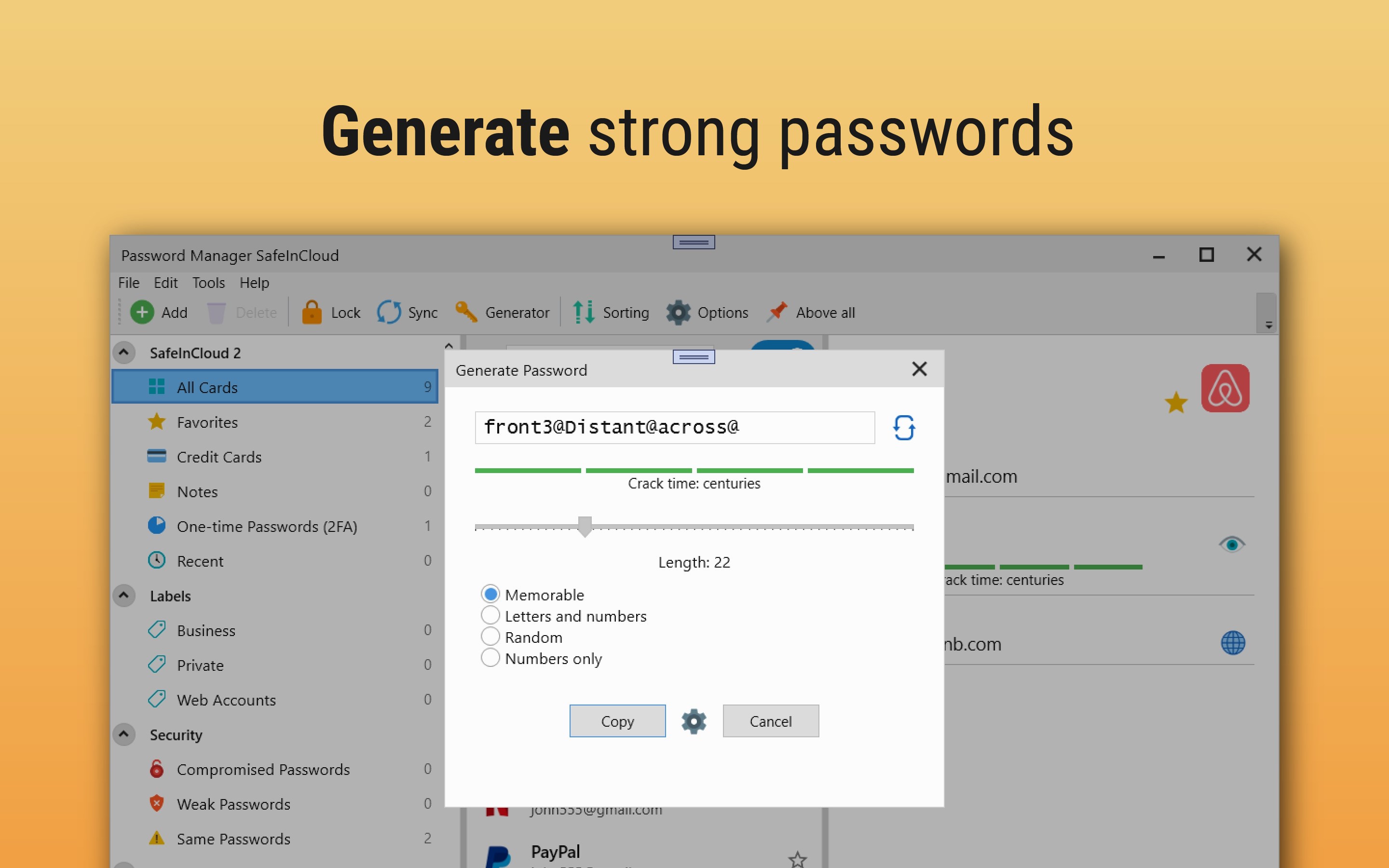
Password Manager: Safe is a password manager app that stores logins, passwords and other private information in an encrypted database. It syncs data across phones, tablets, Mac and PC via the user's own cloud account, using Google Drive, Dropbox, Microsoft OneDrive, NAS or WebDAV. It also works as a 2FA authenticator, generating one-time codes for websites without a separate app. Data is protected with 256-bit AES encryption, and a password generator creates random or memorable secure passwords. A strength analysis rates existing passwords and checks them against known data breaches.
Show the developer's original descriptionHide the original description
Safe is a password manager that puts you in control. Unlike many password managers, Safe stores your encrypted passwords and passkeys in your own storage—Google Drive, Dropbox, OneDrive, or WebDAV—never on our servers. This password manager gives you full ownership of your data.
For 1M+ users worldwide, Safe has been a trusted password manager since 2012—ready on any device: phone, tablet, Mac, or PC.
WHY CHOOSE SAFE PASSWORD MANAGER?
• Zero-Knowledge Security – Only you can access the encrypted data stored in this password manager
• Private Storage – Your encrypted vault stays in your own cloud account, not on our servers
• Windows Passkey Provider – Create passkeys and sign in with them in your browser
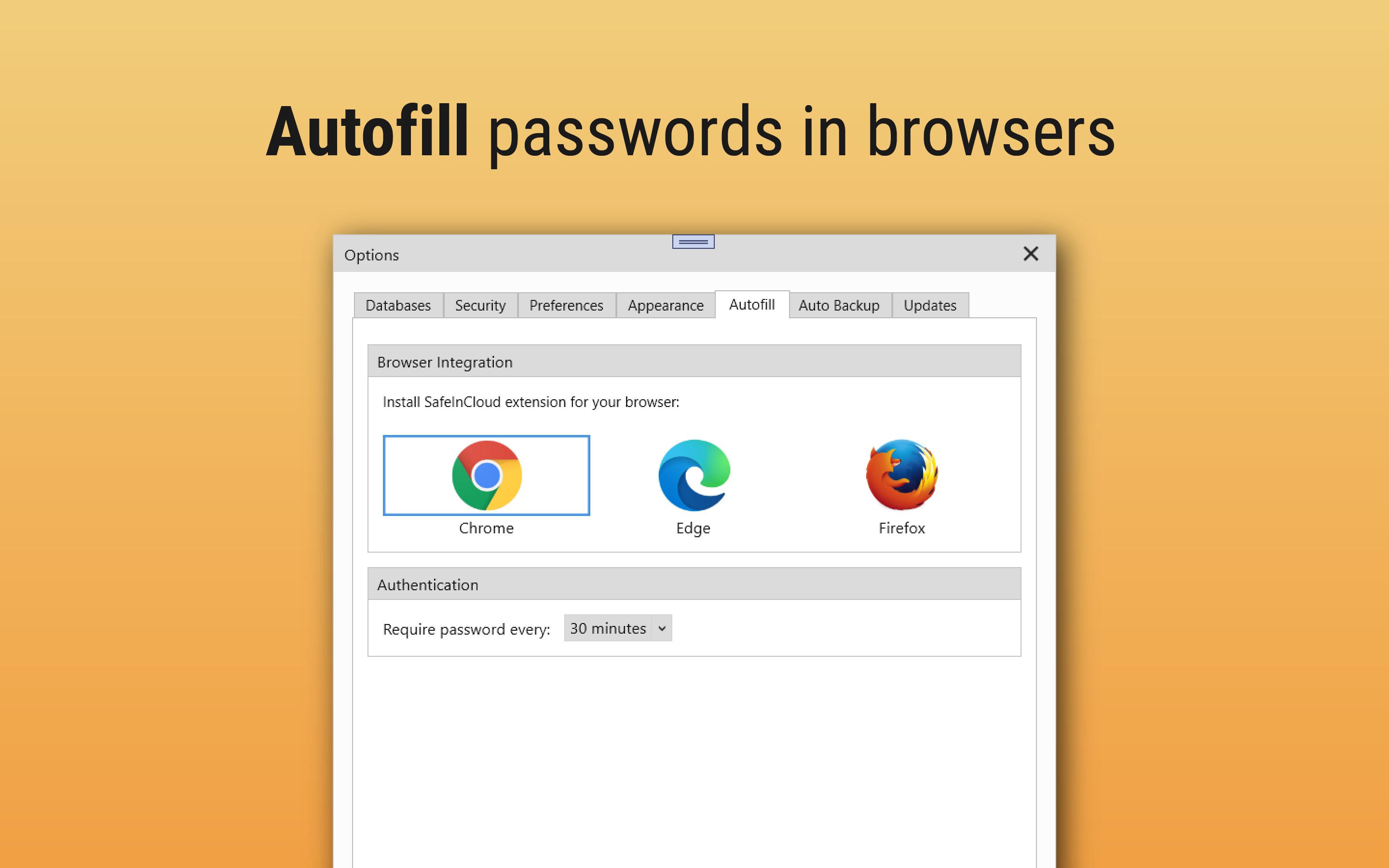
• Browser Extension – Fill passwords and credit cards in Chrome, Edge, and Firefox
• Login with Windows Hello – Unlock your vault with your face, fingerprint, or PIN
• Built-in 2FA Authenticator – Generate one-time codes without a separate app
• Cross-Platform Sync – Phone, tablet, Mac or PC—all in sync
• Strong Password Generator – Create unique, unguessable passwords
• Password Security Analysis – Find weak or compromised passwords
SECURE PASSWORD STORAGE
Safe password manager uses AES-256 encryption—the same standard trusted by governments and banks. Your passwords are encrypted on your device before syncing and remain encrypted at rest. Zero-knowledge architecture means only you can decrypt your vault.
PASSKEYS IN WINDOWS 11
Safe password manager works as a passkey provider in Windows 11. When a website offers to create a passkey, Safe saves it alongside your passwords, and next time you sign in with Windows Hello—no password to type. Passkeys sync across all your devices, so a passkey created on your PC works on your phone too. Requires Windows 11, version 24H2 or later, with Windows Hello set up.
AUTOFILL IN YOUR BROWSER
The Safe extension for Chrome, Edge, and Firefox fills passwords and credit cards directly into web pages—no copying and pasting.
BUILT-IN AUTHENTICATOR
Generate TOTP verification codes for two-factor authentication directly in Safe. No need for a separate 2FA app—manage passwords and security codes in one password manager.
EASY MIGRATION
Switching password managers? Import your data from LastPass, Bitwarden, Dashlane, Proton Pass, Keepass, Chrome, Firefox, and more. Passkeys from Bitwarden, KeePassXC, and Proton Pass come along too. Migration takes just minutes.
MULTIPLE PASSWORD VAULTS
Safe password manager allows you to create separate vaults for personal, family, and work. Each database is independently encrypted—perfect for organized passkey and password storage.
Download Safe password manager and take control of your passkey and password security.
If there is a version of this app for iOS/Mac or Windows we don't know about, paste the store link here — we'll auto-detect the store.
How to find the URL:1. Open the app in its store. 2.In the App Store app: tap the Share icon → “Copy Link”. In the browser: copy the URL from the address bar — it contains apps.apple.com/…/id… or apps.microsoft.com/detail/…. 3. Paste it here.
Paste the original link from the Apple App Store or Microsoft Store. We fetch all details automatically.
How to find the URL:
1. Open the app in its store. 2.In the App Store app: tap the Share icon → “Copy Link”. In the browser: copy the URL from the address bar — it contains apps.apple.com/…/id… or apps.microsoft.com/detail/…. 3. Paste it here.
Android apps can only be listed by their developer.




 Keeper® Password Manager
Encrypted password vault with sync across devices
 SecureSafe Password Manager
Cloud storage with password manager and strong encryption
 mSecure - Password Manager and Digital Wallet
Securely store and sync passwords and sensitive data
 LastPass Password Manager
Store, generate and autofill passwords securely
 KeePassXC
Store passwords and sensitive data encrypted
 Dashlane Password Manager
Store passwords, autofill, and monitor breaches