
Screenshot appears after consentScreenshot appears after consentScreenshot appears after consent
Summary
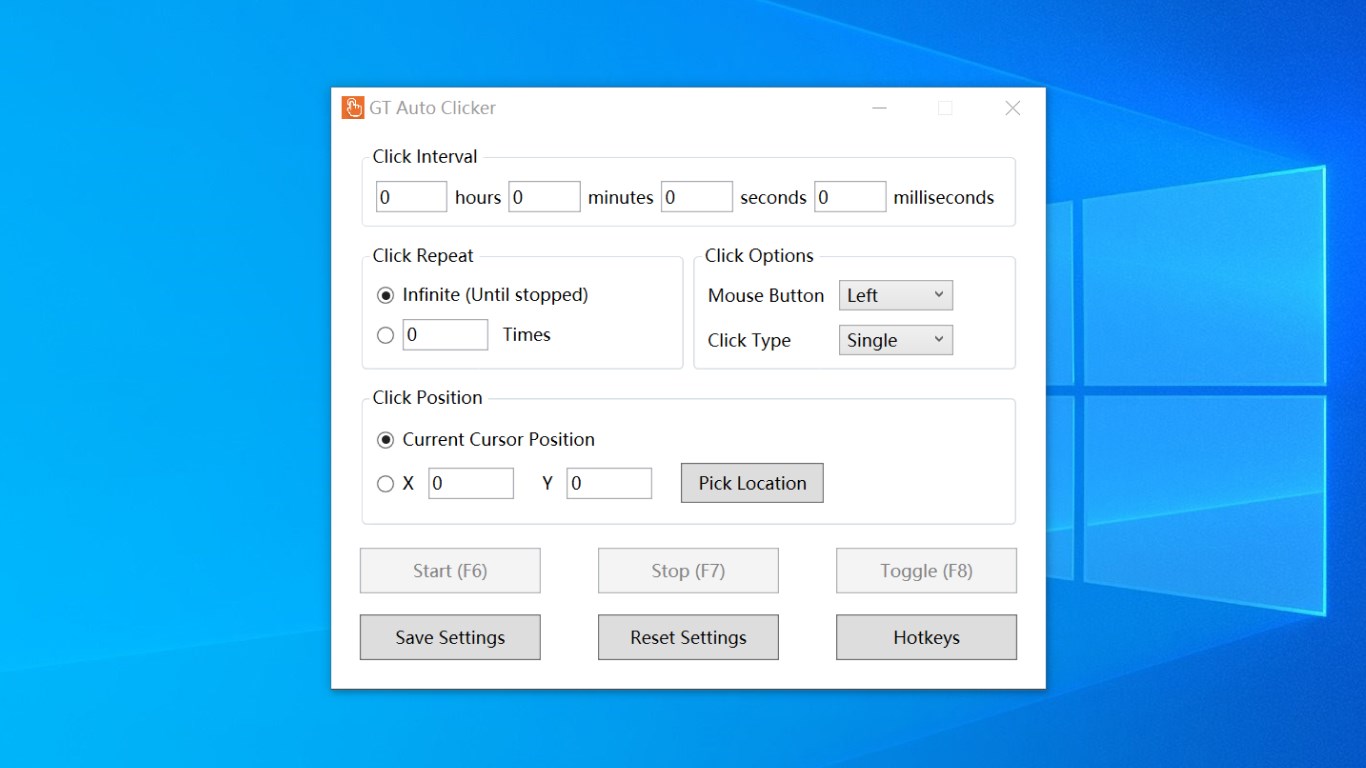
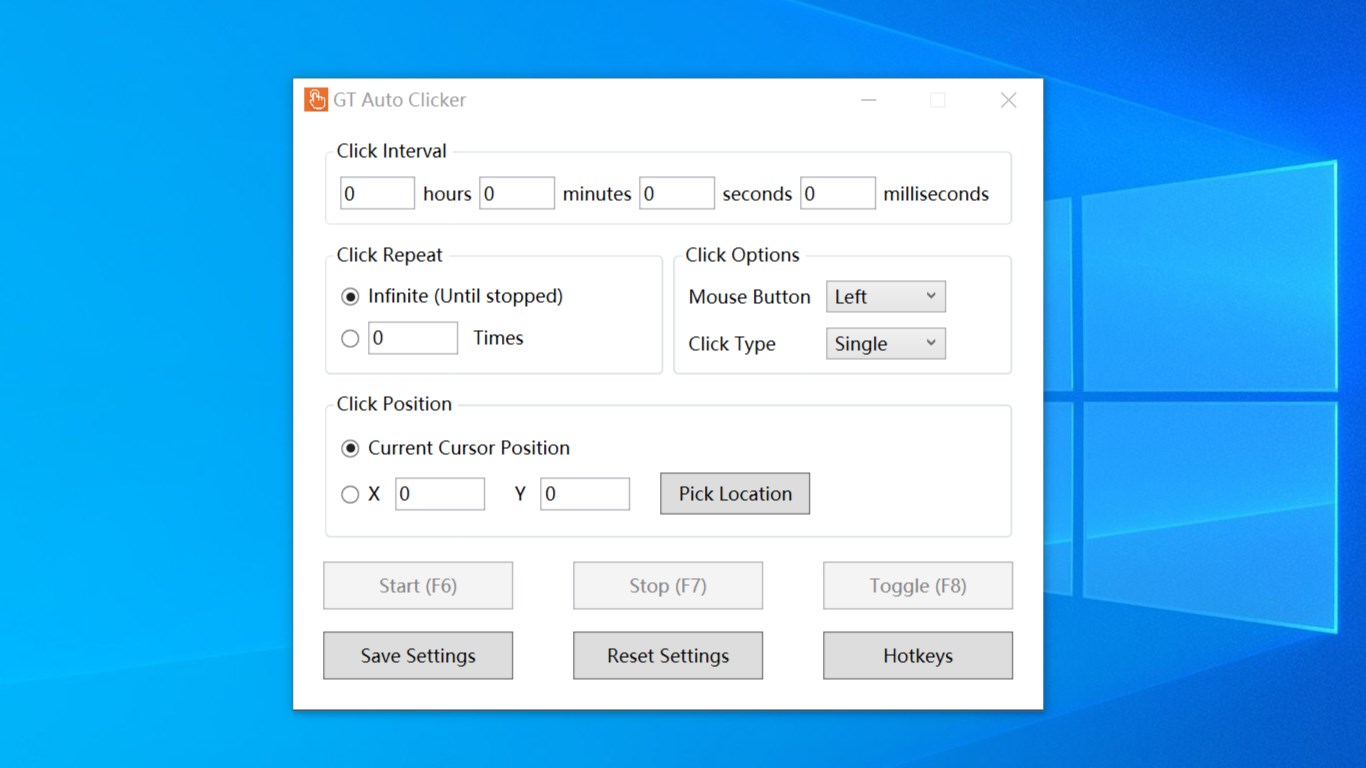
GT Auto Clicker: Free Auto Click is an app that automates repetitive mouse clicks at set intervals. It supports left, middle and right mouse button clicks as well as single and double clicks. Clicks can be triggered at the current dynamic cursor position or at a predefined location that can be selected manually. The number of clicks can be limited to a set amount or left unlimited, and hotkeys allow starting and stopping the clicking process. Settings, including the last fixed click location, are saved between sessions.
Show the developer's original descriptionHide the original description
GT Auto Clicker is a software that can free yourself from repetitive mouse click work and automate the clicks at specified intervals. GT Auto Clicker is best FPS unlocker, it could help you reach higher FPS. It's simple but enough for normal use.
[KEY FEATURES]
• Support configurable click interval
• Support left, middle and right mouse button click
• Support single click and double click
• Support to click at your dynamic cursor location or at a prespecified location
• Support to picke location where to click at
• support to set the amount of times to click or unlimit
• Support hotkeys to start and stop click
• Settings are saved, includes last fixed location
• Clean User Interface and simple to use
Play Store URL for "GT Auto Clicker: Free Auto Click"
If there is a version of this app for iOS/Mac or Windows we don't know about, paste the store link here — we'll auto-detect the store.
How to find the URL:1. Open the app in its store. 2.In the App Store app: tap the Share icon → “Copy Link”. In the browser: copy the URL from the address bar — it contains apps.apple.com/…/id… or apps.microsoft.com/detail/…. 3. Paste it here.
Paste the original link from the Apple App Store or Microsoft Store. We fetch all details automatically.
How to find the URL:
1. Open the app in its store. 2.In the App Store app: tap the Share icon → “Copy Link”. In the browser: copy the URL from the address bar — it contains apps.apple.com/…/id… or apps.microsoft.com/detail/…. 3. Paste it here.
Android apps can only be listed by their developer.