Screenshot appears after consentScreenshot appears after consentScreenshot appears after consentScreenshot appears after consentScreenshot appears after consentScreenshot appears after consentScreenshot appears after consent
Summary
MediaPlay DVD Player – Play DVDs & More is a media player app for Windows PCs that plays DVD discs, DVD folders and VIDEO_TS folders, along with over 150 video and audio formats like MP4, MKV, AVI, MOV, WMV, MP3, WAV, FLAC and AAC. It works with built-in and external USB DVD drives, plays local files offline, resumes from the last position, and supports built-in, added or downloaded subtitles. Users can adjust aspect ratio, zoom, playback speed, subtitle timing and audio settings, organize media in a shared library, convert or compress video files, and browse a built-in streaming library, with an optional one-time purchase unlocking extra features.
Show the developer's original descriptionHide the original description
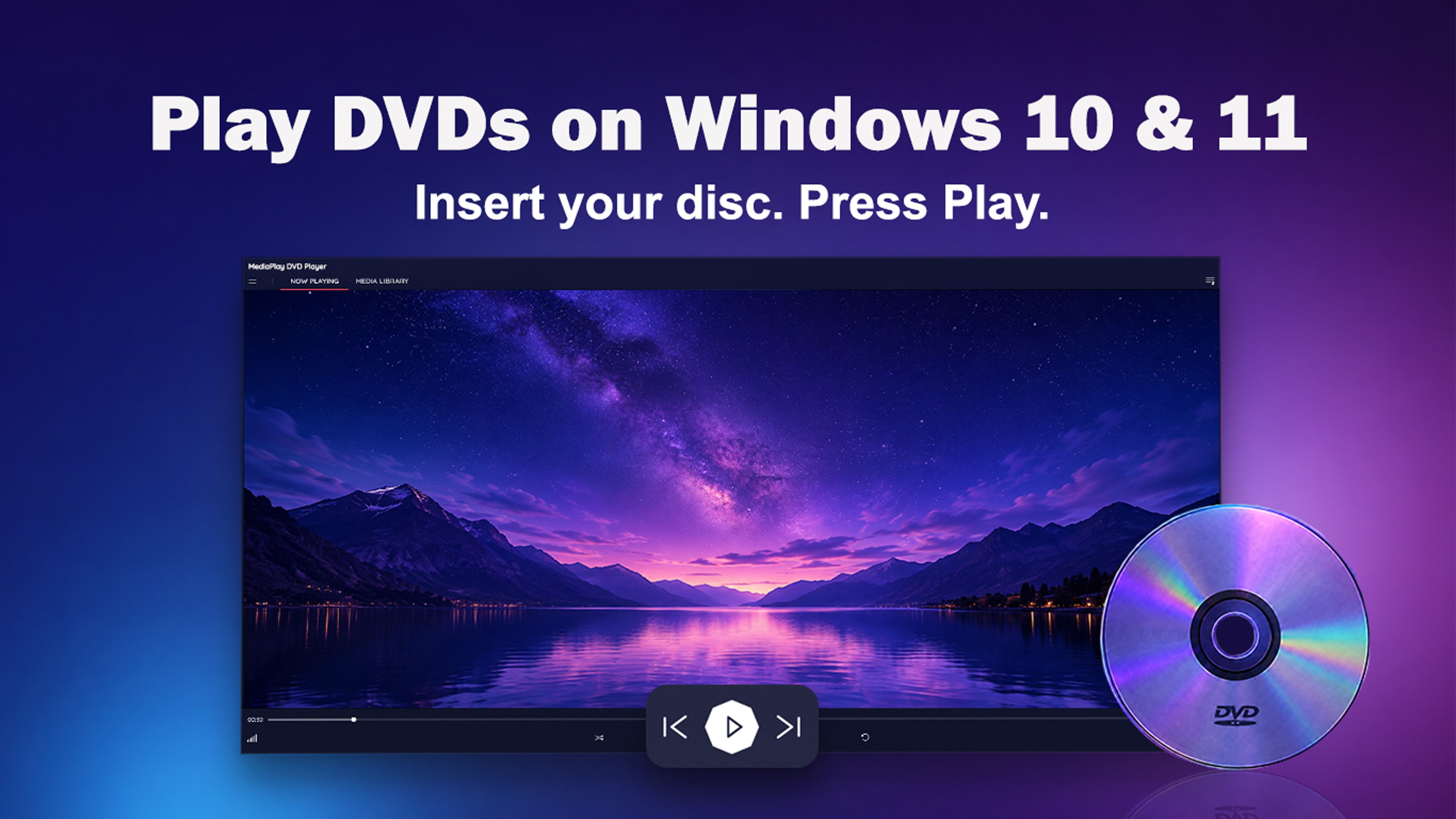
Play DVDs on Windows 10 and Windows 11 with MediaPlay DVD Player. Watch a favorite movie, enjoy a family DVD, or play the videos and music saved on your PC.
Use your computer’s built-in DVD drive or connect an external USB DVD drive. Open a disc or file, choose what to watch, and press Play. There is no MediaPlay account to create and no need to search for extra codec packs.
What you can do with MediaPlay:
✓ Watch DVDs with familiar menu controls
Play DVD discs, DVD folders, and VIDEO_TS folders. Select DVD menu buttons with your mouse or the arrow keys.
✓ Open your videos and music
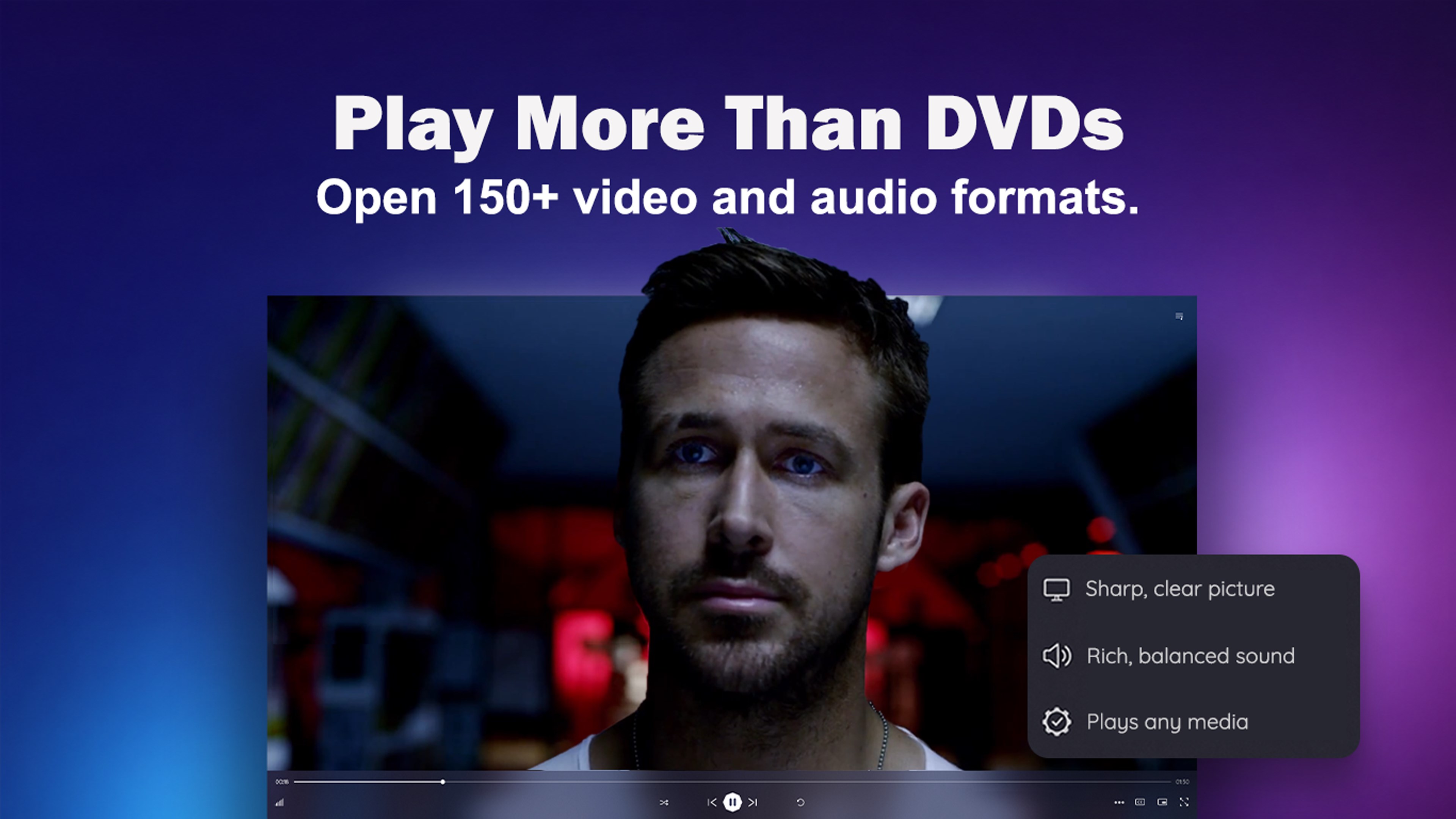
Play more than 150 video and audio formats, including MP4, MKV, AVI, MOV, WMV, MP3, WAV, FLAC, and AAC.
✓ Play HEVC videos without buying an extra extension
Watch HEVC (H.265) videos without purchasing a separate HEVC extension. Hardware acceleration is available on supported graphics cards.
✓ Adjust the picture to suit you
Enjoy smoother motion when watching DVDs and TV recordings. Adjust brightness, contrast, and color, or use sharpening and noise reduction. AI Super Resolution is available on supported graphics cards. Some picture controls and enhancements require the optional upgrade.
✓ Choose sound and subtitles to suit you
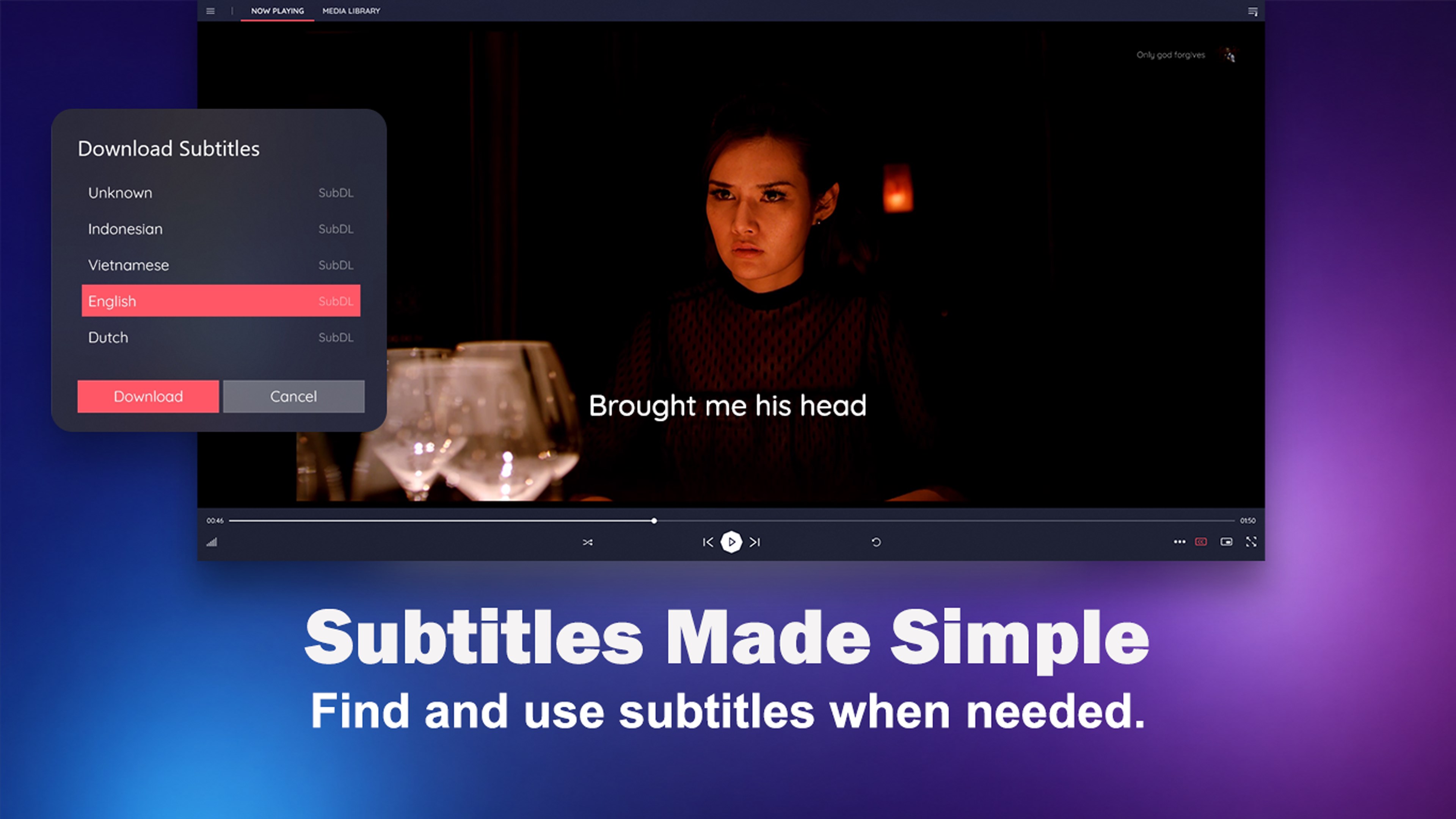
Select a sound mode such as Movie, Clear voice, Night, or Music. Use subtitles included with your video, open a separate subtitle file, or download available subtitles within the app. Adjust subtitle timing and audio sync when the words or sound are out of step with the picture.
✓ Make viewing more comfortable
Change the picture’s size and shape with zoom and aspect ratio controls. Adjust playback speed, rotate or flip a video, and choose your preferred app theme.
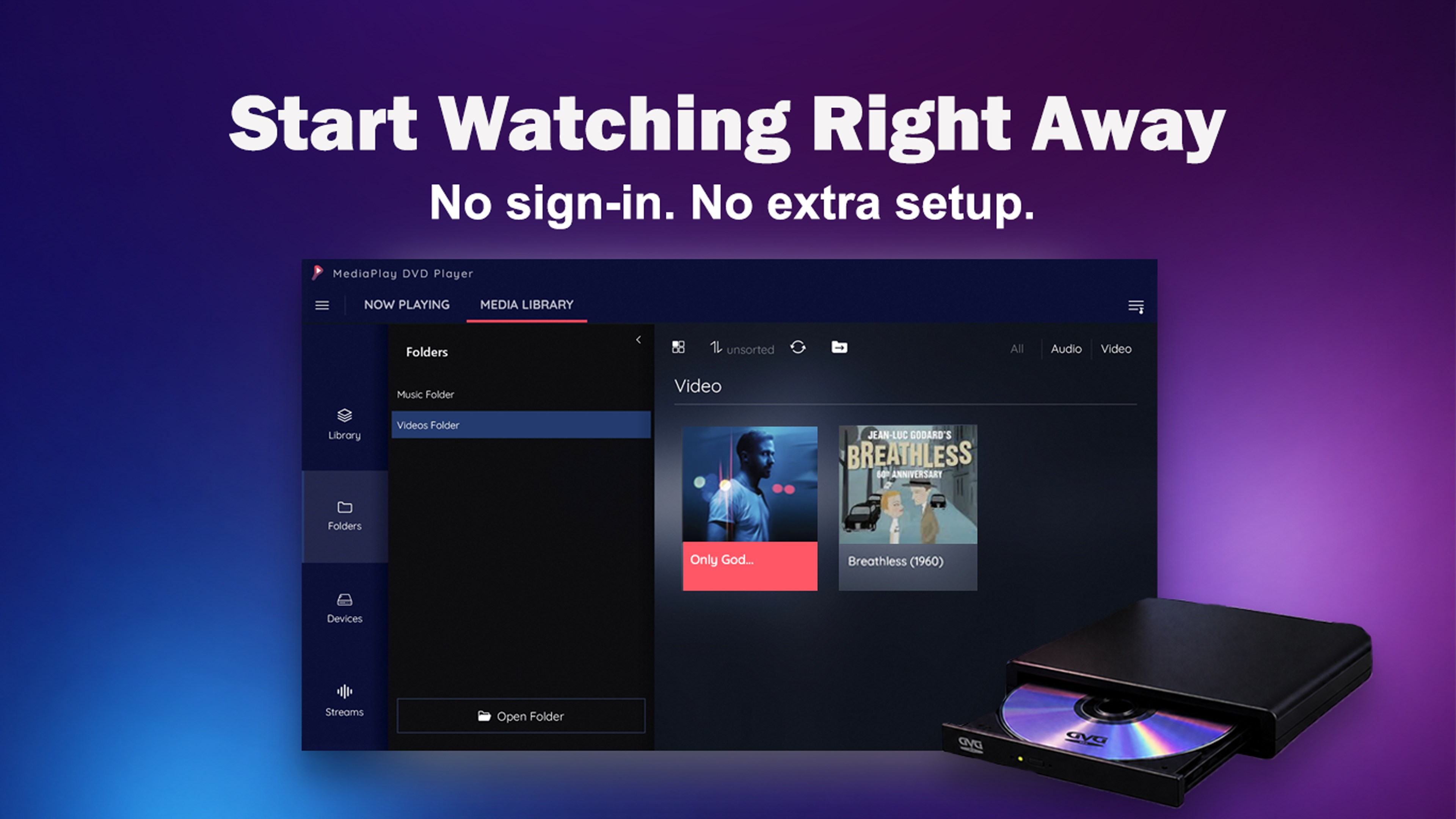
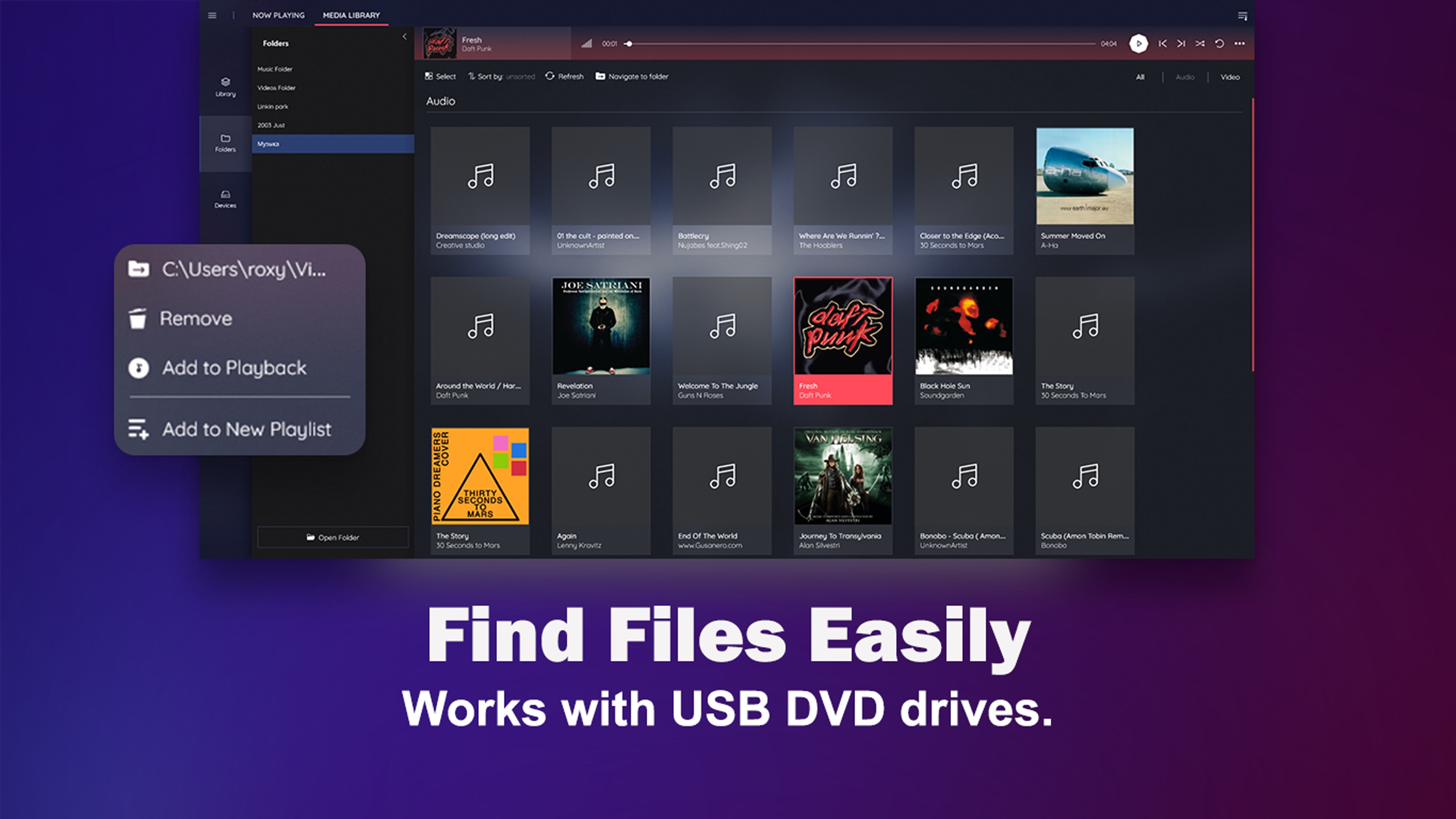
✓ Keep your collection easy to find
Browse videos, music, DVD files, and folders from one media library. Open recently played media or organize your collection into playlists.
✓ Play unprotected Blu-ray discs and folders
Watch the main movie from unprotected Blu-ray discs and Blu-ray folders. A compatible Blu-ray drive is required to play Blu-ray discs.
✓ Explore streaming and media tools
Browse built-in streaming channels, open your own stream address, or listen to internet radio. Convert supported video files, compress large files, or save the audio from a video as a separate file.
DVDs and local media files can be played offline. Streaming and subtitle downloads need an internet connection.
MediaPlay is the kind of player you can open when you just want something to work. Bring back an old favorite, watch a family DVD, or enjoy the videos and music already saved on your computer.
Your collection is already there. MediaPlay makes it easier to enjoy.
* One-time upgrade: An optional one-time upgrade for $12.99 removes ads and unlocks more features.
Play Store URL for "MediaPlay DVD Player – Play DVDs & More"
If there is a version of this app for iOS/Mac or Windows we don't know about, paste the store link here — we'll auto-detect the store.
How to find the URL:1. Open the app in its store. 2.In the App Store app: tap the Share icon → “Copy Link”. In the browser: copy the URL from the address bar — it contains apps.apple.com/…/id… or apps.microsoft.com/detail/…. 3. Paste it here.
Paste the original link from the Apple App Store or Microsoft Store. We fetch all details automatically.
How to find the URL:
1. Open the app in its store. 2.In the App Store app: tap the Share icon → “Copy Link”. In the browser: copy the URL from the address bar — it contains apps.apple.com/…/id… or apps.microsoft.com/detail/…. 3. Paste it here.
Android apps can only be listed by their developer.





 OK DVD Player
Play DVDs and video files on Windows
 Player for DVD's Lite
DVD and video player with 150+ codecs and playlists
 Player for DVD's
Play DVDs and video files with subtitles and playlists
 Ace DVD Player
Play DVDs, Blu-rays and over 100 audio and video formats
 Pure Player X for DVD
Media player for 150+ formats and DVD discs
 Fast Player for DVD
Play DVDs, Blu-rays and 150+ media formats