Screenshot appears after consentScreenshot appears after consentScreenshot appears after consentScreenshot appears after consentScreenshot appears after consent
Summary
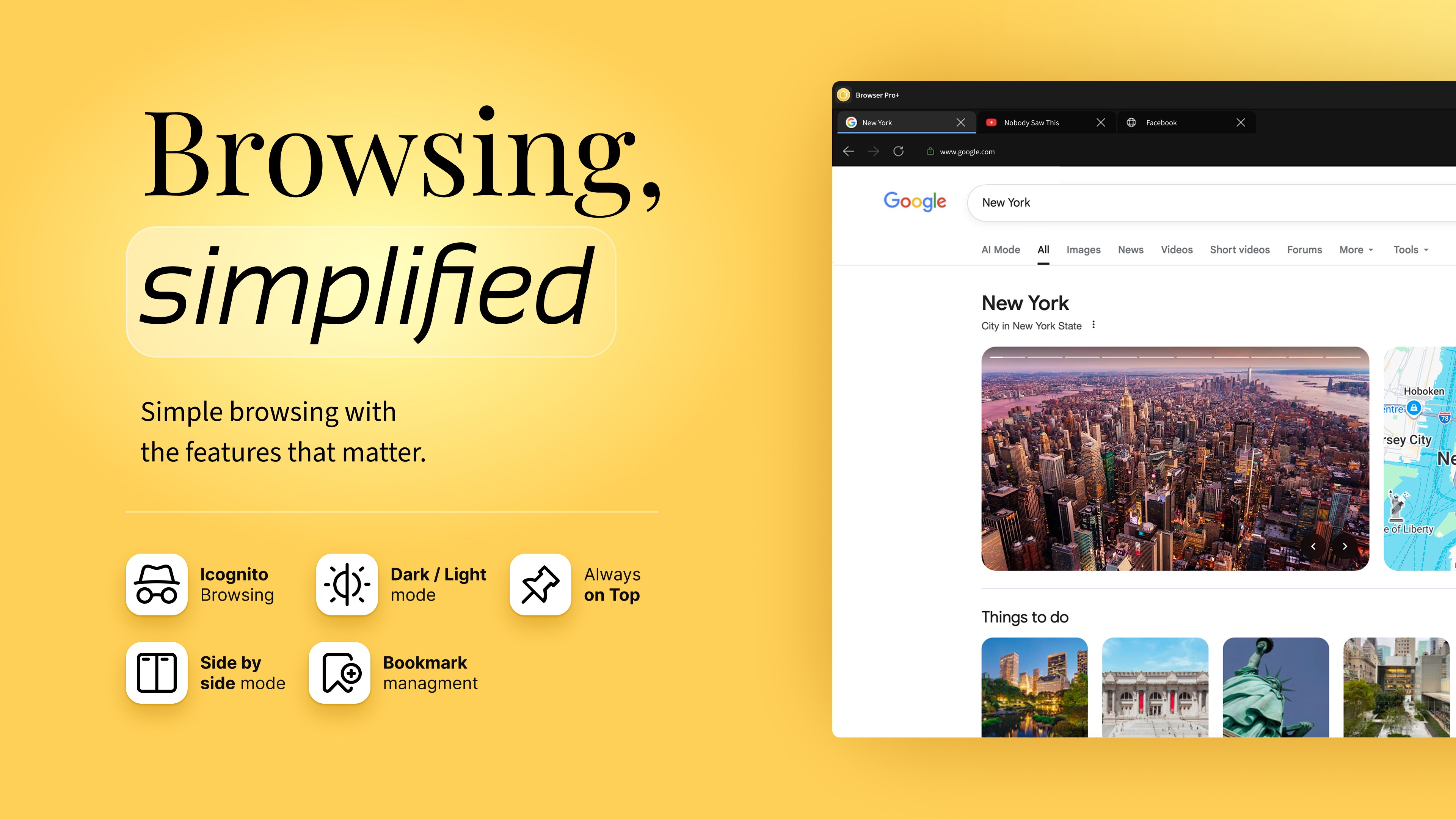
Browser Pro+ is a web browser for Windows, using a Microsoft Fluent UI design. It offers a split screen view that shows two websites side by side with an adjustable ratio, useful for comparison and research. An always-on-top window keeps the browser visible while working in other apps and remembers its size and position. It provides tabbed browsing with drag-and-drop reordering, tab pinning, session restore and a smart address bar. Private browsing opens an isolated incognito session without saved history, and a built-in bookmark and download manager helps organize content while opening websites and files directly.
Show the developer's original descriptionHide the original description
Browser Pro+ is a lightweight desktop web browser designed for speed, clarity and multitasking. It combines essential browsing features with powerful productivity tools like split screen view and always-on-top mode — all in a clean Microsoft Fluent UI design.
Use it as your primary web browser or as a focused secondary browser for research, work, studying or monitoring content.
🧭 Fast & Smart Browsing
• Tabbed browsing with drag-and-drop reordering
• Pin tabs and restore previous sessions
• Smart address bar with automatic search detection
• Built-in Find in Page
• Per-tab zoom controls
A modern browsing experience built specifically for Windows desktop users.
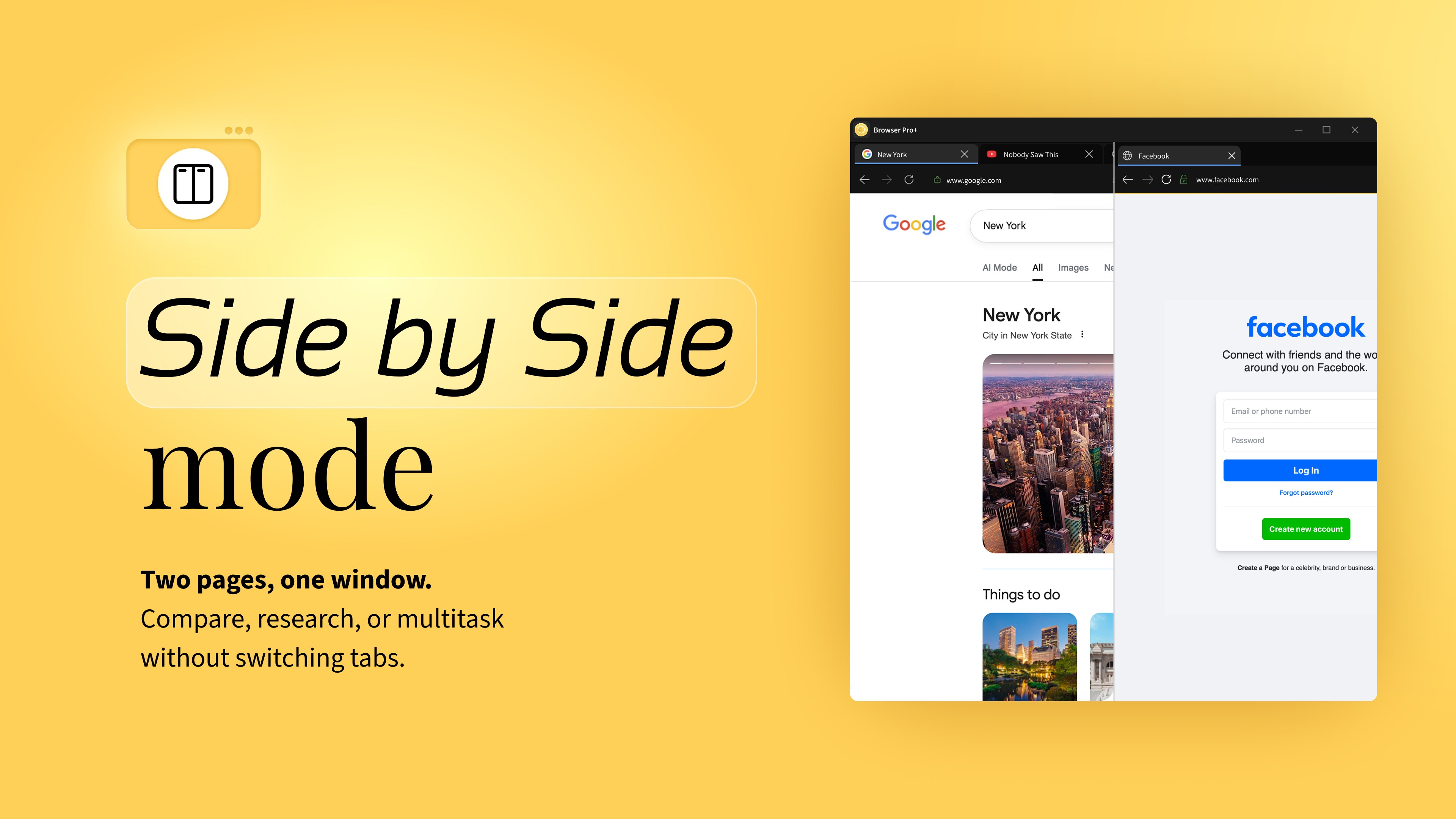
🖥 Split Screen View
Browse two websites side by side in one window.
• Adjustable split ratio
• Ideal for comparison, research and multitasking
• No constant tab switching
A built-in split screen browser mode that helps you stay productive.
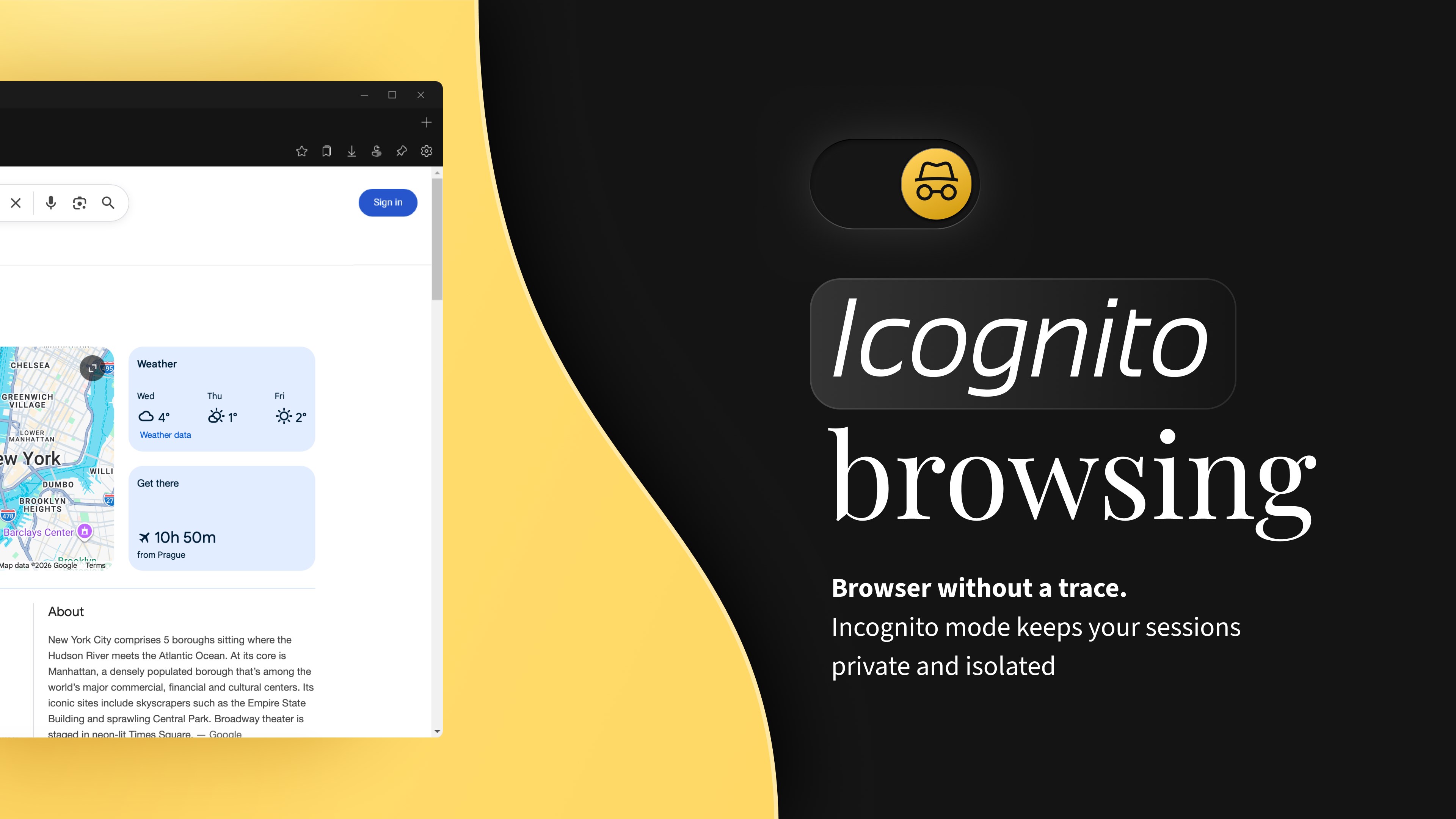
🔒 Private Browsing
Open a dedicated Incognito window whenever you need a private session.
• No browsing history saved
• Isolated temporary session
• Clean distraction-free environment
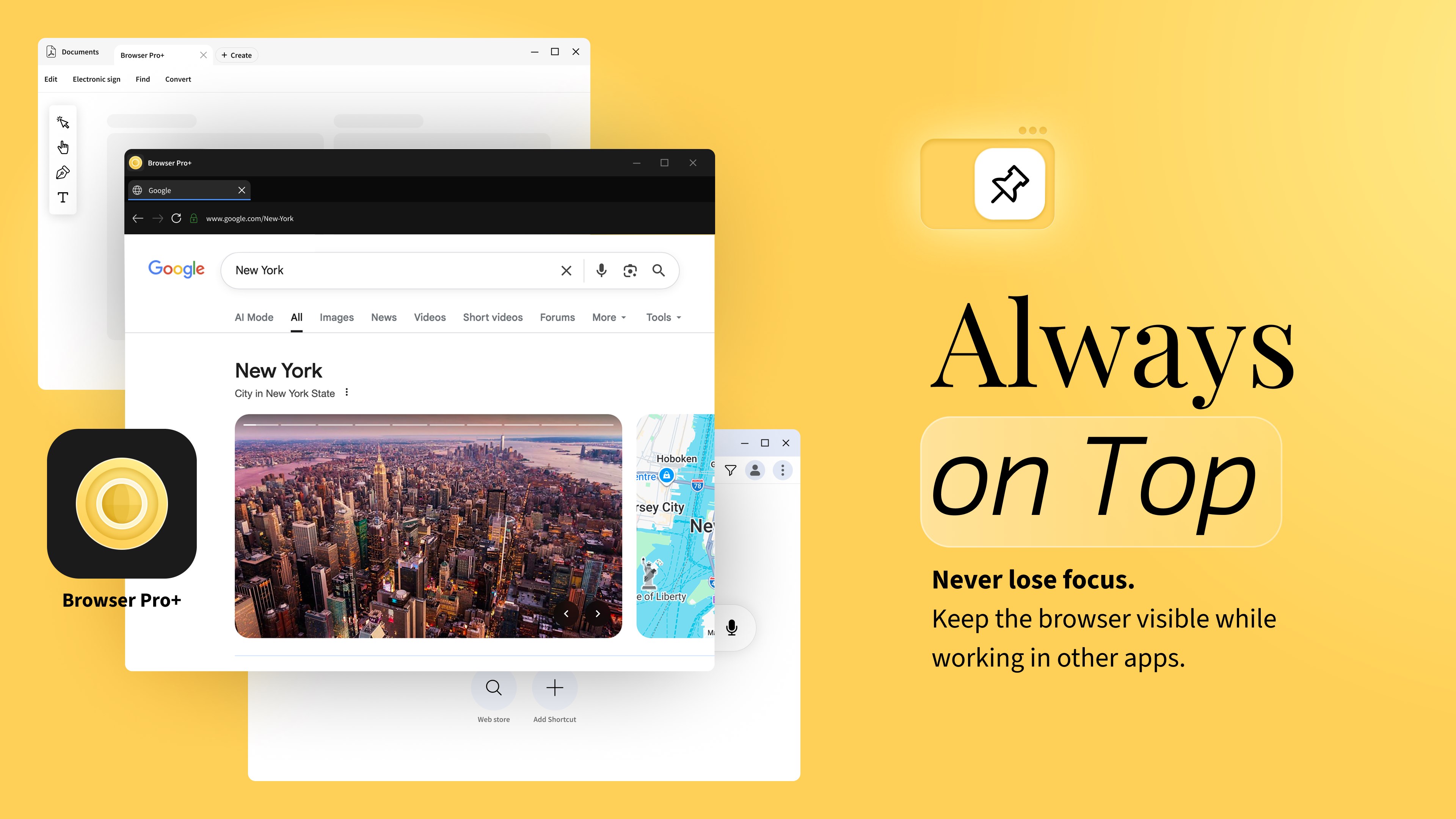
📌 Always-on-Top Window
Keep your browser visible while working in other applications.
• Pin window above all apps
• Ideal for dashboards, chats, documentation or streaming
• Remembers window size and position
Designed for real desktop workflows.
⭐ Built-in Bookmark & Download Manager
• Organize bookmarks into folders
• Quick bookmark search
• Download manager with progress tracking
• Open files or show in folder
Everything you need in a clean desktop browser.
🎨 Customizable for Windows
• Light, Dark or System theme
• Choose your preferred search engine
• Option to set as your default browser
• Optional startup with Windows
Built for Windows users who want a lightweight, private and productivity-focused web browser.
📂 Open Web & Local Content
Browser Pro+ can open websites, local HTML files, PDF documents and web shortcuts directly from your desktop, making it a practical secondary browser or quick web viewer when you need fast access to online or offline content.
If there is a version of this app for iOS/Mac or Windows we don't know about, paste the store link here — we'll auto-detect the store.
How to find the URL:1. Open the app in its store. 2.In the App Store app: tap the Share icon → “Copy Link”. In the browser: copy the URL from the address bar — it contains apps.apple.com/…/id… or apps.microsoft.com/detail/…. 3. Paste it here.
Paste the original link from the Apple App Store or Microsoft Store. We fetch all details automatically.
How to find the URL:
1. Open the app in its store. 2.In the App Store app: tap the Share icon → “Copy Link”. In the browser: copy the URL from the address bar — it contains apps.apple.com/…/id… or apps.microsoft.com/detail/…. 3. Paste it here.
Android apps can only be listed by their developer.




 X Browser
Fast browser with tab management and split view
 O-browser
Browser with split screen, PDF editor and sidebar tabs
 Pocket Screen - Window PiP
Keep two Mac windows visible as floating PiP views
 Fast Internet Browser
Web browser with ad blocker, private mode and tabs
 Opera GX
Browser with resource limits and gaming features
 BlueSky Browser
Lightweight, fast browser for any device