Screenshot appears after consentScreenshot appears after consentScreenshot appears after consentScreenshot appears after consentScreenshot appears after consentScreenshot appears after consentScreenshot appears after consentScreenshot appears after consentScreenshot appears after consentScreenshot appears after consentScreenshot appears after consentScreenshot appears after consentScreenshot appears after consentScreenshot appears after consentScreenshot appears after consentScreenshot appears after consentScreenshot appears after consentScreenshot appears after consentScreenshot appears after consentScreenshot appears after consentScreenshot appears after consentScreenshot appears after consentScreenshot appears after consentScreenshot appears after consent
Summary
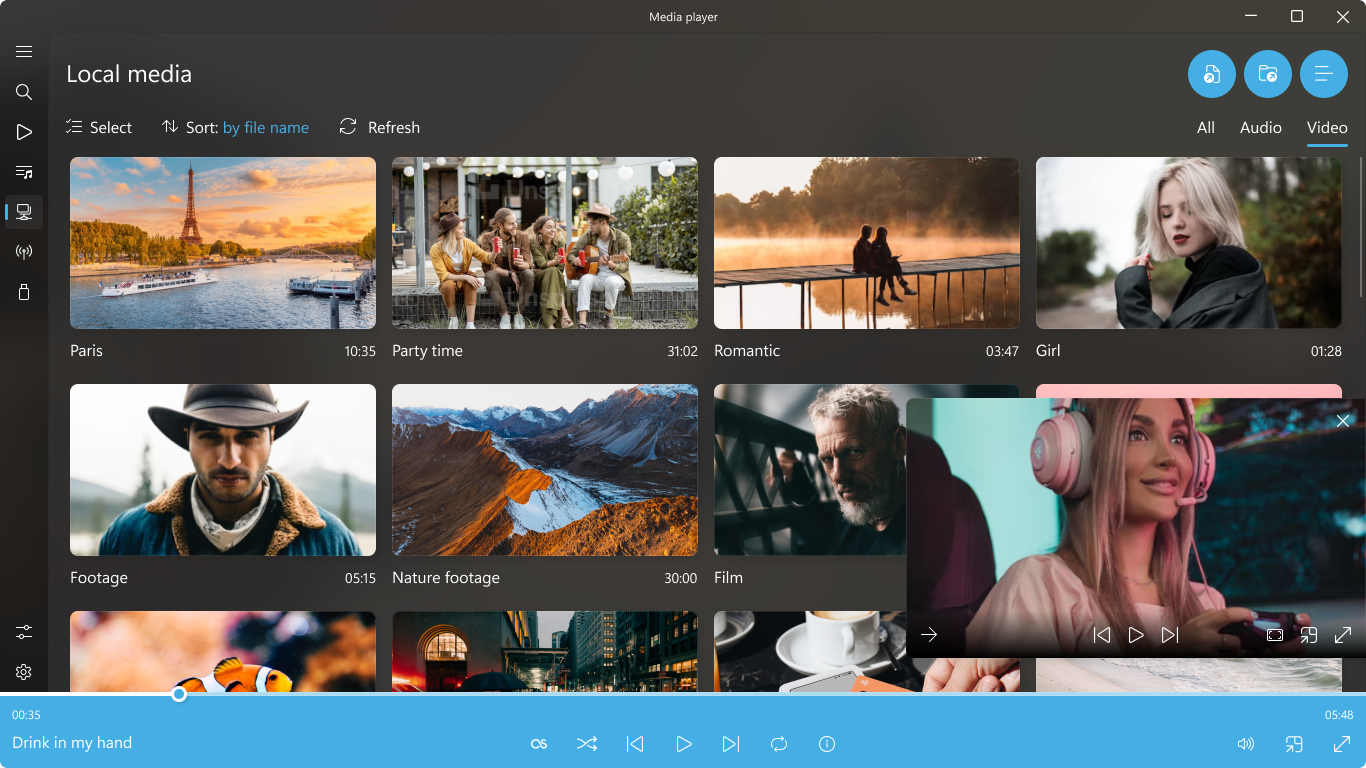
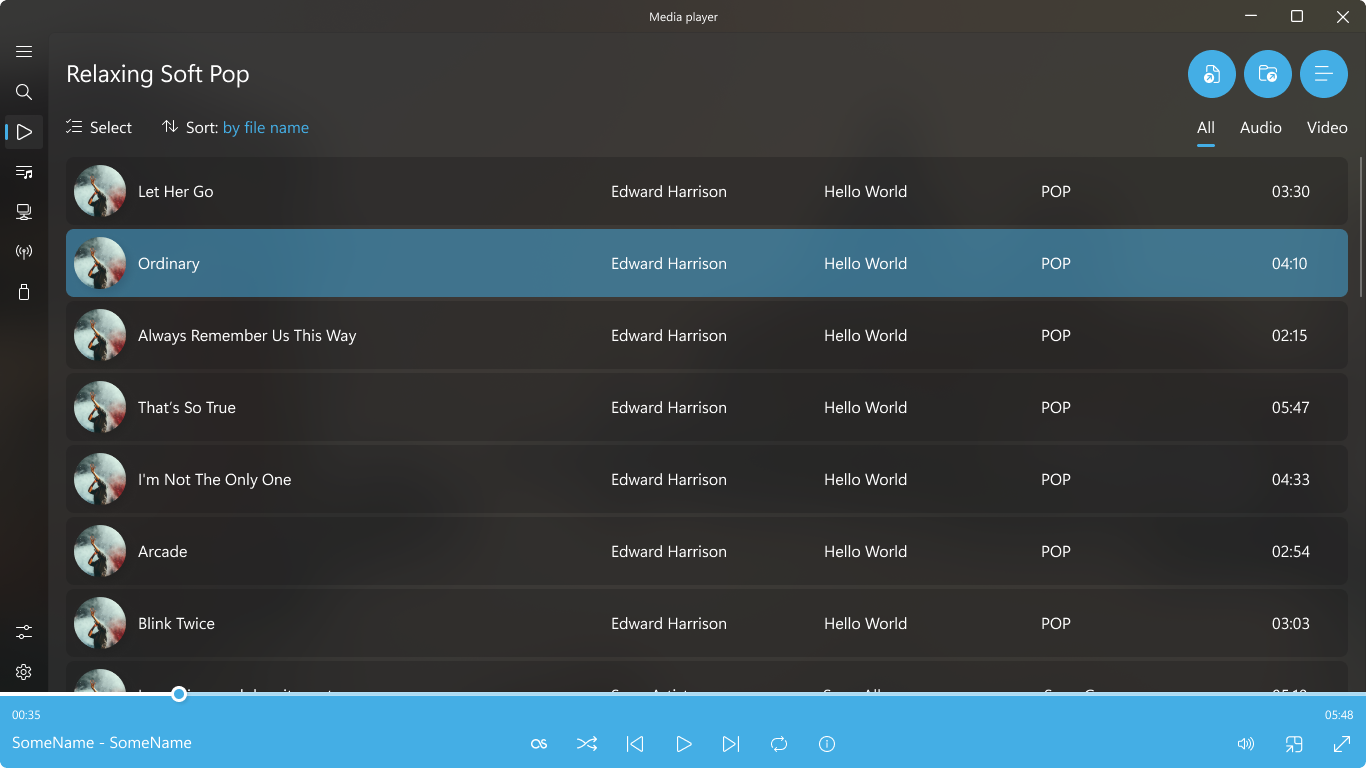
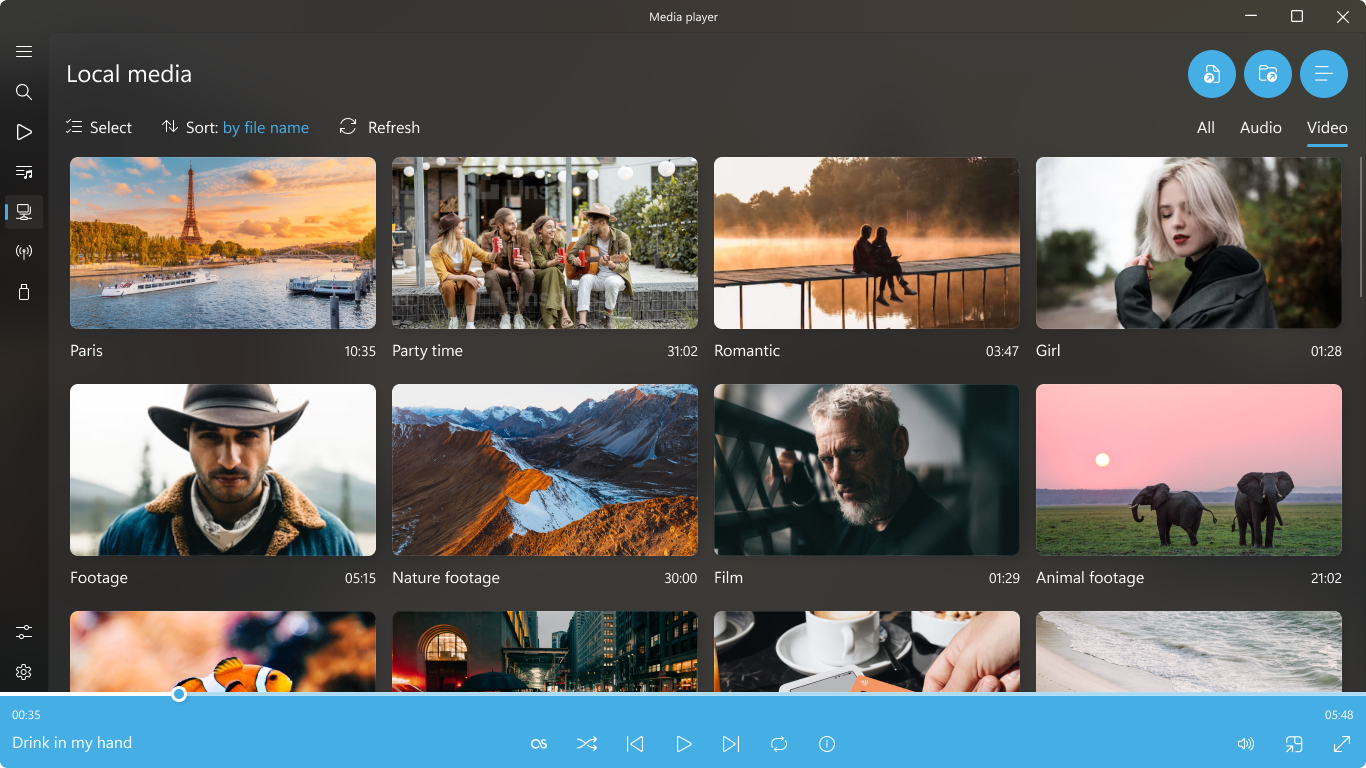
Media Player is an app for playing audio and video files, supporting over 200 formats including MP4, MKV, AVI, FLAC, MOV, WMV, MP3, AAC and OGG. It plays ultra-high-definition content such as 4K Full HD and HDR with subtitle support and Blu-ray playlists. Users can create and manage playlists and queue favorite content, and the app integrates LastFM for music listening. It also offers game streams, let's plays, TV channels and radio. A premium plan removes watermarks and adds enhanced playback options, advanced customization tools and an equalizer, available first through a trial period.
Show the developer's original descriptionHide the original description
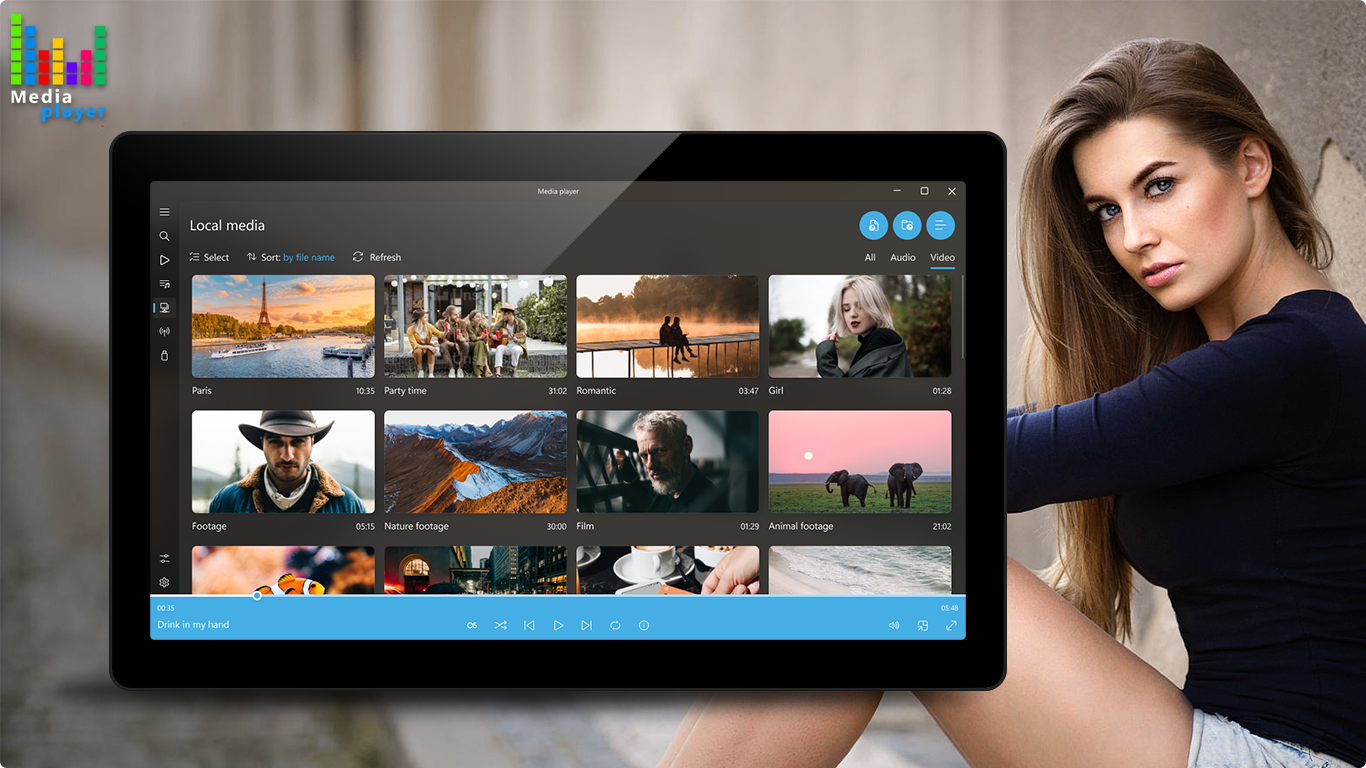
Unleash the full potential of your media with our Media Player! Enjoy seamless and high-quality playback of over 200 audio and video formats with a sleek, modern design and an intuitive onboarding guide. Whether you're watching videos or listening to music, our player ensures smooth performance and excellent sound quality.
Experience ultimate compatibility with popular formats such as MP4, MKV, AVI, FLAC, MOV, WMV, MP3, AAC, OGG, WEBM, and many more. Enjoy stunning ultra-high-definition(UHD) playback as well as Media Player, delivering a premium viewing experience for 4K FullHD, HDR content, or custom playlists with exceptional clarity and detail.
With its smooth performance and exceptional reliability, our Media Player stands out as one of the most popular and highly regarded solutions for audio and video playback. If you've ever used any other software for playing media files, you owe it to yourself to try something even better.
Our Media Player supports Blu-ray playlists, subtitles and integrates LastFM for a more immersive listening experience. You can easily create and manage playlists, queue up your favorite content, and even cast to your device for a personalized entertainment experience.
• Watch videos? - No problem! Watch in our video player!
• Listen to your Music? – It's easy right in our app! Enjoy music audio control for a personalized listening experience!
• Enjoy Game Streams, Let's Plays, TV Channels, and Radio – all available in our app for seamless entertainment!
Whether you're watching 4K FullHD multimedia, enjoying HDR content, or curating your playlists, our Media Player offers the performance and versatility to meet all your entertainment needs, delivering an exceptional experience every time.
Upgrade to our premium plan to remove watermarks and unlock exclusive features like enhanced playback options, advanced customization tools, and priority updates. Enjoy a rich media experience with support for a wide range of video and audio codecs, an intuitive equalizer for fine-tuned sound, and seamless, unrestricted playback tailored just for you. Premium features are available during a trial period, allowing you to explore all the benefits before upgrading.
If there is a version of this app for iOS/Mac or Windows we don't know about, paste the store link here — we'll auto-detect the store.
How to find the URL:1. Open the app in its store. 2.In the App Store app: tap the Share icon → “Copy Link”. In the browser: copy the URL from the address bar — it contains apps.apple.com/…/id… or apps.microsoft.com/detail/…. 3. Paste it here.
Paste the original link from the Apple App Store or Microsoft Store. We fetch all details automatically.
How to find the URL:
1. Open the app in its store. 2.In the App Store app: tap the Share icon → “Copy Link”. In the browser: copy the URL from the address bar — it contains apps.apple.com/…/id… or apps.microsoft.com/detail/…. 3. Paste it here.
Android apps can only be listed by their developer.








 Media Player - All Formats
Play video and audio files in various formats
 Final Video Player - MKV & MP4
Play videos and music with streaming and subtitle support
 Media Player Go
Multimedia player for audio and video with subtitles
 aFree Media Player
Media player for over 150 audio and video formats, ad-free
 All Video Player HD
Video player supporting nearly all formats and subtitles
 Player
Play videos and music in over 200 formats