
Screenshot appears after consentScreenshot appears after consentScreenshot appears after consent
Summary
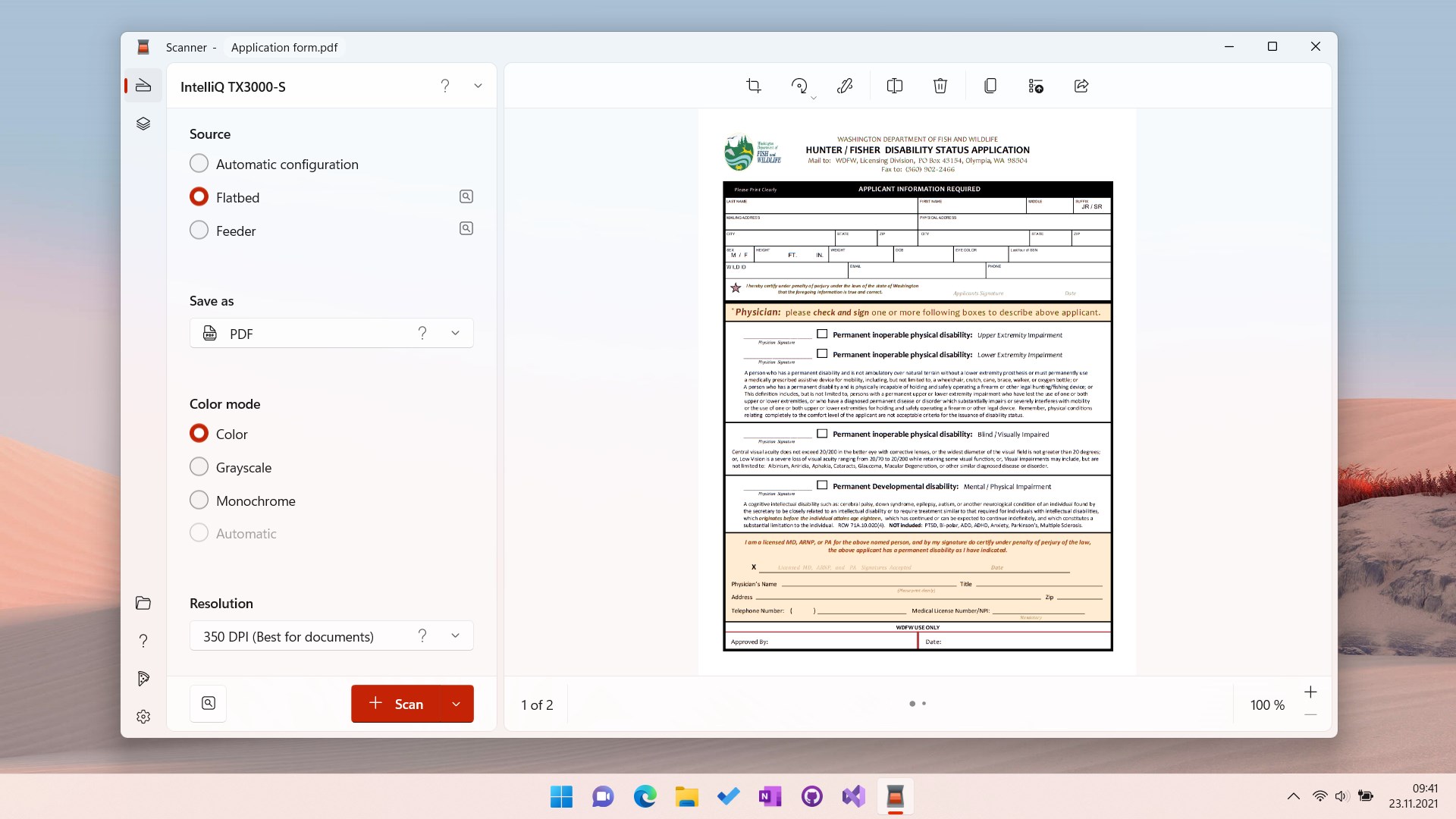
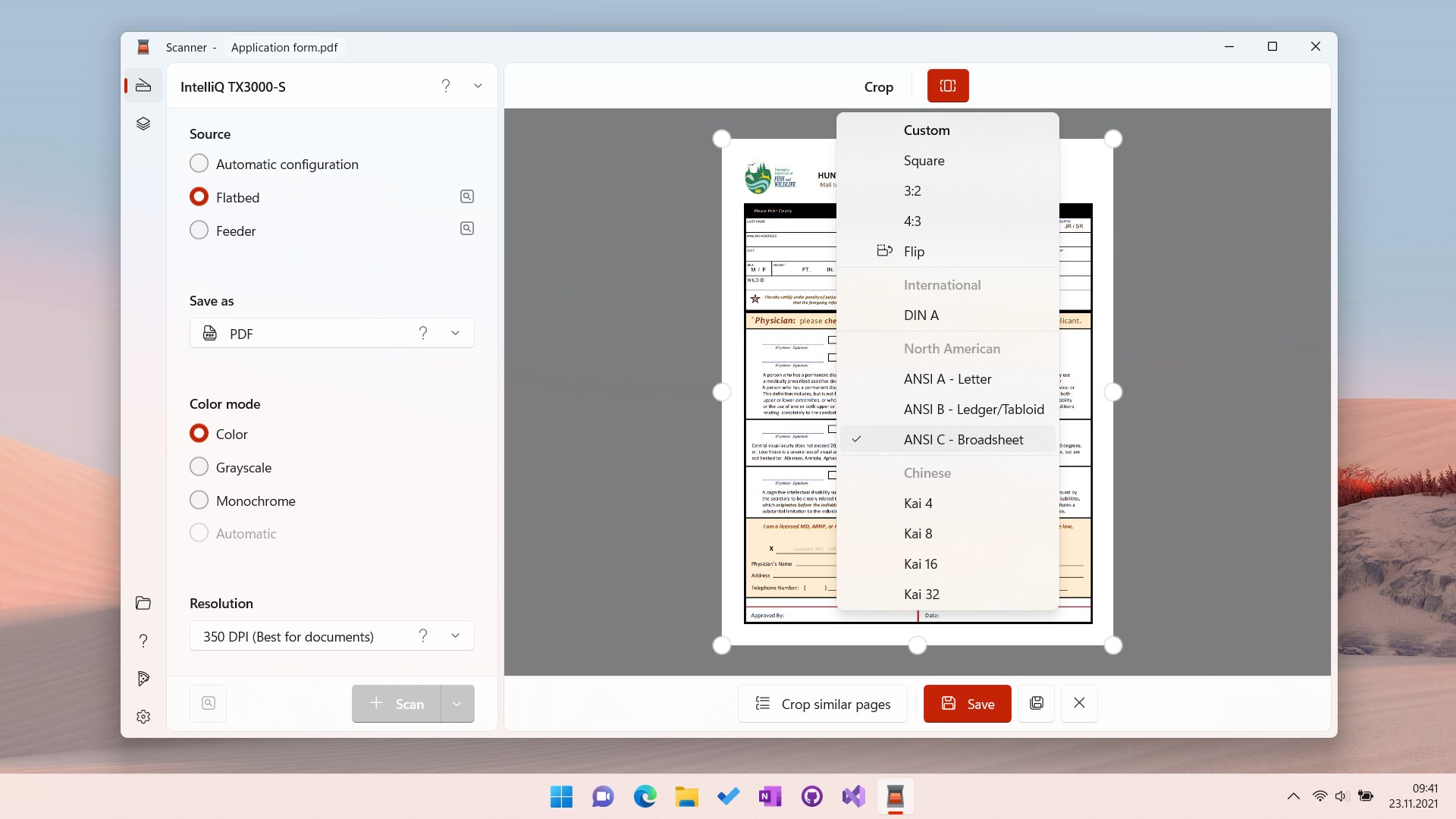
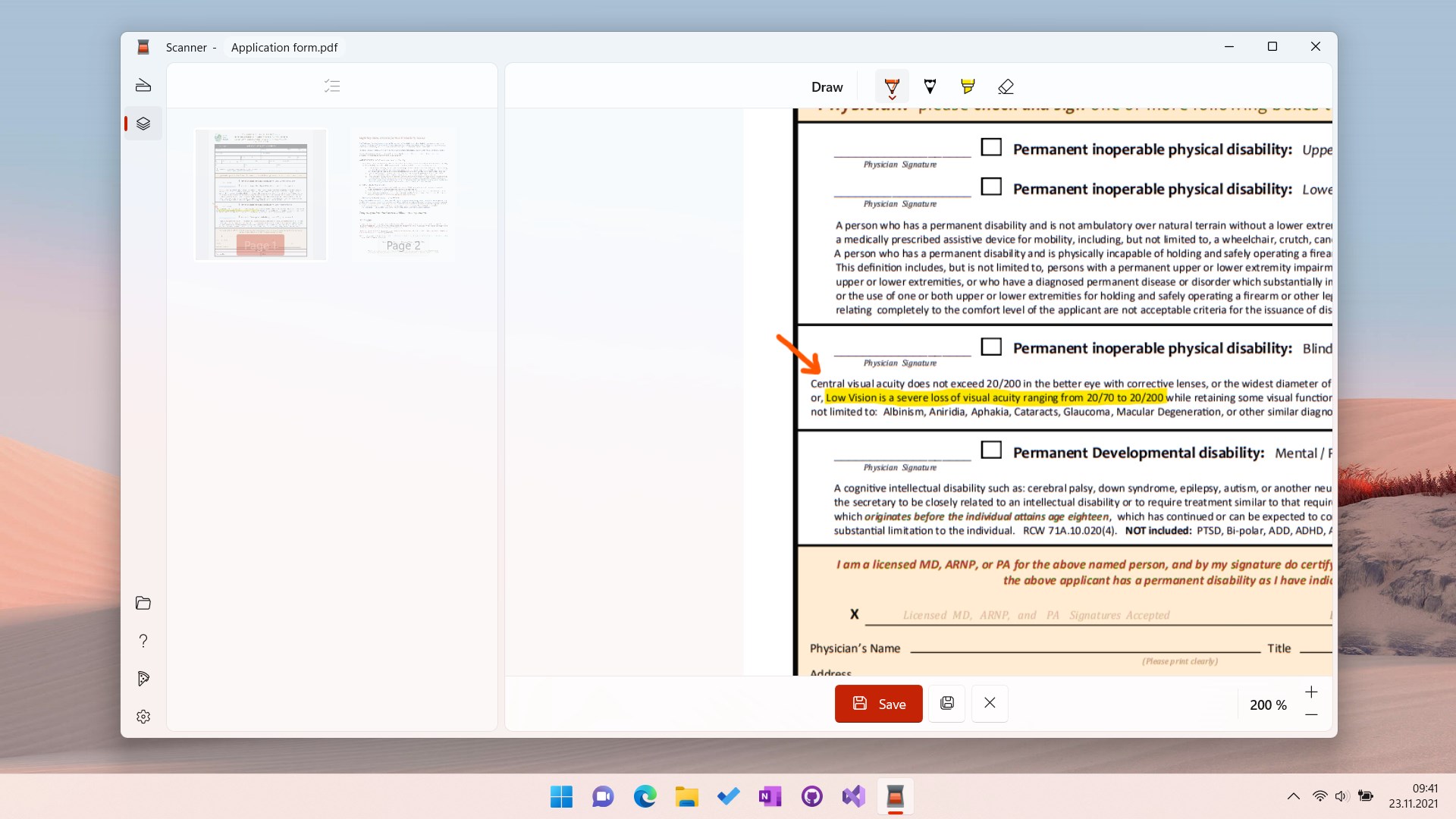
Scanner - Quick and Easy Document Scanning is a document scanning app for digitizing documents and photos. It scans pages as image files and allows rotating and cropping them using built-in presets. Scanned pages can be shared quickly via email or combined into a multi-page PDF file, which can be given a descriptive name and archived in a chosen folder. The app supports almost every scanner currently in use, replacing the manufacturer-provided software. Supported formats include PDF, JPG, PNG, TIF and BMP.
Show the developer's original descriptionHide the original description
Scanning documents and photos is now as effortless as it’s supposed to be. Scan some pages as image files, rotate and crop them with the built-in presets and quickly share them via email — or create a multi-page PDF file, give it an expressive name and archive it in the right folder.
With Scanner you can get everything done in one place, no additional image editors or expensive PDF software needed.
Almost every scanner in use today is supported by this app, so you don’t need to use the antiquated and clunky software provided by your device manufacturer. It’s designed with simplicity and ease-of-use in mind while also offering advanced tools and features.
The supported formats are PDF, JPG, PNG, TIF and BMP.
Play Store URL for "Scanner - Quick and Easy Document Scanning"
If there is a version of this app for iOS/Mac or Windows we don't know about, paste the store link here — we'll auto-detect the store.
How to find the URL:1. Open the app in its store. 2.In the App Store app: tap the Share icon → “Copy Link”. In the browser: copy the URL from the address bar — it contains apps.apple.com/…/id… or apps.microsoft.com/detail/…. 3. Paste it here.
Paste the original link from the Apple App Store or Microsoft Store. We fetch all details automatically.
How to find the URL:
1. Open the app in its store. 2.In the App Store app: tap the Share icon → “Copy Link”. In the browser: copy the URL from the address bar — it contains apps.apple.com/…/id… or apps.microsoft.com/detail/…. 3. Paste it here.
Android apps can only be listed by their developer.