


Windows Camera

Capture photos and videos with automatic enhancement AI summary
Rank 2148
0 Up Votes, 0 Down Votes
▲
0
▼
Windows Camera is not available on Android and Apple — or is it? Submit URL
Screenshots
Screenshot 1 of Windows Camera on WindowsScreenshot
appears after consent
Screenshot 2 of Windows Camera on WindowsScreenshot
appears after consent
Screenshot 3 of Windows Camera on WindowsScreenshot
appears after consent
Screenshot 4 of Windows Camera on WindowsScreenshot
appears after consent
Screenshot 5 of Windows Camera on WindowsScreenshot
appears after consent
Screenshot 6 of Windows Camera on WindowsScreenshot
appears after consent
Summary
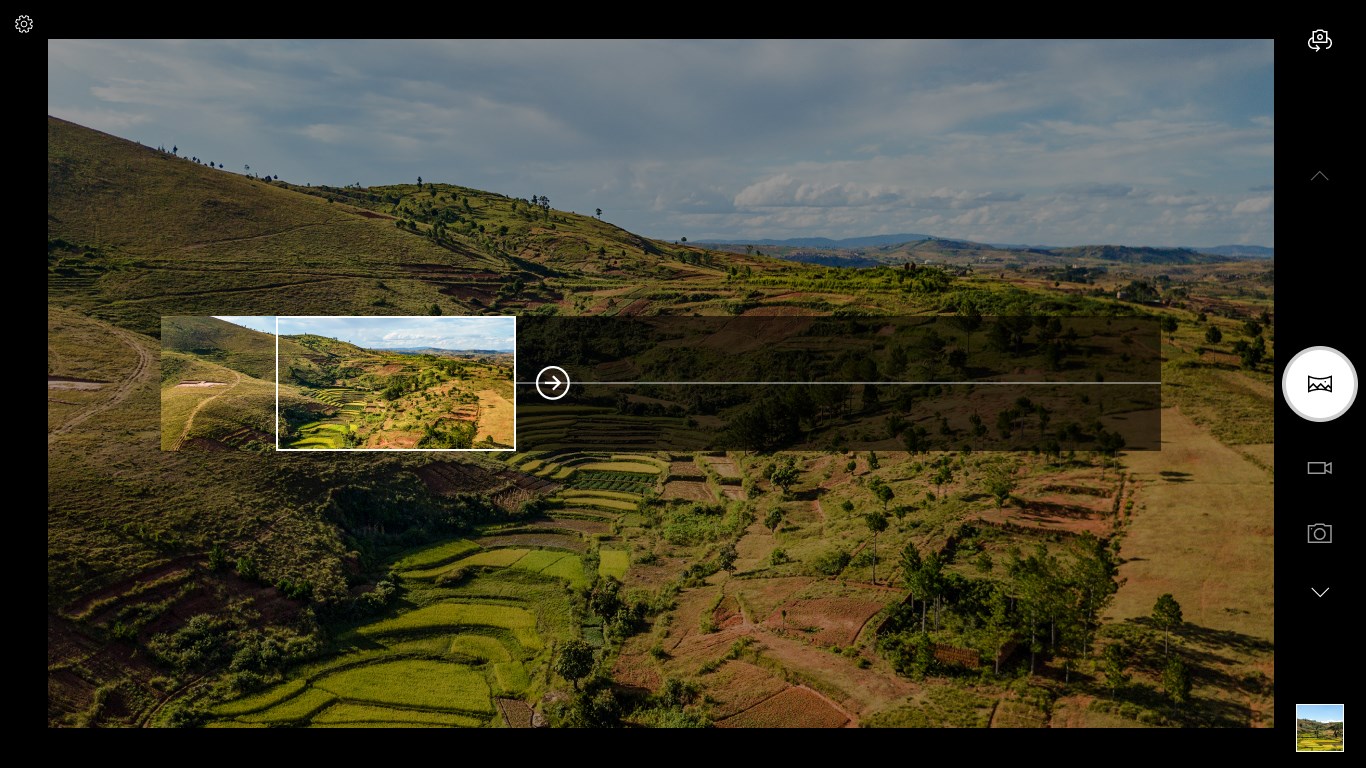
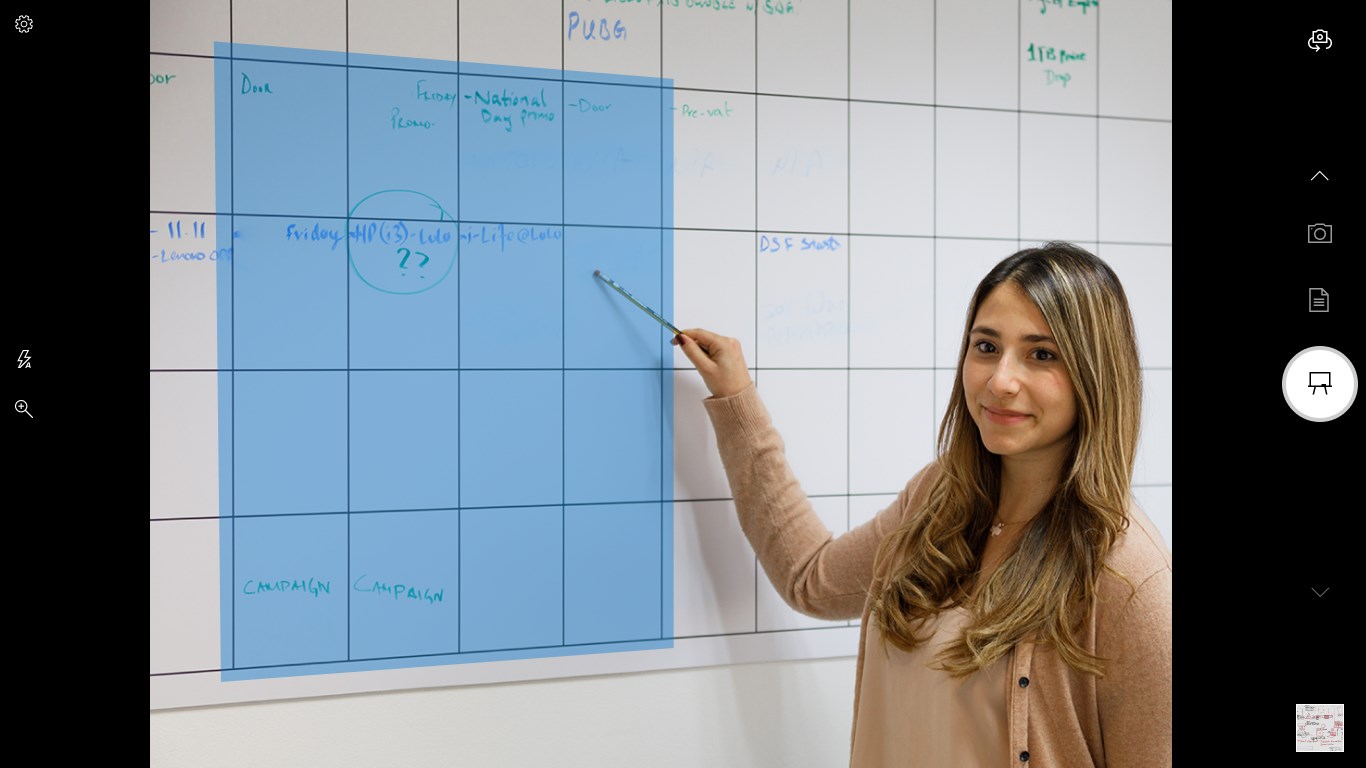
Windows Camera is a camera app for taking photos and videos on any PC or tablet running Windows 10. It allows pausing and resuming video recording, automatically stitching the separate clips into a single video. A timer helps include the user in the shot, and a framing grid assists with composing pictures. Photos can be backed up automatically to OneDrive for access across devices, including a phone. On supported hardware, the app can also capture panoramas, enhance photos of whiteboards or documents for readability, record 4K video for extracting stills, stabilize shaky footage digitally, and capture HDR images with greater detail in bright and dark areas.
Show the developer's original descriptionHide the original description
The Camera app is faster and simpler than ever. Just point and shoot to take great pictures automatically on any PC or tablet running Windows 10. • While recording video, pause and resume whenever you want—the Camera app can automatically stitch them all together into one video, so you can skip the boring parts and capture only what’s important. • Use the timer to get yourself into the shot. • Compose the perfect picture with the framing grid. • Automatically back up your photos to OneDrive so you can get to them from any device, including your phone. And if your device’s hardware supports it, you can: • Save time by taking a photo of a whiteboard instead of writing it all down—the Camera app automatically makes the shot more readable. *(1,2) • Stop going to the scanner. Just take a photo of any document—new modes enhance the photo so it’s legible. *(1,2) • Capture more of the scene with a panorama. *(1,2) • 4K video capture that lets you save great stills from video *(3) • Shoot smoother videos, even if your hands shake, thanks to digital video stabilization. *(4) • Capture the range of contrast and get greater detail in both bright and dark areas of the shot with HDR (High Dynamic Range). *(4) *1 Requires world facing camera *2 Requires camera supporting 1080p or greater resolution *3 Requires camera supporting 4K resolution *4 Available on select devices with supporting hardware
Technical details about Windows Camera
Category
Age Rating
Price
Size
29,3 MB
Last updated in Microsoft Store
2026-10-19
App Store Rating
3.8 ★
Devices
Windows Camera in the rankings
Manage app

Are you on the developer team behind Windows Camera?

Verify yourself and manage your listing on Most Voted Apps.

Verify Windows Camera for free
Verification usually takes only a few minutes.
Similar apps to Windows Camera