Screenshot appears after consentScreenshot appears after consentScreenshot appears after consentScreenshot appears after consent
Screenshot appears after consent
Screenshot appears after consentScreenshot appears after consentScreenshot appears after consentScreenshot appears after consentScreenshot appears after consent
Summary
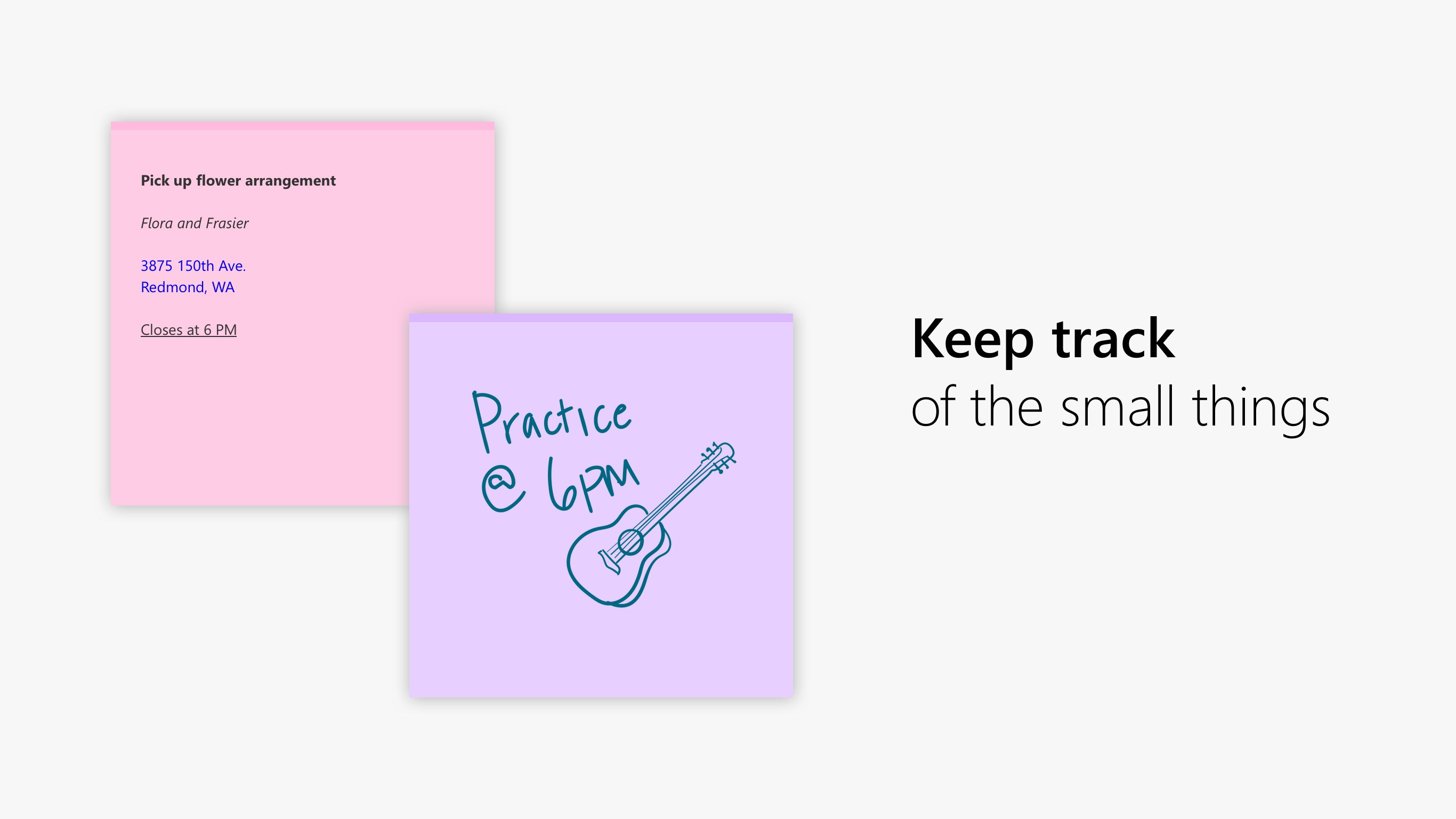
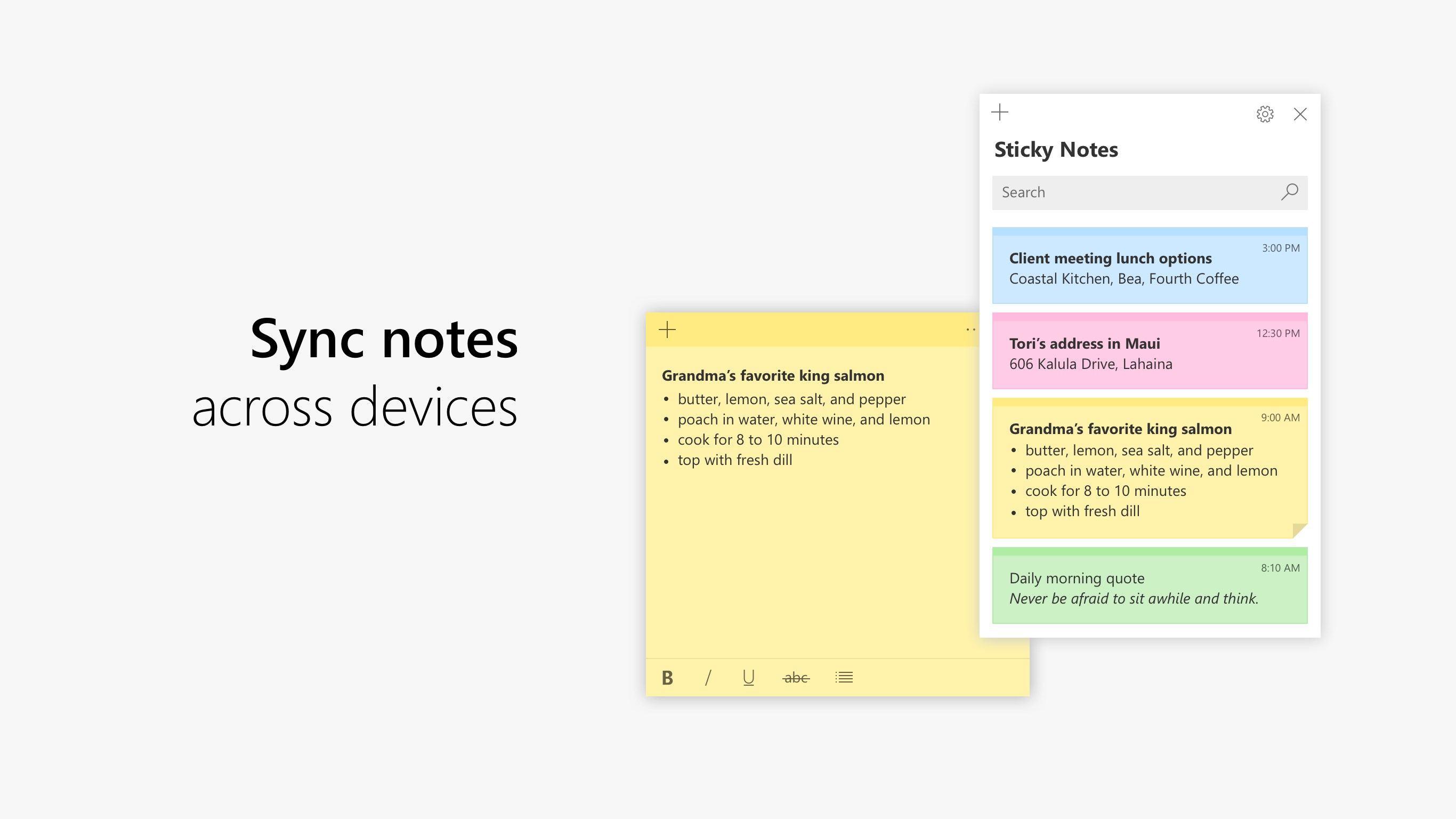
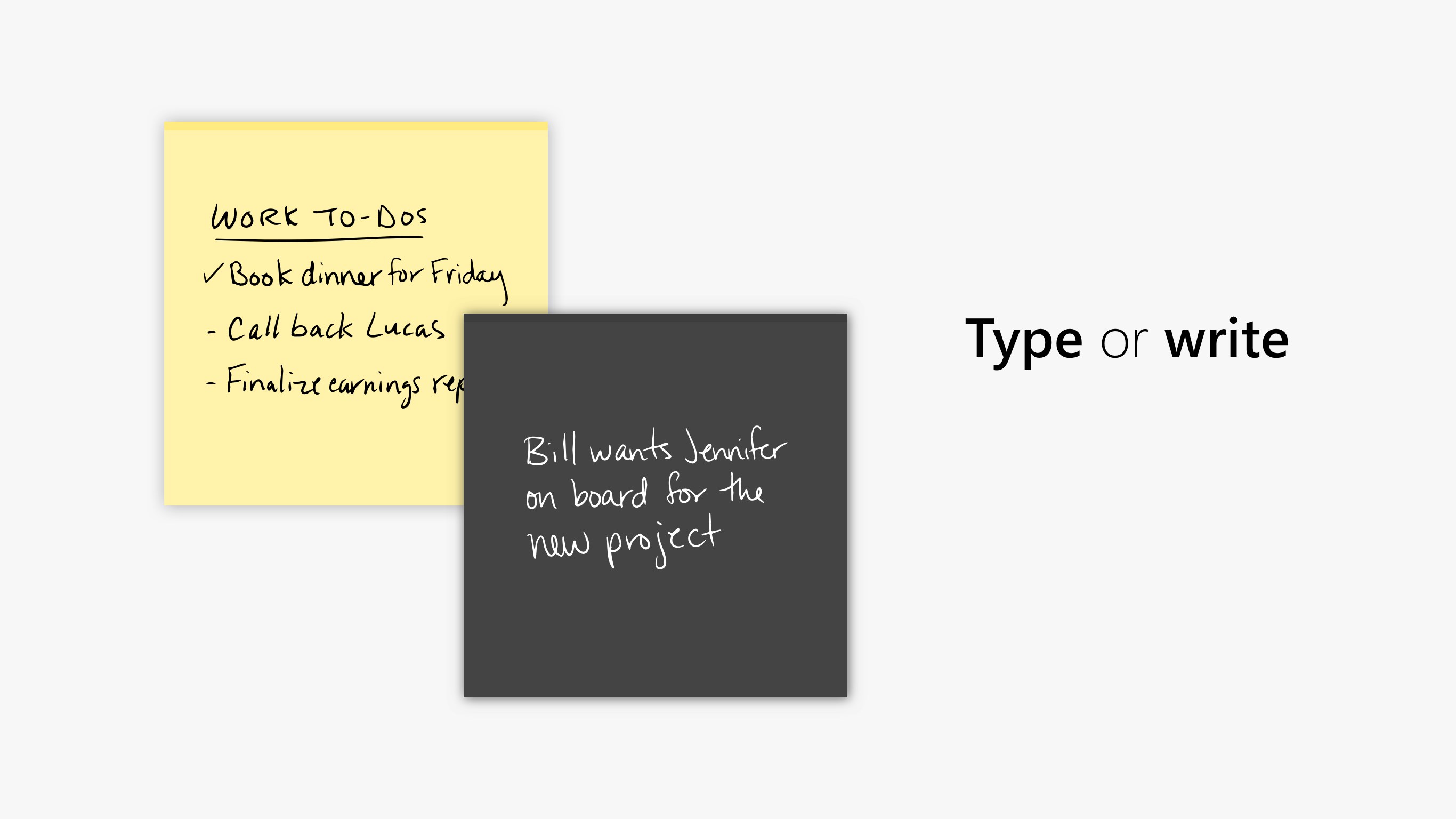
Microsoft Sticky Notes is a note-taking app for quickly saving text, handwritten notes, or pictures for later reference. Notes can be typed, drawn by hand, formatted, and pinned freely to the desktop, then closed to appear in a notes list. The app syncs notes across devices and other apps such as OneNote Mobile, Microsoft Launcher for Android, and Outlook for Windows.
Show the developer's original descriptionHide the original description
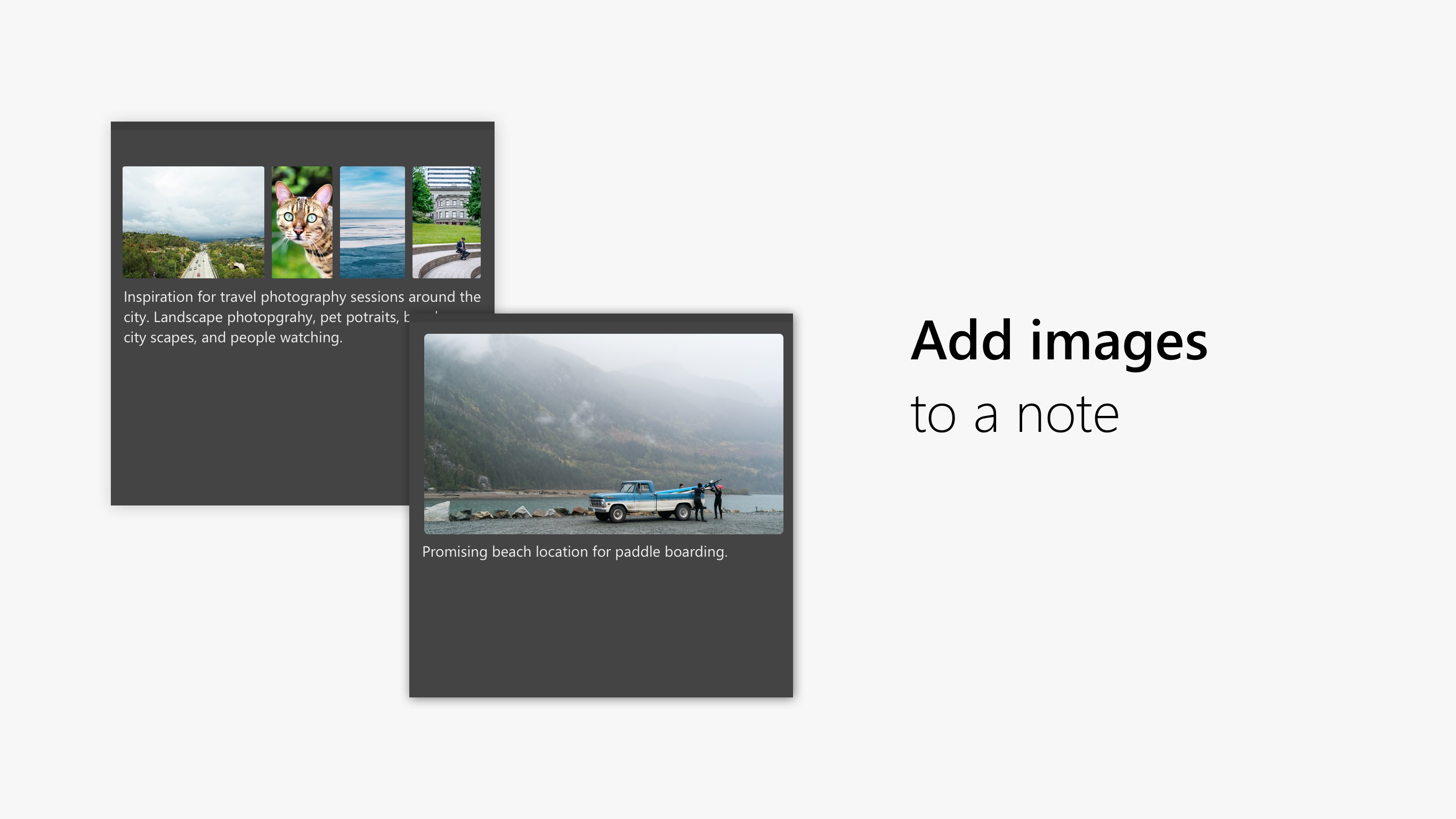
Need to remember something for later? Use Microsoft Sticky Notes. They're the simple way to quickly save something for later, so you can stay in the flow. With Sticky Notes, you can create notes, type, ink or add a picture, add text formatting, stick them to the desktop, move them around there freely, close them to the Notes list, and sync them across devices and apps like OneNote Mobile, Microsoft Launcher for Android, and Outlook for Windows.
If there is a version of this app for iOS/Mac or Windows we don't know about, paste the store link here — we'll auto-detect the store.
How to find the URL:1. Open the app in its store. 2.In the App Store app: tap the Share icon → “Copy Link”. In the browser: copy the URL from the address bar — it contains apps.apple.com/…/id… or apps.microsoft.com/detail/…. 3. Paste it here.
Paste the original link from the Apple App Store or Microsoft Store. We fetch all details automatically.
How to find the URL:
1. Open the app in its store. 2.In the App Store app: tap the Share icon → “Copy Link”. In the browser: copy the URL from the address bar — it contains apps.apple.com/…/id… or apps.microsoft.com/detail/…. 3. Paste it here.
Android apps can only be listed by their developer.