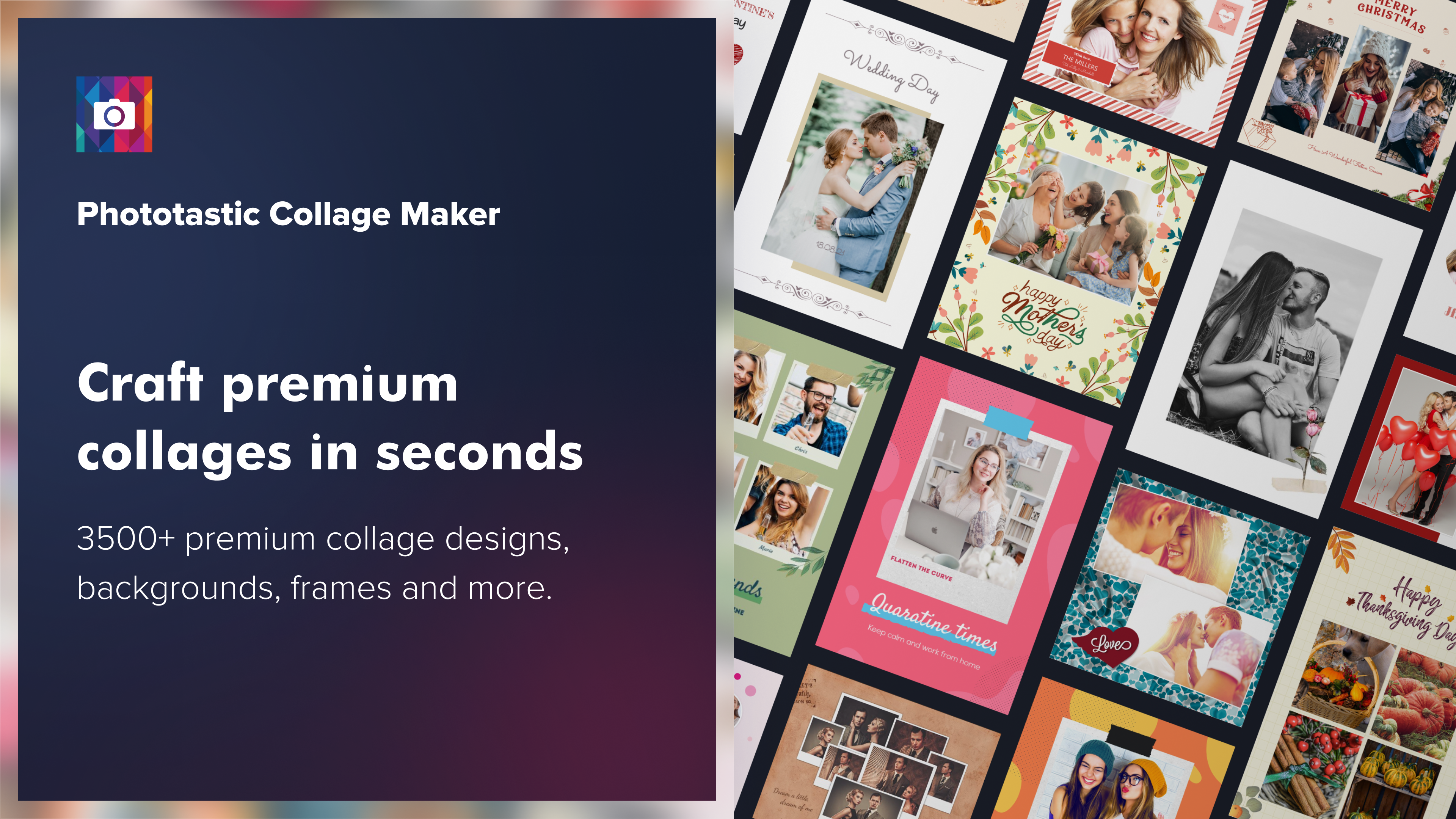
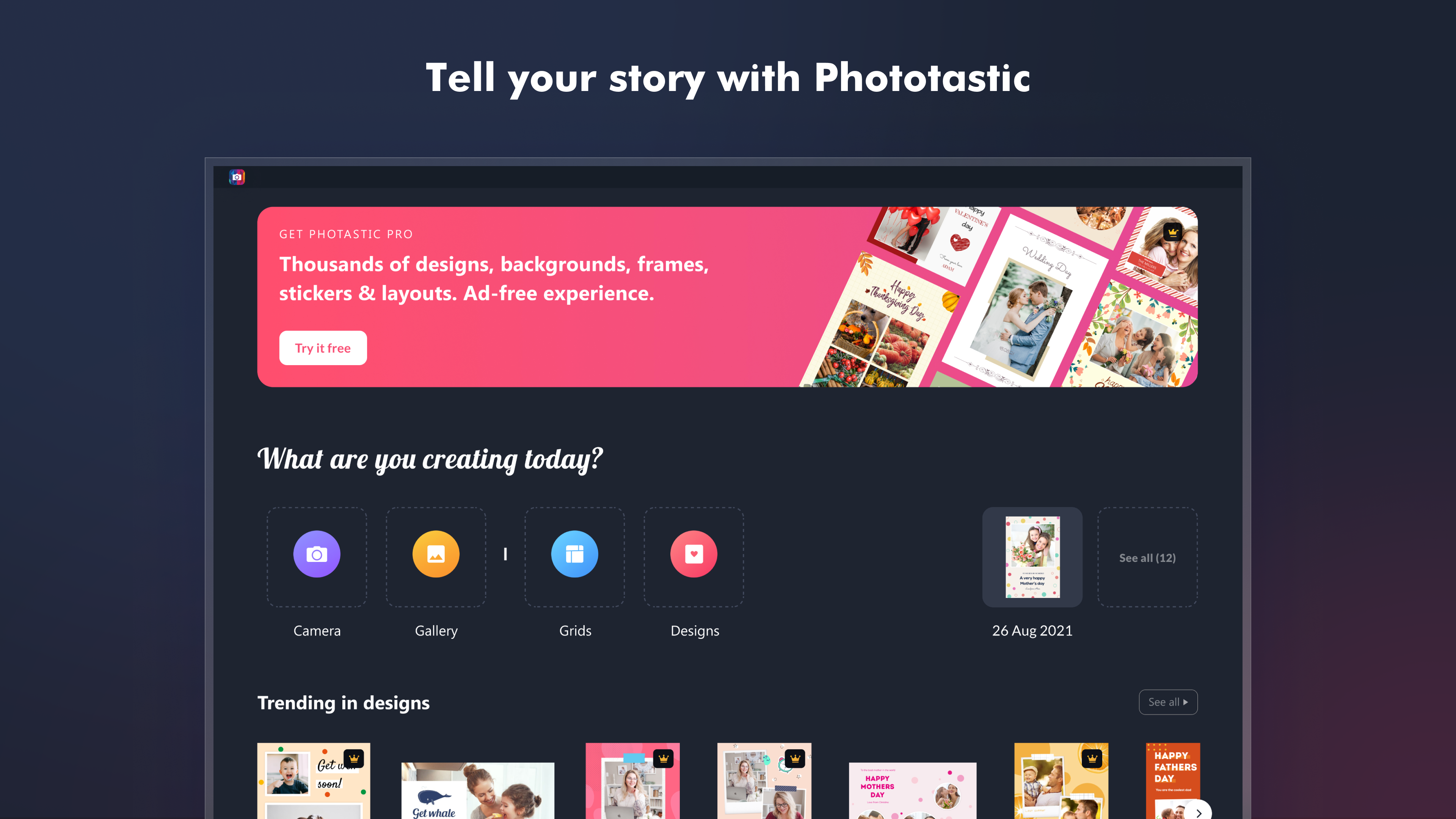
Phototastic Collage is a photo collage maker and picture editor for creating designed collages from personal photos. It offers more than 1200 themed templates and over 100 layouts that fit up to 25 photos in a single collage. Users can choose from more than 600 backgrounds and frames, over 1700 stickers and more than 200 fonts to personalize their designs. Editing tools allow cropping, shape cutouts, filters and adjustments to brightness, color and sharpness, along with shadow effects and layer arrangement. Collages can be resized to fit formats such as Instagram, Facebook, TikTok, Twitter, YouTube and LinkedIn. New designs and elements are added regularly.
Show the developer's original descriptionHide the original description
A collage for every moment.
Make memorable collages with Phototastic Pro.
Make amazing photo collages in just a few clicks with Phototastic, the ultimate photo collage maker and picture editor! Phototastic is loved by millions of users of different ages around the world for making beautiful picture collages in seconds.
Gift your loved ones an adorable picture collage on any occasion and express yourself using our massive collection of premium collage templates, backgrounds, frames, stickers, effects and fonts. You can fit up to 25 pictures in a single photo collage so that none of your memorable photographs are left out.
It’s super easy to make a personalized photo collage using Phototastic …
Pick a design template that suits your purpose,
Add photos from your gallery or camera,
Lastly, add a personal touch by customizing text and visuals; and your picture collage is ready!
Phototastic is an all-in-one pic collage maker with a range of professionally created design assets:
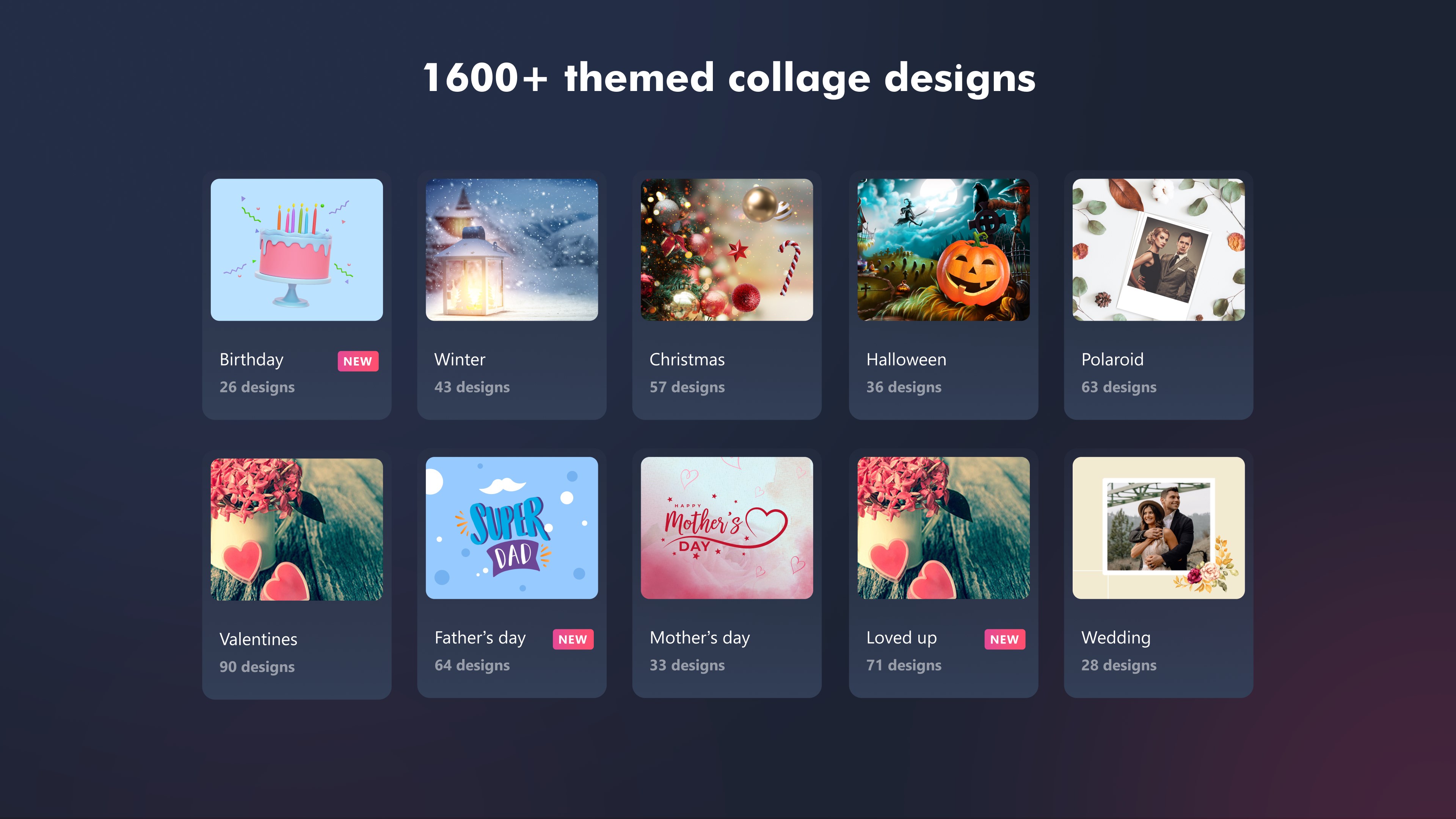
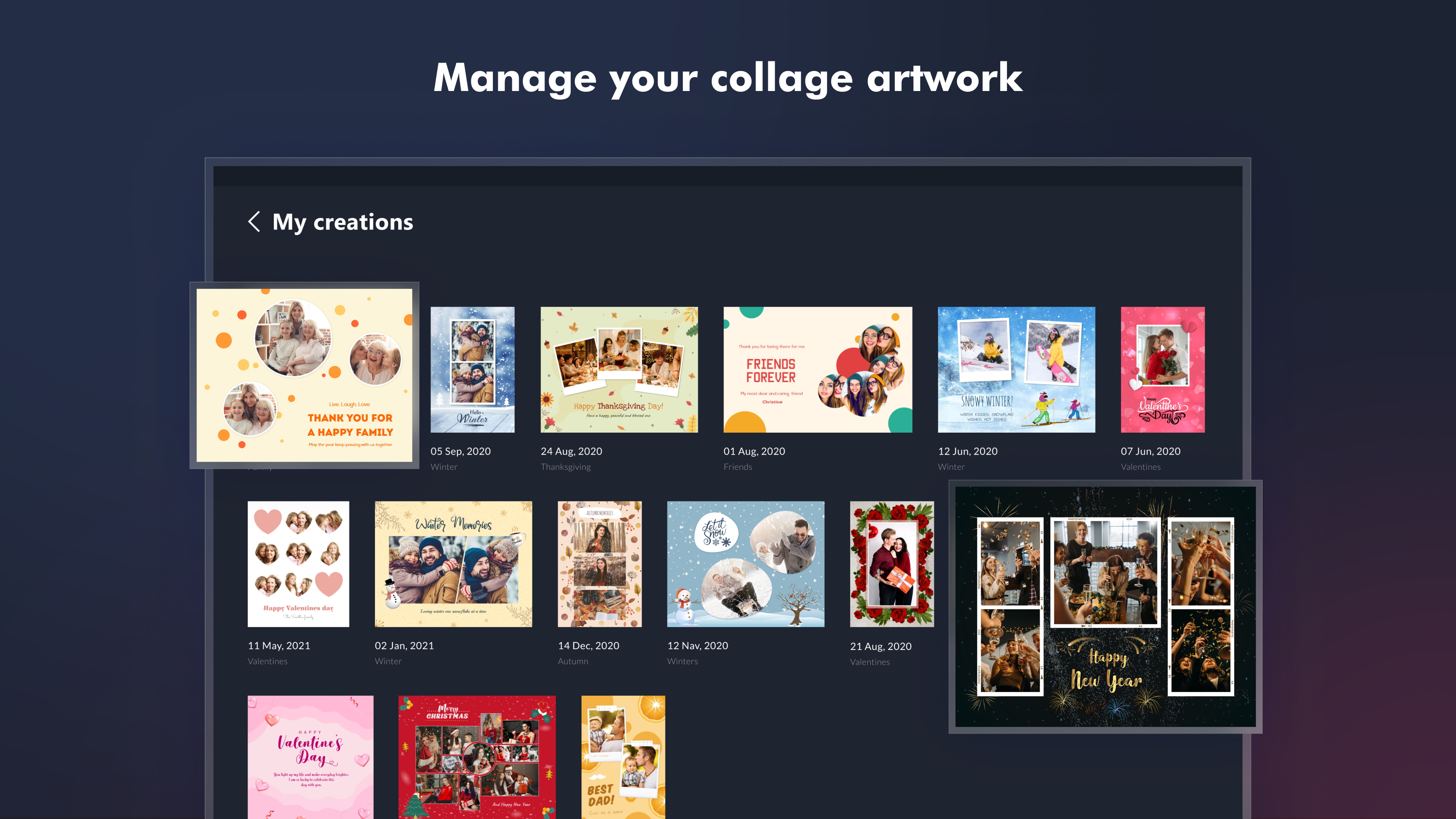
1200+ themed design templates, perfect for every occasion and theme
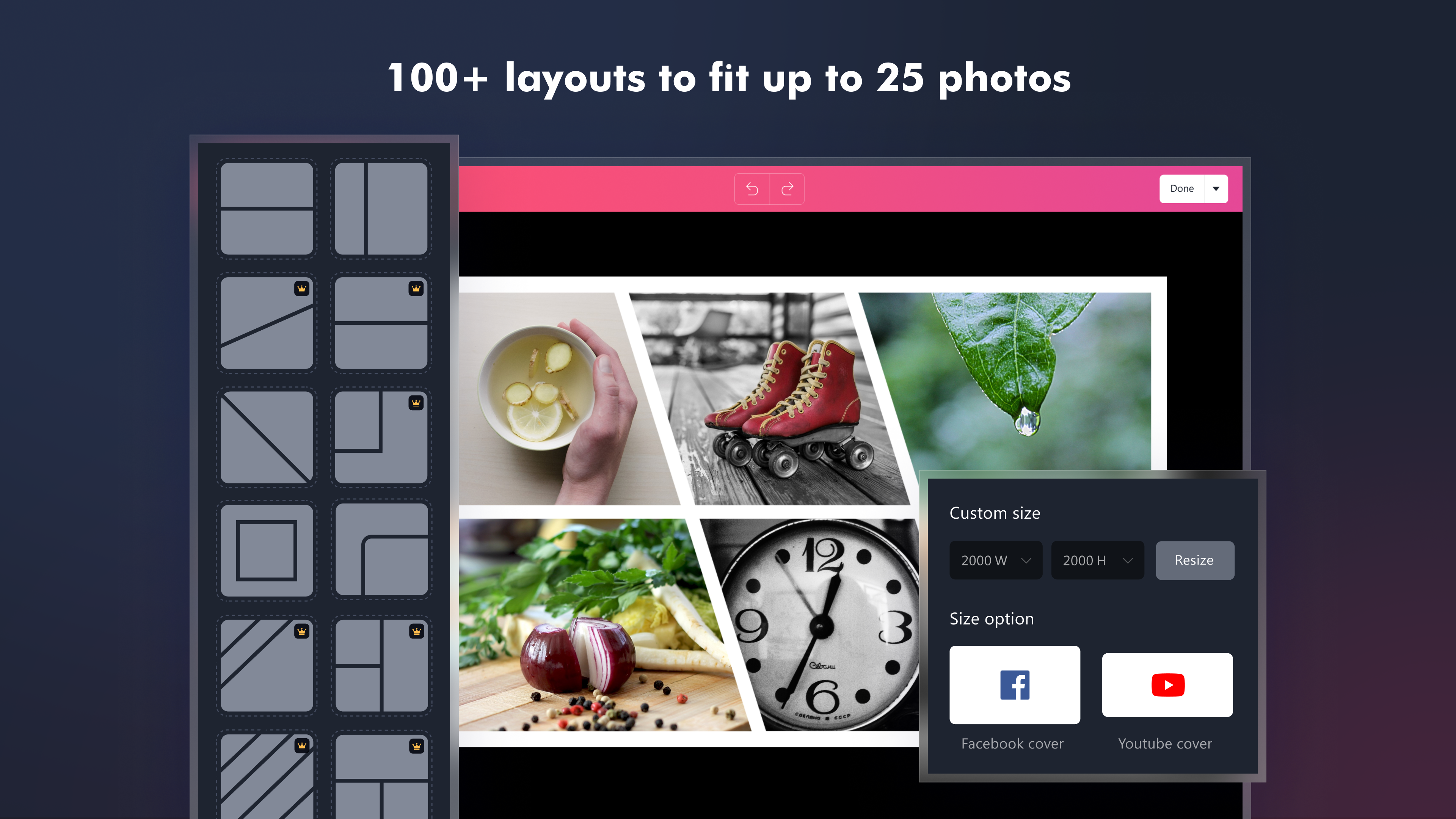
100+ layout options that can fit up to 25 photos in a single collage
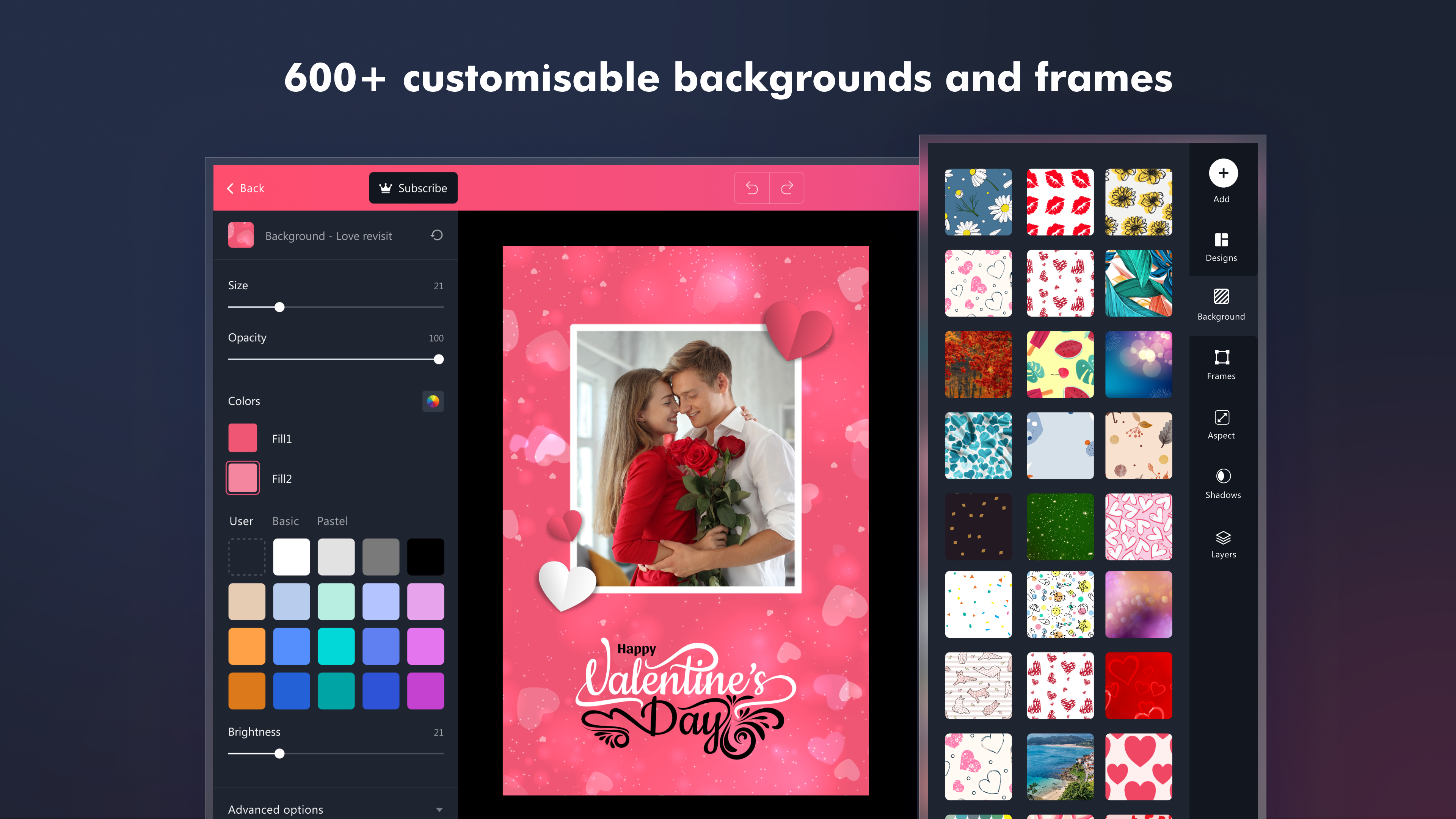
600+ diverse backgrounds and frames
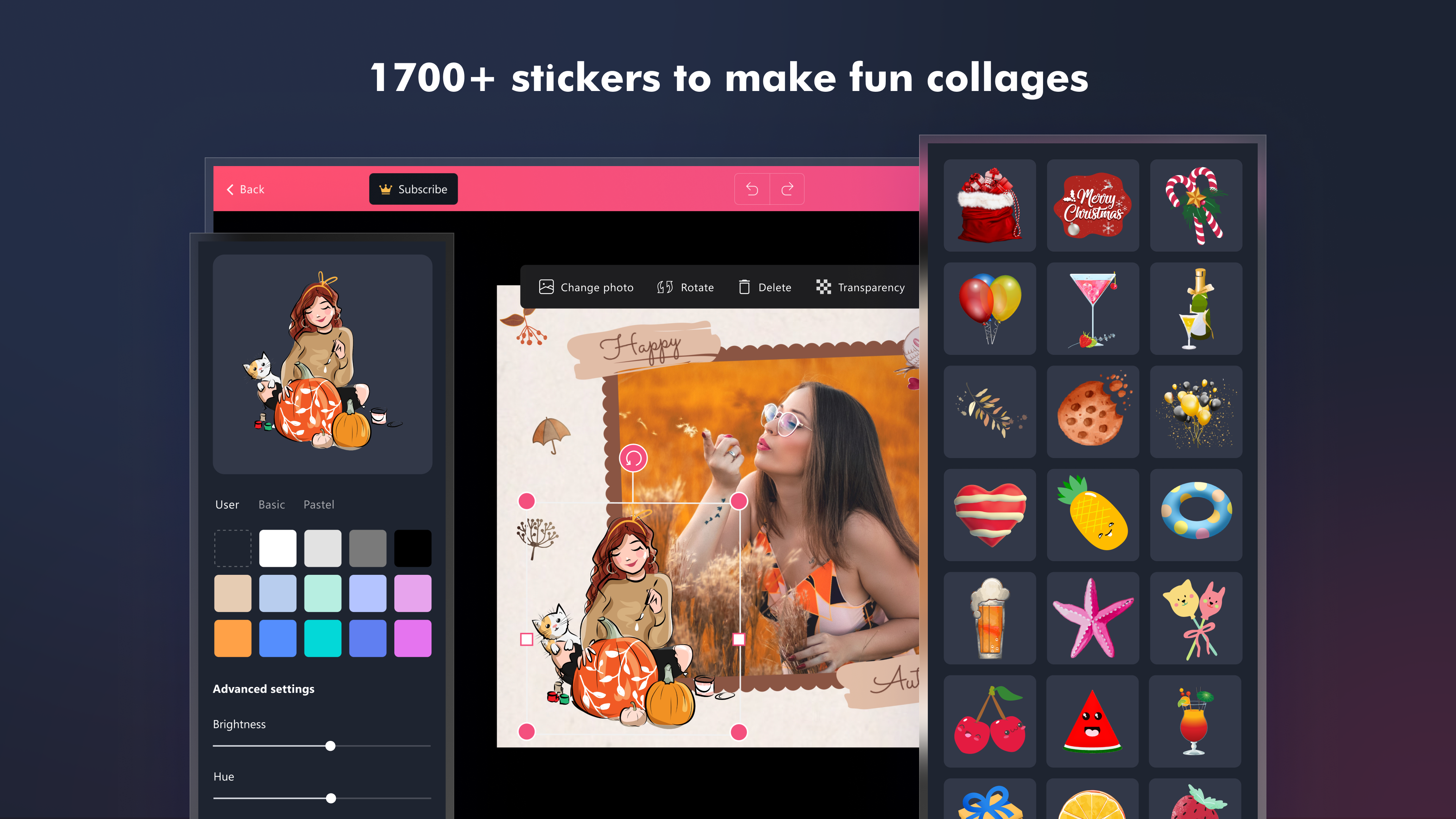
1700+ stickers to add fun to your pic collage
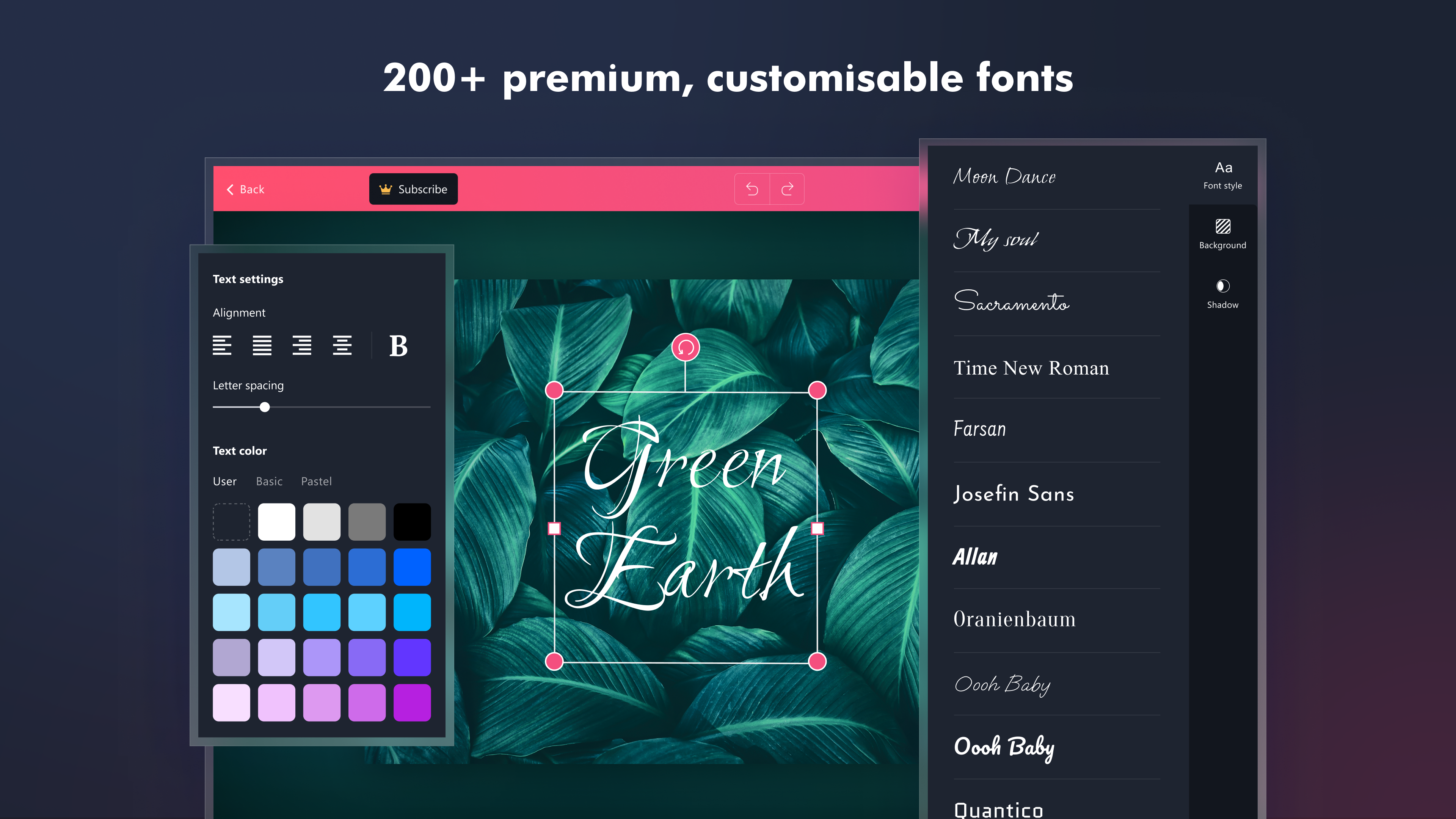
200+ fonts to express your thoughts in the perfect style
We regularly add new designs and elements to our collection to help you make great pic collages with minimal effort and keep up with the latest trends and events.
Fine-tune the images used in your collage with the following image editing features:
Easily crop your images using the crop tool and freestyle scissor tool
Simply add an effect like retro, pop, black and white, etc
Transform your photo into a shape like heart, star, triangle, letter, word, etc. using the shape cutout feature
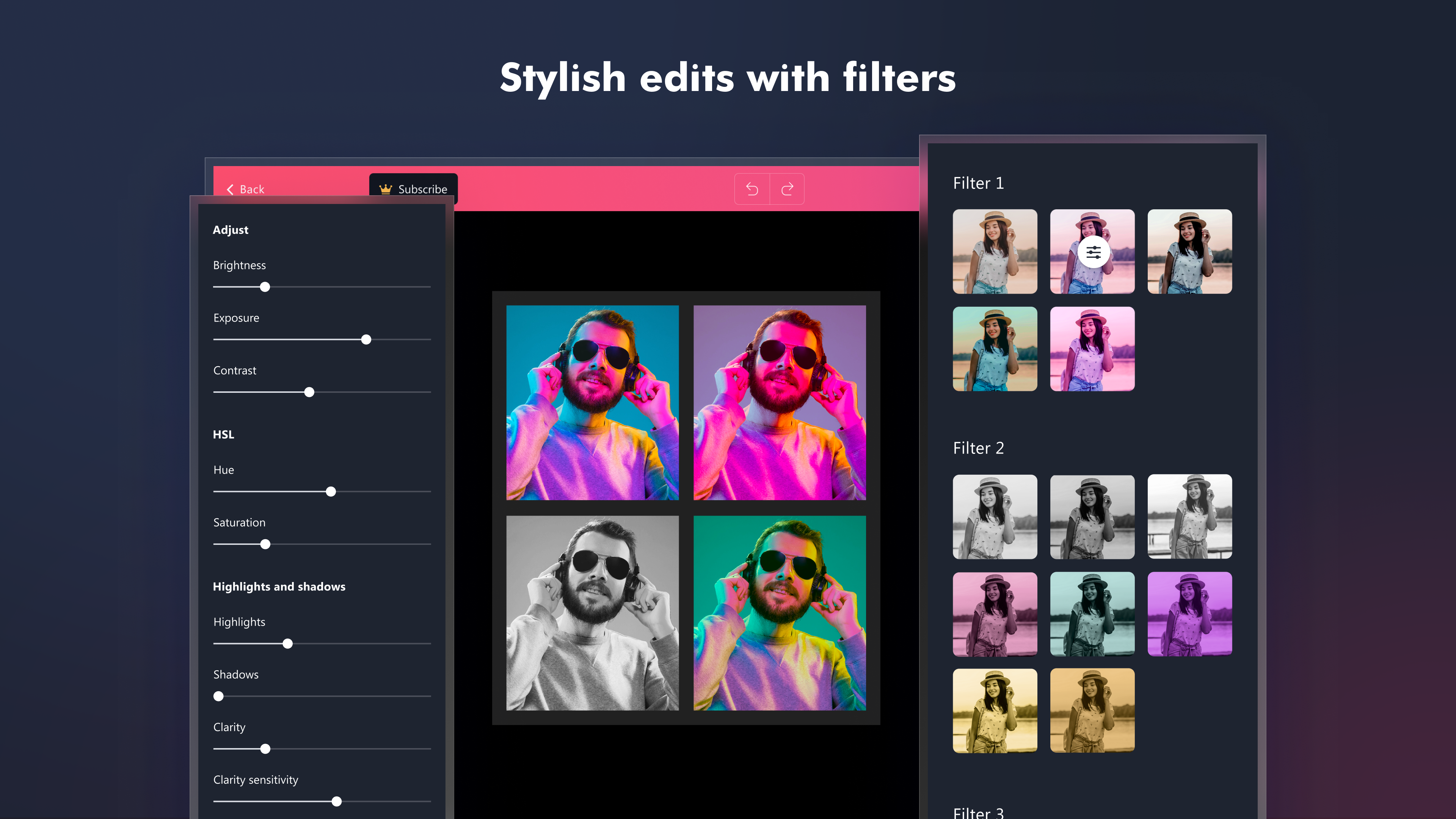
Modify the light and color of your images by changing brightness, exposure, contrast, hue, saturation, highlights and shadows, color temperature, sharpness, blur, vignette, transparency, etc
Easily rotate or flip your image
Add shadow to your image or sticker and edit shadow properties like color, brightness, fuzziness, intensity, size and position
Edit your photo collage to mold it the way you’d prefer
Choose a custom background by adding an image from the gallery
Easily modify the size, color and spacing of text, background, frame and stickers
Easily resize your picture collage to a custom size or different aspect ratios like Portrait, Landscape, Facebook, Instagram and Twitter
Easily edit the photo spacing, collage margin and corner roundness of your collage
Use layers to re-arrange the elements on your collage
Use pastel colors to give a soft visual appeal to your pic collage
A collage for every occasion!
Choose from over 1200 collage templates suitable for every occasion or theme like Travel, Holiday, Birthday, School, Friends, Family, Wedding, Easter, Winter, Christmas, Valentine, and more.
Make a professional photo collage with several background themes like Wooden, Pattern, Stars, Square, Texture, Floral, Dot, etc. and frames like Tribal, Geometric, Love, Wavy, Realistic, Line and more.
Express to impress
1700+ stickers like Love, Alphabet, Food, Decoration, Animals, Flower, etc
200+ fonts with numerous font families like Handwriting, Cursive, Comic, Movie, 3D, Vintage, and more
Retro, Pop and Black & White image filters
Go ahead and try the Phototastic Collage Maker app and make your first picture collage with us now!






 Snap Photo Collage
Create custom collages from your photos quickly
 Photo Collage Maker PicJointer
Create photo collages with filters, frames and stickers
 PicCollage: Magic Photo Editor
Create collages, cards and slideshows from photos and videos
 Z Mobile : Photo Collage Maker
Create photo collages with layouts, effects and stickers
 Photo Studios
Edit photos, add frames and create collages
 Collage Maker - Photo Grid & Montage
Combine photos into collages and photo montages