Screenshot appears after consentScreenshot appears after consentScreenshot appears after consentScreenshot appears after consentScreenshot appears after consentScreenshot appears after consentScreenshot appears after consentScreenshot appears after consentScreenshot appears after consentScreenshot appears after consentScreenshot appears after consentScreenshot appears after consentScreenshot appears after consentScreenshot appears after consentScreenshot appears after consentScreenshot appears after consentScreenshot appears after consent
Summary
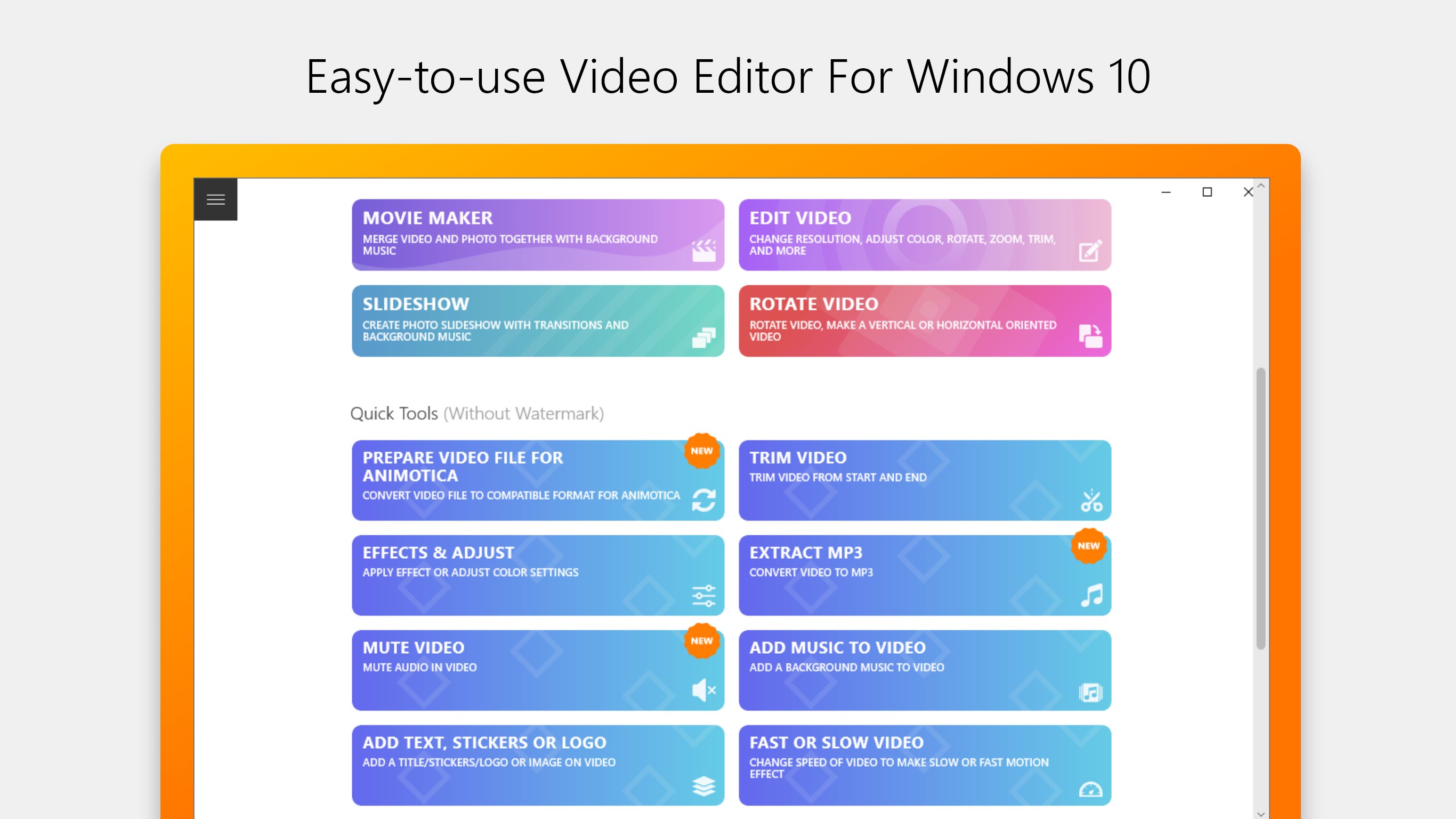
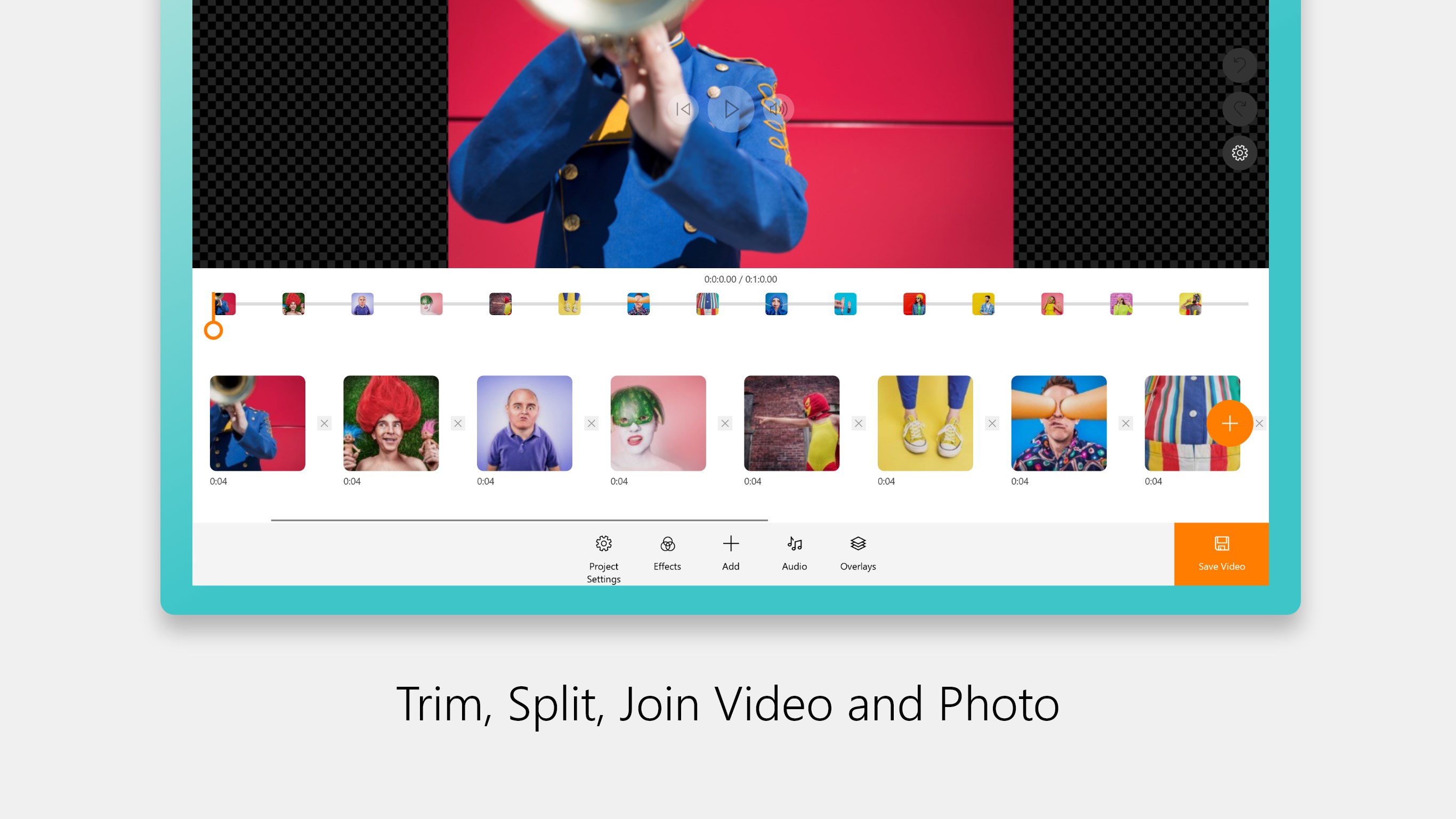
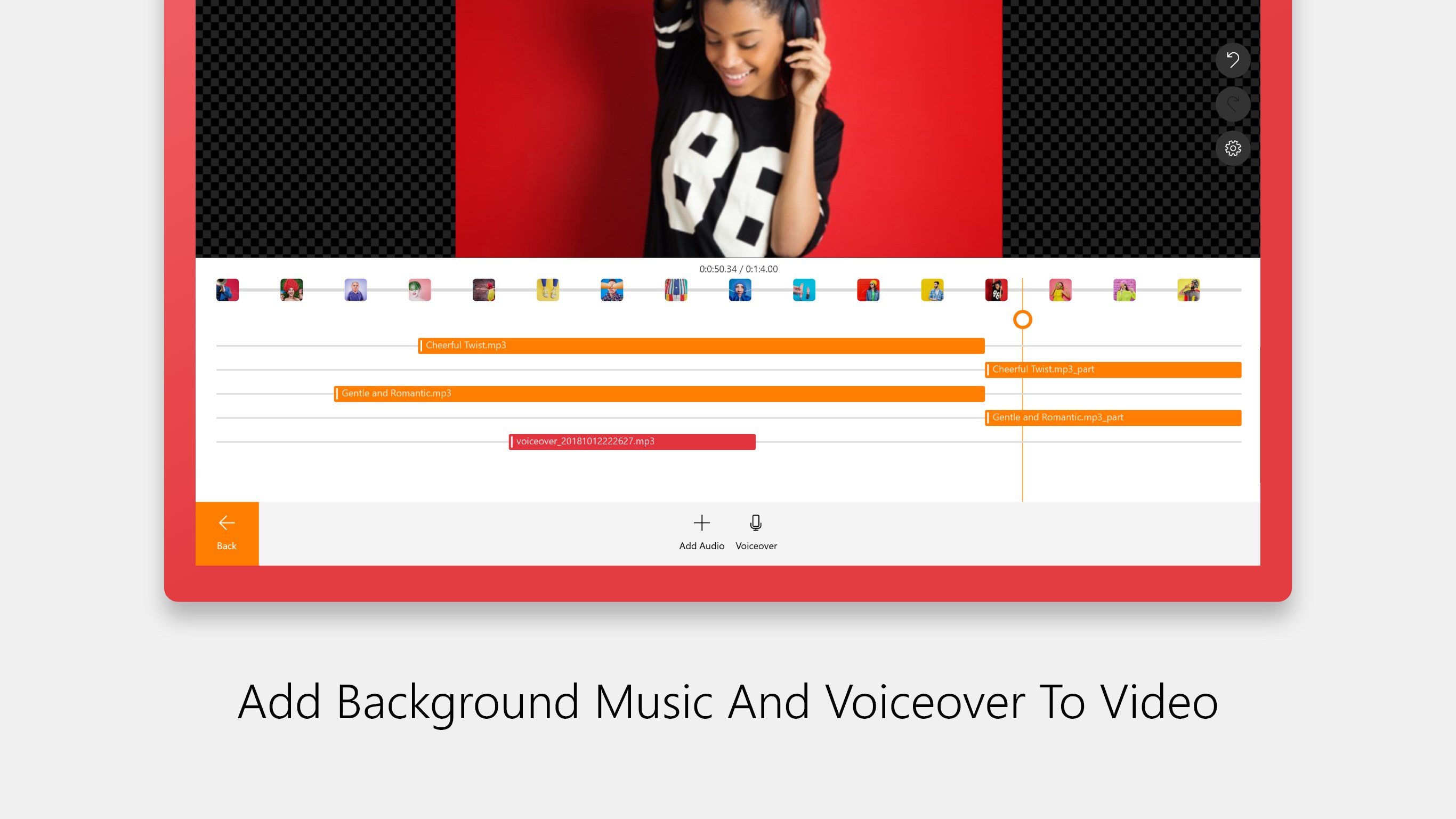
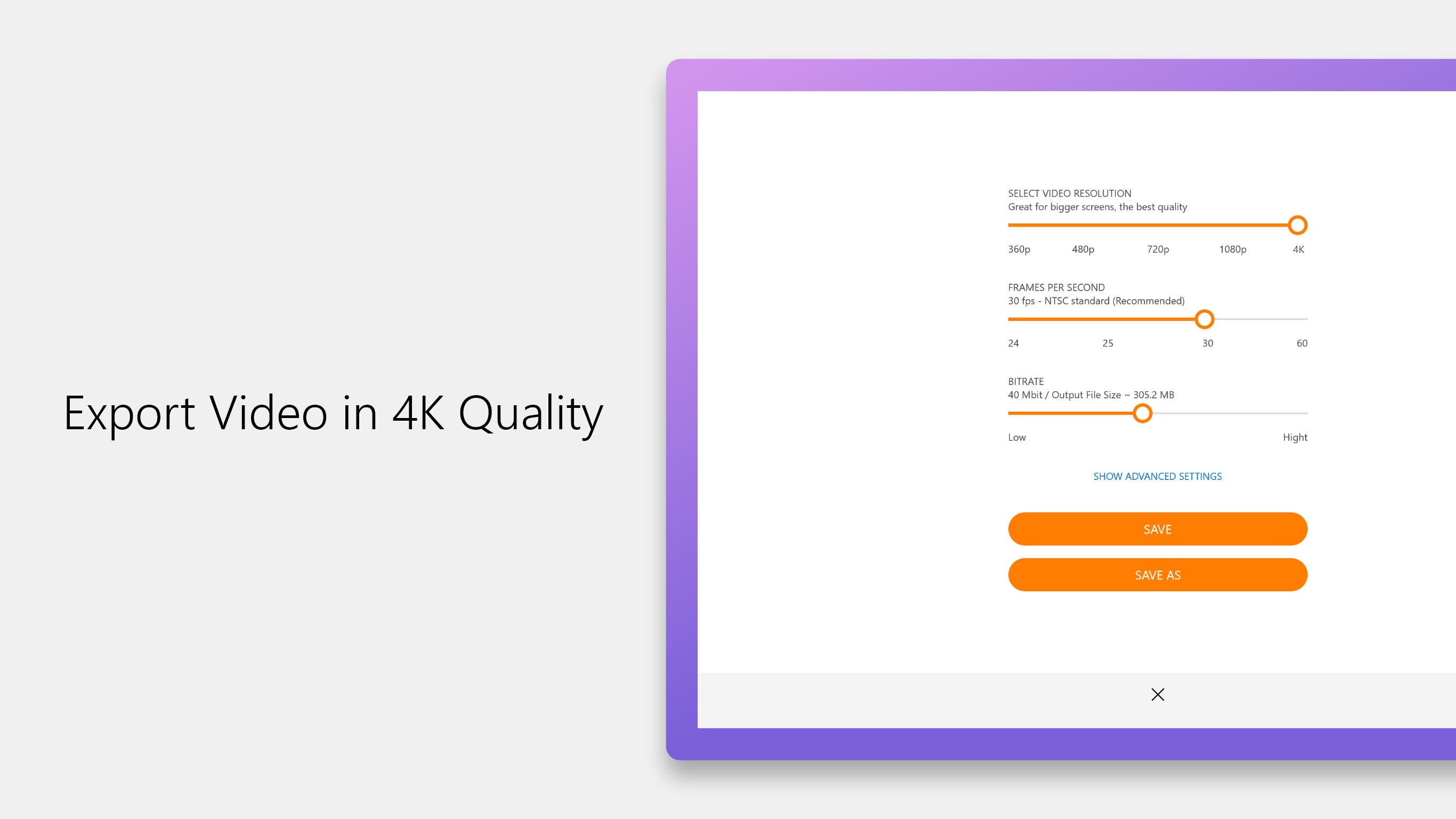
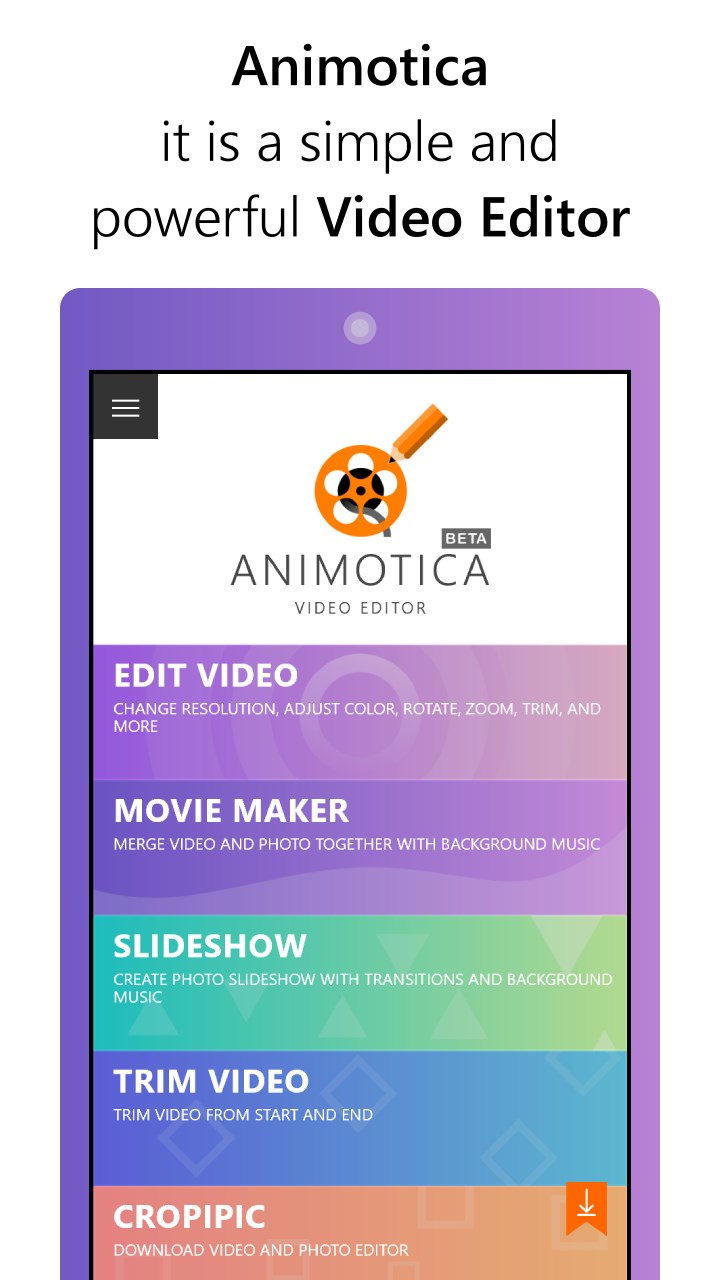
Animotica - Movie Maker is a video editing tool for Windows 10 that also creates slideshows from photos and video clips. It allows joining, splitting, trimming and cropping video, combining video with photos, and adding music or voiceover. Users can adjust color and image, apply effects such as Chroma Key, glitch, camera shake and Ken Burns zoom and pan, add animated titles, captions, stickers and a custom logo, and create slow-motion or sped-up videos. It also supports square or vertical formats for Instagram Stories and IGTV, while the free version adds a watermark that can be removed through a paid upgrade or the full Pro version.
Show the developer's original descriptionHide the original description
Animotica is an Easy-To-Use Video Editor, Movie Maker and Slideshow Video Maker for Windows 10.
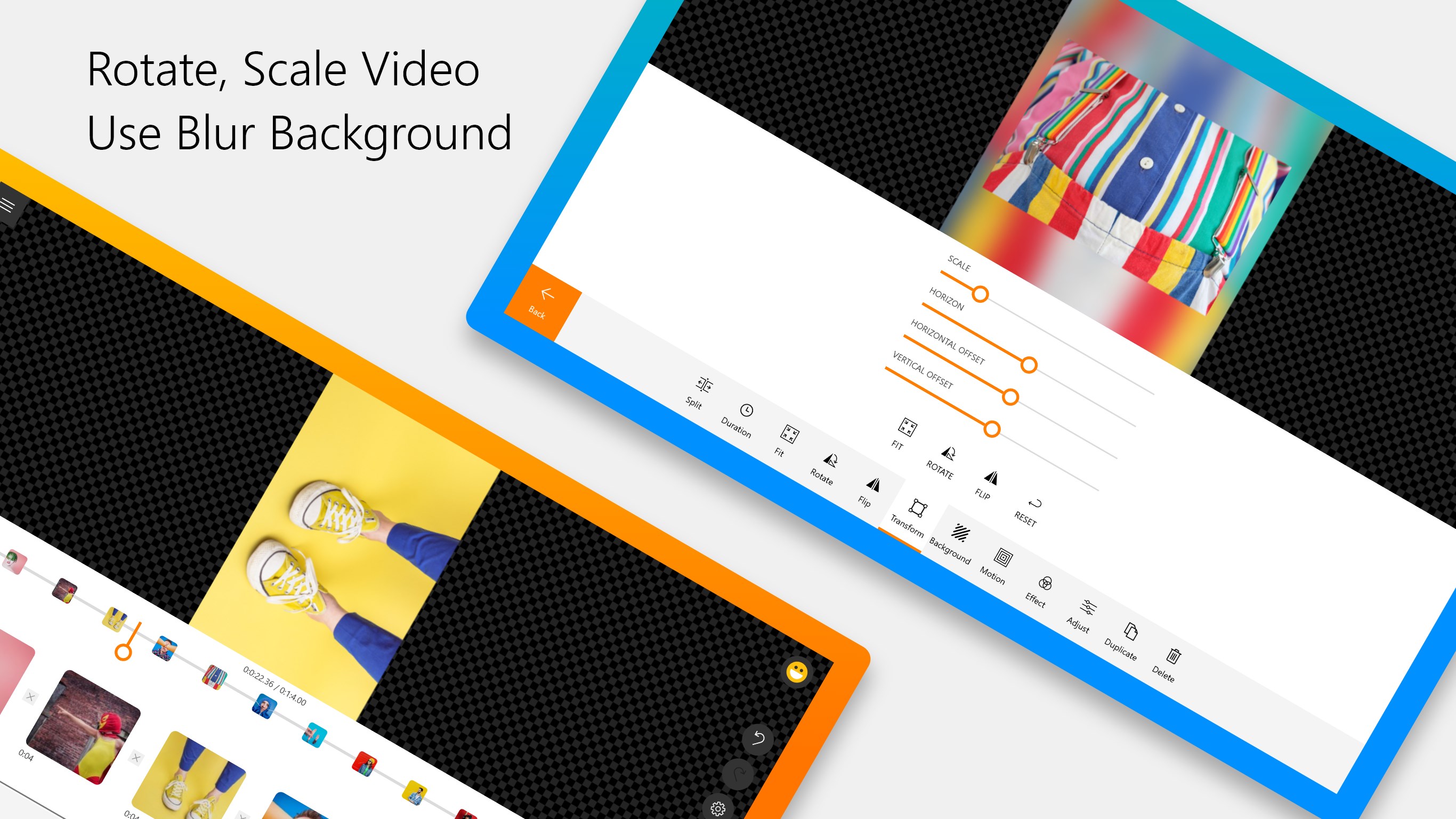
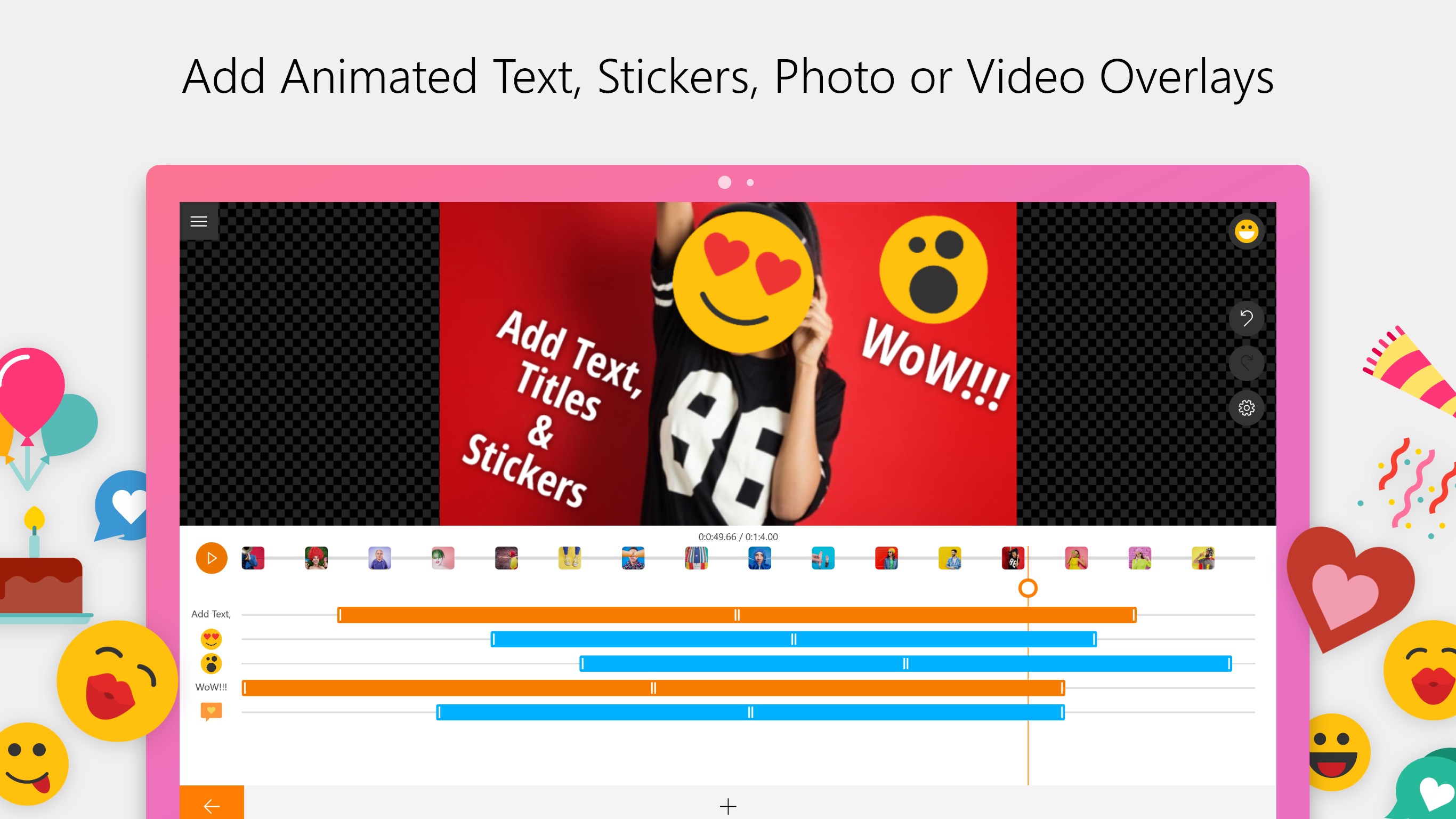
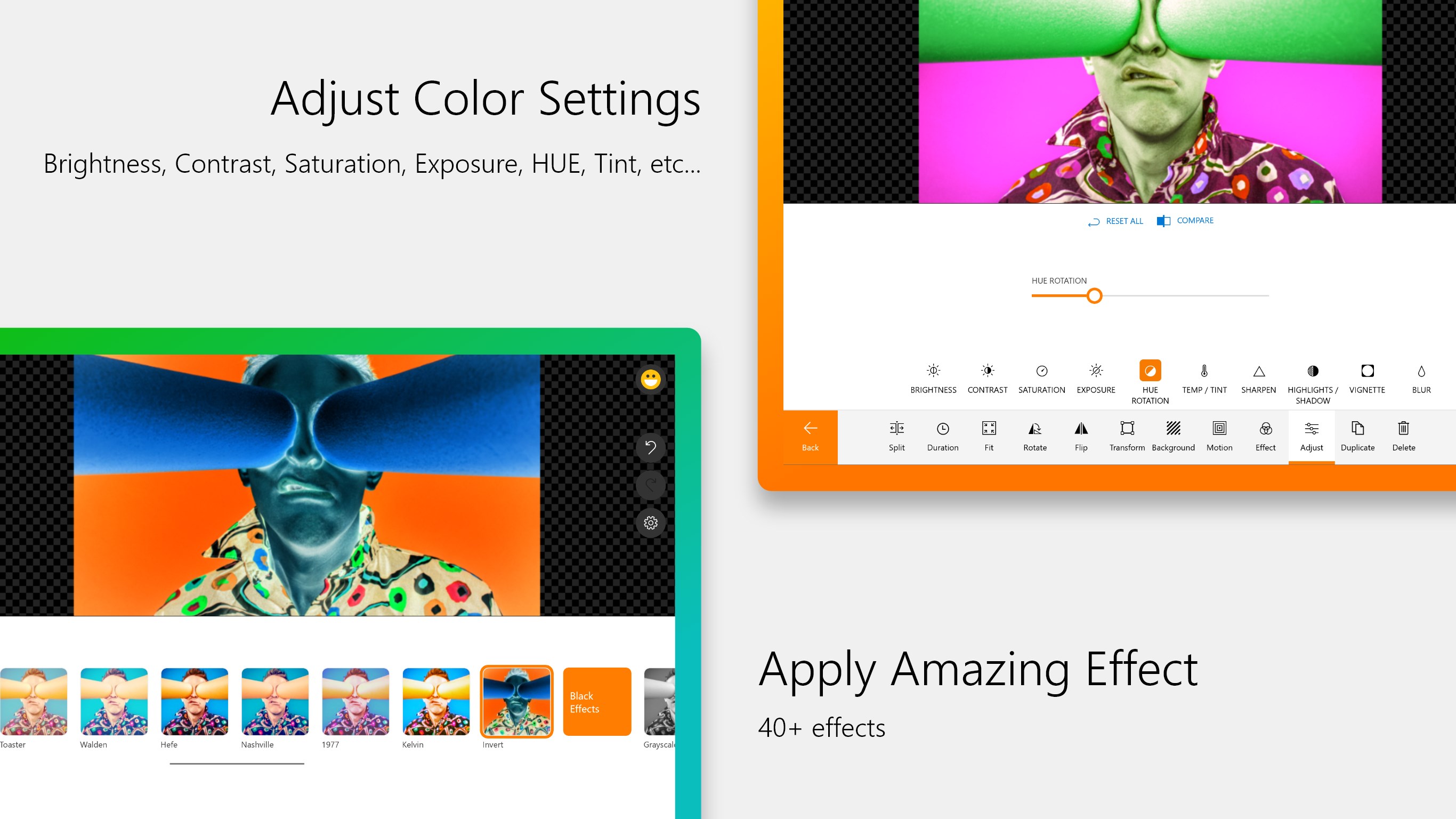
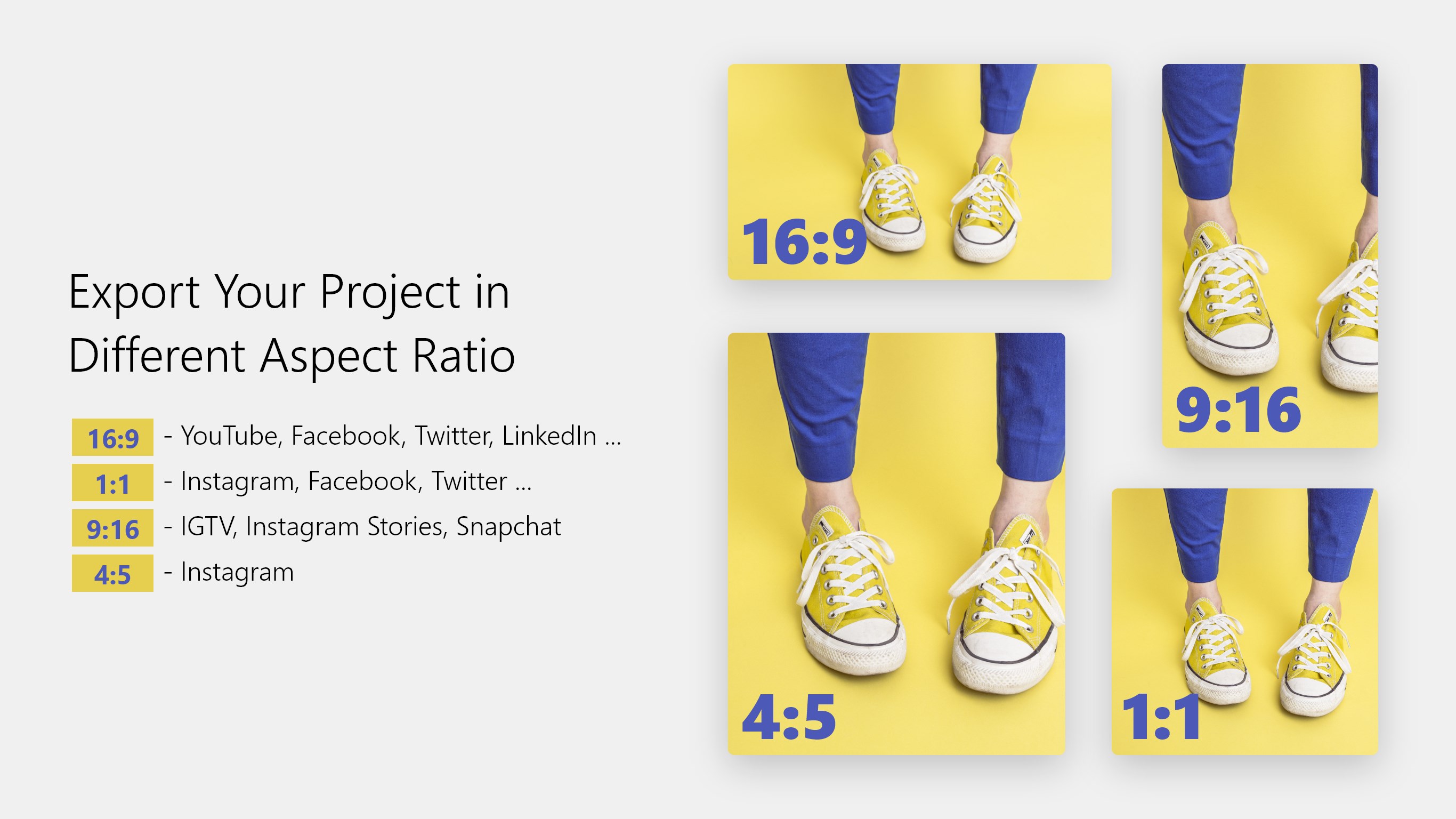
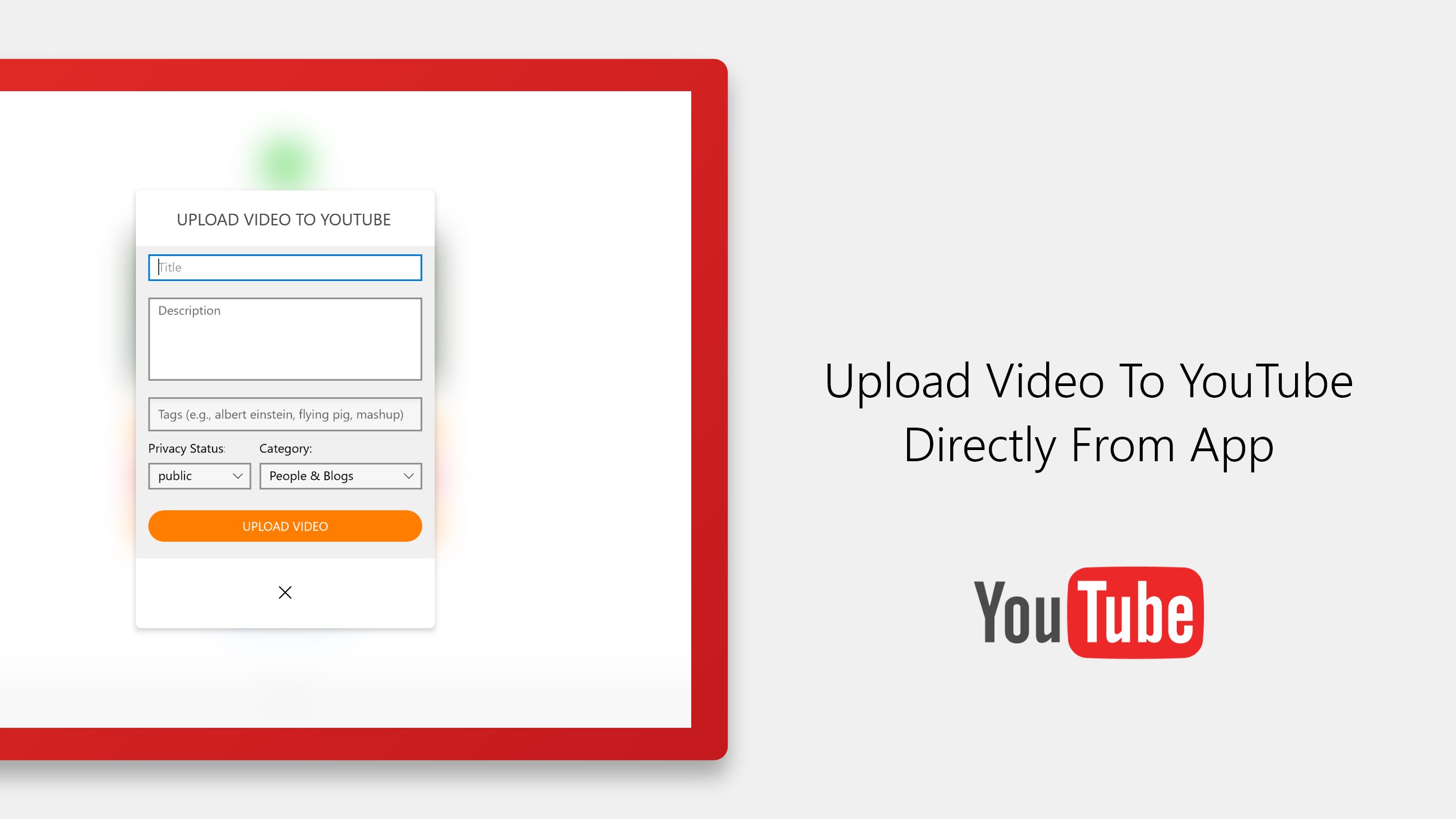
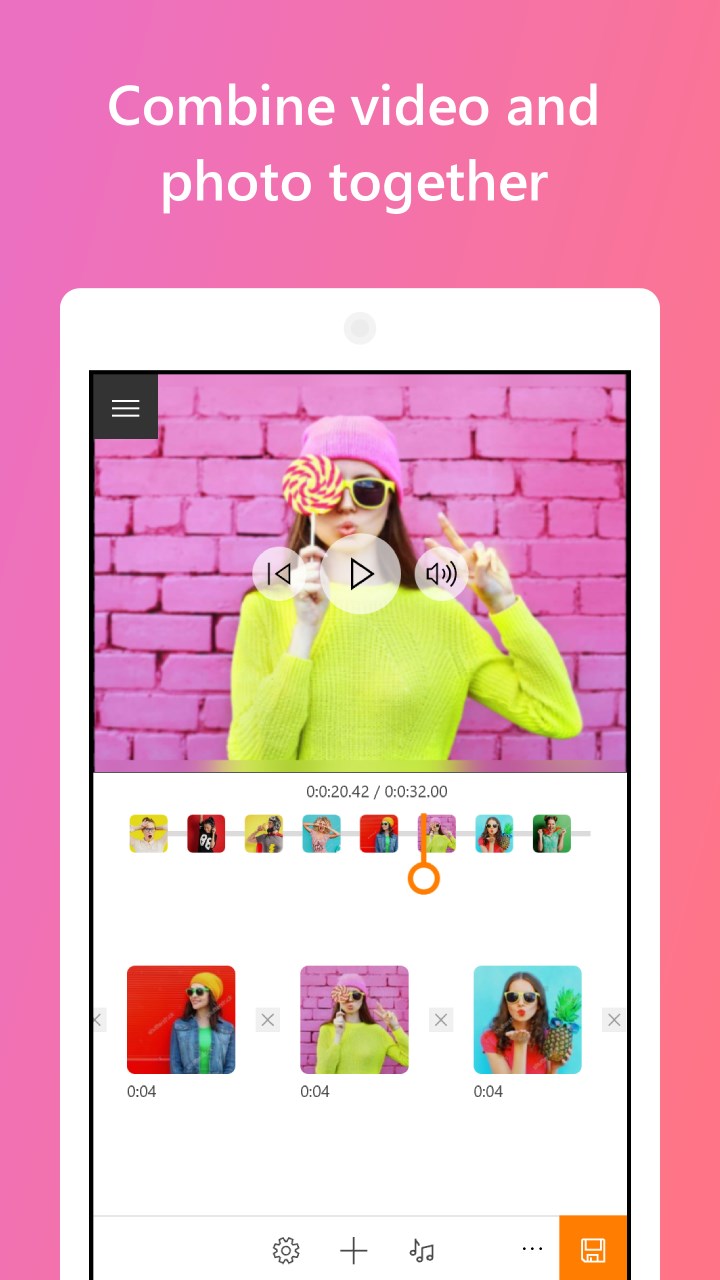
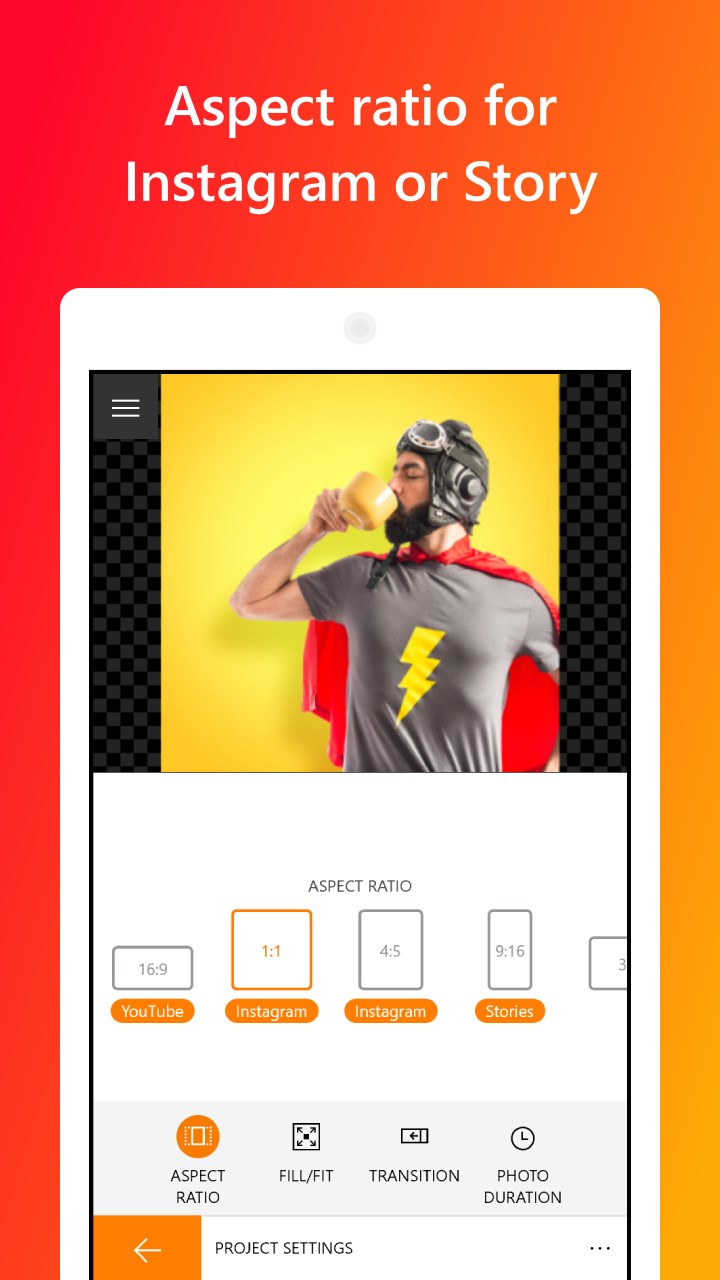
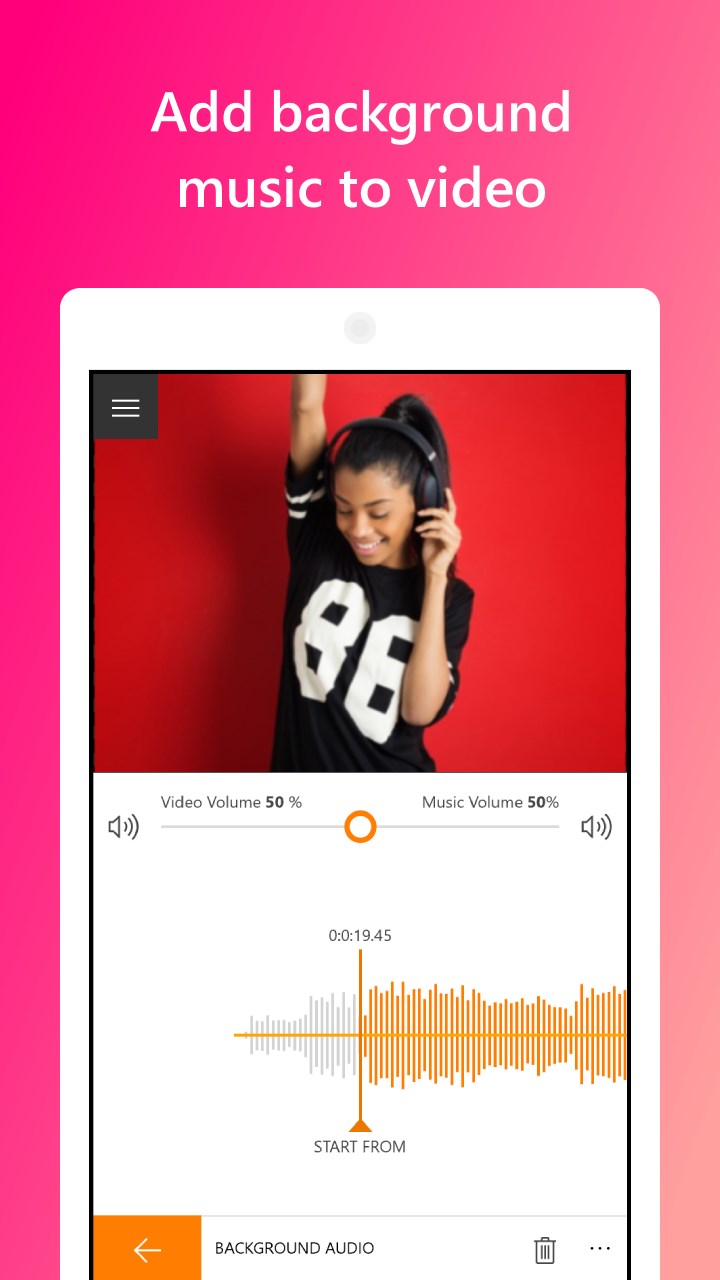
With this simple video editing software, you can easily join, split, trim, and crop video clips on your PC. Animotica lets you combine video and photo, add music, add voiceover, scale, freeze frame, rotate, reverse video, adjust color and image, add animated titles and captions, stickers, a custom logo with amazing animations, blur video background or change its color, make a slow-motion or speed up a video, make a square video for Instagram or vertical video for Instagram Stories, IGTV, and more.
You can also edit Zoom recording, apply Chroma Key effect, camera shake effect, glitch effect, as well as zoom and pan Ken Burns effects to adjust the position of your video in the frame. Easily edit HD videos on a computer making them pop with cool video filters and transition effects like opacity transition (the most used one) and a host of others.
Just try this Video Editor to understand how to create your own video clip, video with pictures, movie, or slideshow easily for your home video or video blog on YouTube or Instagram. Make Udemy lessons, edit the recorded Twitch streaming video footage, educational videos, films, trailers, and more.
Animotica is the easiest and best video editor for beginner YouTube, Vimeo, TikTok, or Instagram vloggers.
The Animotica free version allows you to feel its smooth interface and create cool videos with a watermark. For a few bucks, you can remove the watermark from all your videos or buy the Full PRO version, to unlock all the features forever.
Create marvelous videos, share personal moments, and explore the video world. Make your ideas stand out on social media. Operate with various options not only for YouTube, Instagram, or Vimeo but for other social networks with a variety of aspect ratios, video effects, and overlays options.
If there is a version of this app for iOS/Mac or Windows we don't know about, paste the store link here — we'll auto-detect the store.
How to find the URL:1. Open the app in its store. 2.In the App Store app: tap the Share icon → “Copy Link”. In the browser: copy the URL from the address bar — it contains apps.apple.com/…/id… or apps.microsoft.com/detail/…. 3. Paste it here.
Paste the original link from the Apple App Store or Microsoft Store. We fetch all details automatically.
How to find the URL:
1. Open the app in its store. 2.In the App Store app: tap the Share icon → “Copy Link”. In the browser: copy the URL from the address bar — it contains apps.apple.com/…/id… or apps.microsoft.com/detail/…. 3. Paste it here.
Android apps can only be listed by their developer.




 Movie Creator : Video Editor
Trim, merge and edit videos with effects
 Funimate Video & Motion Editor
Edit videos with effects, transitions and animations
 TidyVid Video Editor Movie Creator
Trim, animate and edit videos with effects and titles
 Video Editor Master
Trim, merge and add music to videos with ease
 Videoshop - Video Editor
Trim, combine and enhance videos with effects
 Movie Maker - Video Editor PRO
Edit videos from clips, photos and music to share