

Screenshot appears after consentScreenshot appears after consentScreenshot appears after consentScreenshot appears after consentScreenshot appears after consentScreenshot appears after consentScreenshot appears after consentScreenshot appears after consentScreenshot appears after consentScreenshot appears after consentScreenshot appears after consentScreenshot appears after consent
Summary
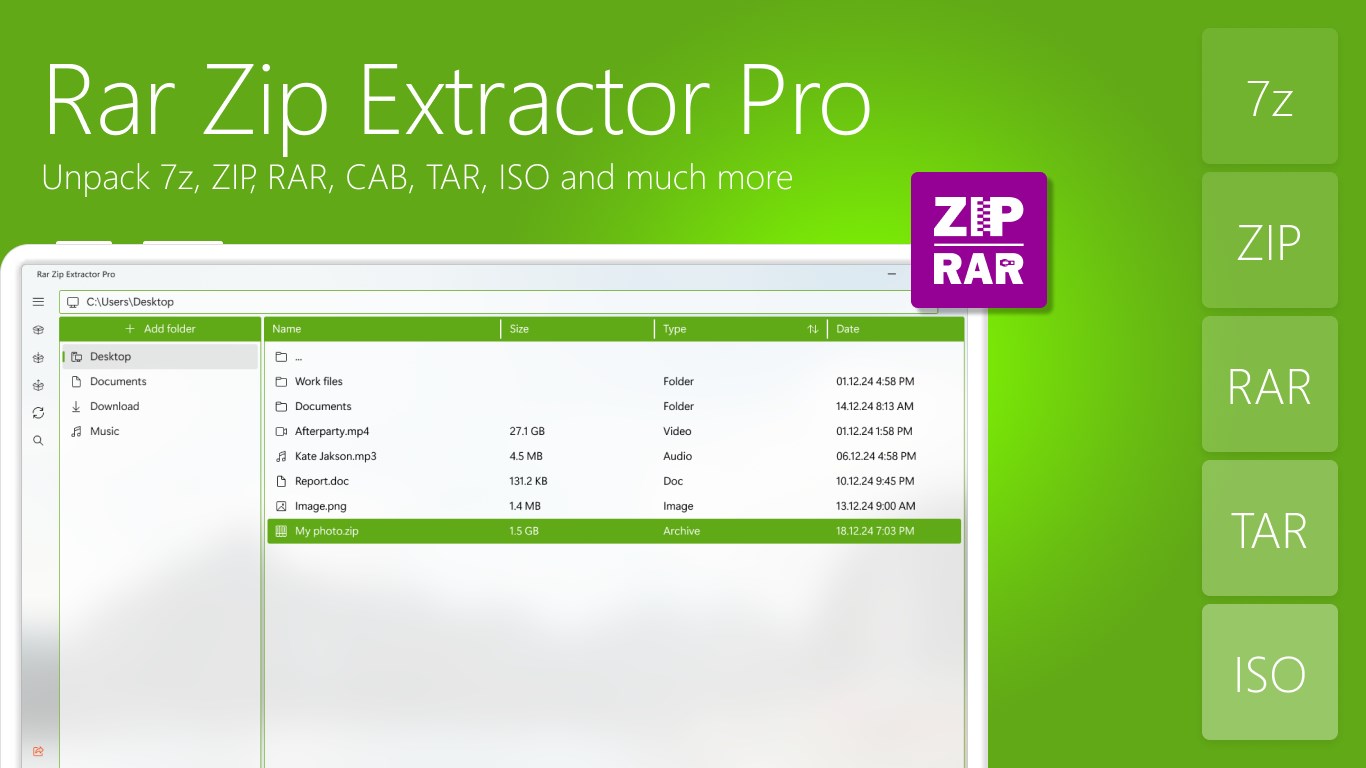
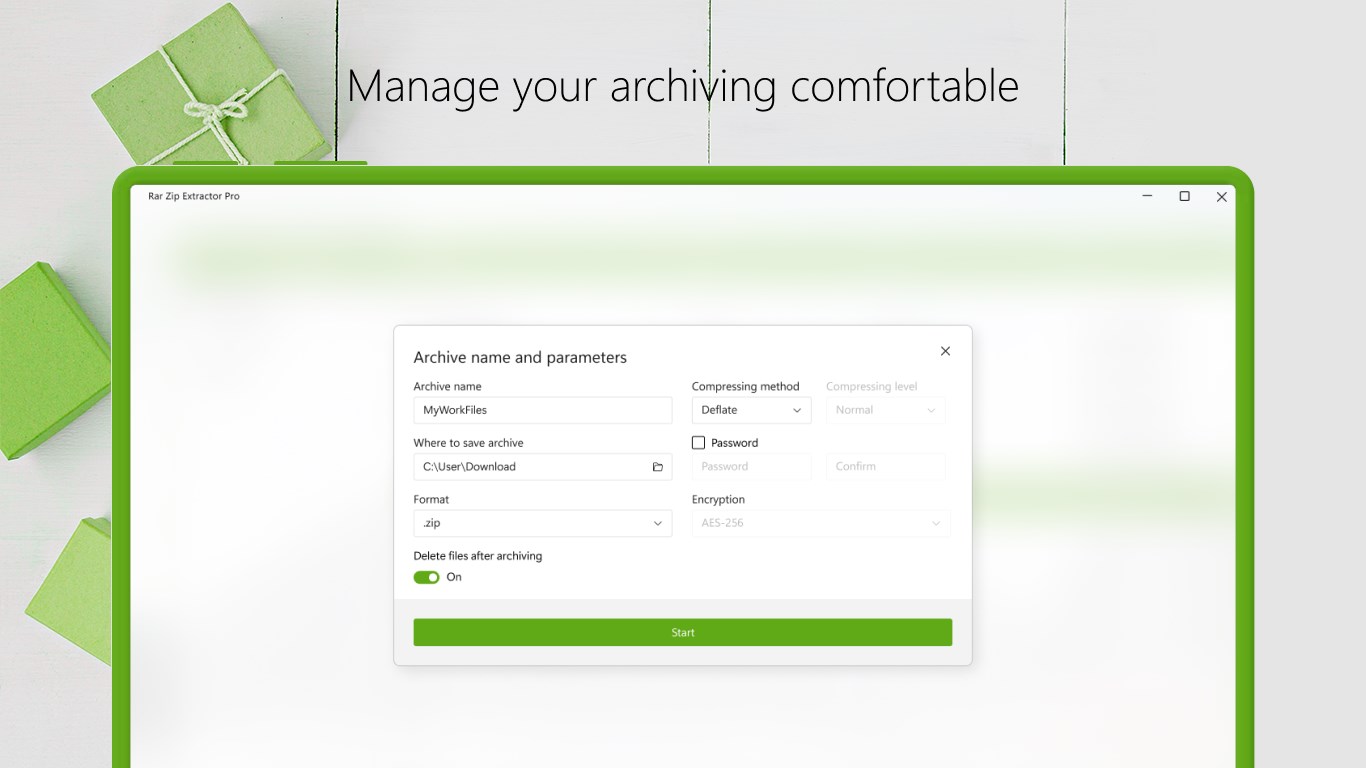
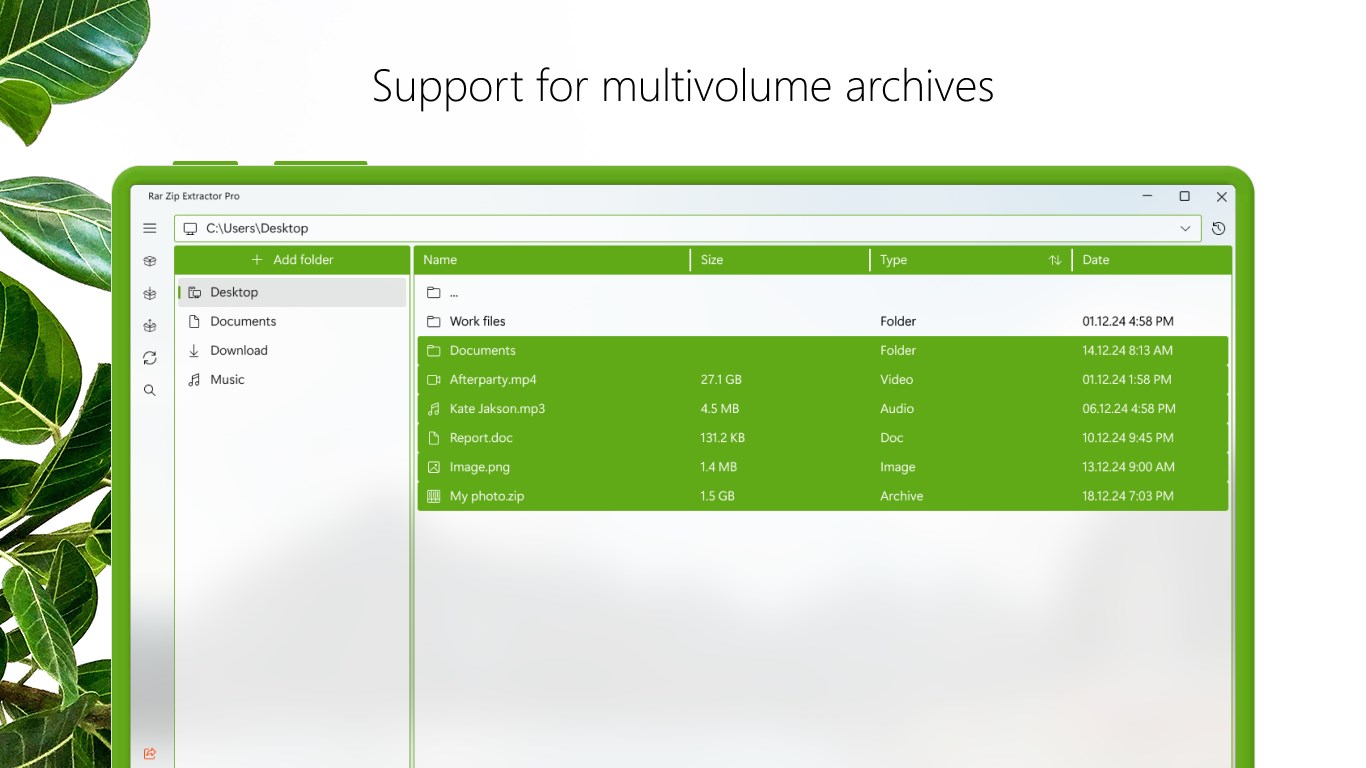
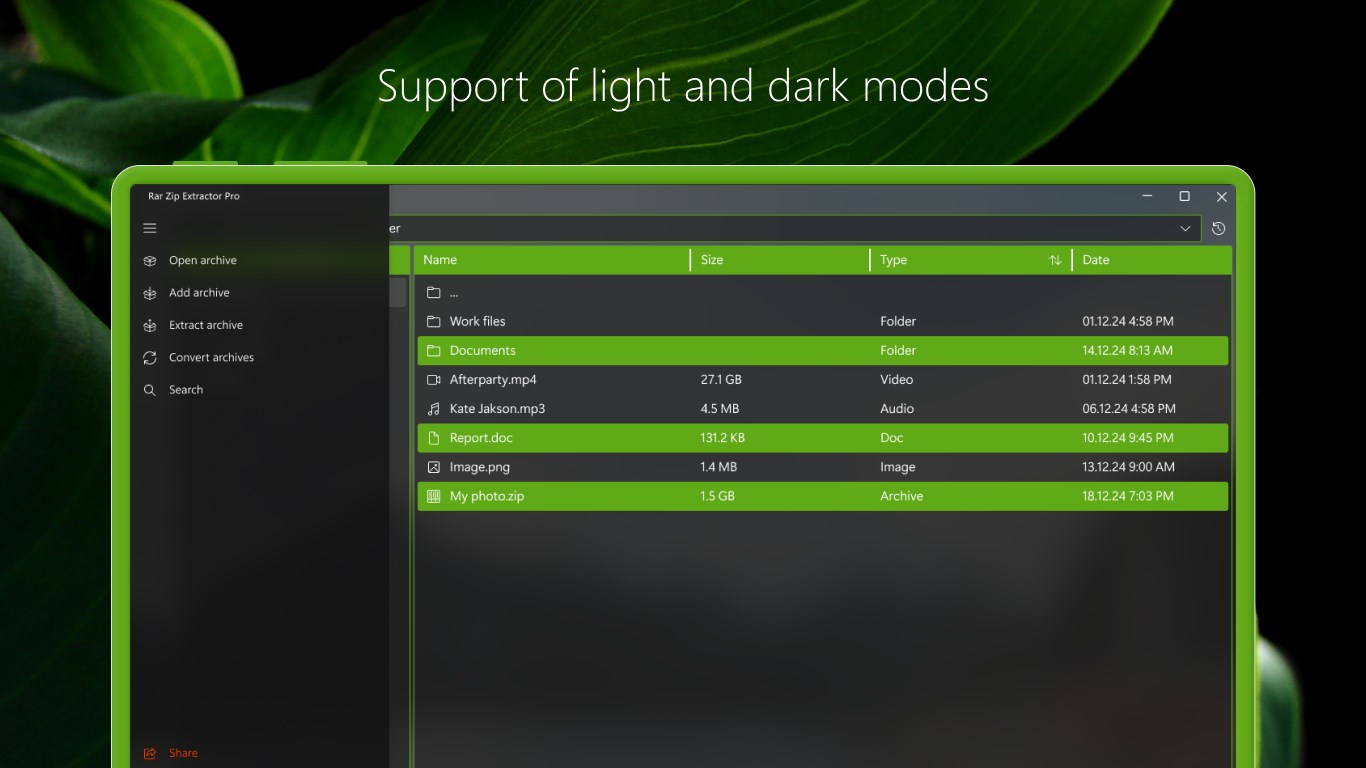
Rar Zip Extractor Pro is a file archiver for creating and extracting archives in formats such as 7z, ZIP, RAR, CAB, TAR and ISO. It supports working with multivolume archives and allows unpacking whole archives or selected files. Password-protected archives can be created and extracted, and the app offers automatic unpacking. It includes a file explorer, a built-in search for archives and folders, and additional settings for file archiving. A premium edition removes restrictions of the trial period and provides an ads-free experience.
Show the developer's original descriptionHide the original description
Use Rar Zip Extractor Pro for packing and unpacking files without any difficulties!
Rar Zip Extractor Pro supports all popular formats that allows you to create and extract archives in such formats like 7z, ZIP, RAR, CAB, TAR, ISO and others. Using this perfect tool you'll be able to work with multivolume archives, unpack whole archives and selected files, create and extract password protected archives. Moreover, the app has automatic unpacking feature! For optimal application performance, we use .NET Core.
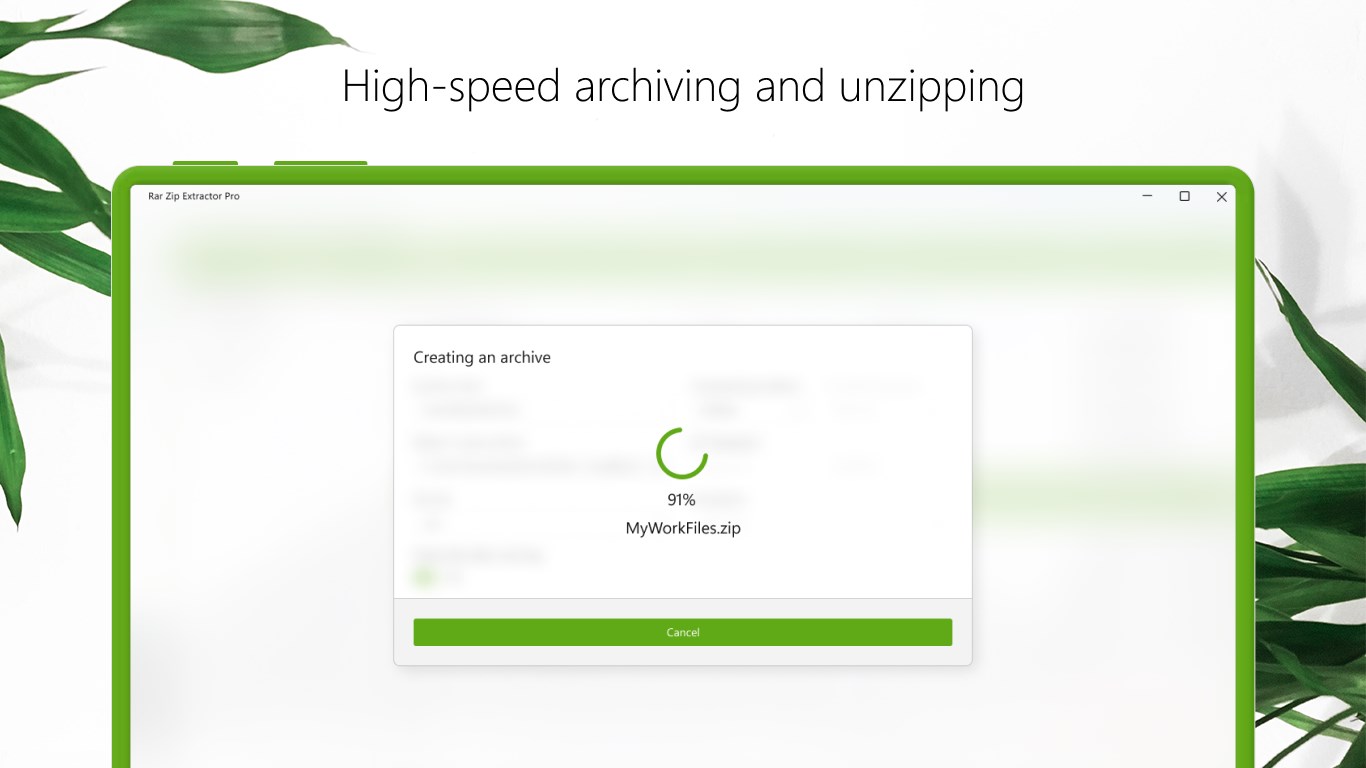
Get the highest compression ratio for your files! Start to pack and unpack with Rar Zip Extractor Pro!
WHAT'S NEW HAS BEEN ADDED?
🔥 Modern Fluent design.
🔥 Convenient File Explorer.
🔥 Quick conversion of archives.
🔥 Built-in search for archives, folders.
🔥 Additional settings for your file archiving.
⚠️While the trial period may come with its set of restrictions, the premium edition acts as a key to unlock boundless possibilities, releasing you from any constraints and providing an elevated, ads-free user experience.⚠️
If there is a version of this app for iOS/Mac or Windows we don't know about, paste the store link here — we'll auto-detect the store.
How to find the URL:1. Open the app in its store. 2.In the App Store app: tap the Share icon → “Copy Link”. In the browser: copy the URL from the address bar — it contains apps.apple.com/…/id… or apps.microsoft.com/detail/…. 3. Paste it here.
Paste the original link from the Apple App Store or Microsoft Store. We fetch all details automatically.
How to find the URL:
1. Open the app in its store. 2.In the App Store app: tap the Share icon → “Copy Link”. In the browser: copy the URL from the address bar — it contains apps.apple.com/…/id… or apps.microsoft.com/detail/…. 3. Paste it here.
Android apps can only be listed by their developer.