Windows Scan

Scan documents and photos with a scanner AI summary
Rank 2148
0 Up Votes, 0 Down Votes
▲
0
▼
Windows Scan is not available on Android — or is it? Submit URL
Screenshots
iPhone iPad Windows
Screenshot 1 of Windows Scan on iPhoneScreenshot
appears after consent
Screenshot 2 of Windows Scan on iPhoneScreenshot
appears after consent
Screenshot 3 of Windows Scan on iPhoneScreenshot
appears after consent
Screenshot 4 of Windows Scan on iPhoneScreenshot
appears after consent
Screenshot 5 of Windows Scan on iPhoneScreenshot
appears after consent
Screenshot 6 of Windows Scan on iPhoneScreenshot
appears after consent
Screenshot 7 of Windows Scan on iPhoneScreenshot
appears after consent
Screenshot 8 of Windows Scan on iPhoneScreenshot
appears after consent
Screenshot 9 of Windows Scan on iPhoneScreenshot
appears after consent
Screenshot 10 of Windows Scan on iPhoneScreenshot
appears after consent
Summary
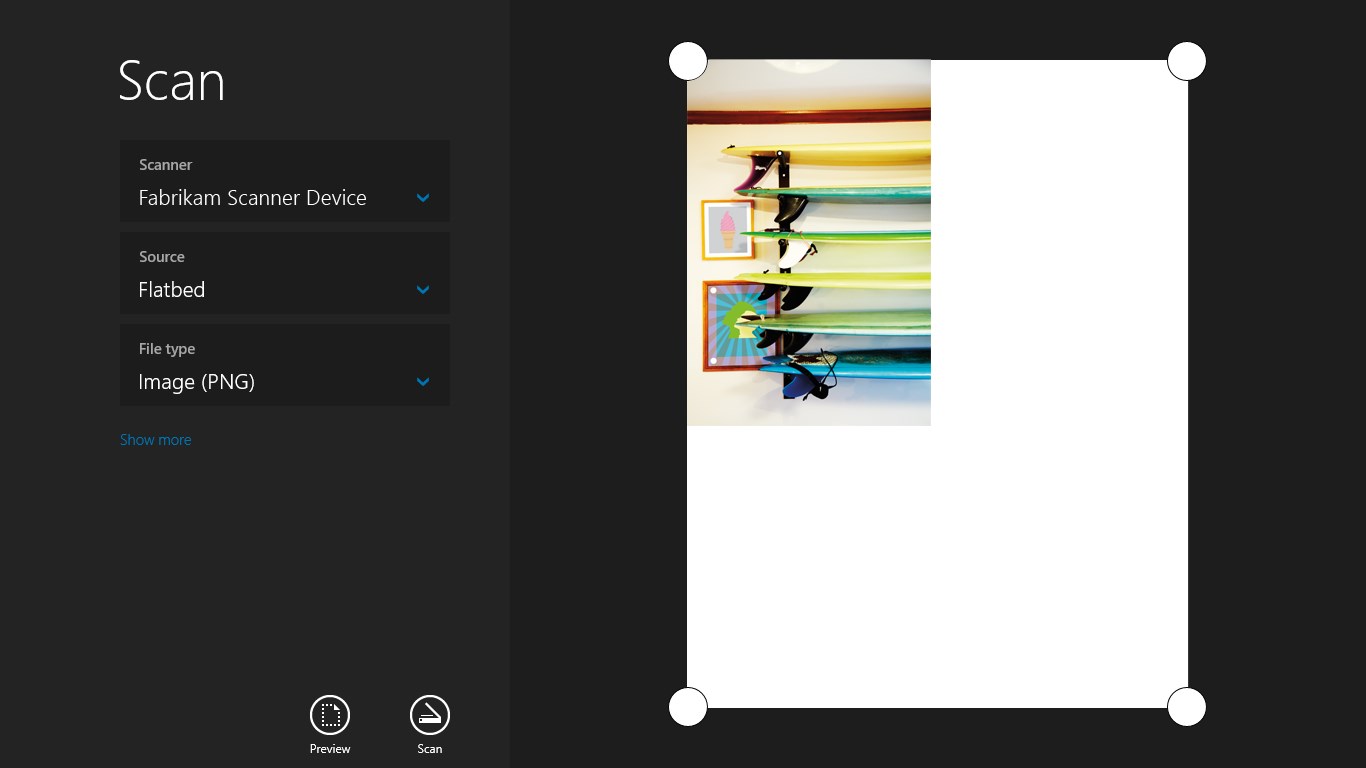
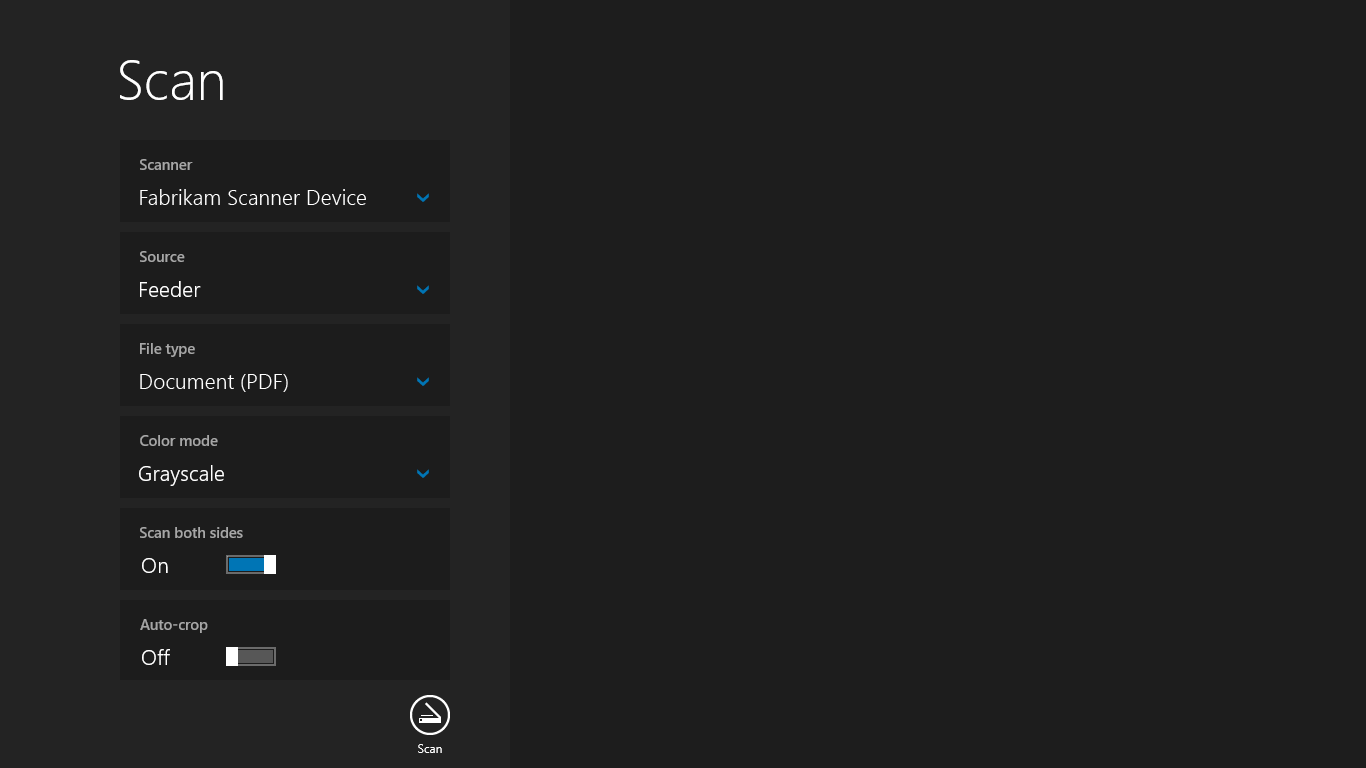
Windows Scan is a scanning app that makes it easy to scan documents and pictures using a connected scanner and save them wherever desired. It supports scanning single photos from a flatbed scanner as well as scanning multiple pages using a document feeder.
Show the developer's original descriptionHide the original description
If you have a scanner, this app makes it easy to scan documents and pictures and save them where you'd like. Whether you're scanning a photo from the flatbed or scanning multiple pages by using a document feeder, the Scan app is the perfect assistant.
Technical details about Windows Scan
Category
Age Rating
Price
Size
4,1 MB
Last updated in Microsoft Store
2026-06-11
App Store Rating
3.4 ★
Devices
Windows Scan in the rankings
Manage app

Are you on the developer team behind Windows Scan?

Verify yourself and manage your listing on Most Voted Apps.

Verify Windows Scan for free
Verification usually takes only a few minutes.
Similar apps to Windows Scan