
Screenshot appears after consentScreenshot appears after consentScreenshot appears after consentScreenshot appears after consentScreenshot appears after consentScreenshot appears after consentScreenshot appears after consent
Summary
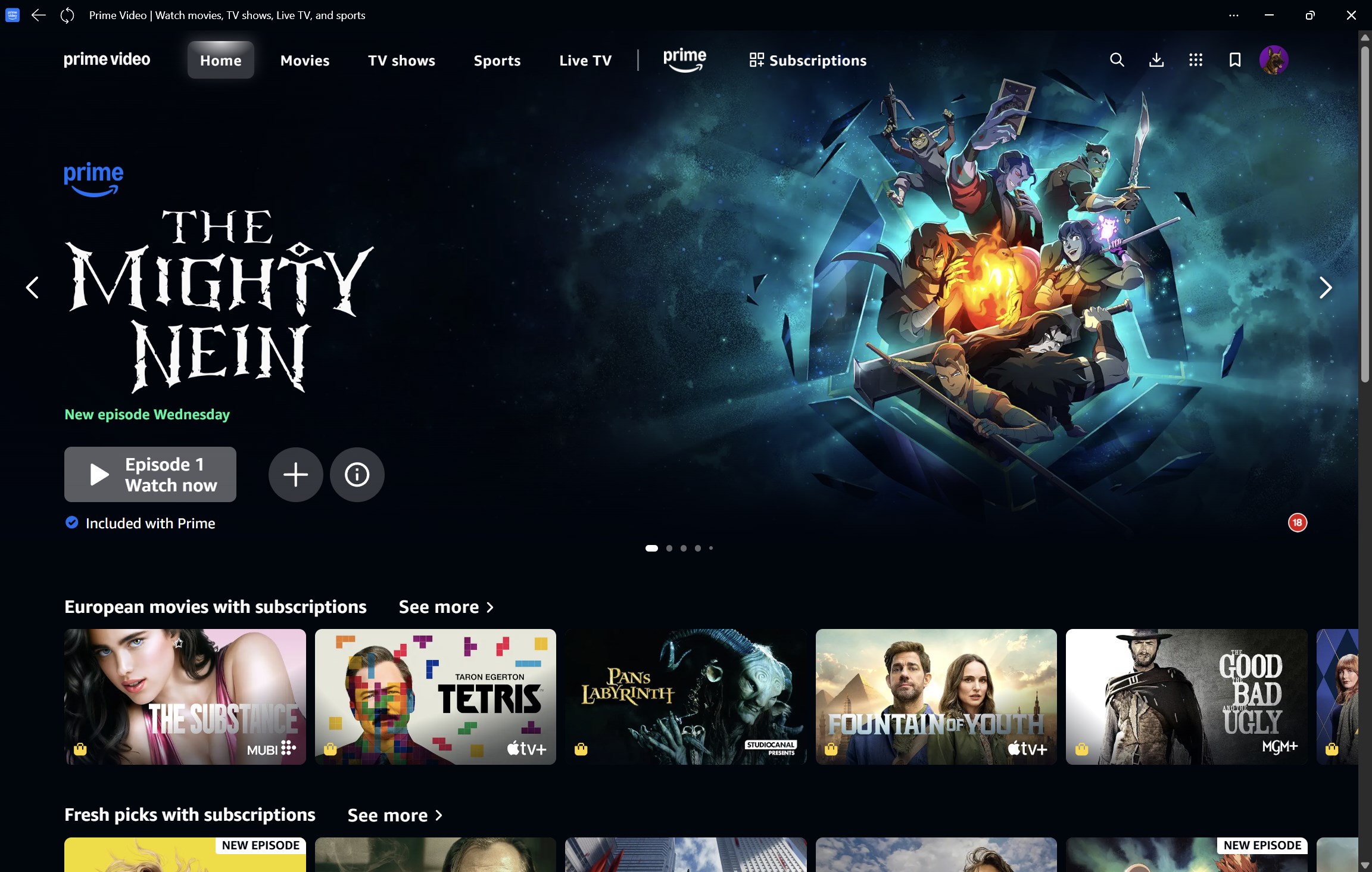
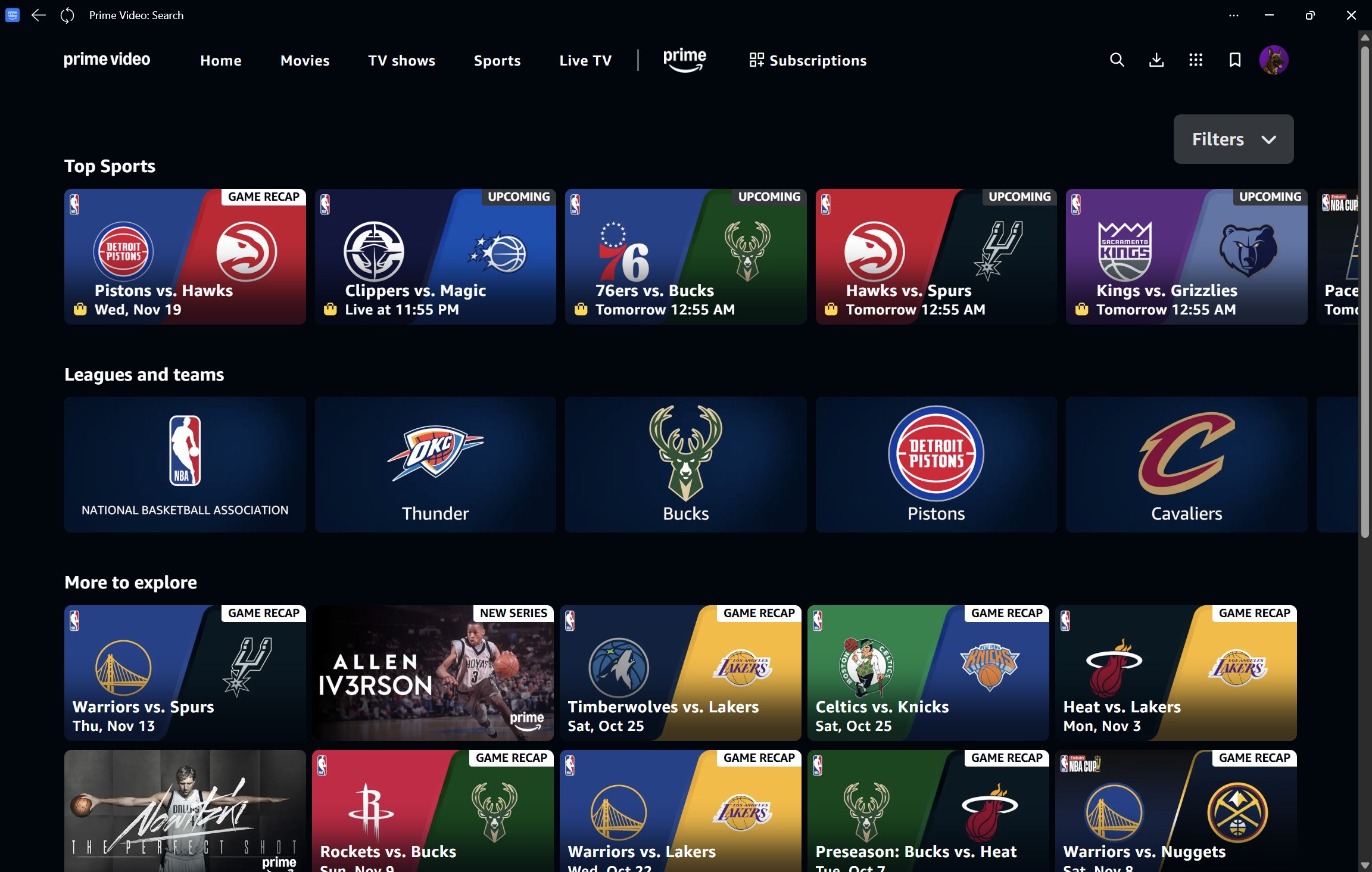
Prime Video for Windows is a streaming app for movies, TV shows, live sports and TV channels included with Prime. It offers exclusive Prime Originals alongside videos available to rent or buy, with availability varying by country or region. Videos can be downloaded for offline viewing anywhere. Add-on subscriptions give access to additional premium content from providers such as Apple TV+, Paramount+, Discovery+ and Hayu without needing separate apps, though not in all regions. Multiple user profiles allow personalized entertainment experiences, and exclusive X-Ray access powered by IMDb offers behind-the-scenes information on movies and shows.
Show the developer's original descriptionHide the original description
All your favourites, all in one place. Enjoy exclusive Prime Originals, movies, shows, live sports and TV included with Prime, plus premium subscriptions and videos to rent or buy.App features:
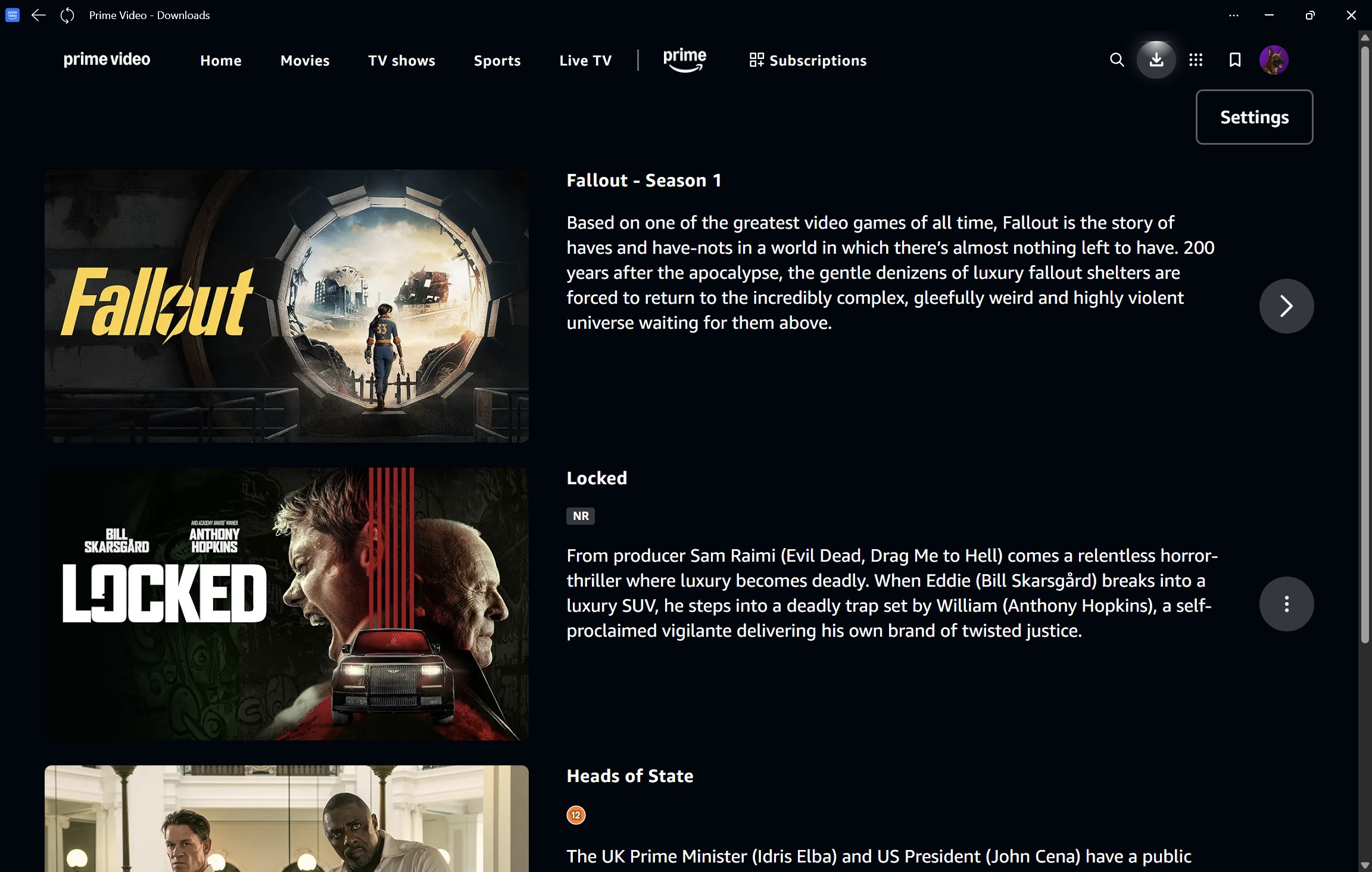
• Download videos to watch offline - anywhere, anytime.
• Rent or buy new-release movies and popular TV shows (availability varies by countries/regions).
• With Prime Video add-on subscriptions, enjoy the best and widest selection of additional premium content from the likes of Apple TV+, Paramount+, Discovery+, and Hayu, with no extra apps to download (not available in all countries/regions).
• Multi-user profiles allow creating personalized entertainment experiences.
• Go behind the scenes of movies and TV shows with exclusive X-Ray access, powered by IMDb.
For customers located within the European Union, United Kingdom, or Brazil: By using this app, you agree to the Amazon Conditions of Use and Prime Video Terms of Use at primevideo.com/ww-av-legal-home. Please see our Privacy Notice, our Cookies Notice, and our Interest-Based Ads Notice at primevideo.com/ww-av-legal-home.
For all other customers: By using this app, you agree to the Amazon Conditions of Use, Privacy Notice, and Prime Video Terms of Use at primevideo.com/ww-av-legal-home.
If there is a version of this app for iOS/Mac or Windows we don't know about, paste the store link here — we'll auto-detect the store.
How to find the URL:1. Open the app in its store. 2.In the App Store app: tap the Share icon → “Copy Link”. In the browser: copy the URL from the address bar — it contains apps.apple.com/…/id… or apps.microsoft.com/detail/…. 3. Paste it here.
Paste the original link from the Apple App Store or Microsoft Store. We fetch all details automatically.
How to find the URL:
1. Open the app in its store. 2.In the App Store app: tap the Share icon → “Copy Link”. In the browser: copy the URL from the address bar — it contains apps.apple.com/…/id… or apps.microsoft.com/detail/…. 3. Paste it here.
Android apps can only be listed by their developer.