

Screenshot appears after consentScreenshot appears after consentScreenshot appears after consentScreenshot appears after consentScreenshot appears after consentScreenshot appears after consentScreenshot appears after consentScreenshot appears after consentScreenshot appears after consentScreenshot appears after consentScreenshot appears after consentScreenshot appears after consentScreenshot appears after consentScreenshot appears after consentScreenshot appears after consentScreenshot appears after consentScreenshot appears after consentScreenshot appears after consentScreenshot appears after consentScreenshot appears after consentScreenshot appears after consentScreenshot appears after consentScreenshot appears after consentScreenshot appears after consent
Summary
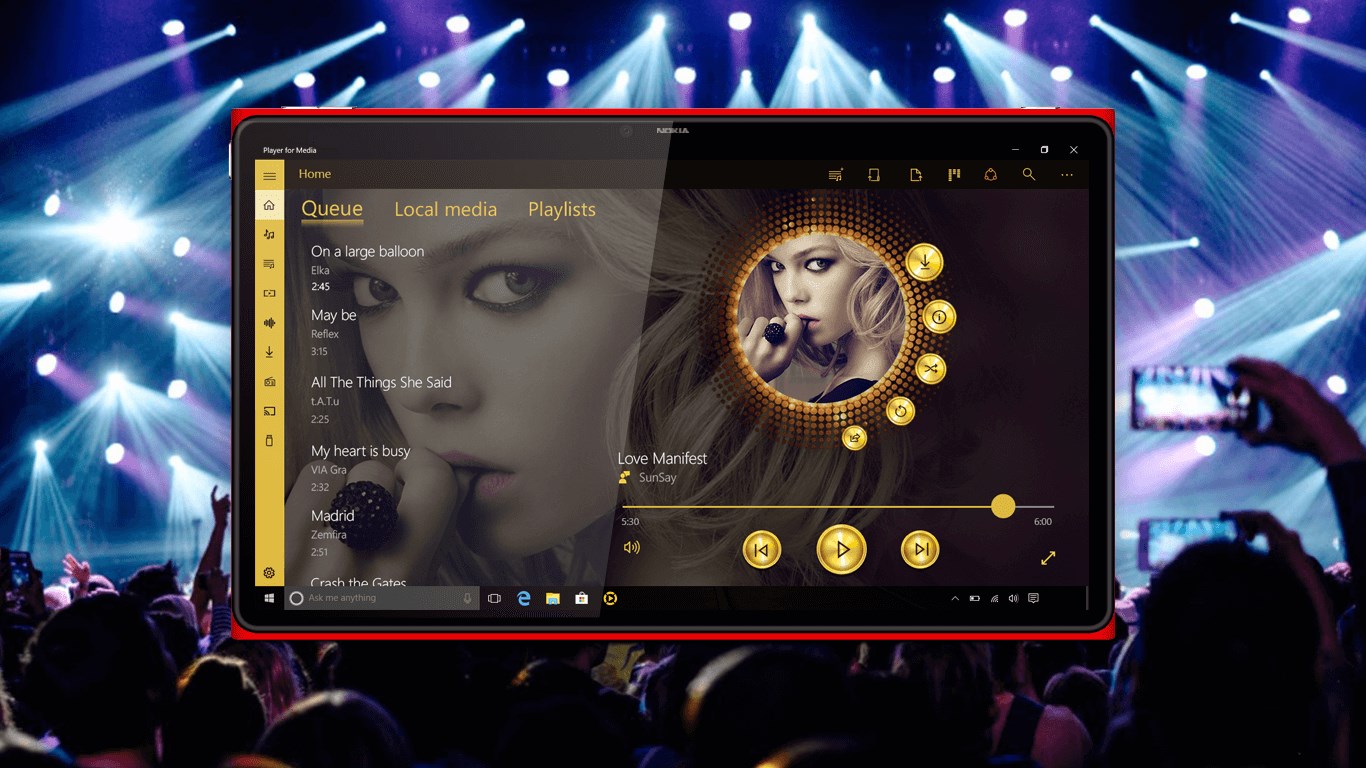
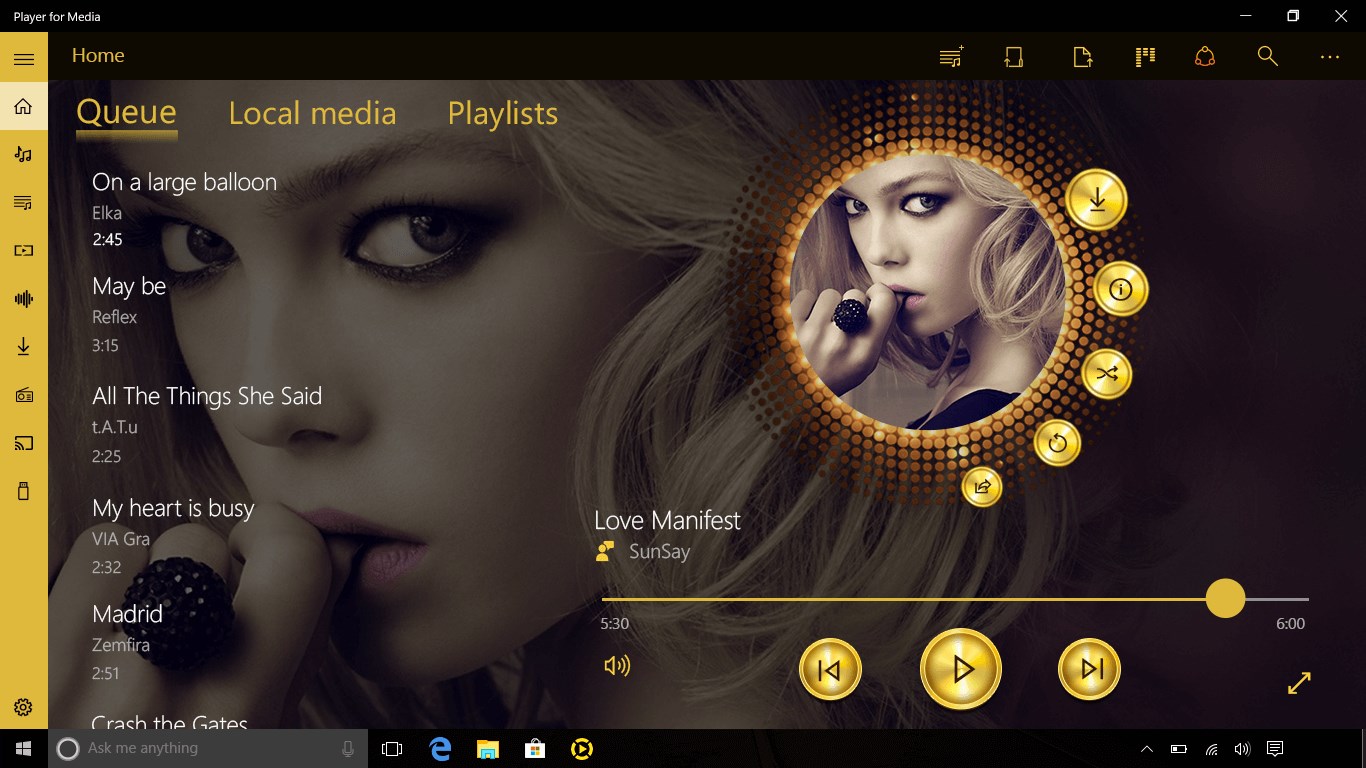
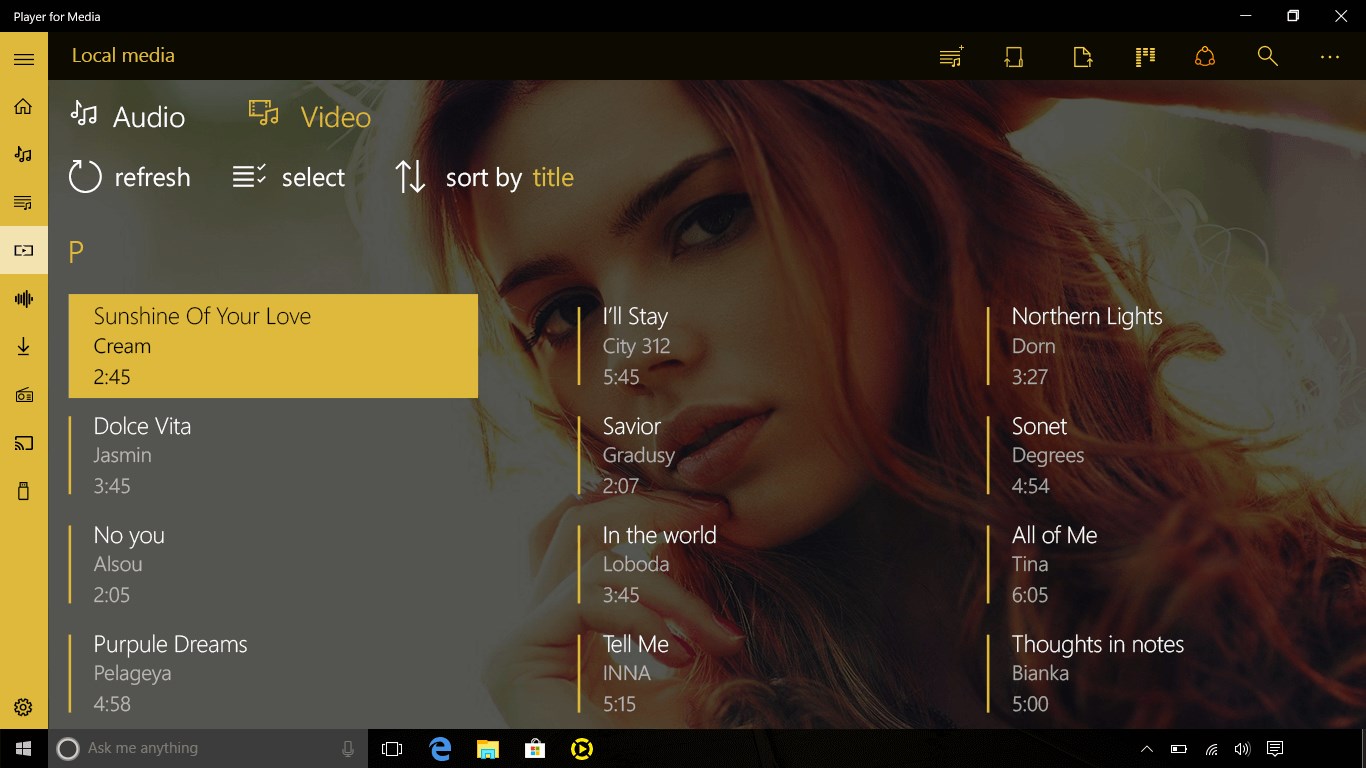
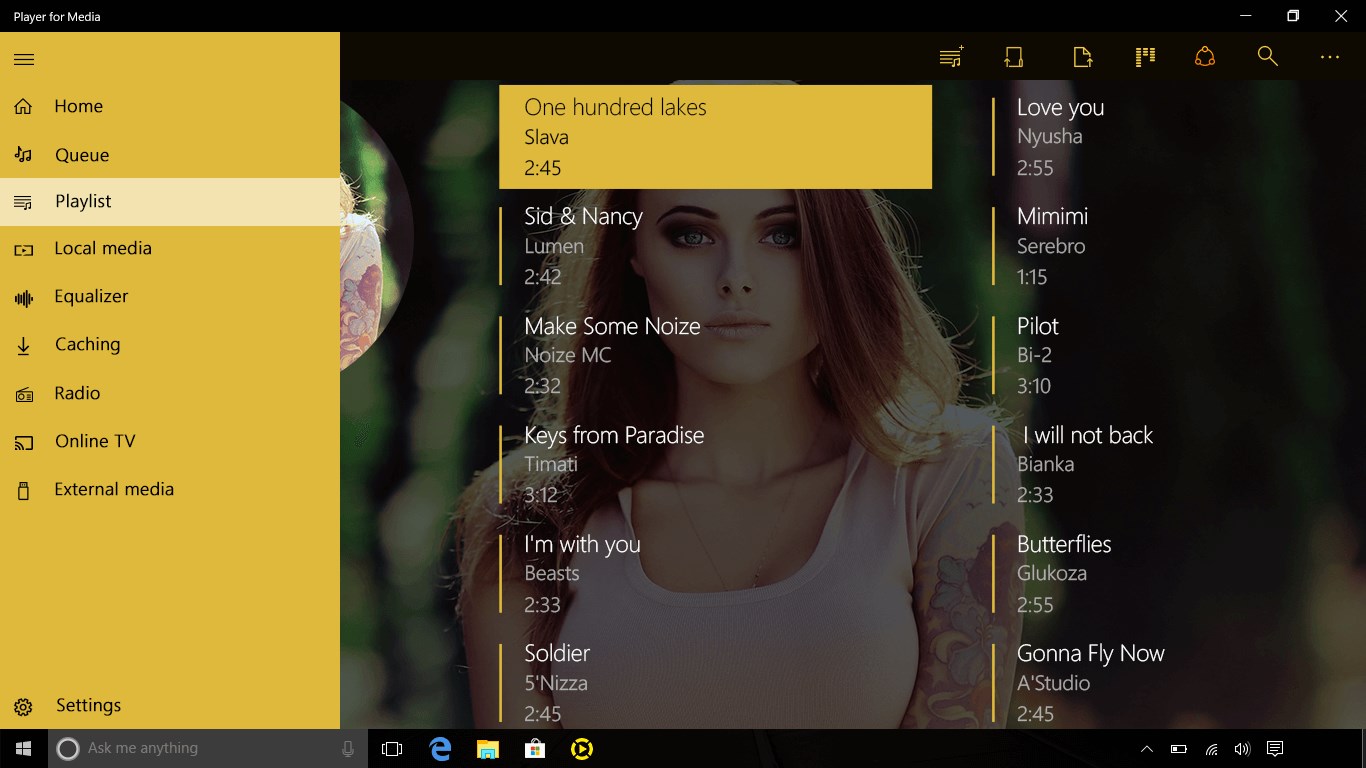
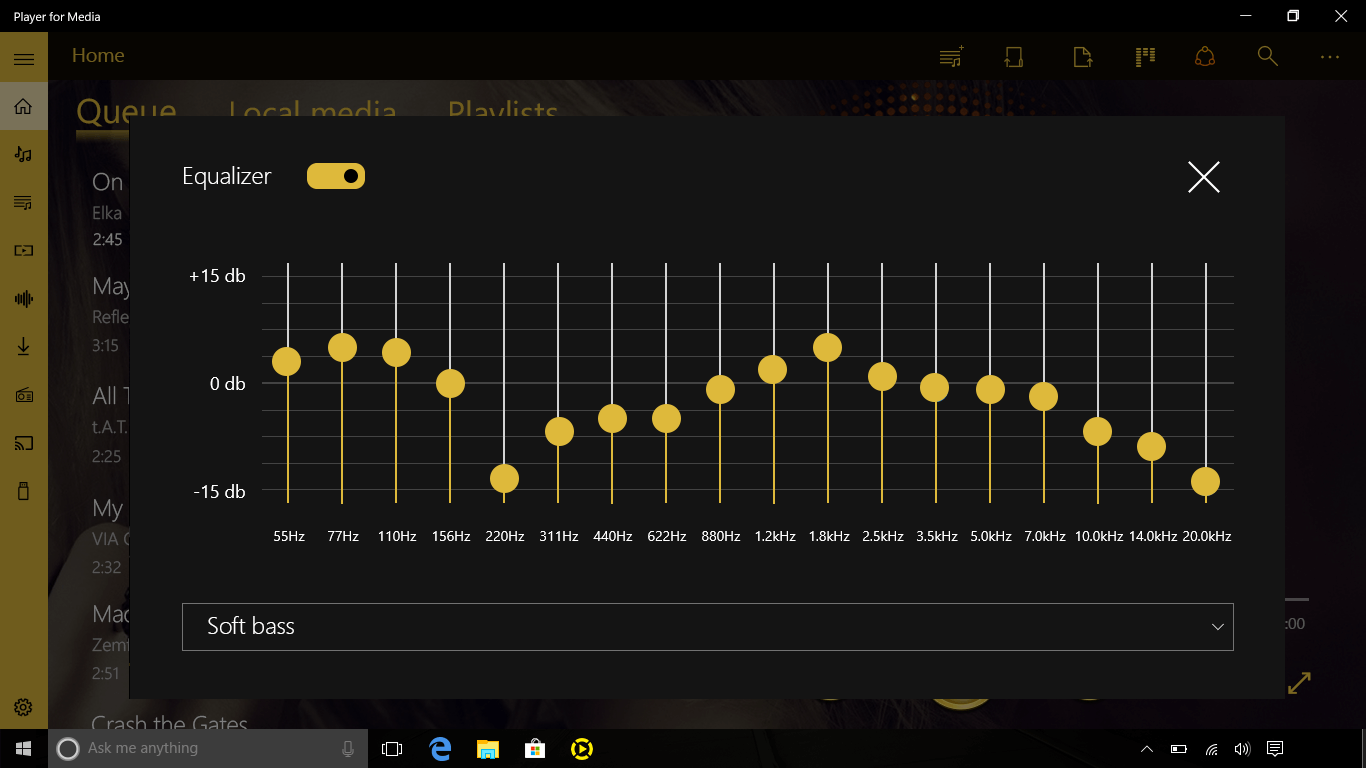
Player is a universal media player for PC that supports around 200 media formats, including FLV, MPG, VOB, QuickTime and MOV, and offers playback of HEVC videos. It manages playlists and plays videos with subtitles. It includes a convenient control mode and integrates SoundCloud and YouTube. An equalizer is also available. Full access to all formats and codecs along with an ad-free experience requires an active subscription, which includes a free one-week trial.
Show the developer's original descriptionHide the original description
Player - Universal media player for your PC!
High-quality features: 200 media formats, purchases for FLV, MPG, VOB, QuickTime, MOV, watching HEVC videos.
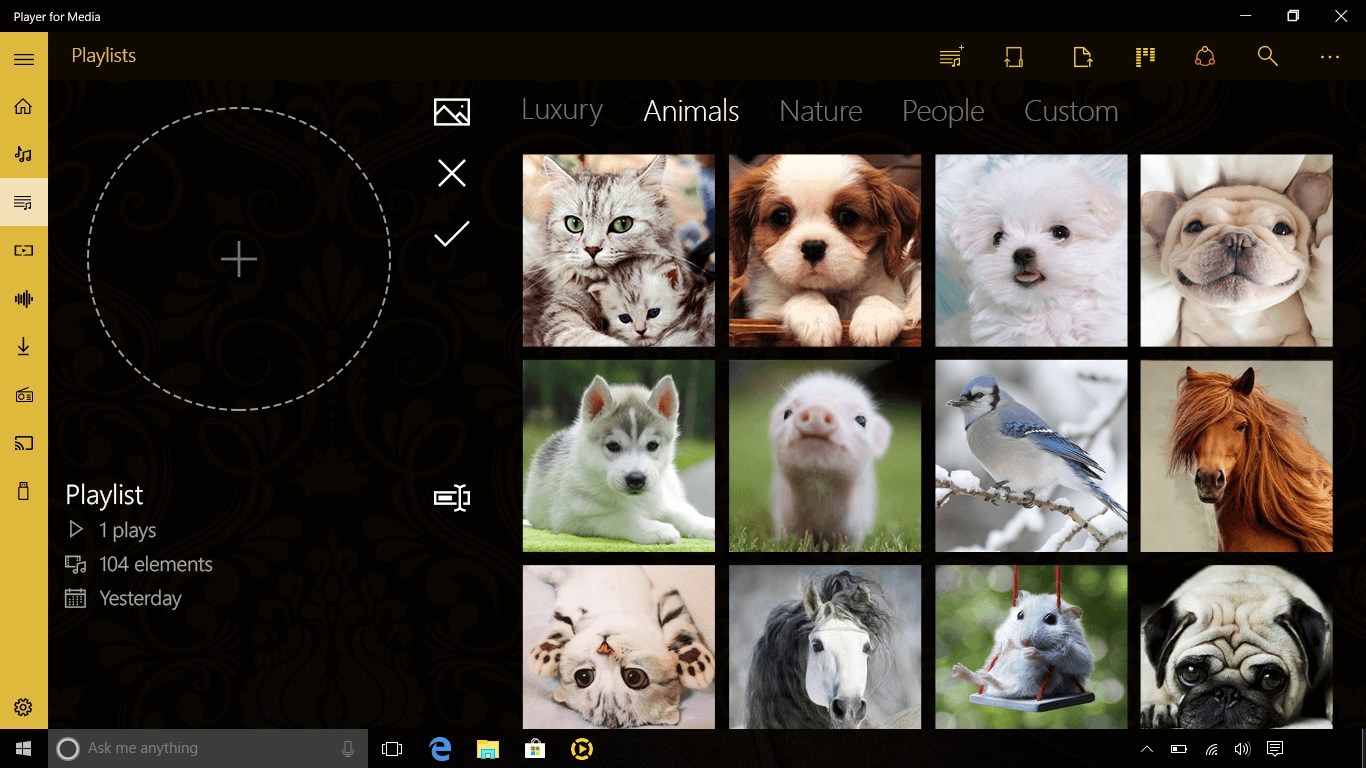
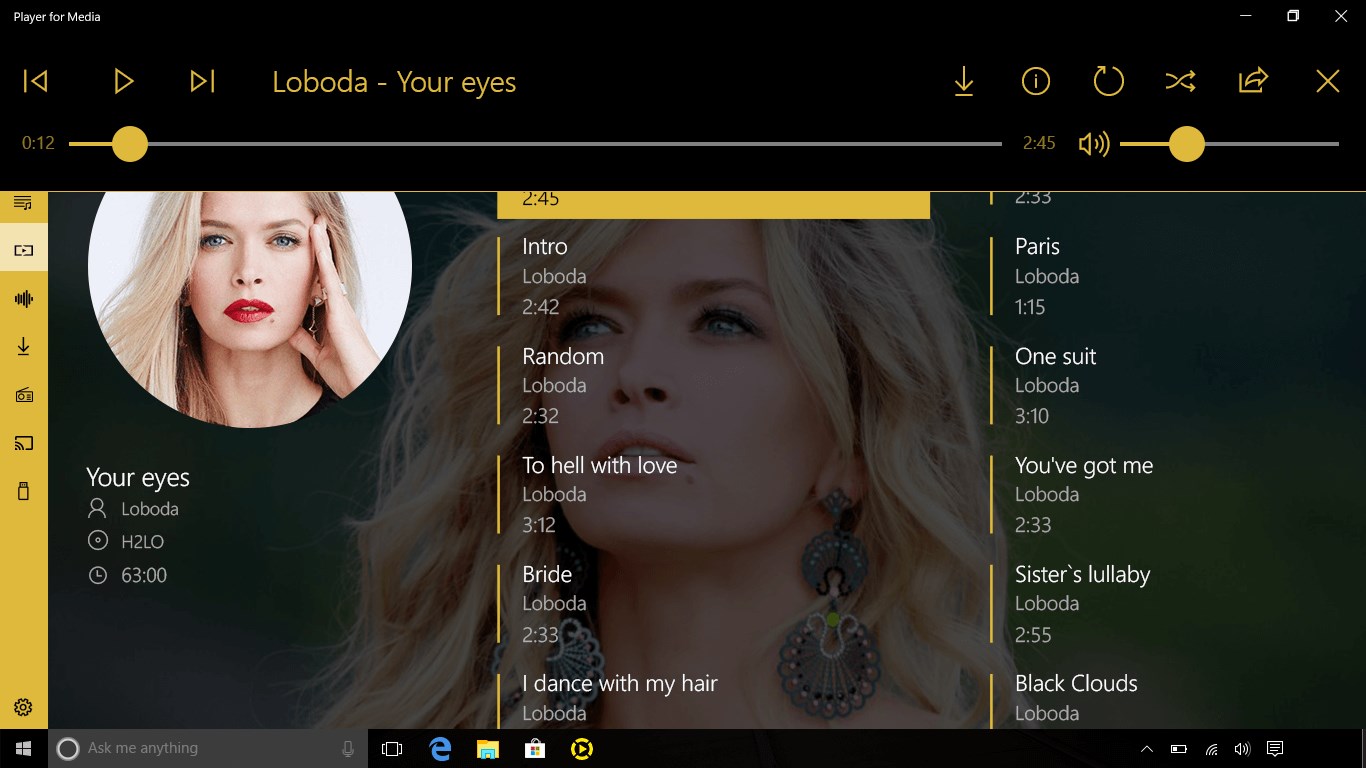
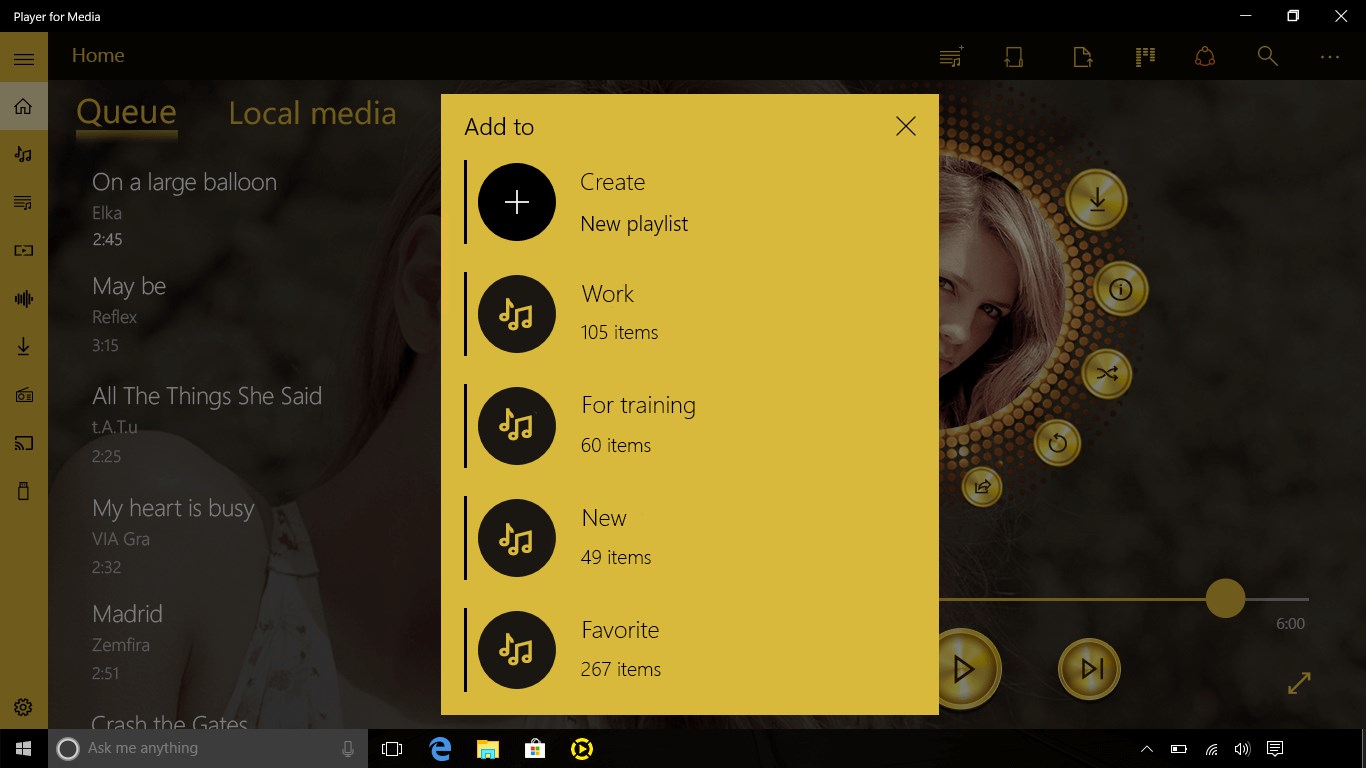
⭐️ Playlists management
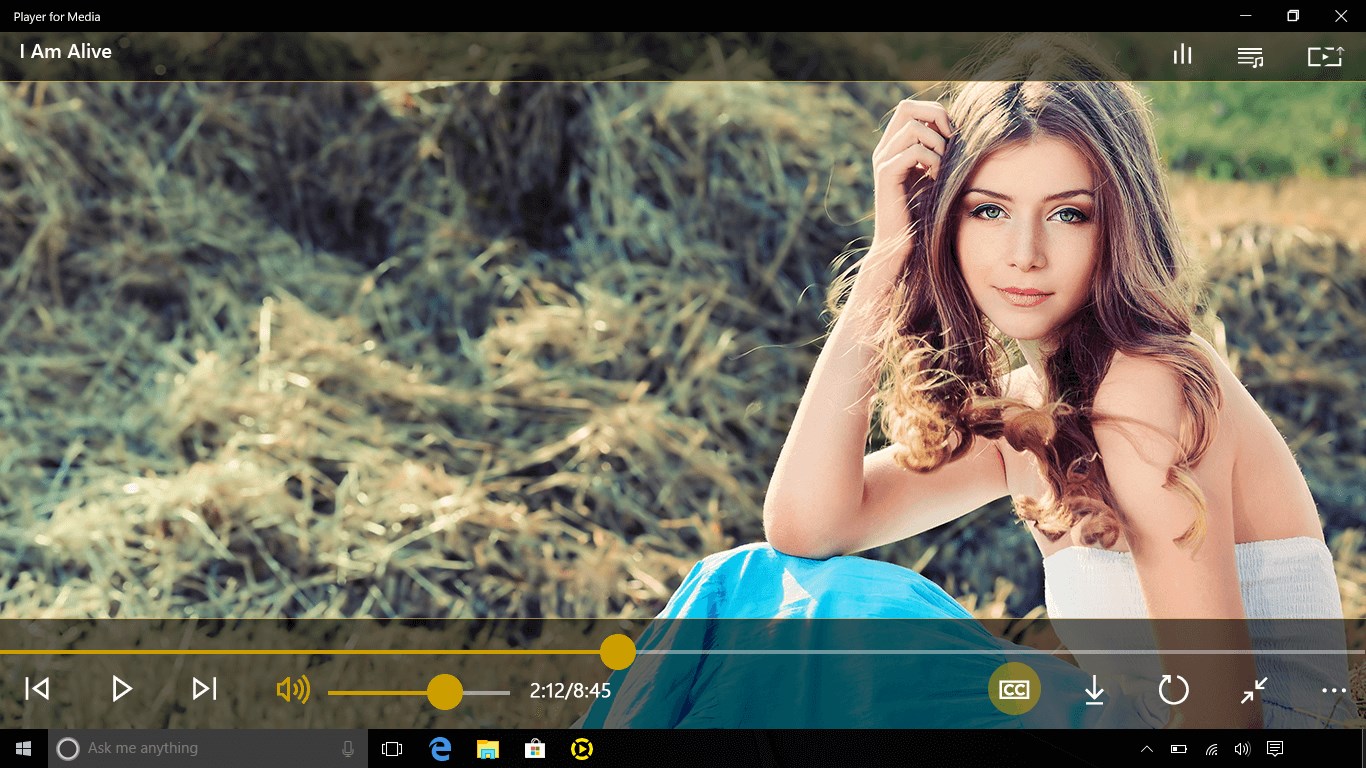
⭐️ Playback with subtitles
⭐️ Convenient control mode
⭐️ SoundCloud and YouTube
⭐️ more options and tools...
Player - All wishes in one app! Try out now!
Note: For an ad-free experience and access to 200+ video formats, top codecs, and an equalizer, active subscription and enjoy a free 1-week trial.
If there is a version of this app for iOS/Mac or Windows we don't know about, paste the store link here — we'll auto-detect the store.
How to find the URL:1. Open the app in its store. 2.In the App Store app: tap the Share icon → “Copy Link”. In the browser: copy the URL from the address bar — it contains apps.apple.com/…/id… or apps.microsoft.com/detail/…. 3. Paste it here.
Paste the original link from the Apple App Store or Microsoft Store. We fetch all details automatically.
How to find the URL:
1. Open the app in its store. 2.In the App Store app: tap the Share icon → “Copy Link”. In the browser: copy the URL from the address bar — it contains apps.apple.com/…/id… or apps.microsoft.com/detail/…. 3. Paste it here.
Android apps can only be listed by their developer.