

Screenshot appears after consentScreenshot appears after consentScreenshot appears after consentScreenshot appears after consentScreenshot appears after consentScreenshot appears after consentScreenshot appears after consent
Summary
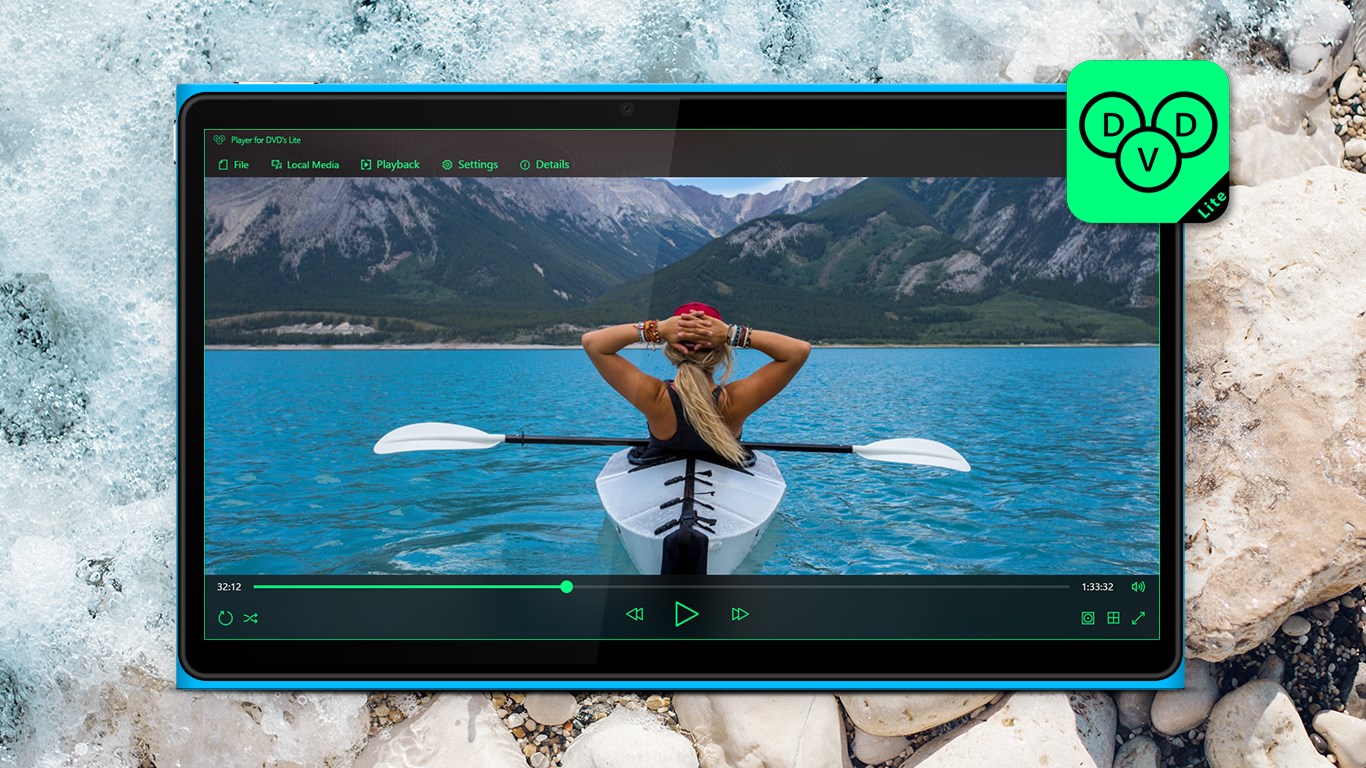
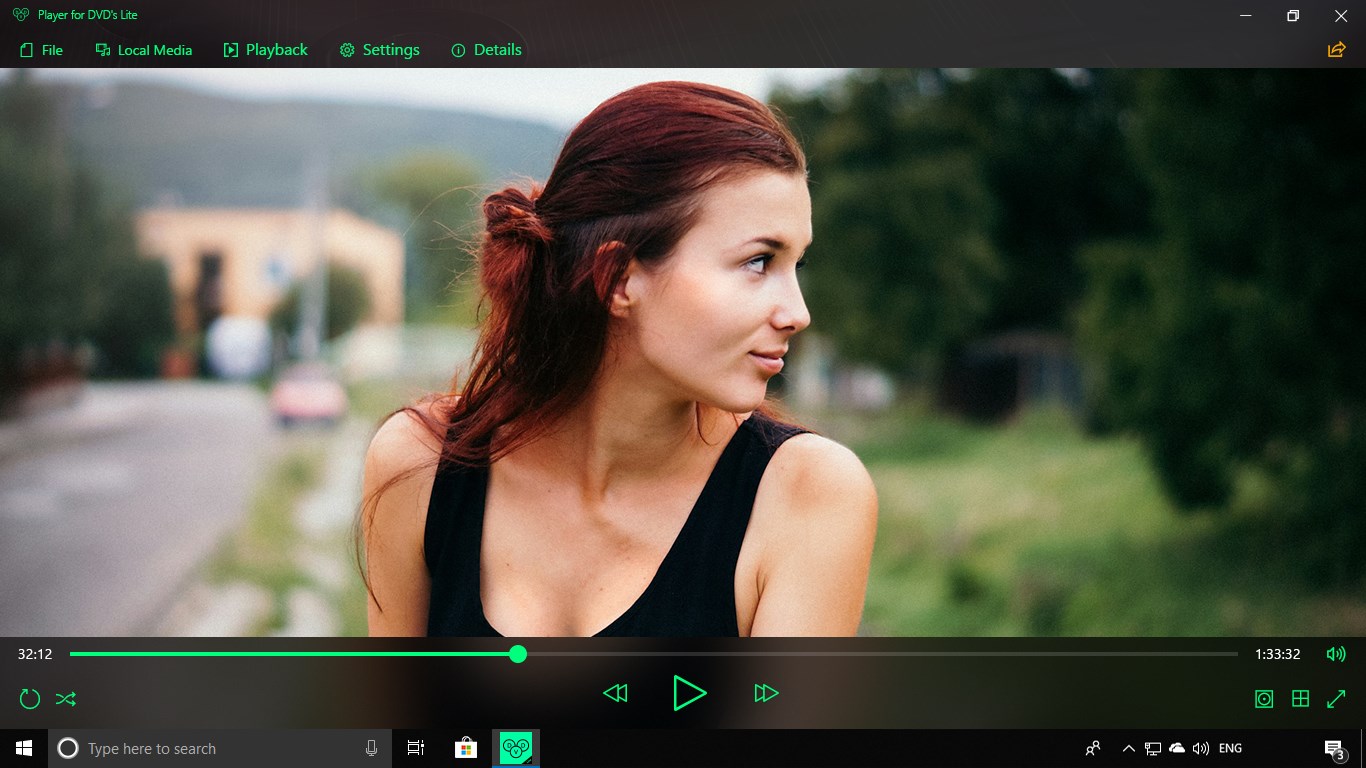
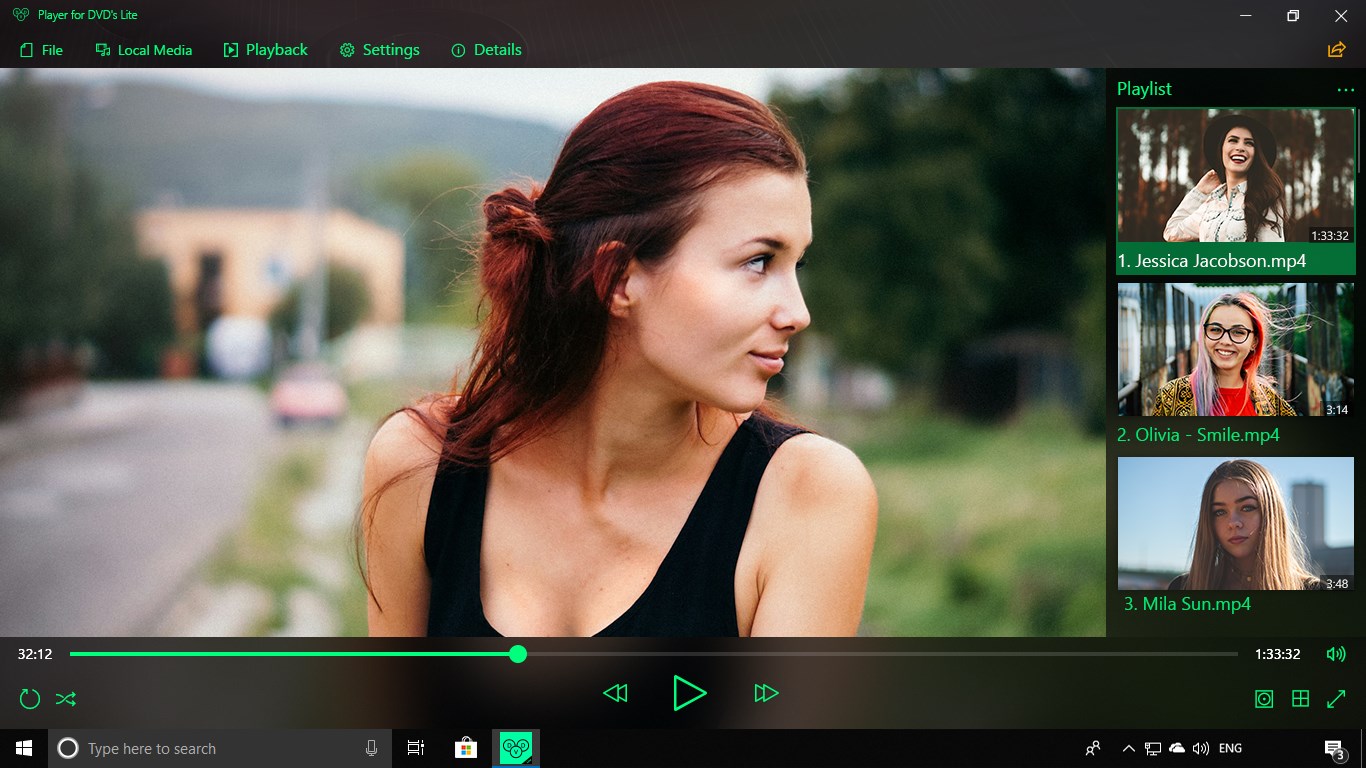
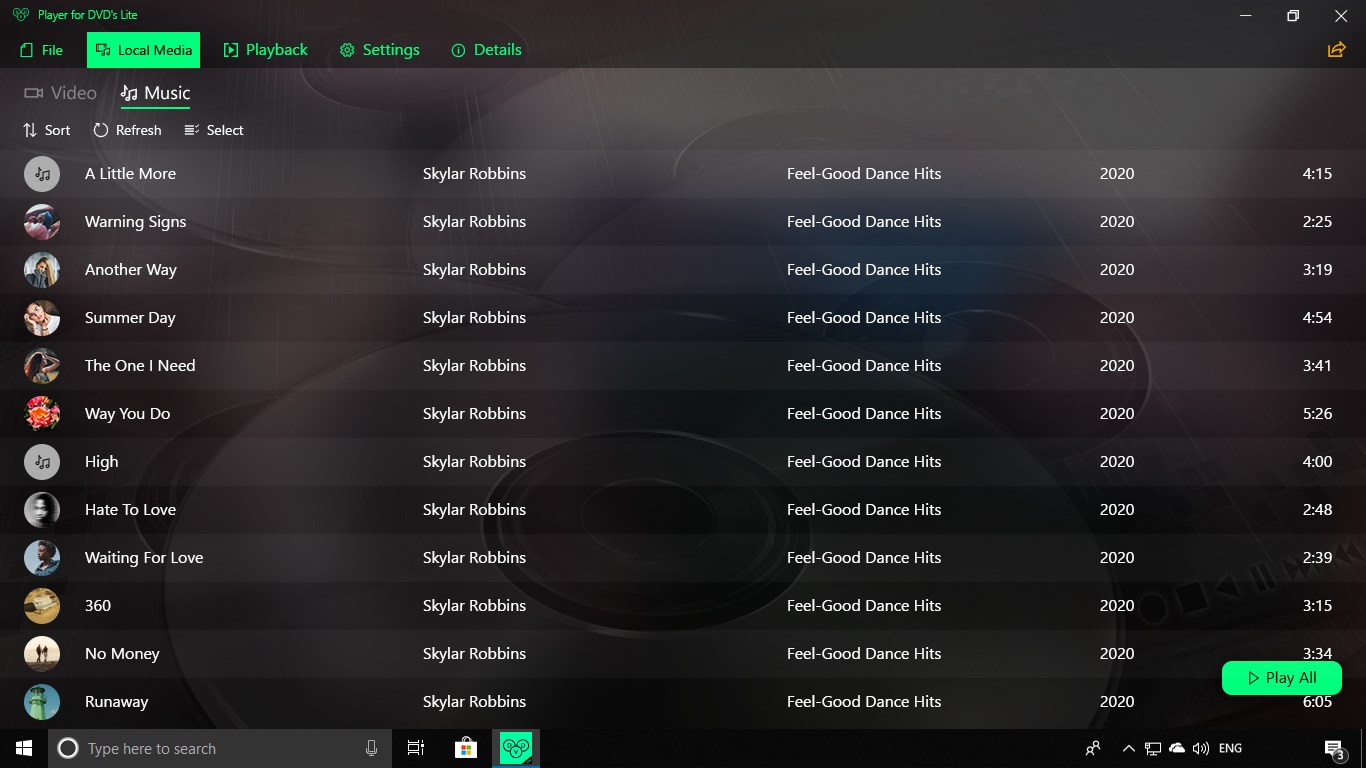
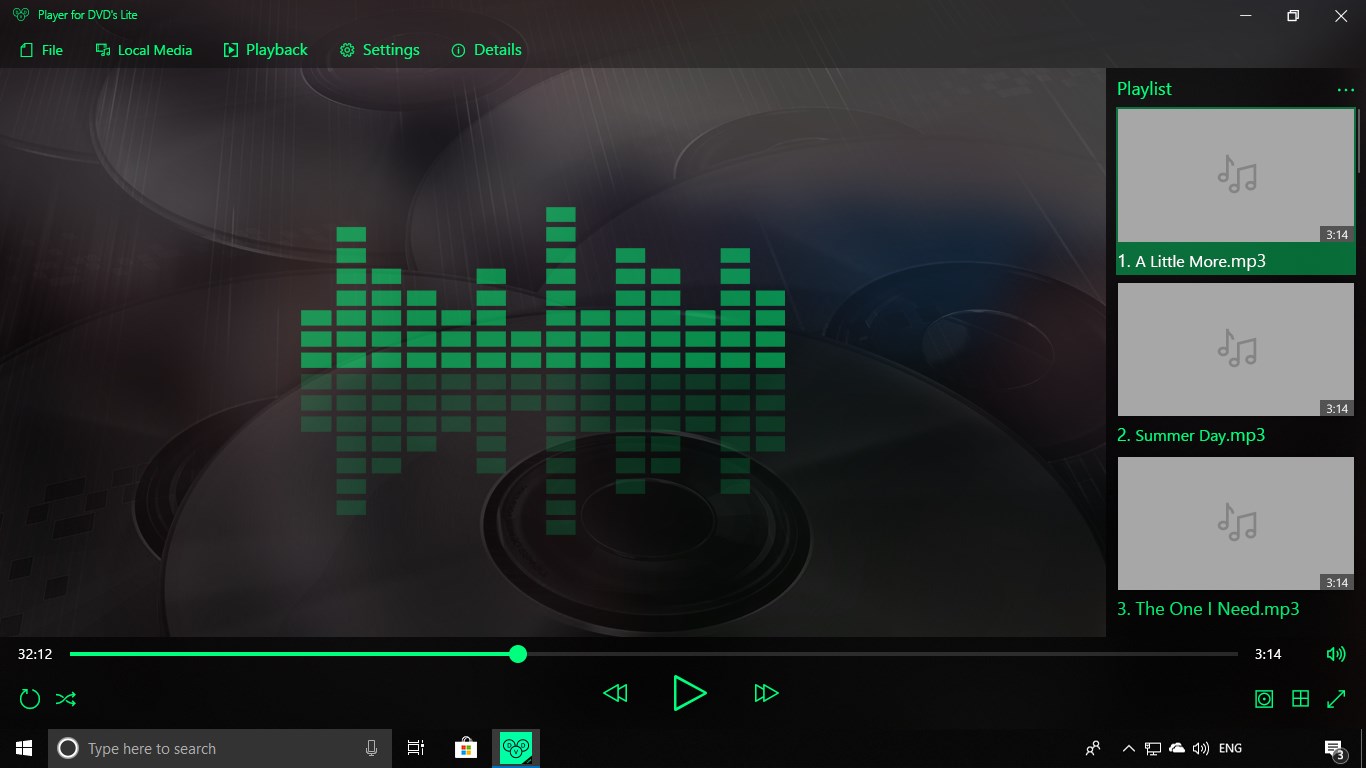
Player for DVD's Lite is a DVD player that supports more than 150 codecs, including HEVC, VOB, MKV, MPG, AVI, MOV, FLAC, ALAC, OGG and MP3. Users can create and manage playlists, watch videos with subtitles, enable random playback and continue playback in the background.
Show the developer's original descriptionHide the original description
Player for DVD's Lite - Original quality of decent playback!
You get high-quality DVD playback, perfect sound, support for more than 150 codecs, like HEVC, VOB, MKV, MPG, AVI, MOV, FLAC, ALAC, OGG, MP3, and others. Moreover, there is a full set of advanced features:
You can create and manage playlists, watch with subtitles, enable random playback, watch in the background, and that's not all.
Enjoy amazing sound & picture quality! Only with Player for DVD's Lite!
⚠️ This is a free trial version of Player for DVD's. It contains a transparent watermark for DVD playback, though it does not limit the use or affects the quality. You can remove the watermark via in-app purchase.
⚠️ Our application has no support for Windows 10 S. This is a special version built for educational institutions, especially for students and teachers. Thank for understanding!
⚠️ Player for DVD's Lite does not support formats and codecs that have active patents and require paid licenses. In case we violate someone's copyrights or rights of any third parties, inform us - support@tidalmediainc.com, our team will fix it as soon as possible.
If there is a version of this app for iOS/Mac or Windows we don't know about, paste the store link here — we'll auto-detect the store.
How to find the URL:1. Open the app in its store. 2.In the App Store app: tap the Share icon → “Copy Link”. In the browser: copy the URL from the address bar — it contains apps.apple.com/…/id… or apps.microsoft.com/detail/…. 3. Paste it here.
Paste the original link from the Apple App Store or Microsoft Store. We fetch all details automatically.
How to find the URL:
1. Open the app in its store. 2.In the App Store app: tap the Share icon → “Copy Link”. In the browser: copy the URL from the address bar — it contains apps.apple.com/…/id… or apps.microsoft.com/detail/…. 3. Paste it here.
Android apps can only be listed by their developer.