Screenshot appears after consentScreenshot appears after consentScreenshot appears after consentScreenshot appears after consentScreenshot appears after consentScreenshot appears after consentScreenshot appears after consentScreenshot appears after consentScreenshot appears after consentScreenshot appears after consent
Summary
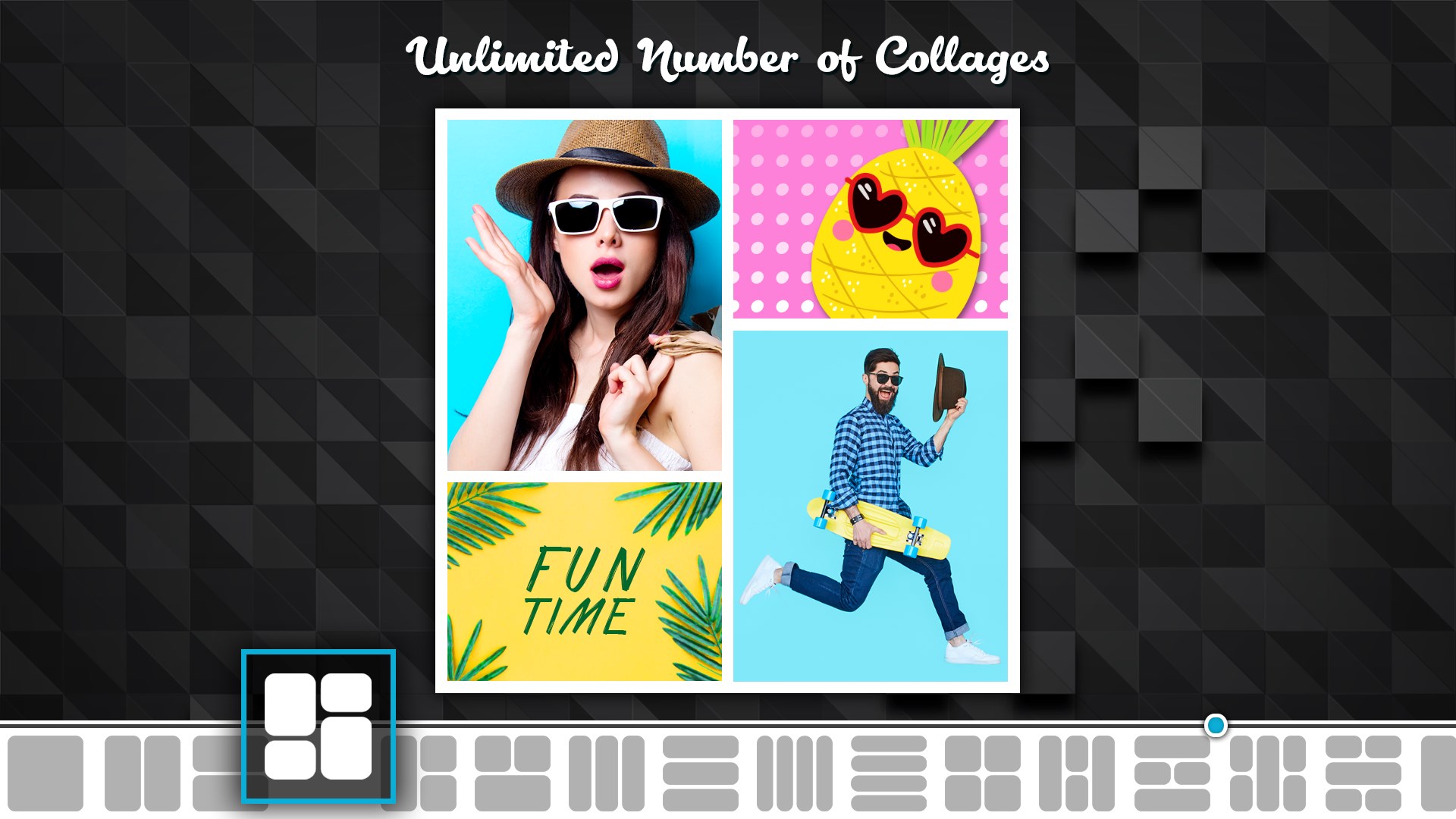
Collage Maker - Photo Grid & Montage is a photo editing app for creating collages by combining and customizing personal photos. It offers hundreds of adjustable layouts and templates, letting the layout resize around the photo rather than the other way around, with options to adjust border size or round the frame edges. A freestyle mode allows photo montages with added text, stickers and scrapbook-style arrangements. The app includes hundreds of photo filters, along with editing tools for cropping, enhancing, brightness, contrast and saturation. Additional features include customizable backgrounds and tiles, plus a large selection of fonts for adding messages to collages.
Show the developer's original descriptionHide the original description
May be a vacation or an event, Collage Maker is perfect to tell your entire story in One Picture.
Collage Maker - Photo Grid & Montage gives you endless possibilities to create one of a kind layouts by remixing your own photos. Collage Maker is a fast & easy to use app to create amazing photo collage on the go or create your own style using freestyle collage.
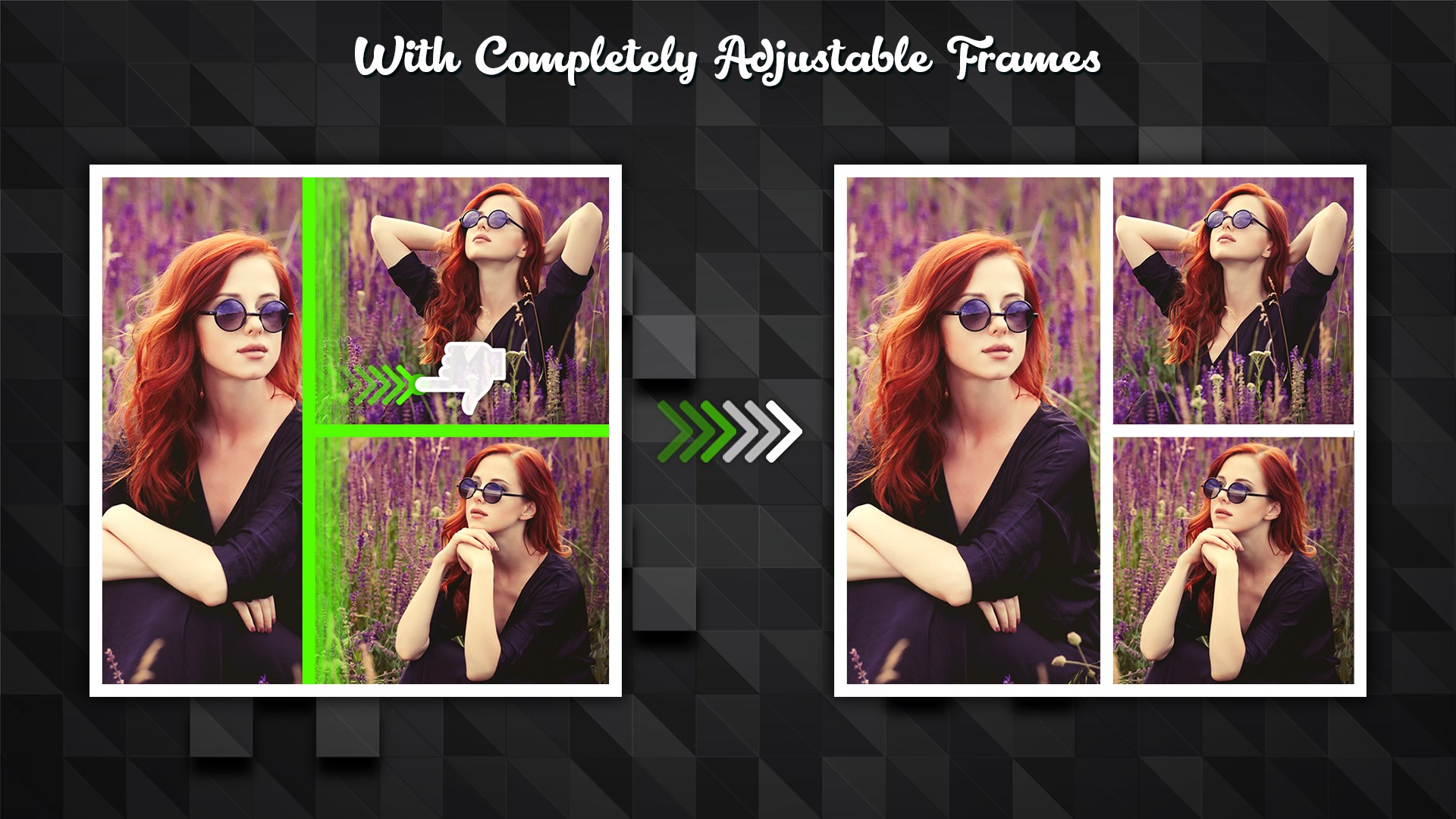
Hundreds of layouts and templates to choose from but the best part is they are full adjustable - So you can resize the Layout based on your Photo rather than adjusting photo based on Layout.
A Unique Collage Maker - that allows you to create creative collages in seconds.
* Photo Grid & Photo Stitch Fully adjustable frames -
Hundreds of layouts and templates to choose from but the best part is they are full adjustable - So you can resize the Layout based on your Photo rather than adjusting photo based on Layout. Adjust Border size or Make the Frames Rounded.
* Photo Montage & SuperImpose with Free Style
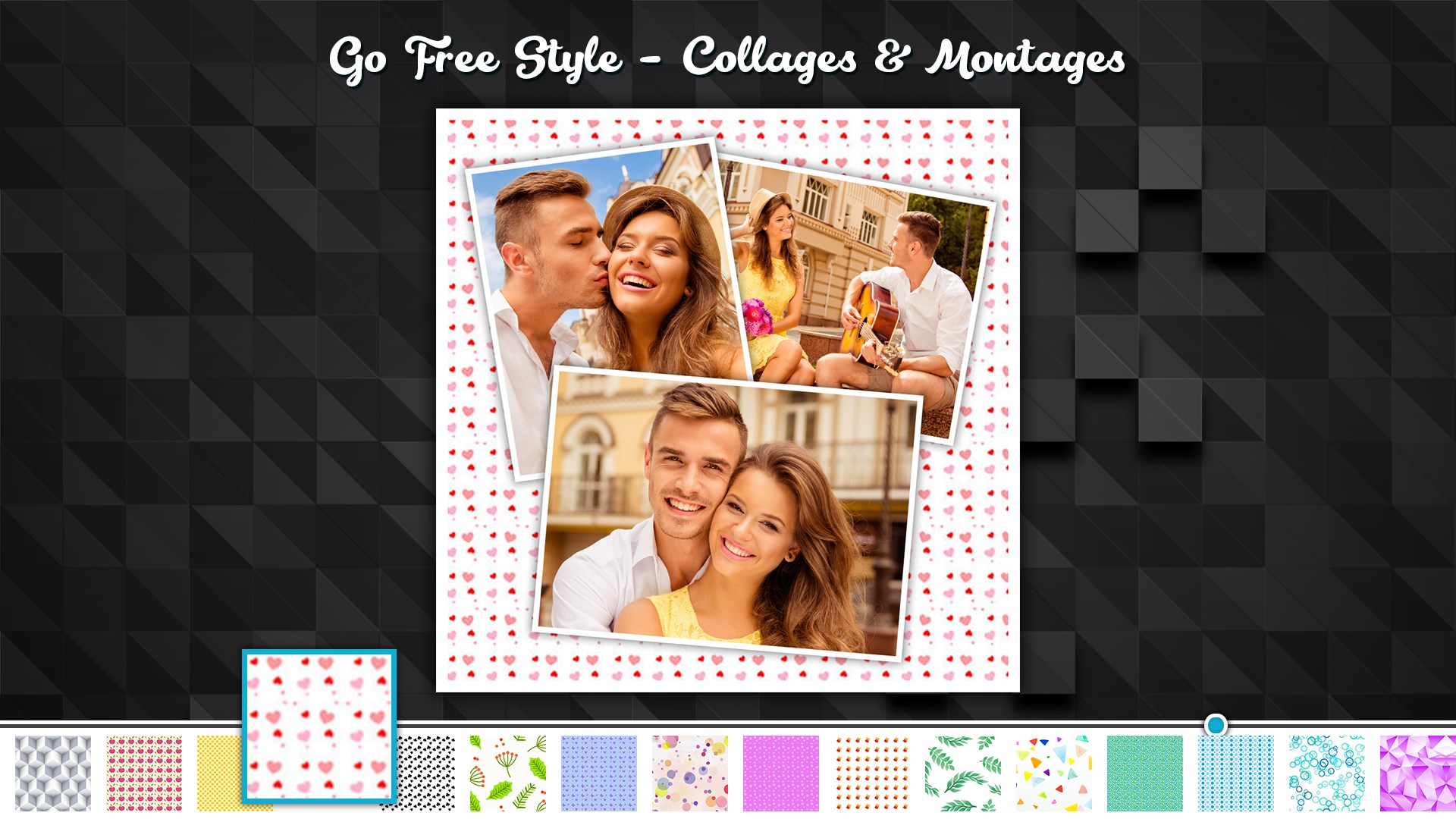
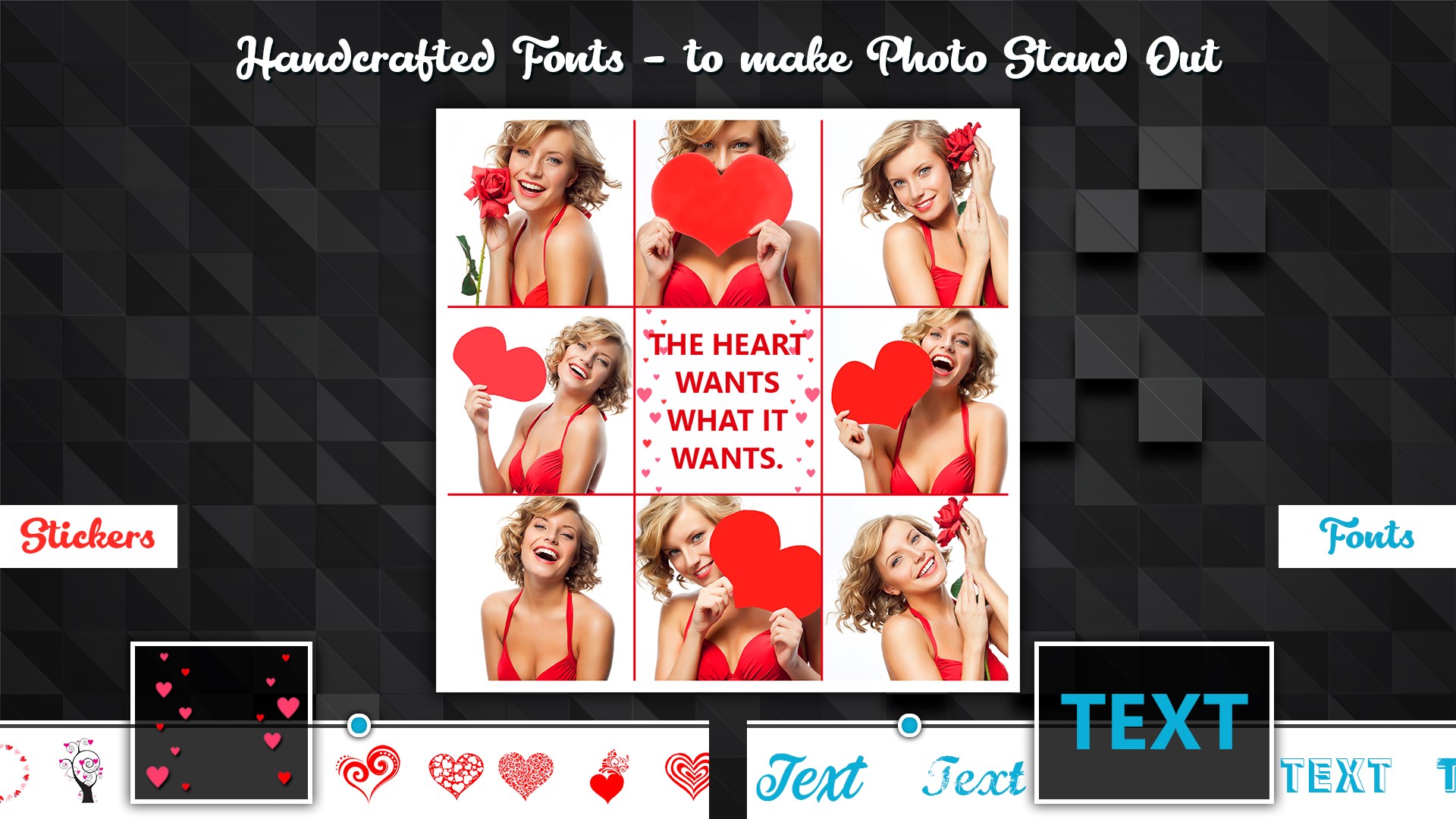
Want to go outside of Box? Go for free style, create your beautiful Photo Montage, Write Text add Stickers and create your own stories. Go freestyle and make a scrapbook of special moments.
* Best Photo Filters
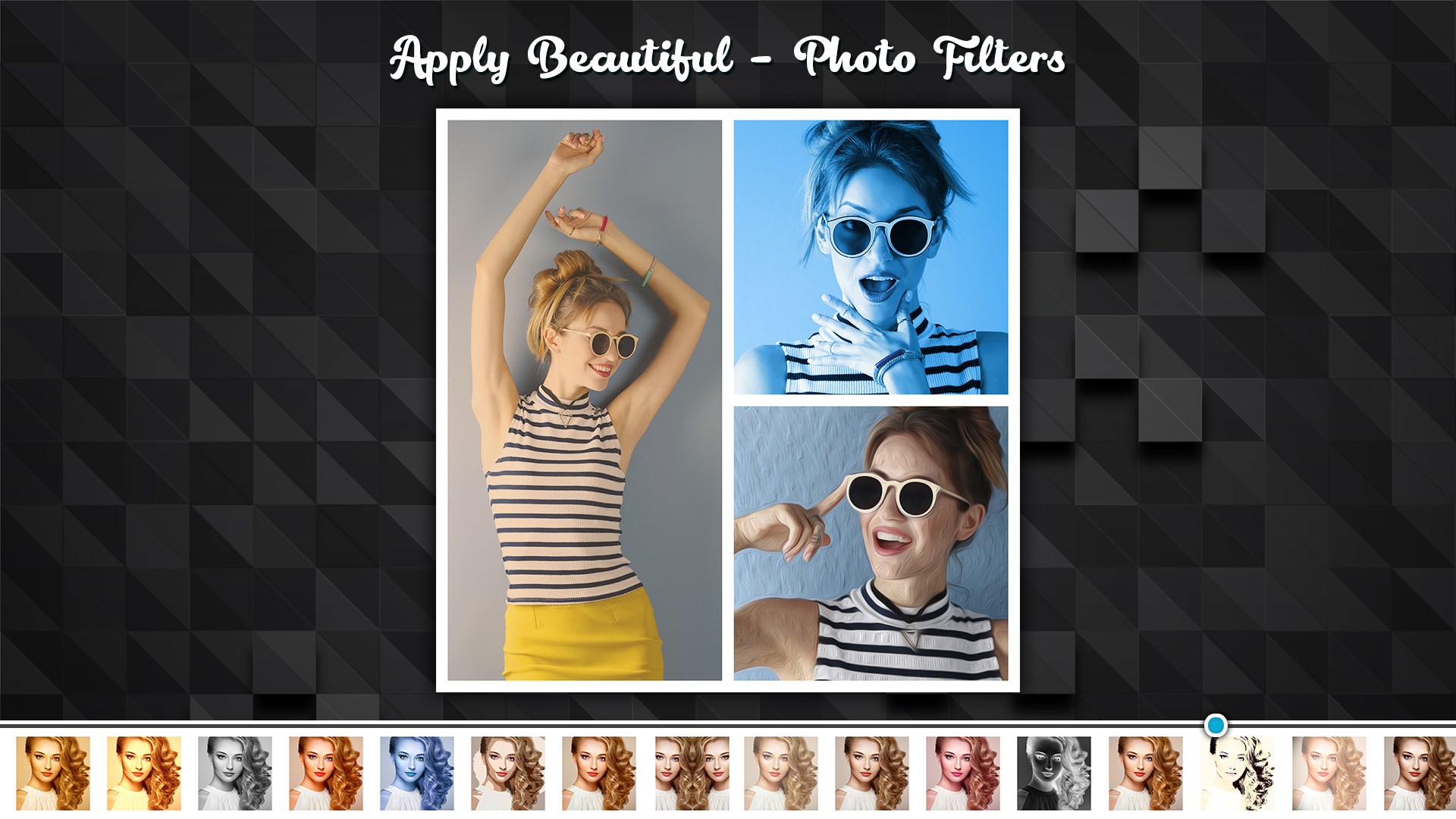
Hundreds of Filters to choose from. You can apply it to One Photo Or instantly apply to all Photos.
* Complete Photo Editor
Cut, Crop, Enhance, Change Brightness, Contrast, Saturation ...and much more.
* Easy and Fast
Beautiful UI packed with strong AI functionality lets you create Photo collages, montages, greeting cards, DPs in just a few seconds.
* Backgrounds
Add Background, Tiles, Choose Colors you want
* Stickers for Every Occasion
Edit your photos with thousands of fun and trendy stickers! Thousands of exclusive stickers and backgrounds to beautify your photos and decorate your stories
* Beautiful Fonts to Write Messages
Write your messages on frames with 100s of fonts and 1000's of customization options.
* Unleash Your Creativity
Customize the photo border, background, photo grid, filters and more. Not feeling creative? No worries, we got you covered. Just choose the photos you want to use, and we will suggest different layouts and grids for you!
A Unique Collage Maker - that allows you to create creative collages in just few seconds.
Creative Collages are ready to share on social media( No Crop Required - already in 1:1 ratio),DP's and Other. Try Now!!!
Play Store URL for "Collage Maker - Photo Grid & Montage"
If there is a version of this app for iOS/Mac or Windows we don't know about, paste the store link here — we'll auto-detect the store.
How to find the URL:1. Open the app in its store. 2.In the App Store app: tap the Share icon → “Copy Link”. In the browser: copy the URL from the address bar — it contains apps.apple.com/…/id… or apps.microsoft.com/detail/…. 3. Paste it here.
Paste the original link from the Apple App Store or Microsoft Store. We fetch all details automatically.
How to find the URL:
1. Open the app in its store. 2.In the App Store app: tap the Share icon → “Copy Link”. In the browser: copy the URL from the address bar — it contains apps.apple.com/…/id… or apps.microsoft.com/detail/…. 3. Paste it here.
Android apps can only be listed by their developer.




 PhotoGrid: Video Collage Maker
Create collages and edit photos and videos for social media
 Blend Collage Photo Editor
Create photo collages and blends with filters and effects
 Collage Maker - LiveCollage AI
Create photo collages and videos with 20,000+ layouts
 PicCollage: Magic Photo Editor
Create collages, cards and slideshows from photos and videos
 Coollage
Combine photos into editable collages
 Snap Photo Collage
Create custom collages from your photos quickly