

Screenshot appears after consentScreenshot appears after consentScreenshot appears after consentScreenshot appears after consent
Summary
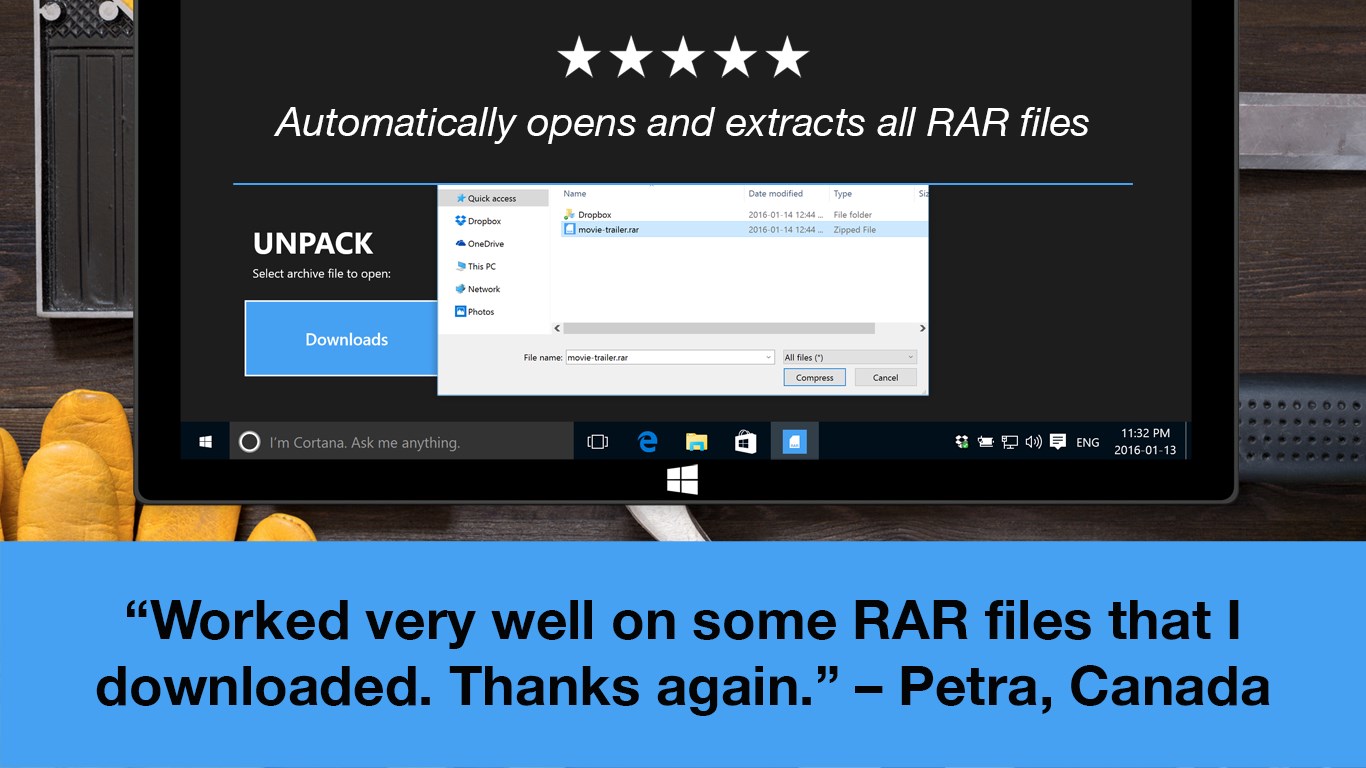
RAR Opener is a lightweight file extraction utility focused on RAR archives. It opens RAR files and extracts them automatically to the downloads folder with a single click, without requiring any manual configuration. Beyond RAR, it also handles dozens of other popular archive formats such as 7Z, Zip, Tar and LZH. Files can also be selected manually within the app if preferred. The app is designed to stay small in size and low in memory use so it runs quickly without slowing down the computer. RAR Opener is free to use.
Show the developer's original descriptionHide the original description
Open any RAR file in seconds, for free!
New update: Now in addition to RAR, it handles dozens of popular archives, like 7Z, Zip, TAR, LZH, etc.
RAR Opener is a tiny, fast app that opens RAR files, extracts them, and gets out of your way. It's been downloaded millions of times by users just like you who want a simple app for a simple job.
Download RAR Opener today and see why it's the top-rated RAR extraction utility with more than 27,000(!) five-star reviews.
If there is a version of this app for iOS/Mac or Windows we don't know about, paste the store link here — we'll auto-detect the store.
How to find the URL:1. Open the app in its store. 2.In the App Store app: tap the Share icon → “Copy Link”. In the browser: copy the URL from the address bar — it contains apps.apple.com/…/id… or apps.microsoft.com/detail/…. 3. Paste it here.
Paste the original link from the Apple App Store or Microsoft Store. We fetch all details automatically.
How to find the URL:
1. Open the app in its store. 2.In the App Store app: tap the Share icon → “Copy Link”. In the browser: copy the URL from the address bar — it contains apps.apple.com/…/id… or apps.microsoft.com/detail/…. 3. Paste it here.
Android apps can only be listed by their developer.