

Screenshot appears after consentScreenshot appears after consentScreenshot appears after consentScreenshot appears after consentScreenshot appears after consentScreenshot appears after consentScreenshot appears after consent
Summary
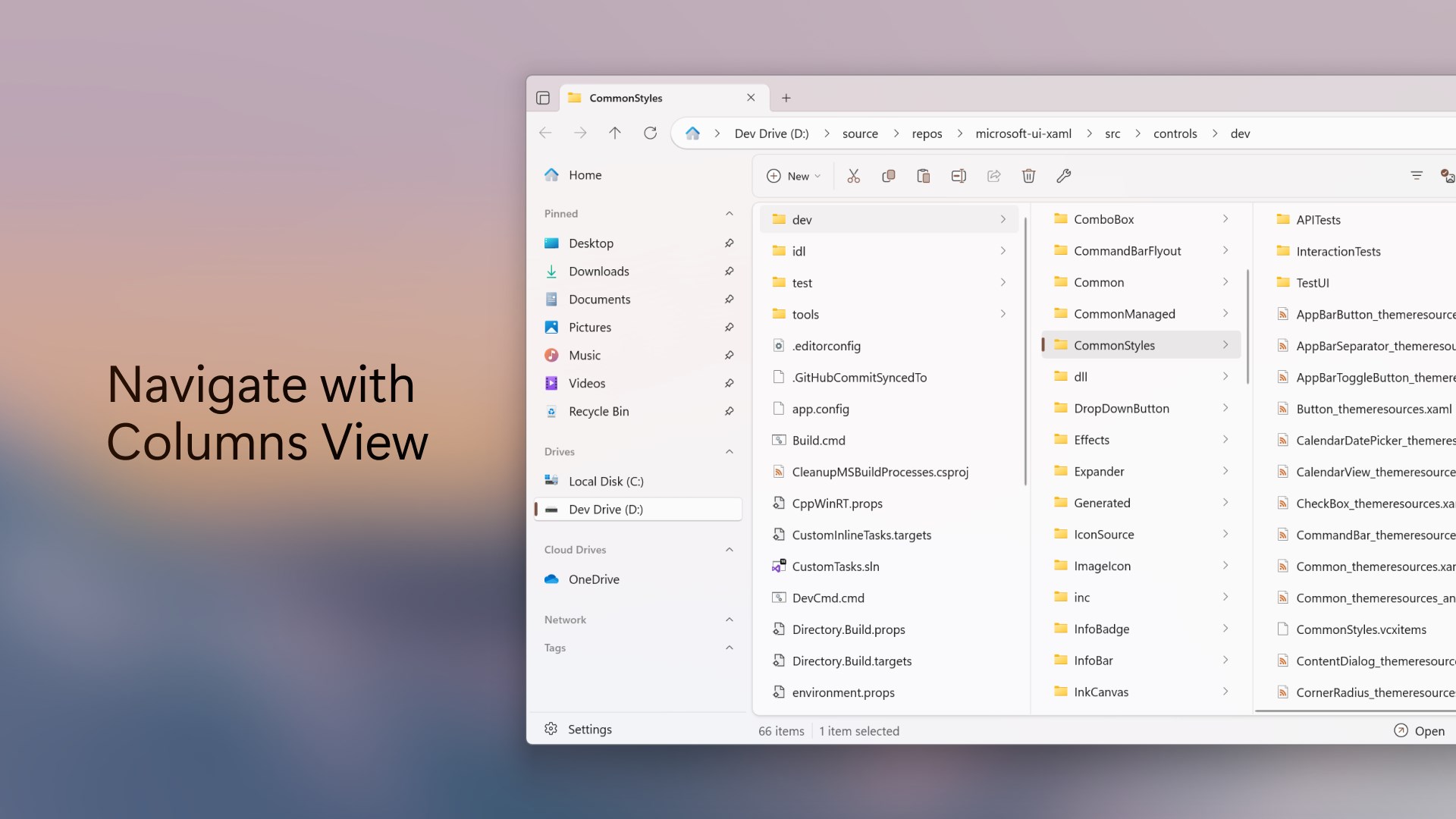
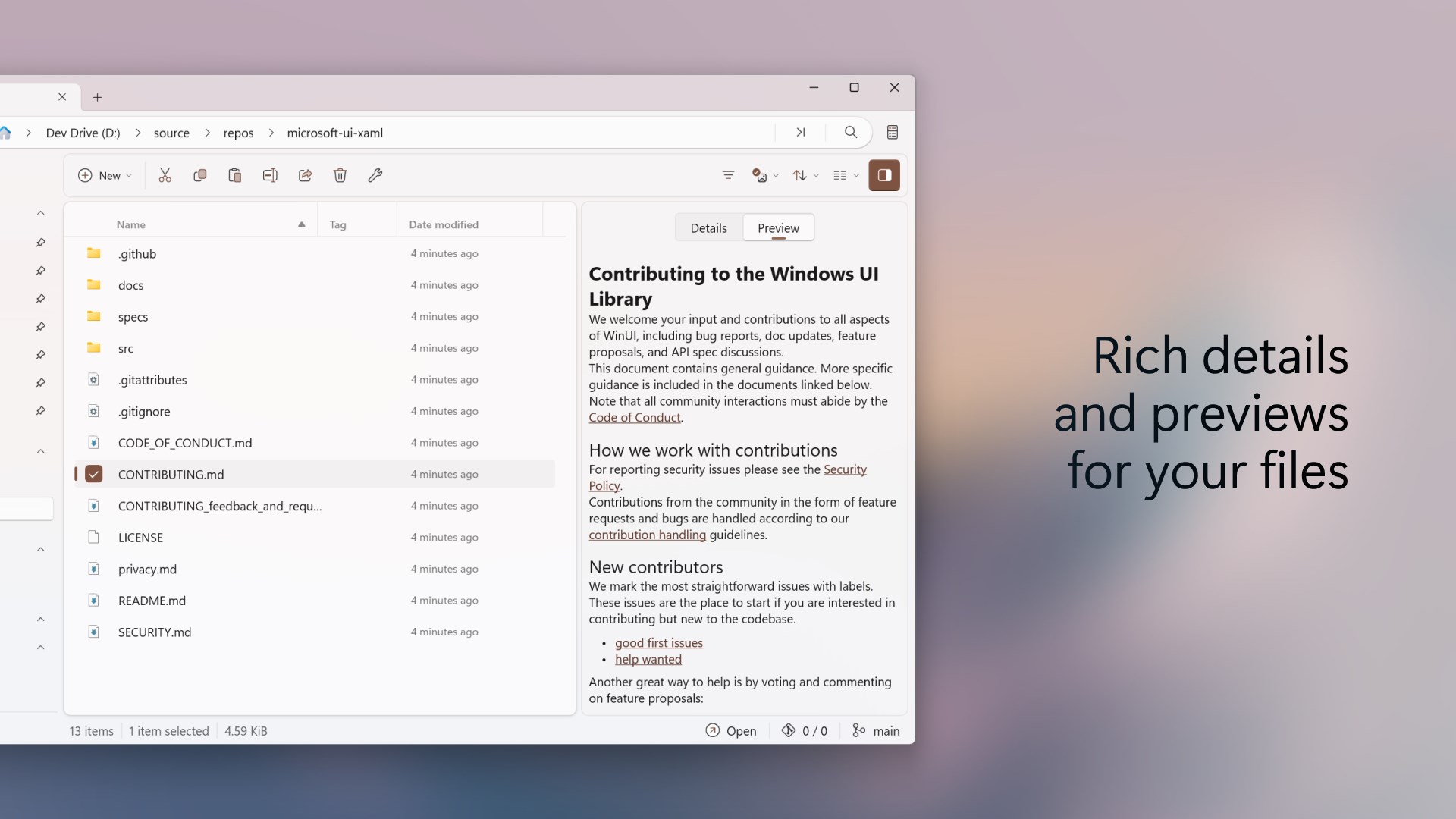
Files App is a file manager for Windows with support for tabs, columns and dual-pane browsing for multitasking. It allows browsing and extracting multiple archive types directly within the app. It includes a Command Palette, file tagging, custom keyboard shortcuts, Git integration, hash comparison and customizable backgrounds. It is aimed at power users managing complex workflows as well as those looking for an alternative to File Explorer. Files App is open-source, and purchasing it through the Microsoft Store supports its development.
Show the developer's original descriptionHide the original description
Files is an open-source modern file manager for Windows, featuring tabs, columns, and dual-pane support for seamless multitasking. Effortlessly browse and extract multiple archive types right within the app. Boost your productivity with powerful tools like the Command Palette, file tagging, custom keyboard shortcuts, Git integration, hash comparison, and customizable backgrounds.
Whether you're a power user managing complex workflows or just looking for a more intuitive alternative to File Explorer, Files offers an unmatched experience.
Purchasing through the Microsoft Store helps support the development of Files. Files is also open-source, with more details available on our website.
If there is a version of this app for iOS/Mac or Windows we don't know about, paste the store link here — we'll auto-detect the store.
How to find the URL:1. Open the app in its store. 2.In the App Store app: tap the Share icon → “Copy Link”. In the browser: copy the URL from the address bar — it contains apps.apple.com/…/id… or apps.microsoft.com/detail/…. 3. Paste it here.
Paste the original link from the Apple App Store or Microsoft Store. We fetch all details automatically.
How to find the URL:
1. Open the app in its store. 2.In the App Store app: tap the Share icon → “Copy Link”. In the browser: copy the URL from the address bar — it contains apps.apple.com/…/id… or apps.microsoft.com/detail/…. 3. Paste it here.
Android apps can only be listed by their developer.