
Video To Mp3 Converter,Video Trimmer

Convert videos to audio files and trim audio AI summary
Rank 2069
0 Up Votes, 0 Down Votes
▲
0
▼
Video To Mp3 Converter,Video Trimmer is not available on Android and Apple — or is it? Submit URL
Screenshots
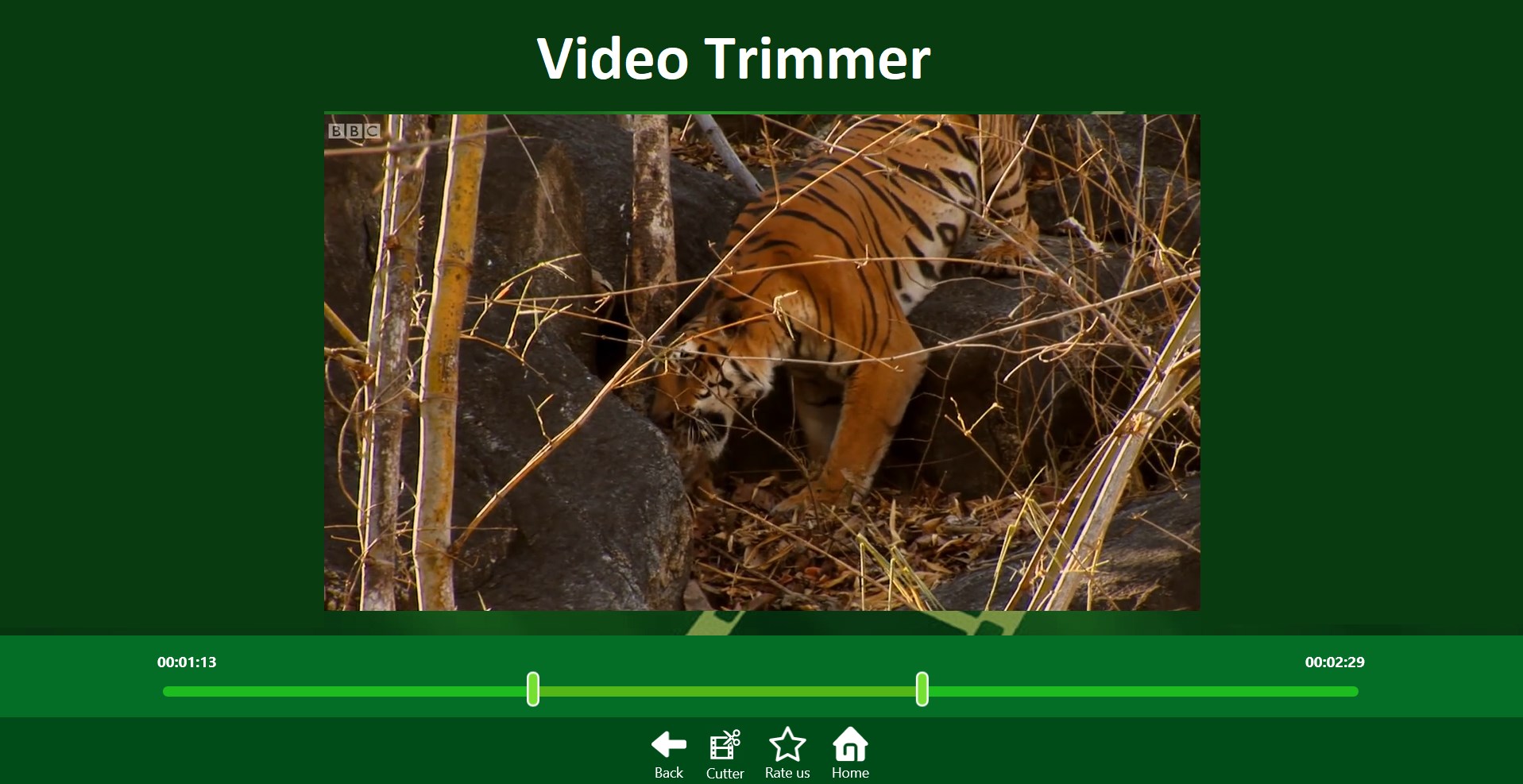
Screenshot 1 of Video To Mp3 Converter,Video Trimmer on WindowsScreenshot
appears after consent
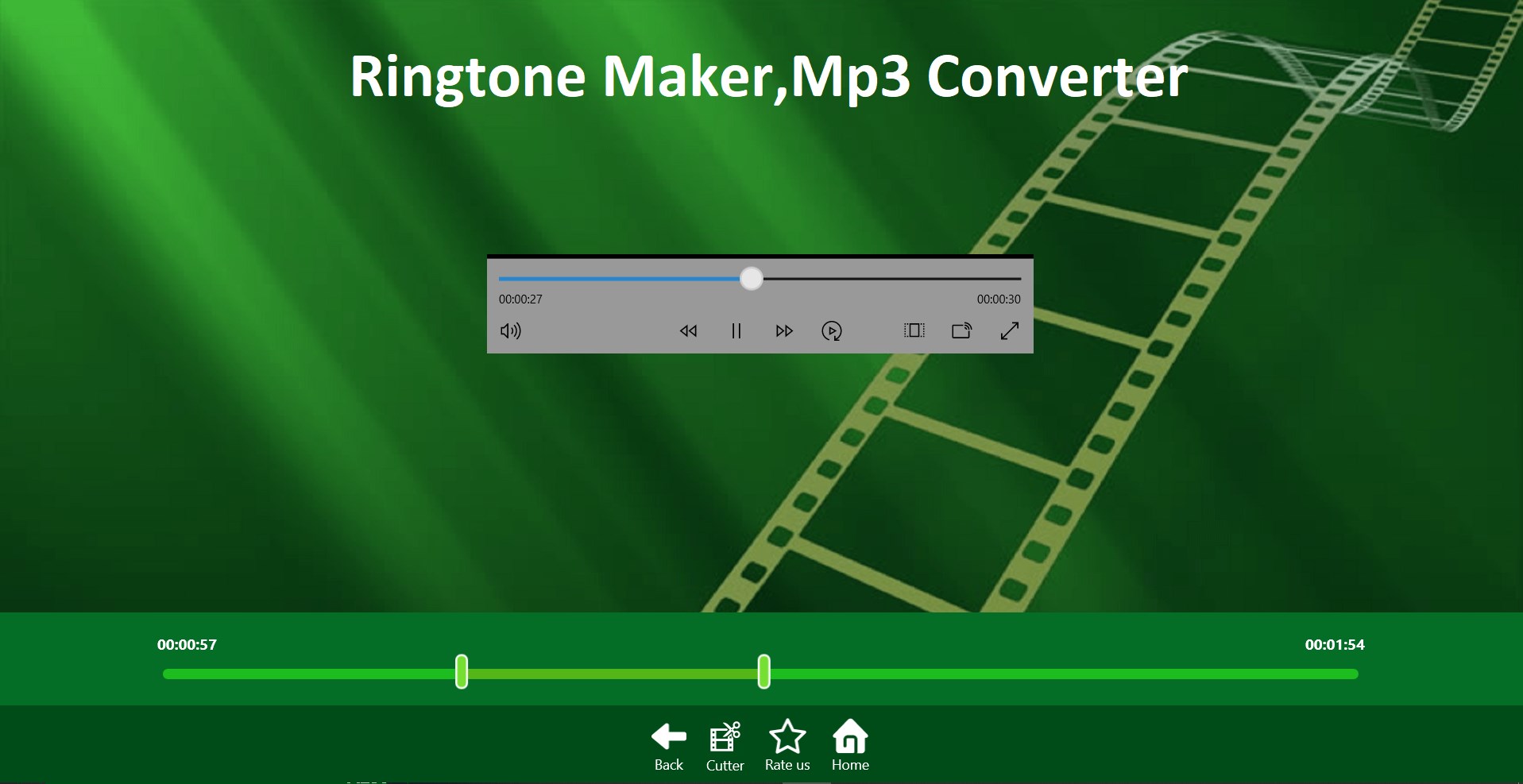
Screenshot 2 of Video To Mp3 Converter,Video Trimmer on WindowsScreenshot
appears after consent
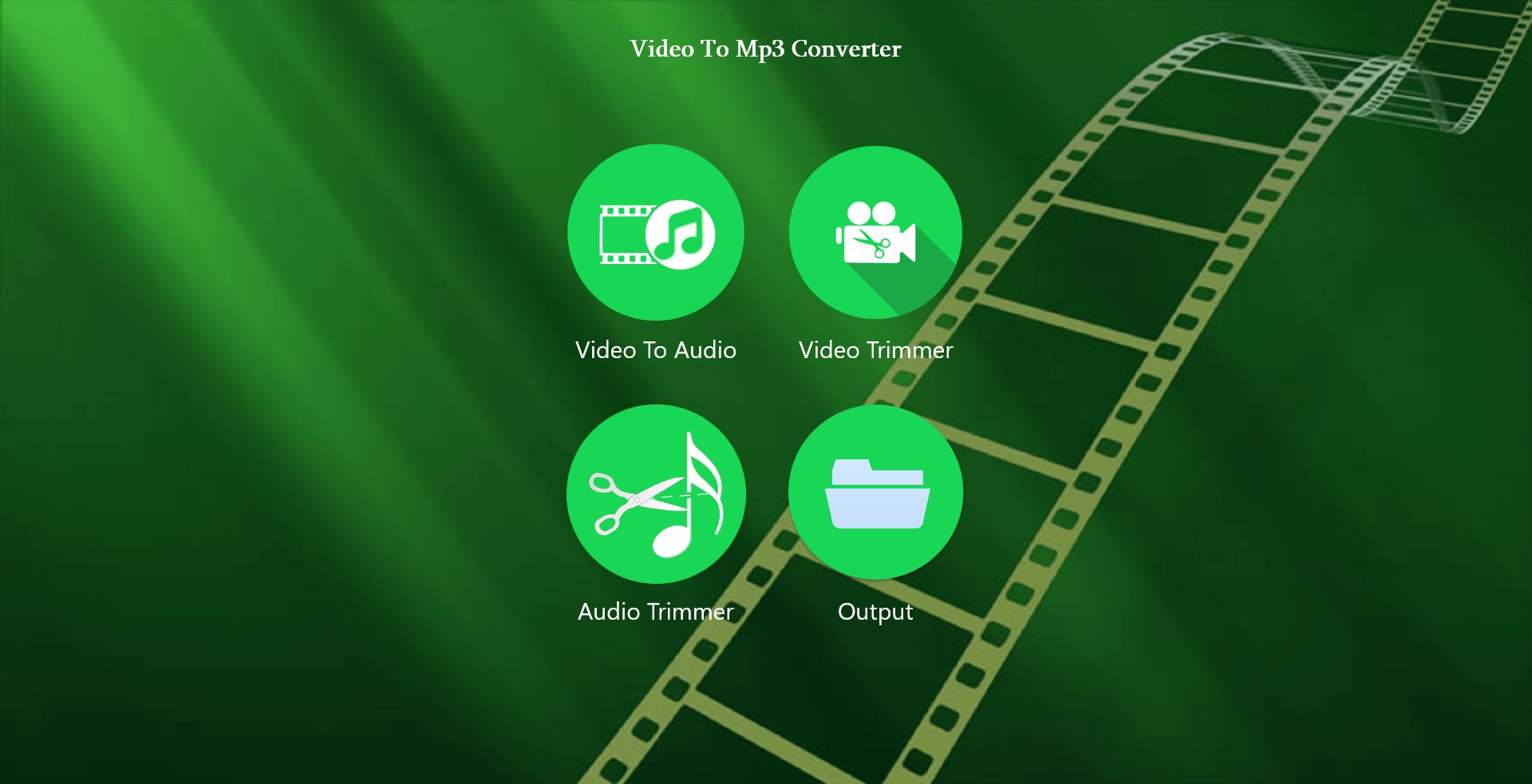
Screenshot 3 of Video To Mp3 Converter,Video Trimmer on WindowsScreenshot
appears after consent
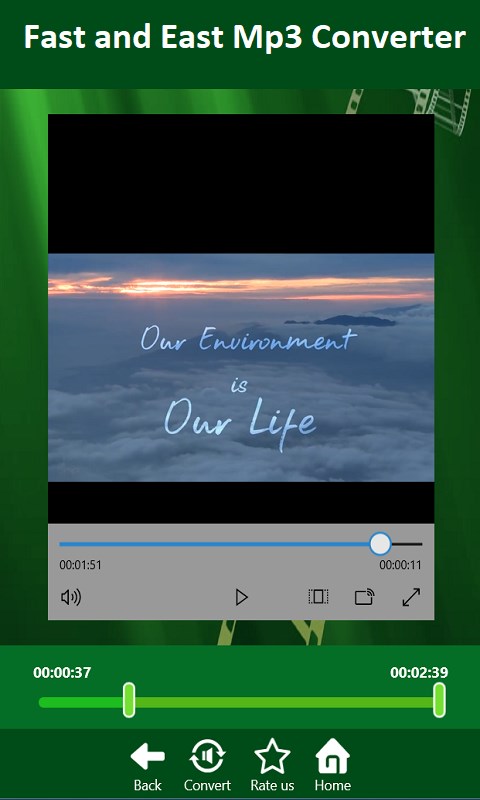
Screenshot 4 of Video To Mp3 Converter,Video Trimmer on WindowsScreenshot
appears after consent
Screenshot 5 of Video To Mp3 Converter,Video Trimmer on WindowsScreenshot
appears after consent
Screenshot 6 of Video To Mp3 Converter,Video Trimmer on WindowsScreenshot
appears after consent
Screenshot 7 of Video To Mp3 Converter,Video Trimmer on WindowsScreenshot
appears after consent
Screenshot 8 of Video To Mp3 Converter,Video Trimmer on WindowsScreenshot
appears after consent
Summary
Video To Mp3 Converter,Video Trimmer is a converter and trimmer for audio and video files. It converts trimmed video into MP3 audio by letting the starting and ending points be selected with a slider before conversion. It also trims audio files directly, supporting formats including MP3, AAC, WMV and M4A, and can be used as a ringtone maker and MP3 cutter. Video trimming is supported as well, with trimmed videos saved directly to the video library. Output folders can be browsed within the app.
Show the developer's original descriptionHide the original description
Video To Mp3 is easy and powerful app which convert your trimmed video into audios. You can also cut audio files easily. App Features: *Work as a Converter,Audio Trimmer,Video Trimmer. *MP3 trimmer for editing audio files. *Supports different Audio formats: MP3, AAC, WMV, M4A. *Browse Output folders directly within an APP. *Trim/Convert MP3 files in your device. *Fast Video Cutter How to Trim Audio From Video: - Select an Video from the videos library. - Select starting and ending point using slider. - Press Convert button. - That's it. Its done your video is converted into mp3. How to Trim Audio: - Select an Audio of your choice. - Select starting and ending point using slider. - Press Convert button. - That's it. Its done you can use app as Ringtone maker and MP3 cutter. How to Trim Video: - Select an Video from the videos library. - Select starting and ending point using slider. - Press Convert button. - Your trimmed videos directly saved in Video Library. Please, You can give feedback and we would love to listen your suggestions by E-mail Email-milkywayapps@outlook.com
Technical details about Video To Mp3 Converter,Video Trimmer
Category
Age Rating
Price
Size
7,4 MB
Last updated in Microsoft Store
2026-06-11
App Store Rating
4.5 ★
Devices
Video To Mp3 Converter,Video Trimmer in the rankings
Manage app

Are you on the developer team behind Video To Mp3 Converter,Video Trimmer?

Verify yourself and manage your listing on Most Voted Apps.

Verify Video To Mp3 Converter,Video Trimmer for free
Verification usually takes only a few minutes.
Similar apps to Video To Mp3 Converter,Video Trimmer