

Screenshot appears after consentScreenshot appears after consentScreenshot appears after consentScreenshot appears after consentScreenshot appears after consentScreenshot appears after consentScreenshot appears after consentScreenshot appears after consent
Summary
Video To Mp3 Converter,Video Trimmer is a converter and trimmer for audio and video files. It converts trimmed video into MP3 audio by letting the starting and ending points be selected with a slider before conversion. It also trims audio files directly, supporting formats including MP3, AAC, WMV and M4A, and can be used as a ringtone maker and MP3 cutter. Video trimming is supported as well, with trimmed videos saved directly to the video library. Output folders can be browsed within the app.
Show the developer's original descriptionHide the original description
Video To Mp3 is easy and powerful app which convert your trimmed video into audios.
You can also cut audio files easily.
App Features:
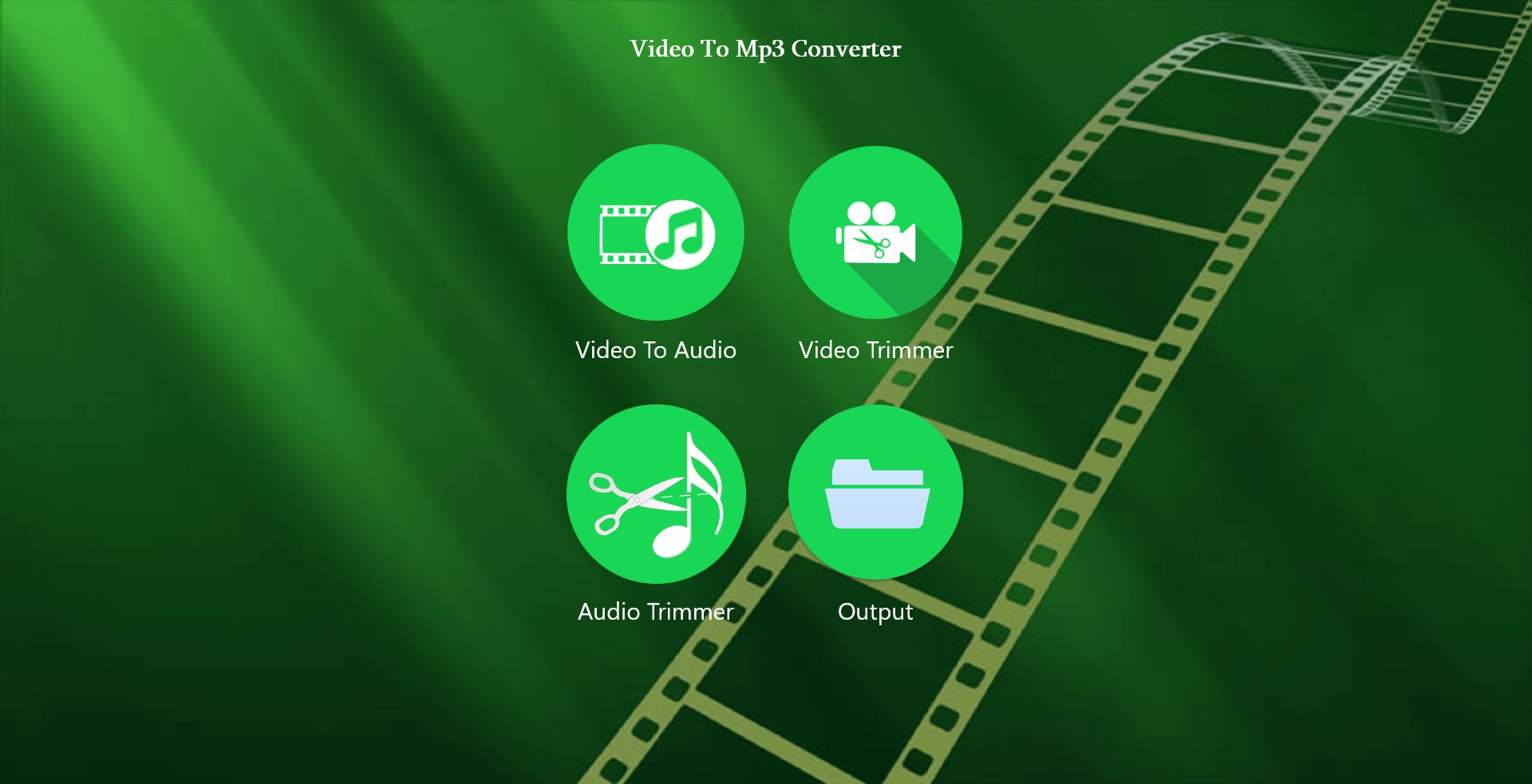
*Work as a Converter,Audio Trimmer,Video Trimmer.
*MP3 trimmer for editing audio files.
*Supports different Audio formats: MP3, AAC, WMV, M4A.
*Browse Output folders directly within an APP.
*Trim/Convert MP3 files in your device.
*Fast Video Cutter
How to Trim Audio From Video:
- Select an Video from the videos library.
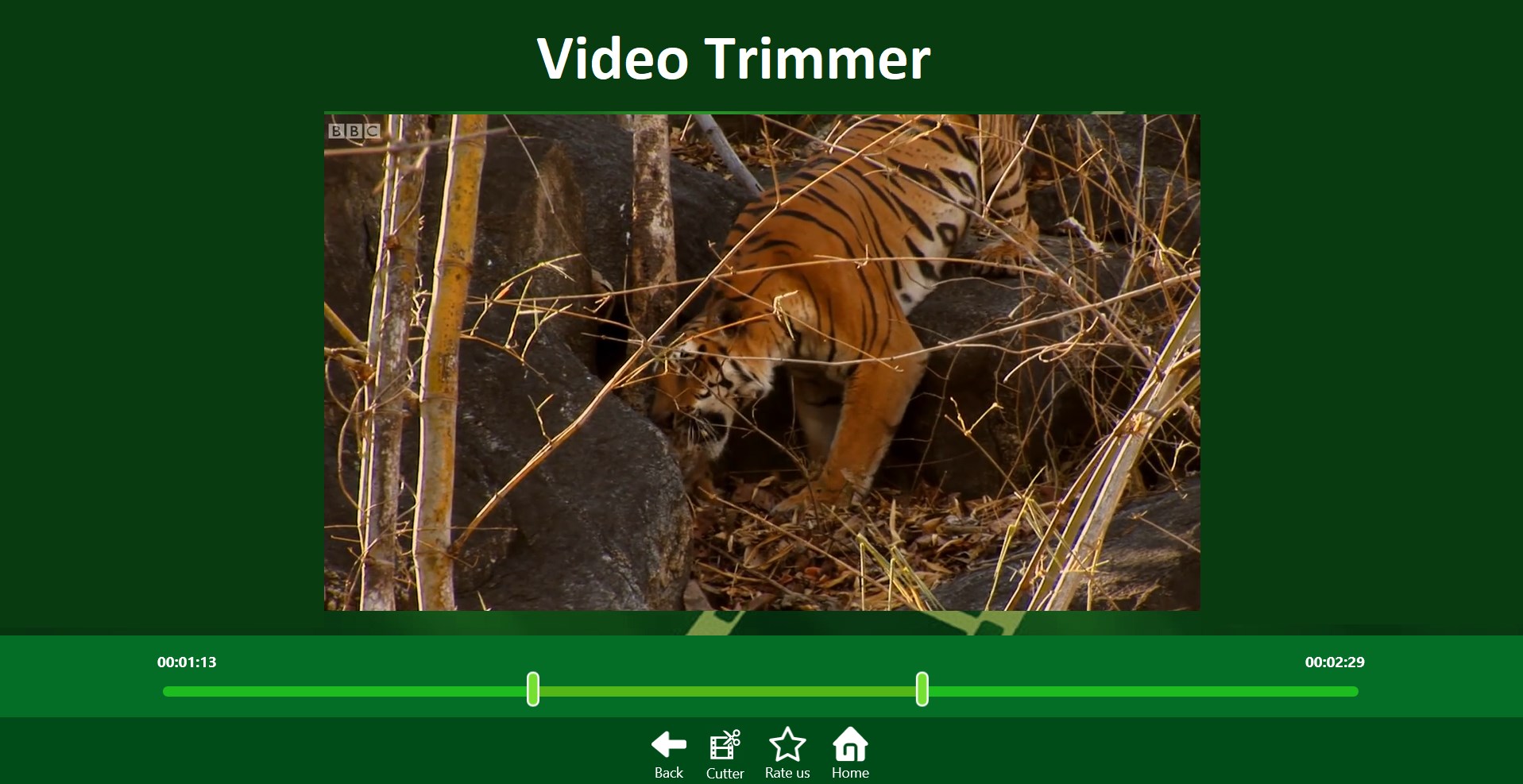
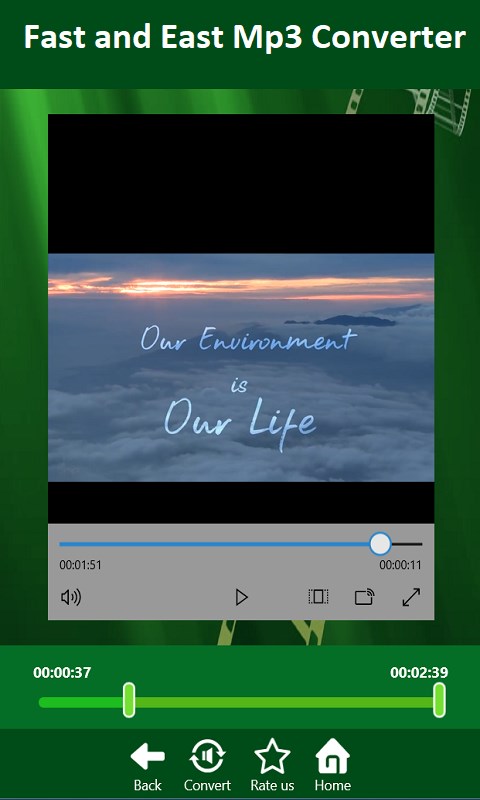
- Select starting and ending point using slider.
- Press Convert button.
- That's it. Its done your video is converted into mp3.
How to Trim Audio:
- Select an Audio of your choice.
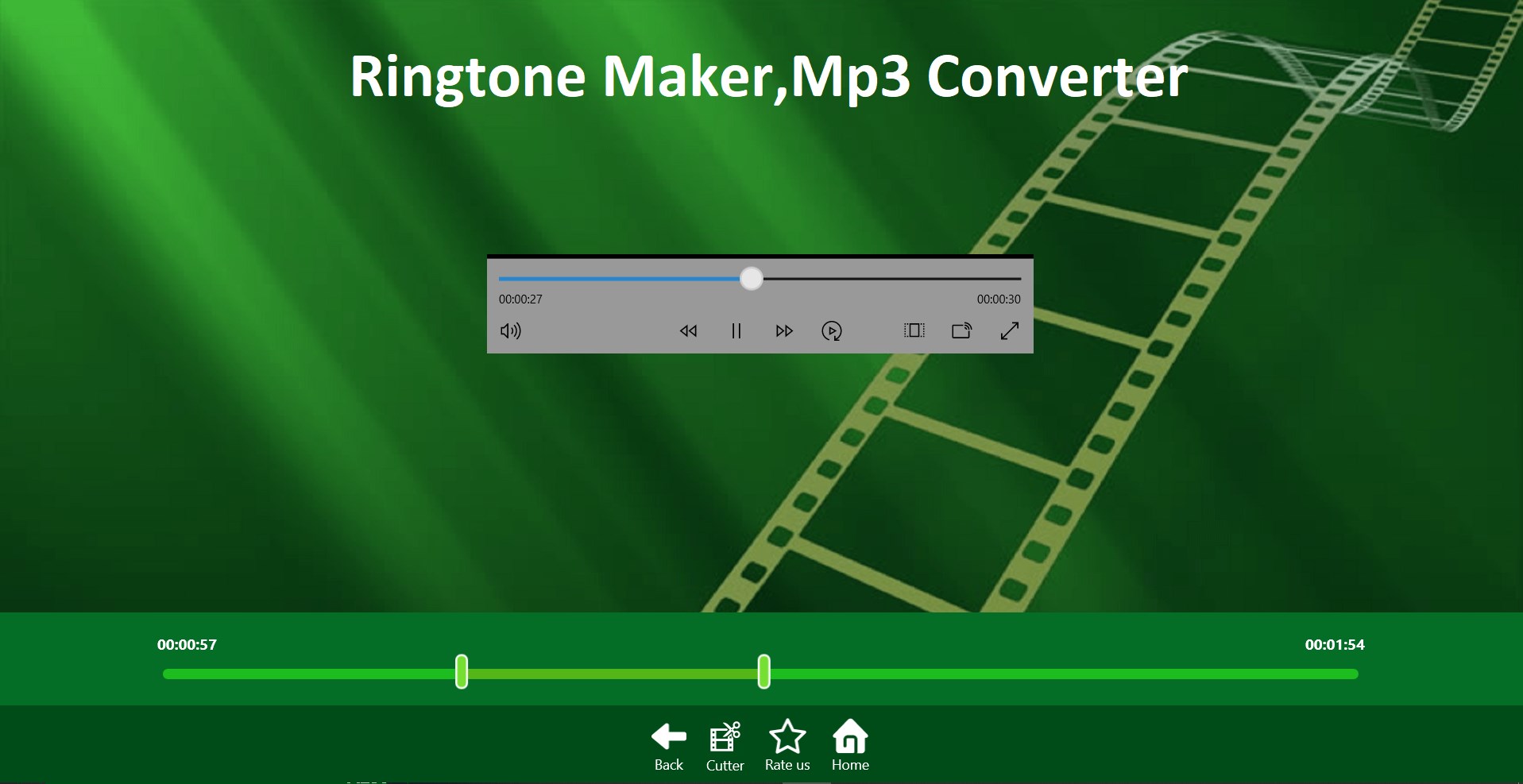
- Select starting and ending point using slider.
- Press Convert button.
- That's it. Its done you can use app as Ringtone maker and MP3 cutter.
How to Trim Video:
- Select an Video from the videos library.
- Select starting and ending point using slider.
- Press Convert button.
- Your trimmed videos directly saved in Video Library.
Please, You can give feedback and we would love to listen your suggestions by E-mail
Email-milkywayapps@outlook.com
Technical details about Video To Mp3 Converter,Video Trimmer
Play Store URL for "Video To Mp3 Converter,Video Trimmer"
If there is a version of this app for iOS/Mac or Windows we don't know about, paste the store link here — we'll auto-detect the store.
How to find the URL:1. Open the app in its store. 2.In the App Store app: tap the Share icon → “Copy Link”. In the browser: copy the URL from the address bar — it contains apps.apple.com/…/id… or apps.microsoft.com/detail/…. 3. Paste it here.
Paste the original link from the Apple App Store or Microsoft Store. We fetch all details automatically.
How to find the URL:
1. Open the app in its store. 2.In the App Store app: tap the Share icon → “Copy Link”. In the browser: copy the URL from the address bar — it contains apps.apple.com/…/id… or apps.microsoft.com/detail/…. 3. Paste it here.
Android apps can only be listed by their developer.