

Screenshot appears after consentScreenshot appears after consentScreenshot appears after consentScreenshot appears after consentScreenshot appears after consentScreenshot appears after consentScreenshot appears after consentScreenshot appears after consentScreenshot appears after consentScreenshot appears after consentScreenshot appears after consentScreenshot appears after consentScreenshot appears after consent
Summary
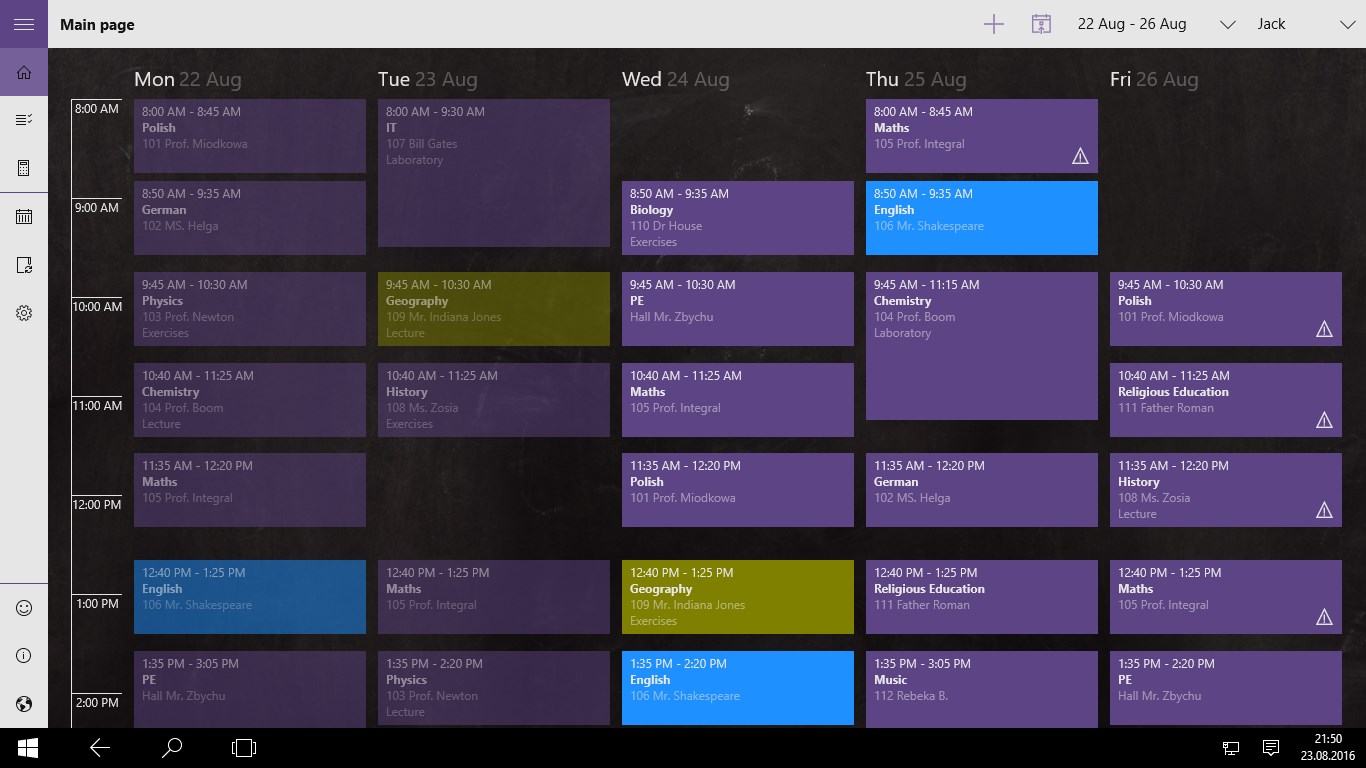
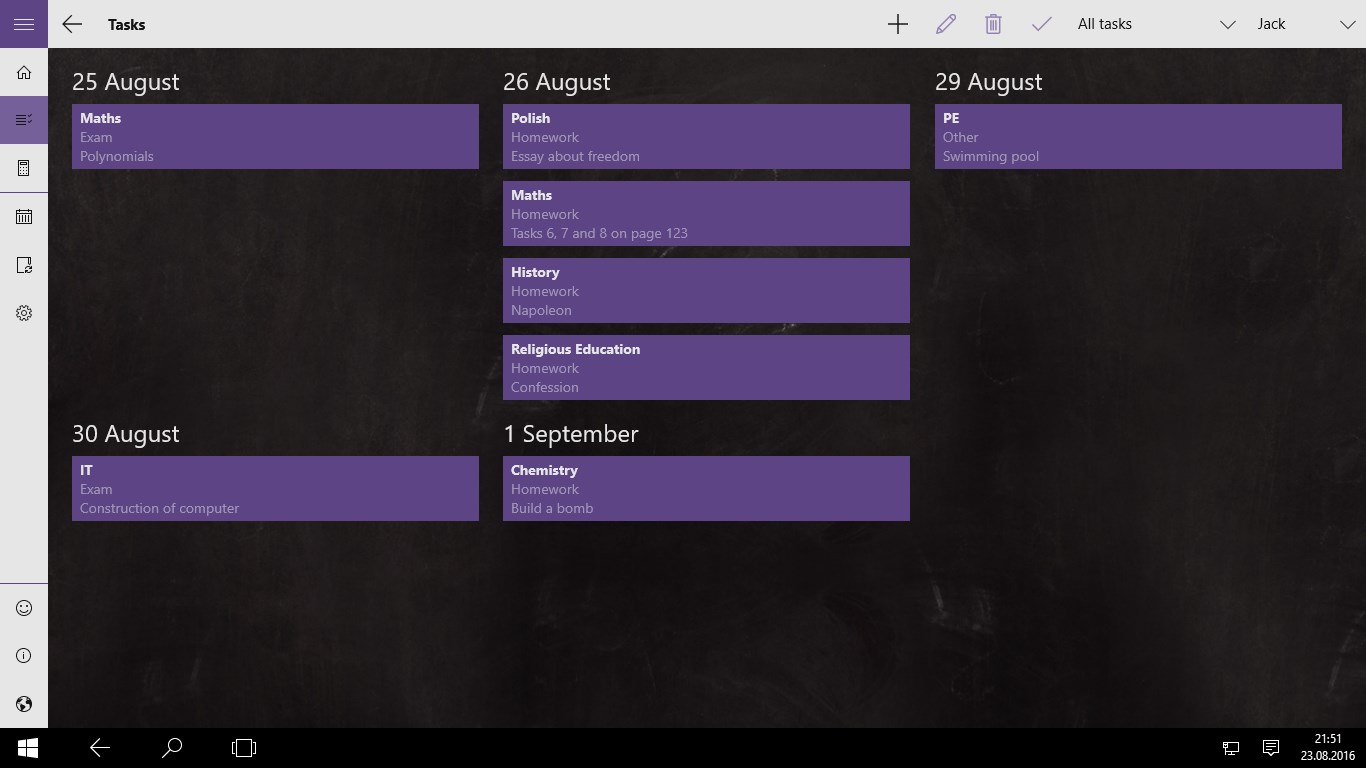
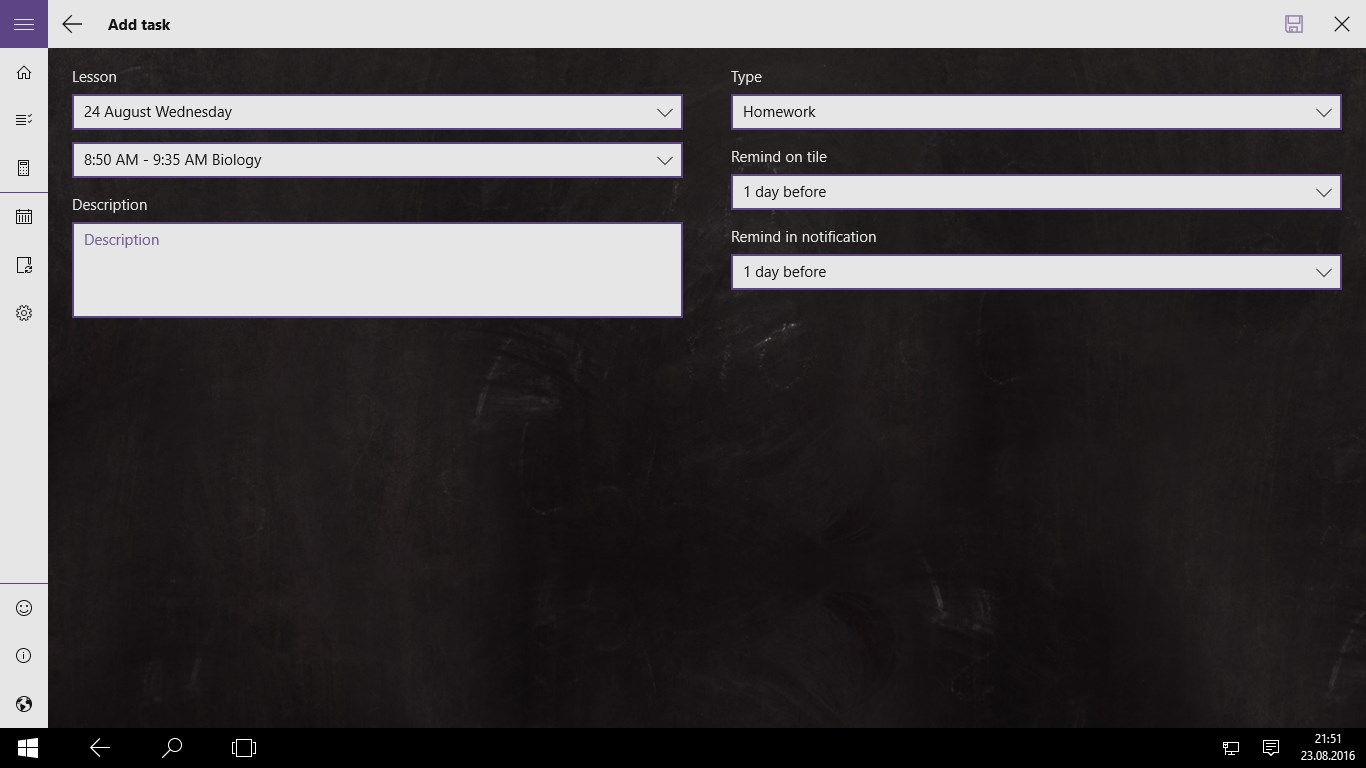
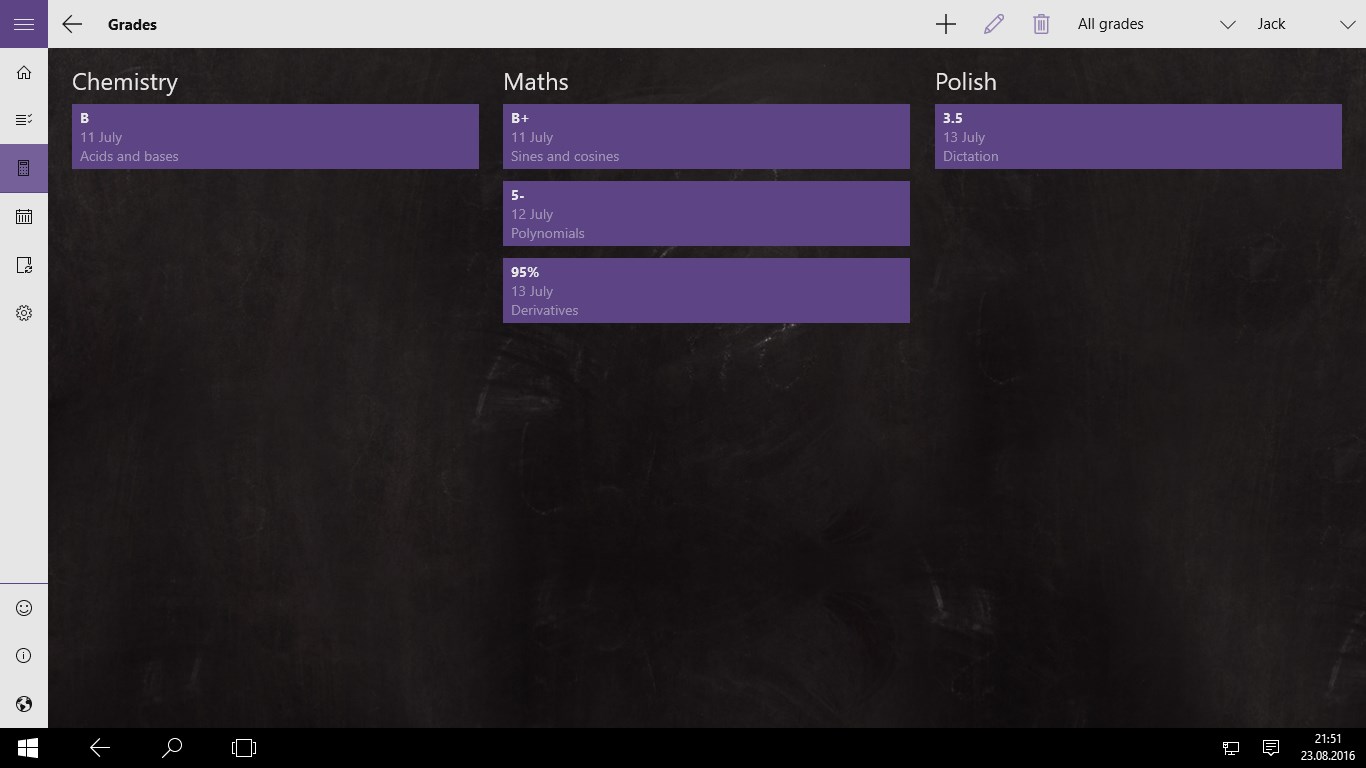
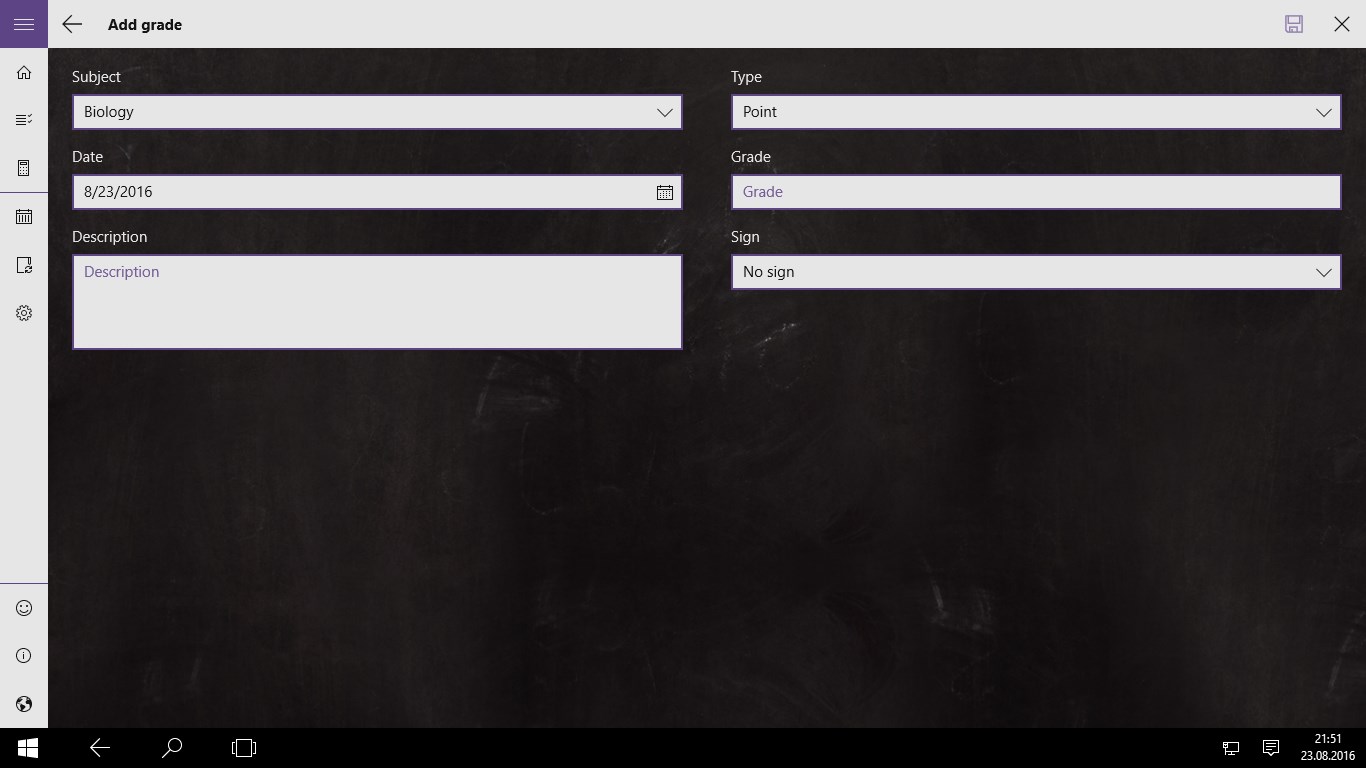
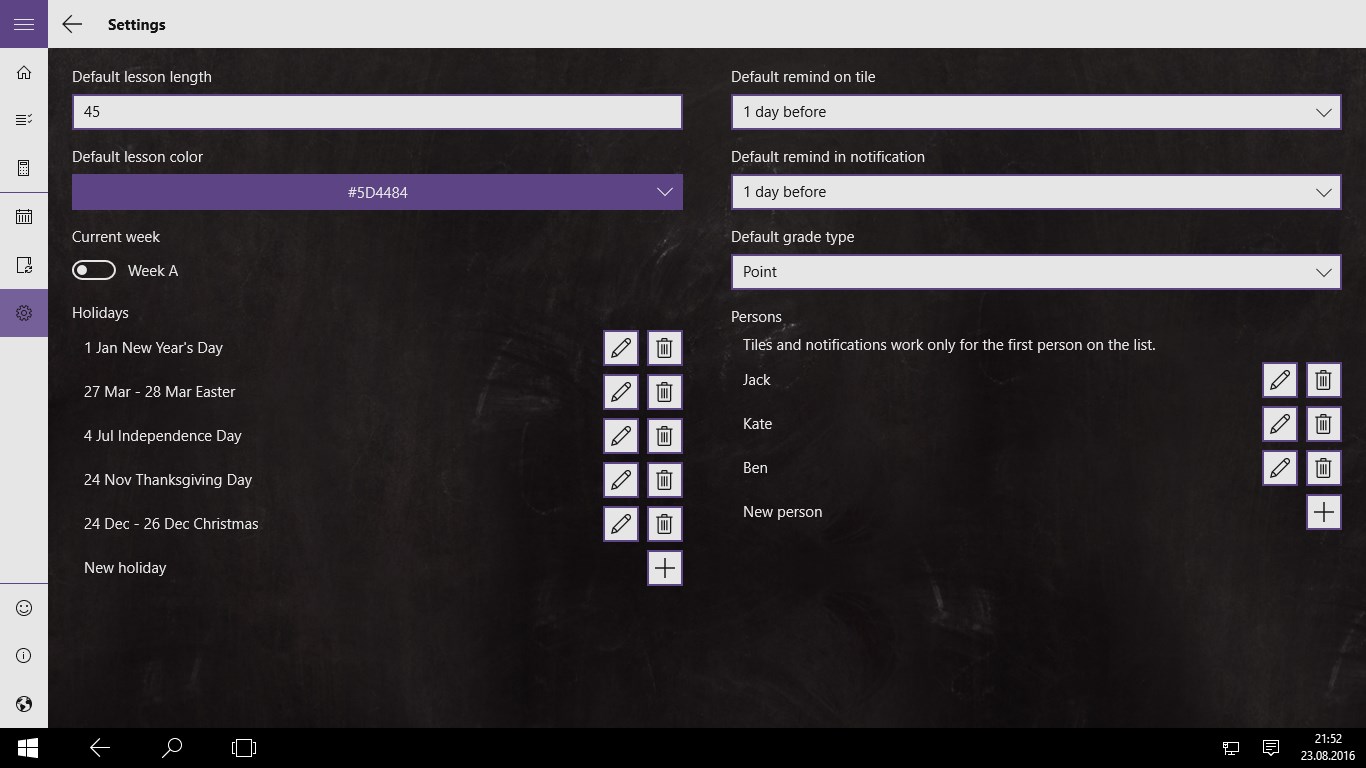
Good Plan is a lesson plan and timetable app combined with a calendar and reminders. It allows managing lesson schedules, homework, exams and grades. It is suited to pupils and students, and also to parents who want to keep track of these things.
Show the developer's original descriptionHide the original description
Lesson plan/timetable app combined with calendar and reminder. Manage lesson schedules, homeworks, exams, grades and much more. Ideal for pupils and students, but also for parents.
First and most popular app of this type in the world on Windows Store. Completely rewritten from scratch specifically for Windows 10.
If there is a version of this app for iOS/Mac or Windows we don't know about, paste the store link here — we'll auto-detect the store.
How to find the URL:1. Open the app in its store. 2.In the App Store app: tap the Share icon → “Copy Link”. In the browser: copy the URL from the address bar — it contains apps.apple.com/…/id… or apps.microsoft.com/detail/…. 3. Paste it here.
Paste the original link from the Apple App Store or Microsoft Store. We fetch all details automatically.
How to find the URL:
1. Open the app in its store. 2.In the App Store app: tap the Share icon → “Copy Link”. In the browser: copy the URL from the address bar — it contains apps.apple.com/…/id… or apps.microsoft.com/detail/…. 3. Paste it here.
Android apps can only be listed by their developer.