Screenshot appears after consentScreenshot appears after consentScreenshot appears after consentScreenshot appears after consentScreenshot appears after consentScreenshot appears after consentScreenshot appears after consentScreenshot appears after consent
Screenshot appears after consentScreenshot appears after consentScreenshot appears after consentScreenshot appears after consentScreenshot appears after consentScreenshot appears after consentScreenshot appears after consent
Summary
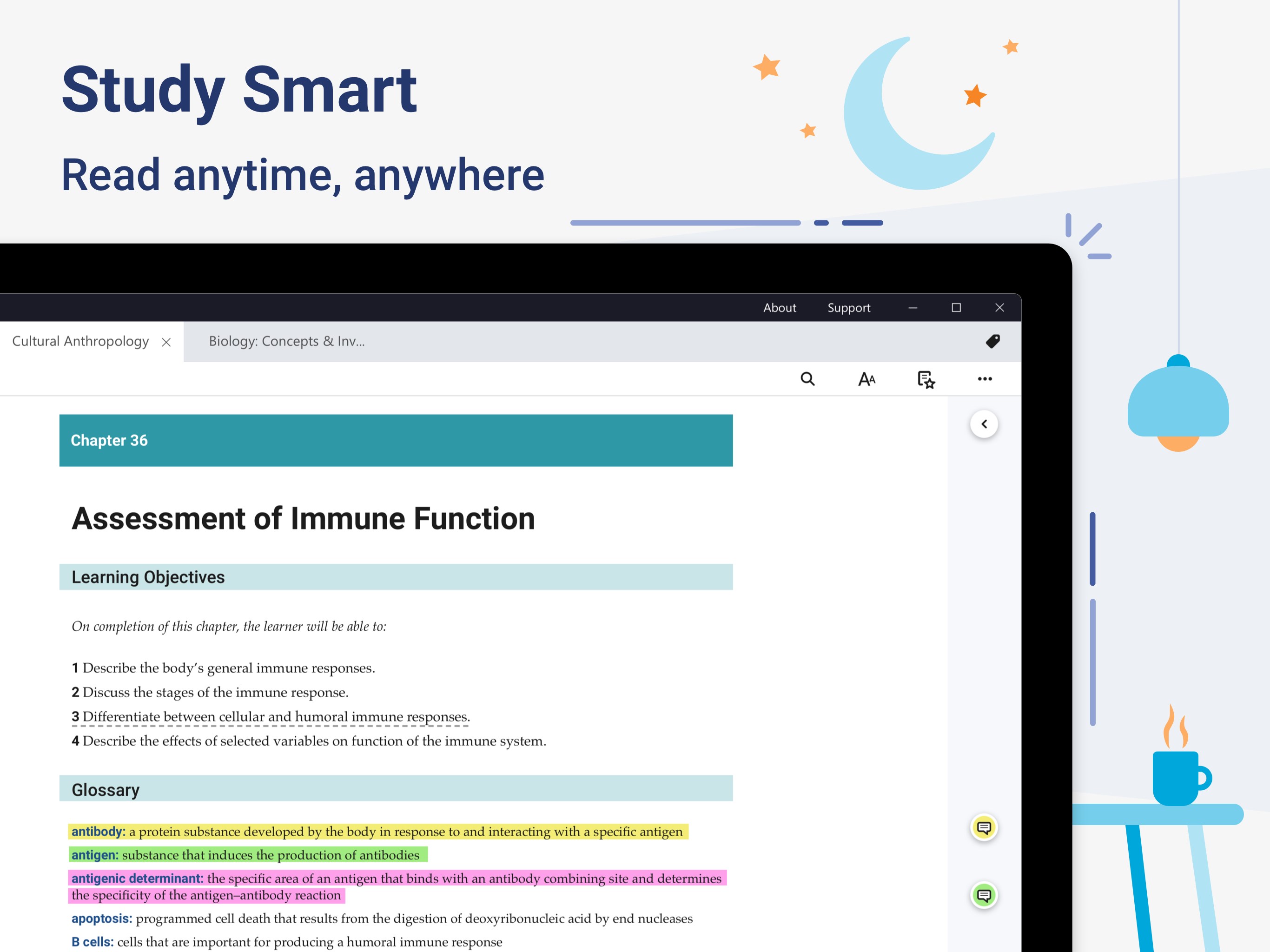
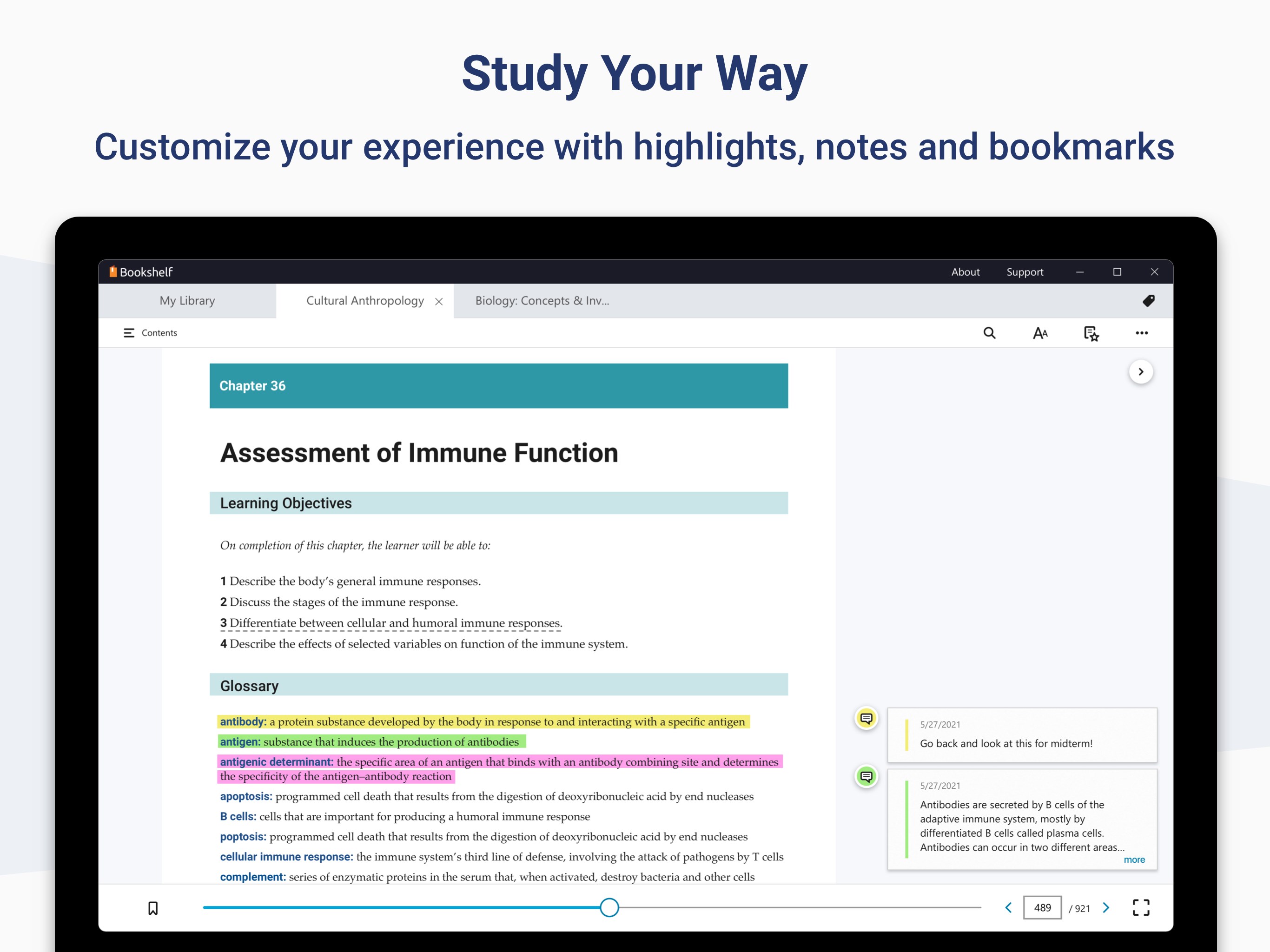
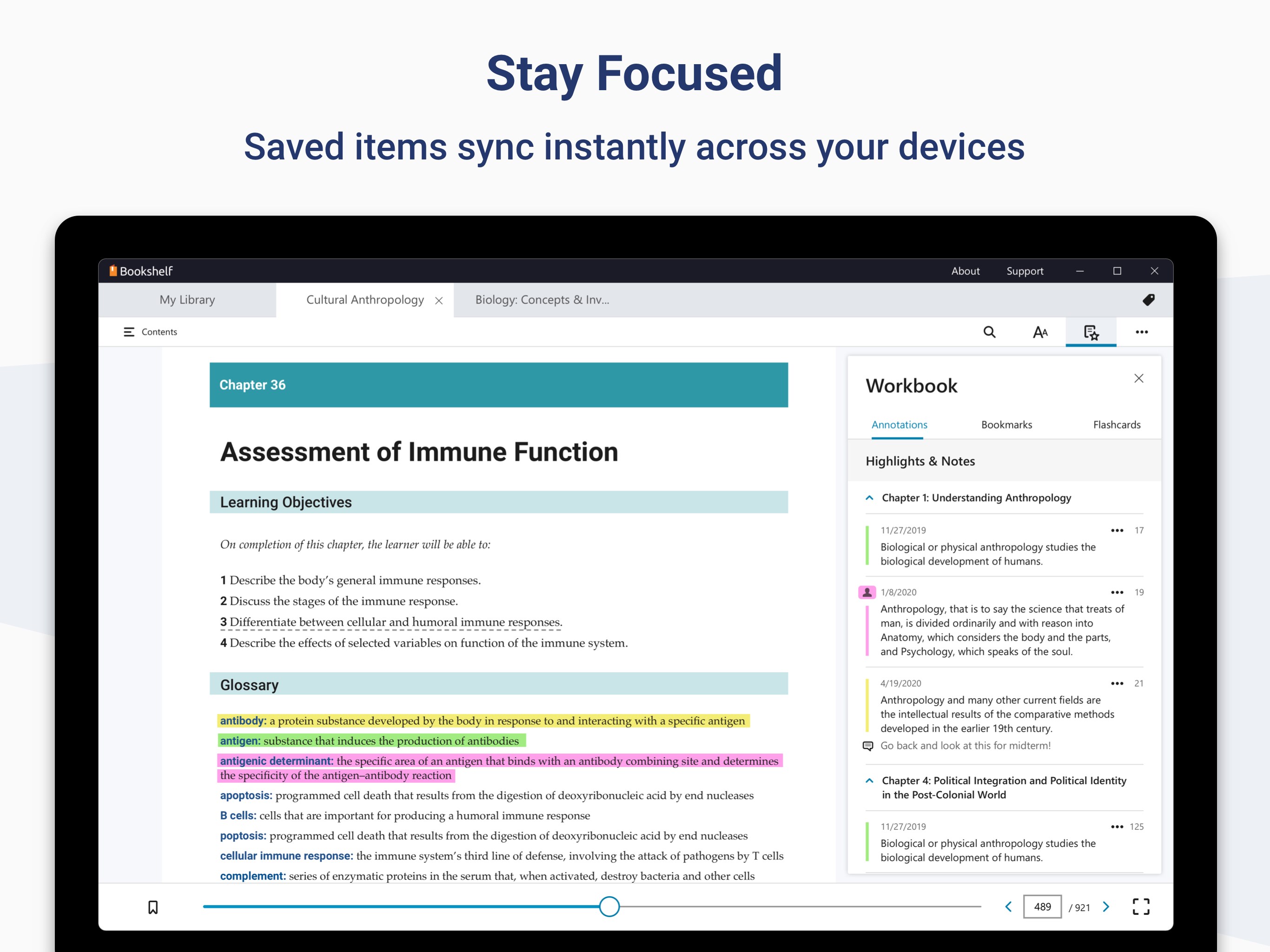
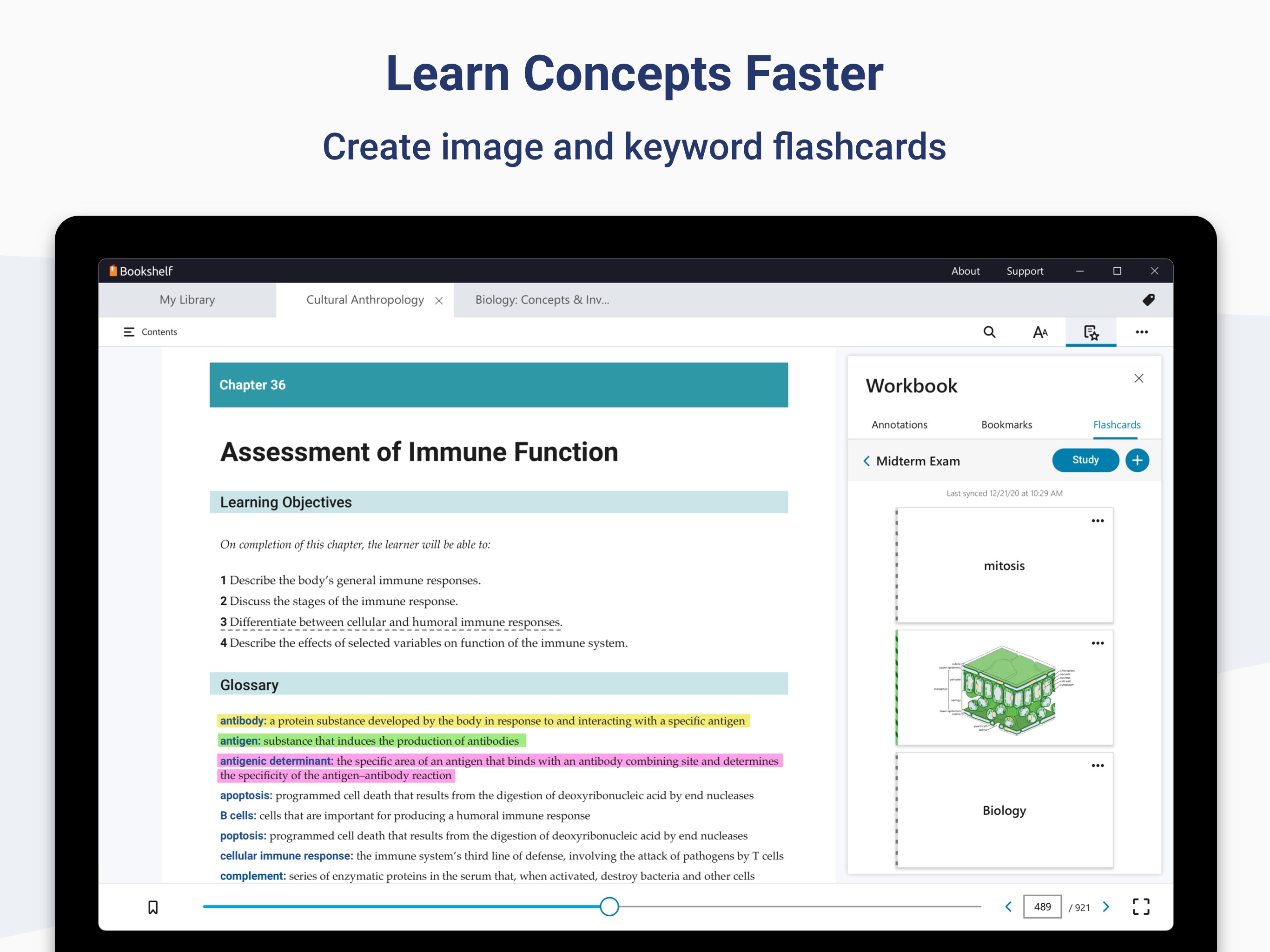
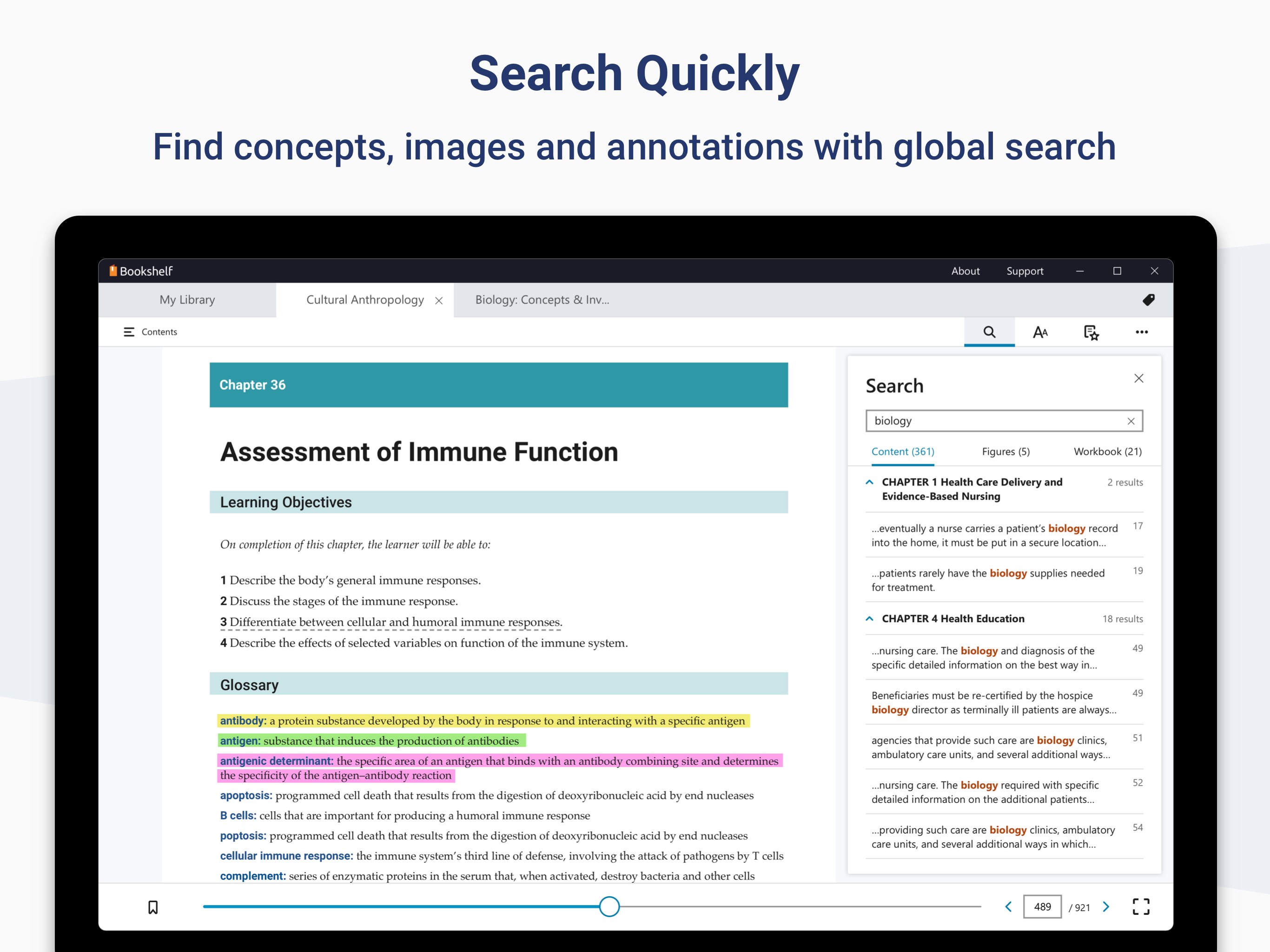
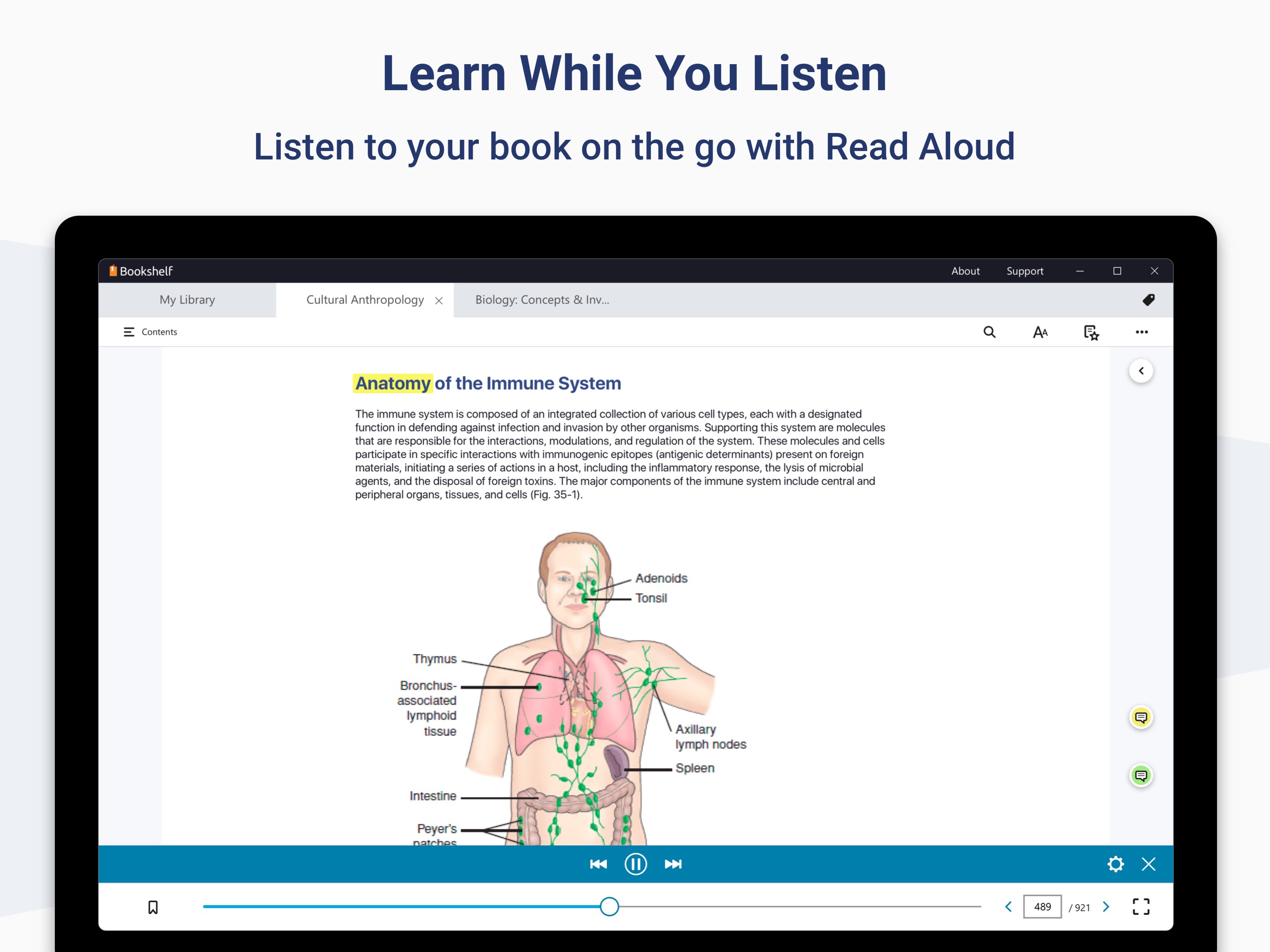
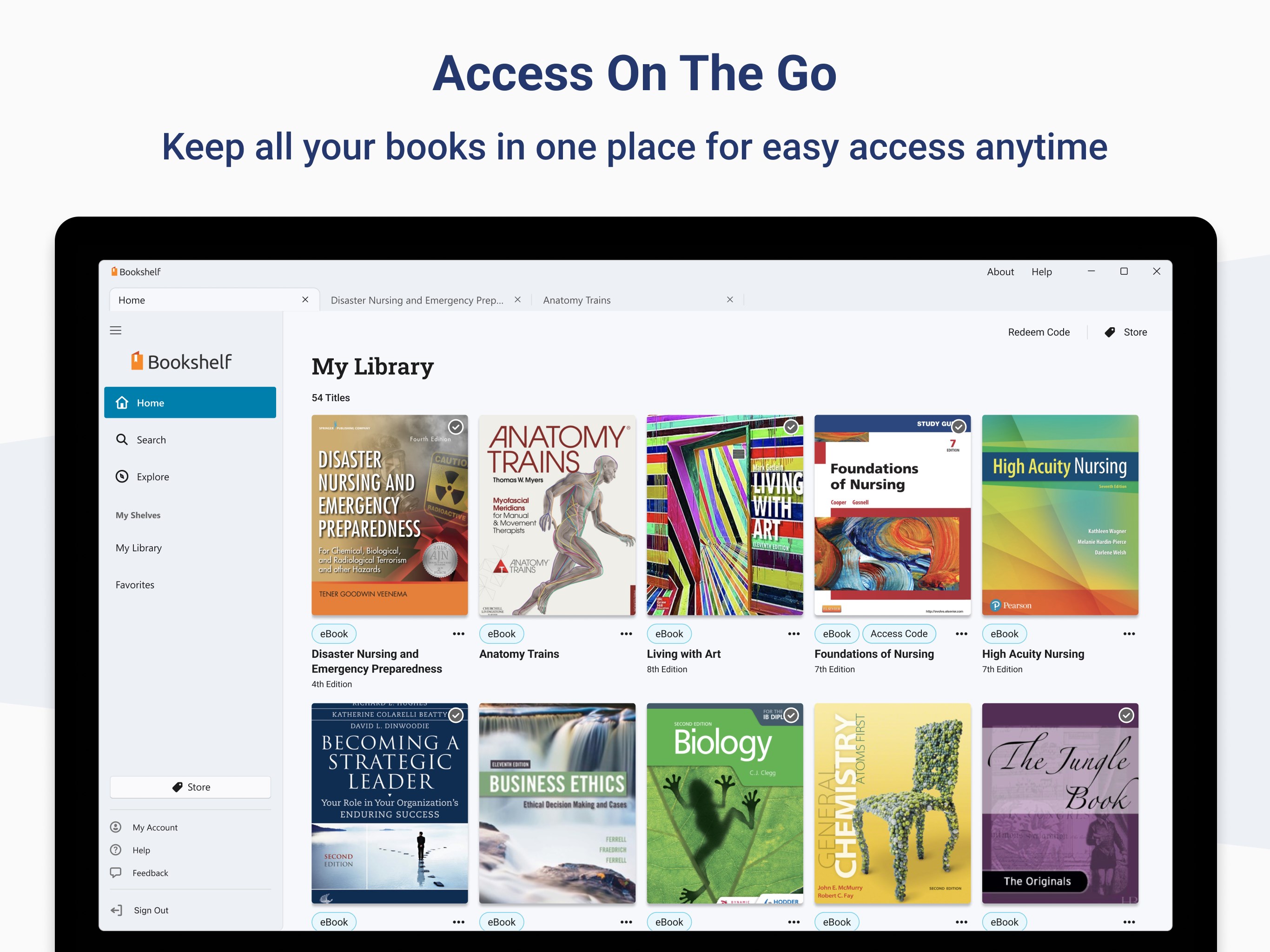
VitalSource Bookshelf is an e-reader app for digital textbooks. It lets books be downloaded for fully offline reading. Users can customize highlighters and add notes, and create flashcards with text and images to learn concepts faster. Font, font size and background colors can be personalized for easier reading, and a Read Aloud function allows listening to books. Reading position and study work sync across devices, so studying can continue from where it left off.
Show the developer's original descriptionHide the original description
Use Bookshelf to enjoy a digital-first, comprehensive learning experience from the convenience of your Windows computer. Access all of your VitalSource textbooks and study anytime, anywhere.
If there is a version of this app for iOS/Mac or Windows we don't know about, paste the store link here — we'll auto-detect the store.
How to find the URL:1. Open the app in its store. 2.In the App Store app: tap the Share icon → “Copy Link”. In the browser: copy the URL from the address bar — it contains apps.apple.com/…/id… or apps.microsoft.com/detail/…. 3. Paste it here.
Paste the original link from the Apple App Store or Microsoft Store. We fetch all details automatically.
How to find the URL:
1. Open the app in its store. 2.In the App Store app: tap the Share icon → “Copy Link”. In the browser: copy the URL from the address bar — it contains apps.apple.com/…/id… or apps.microsoft.com/detail/…. 3. Paste it here.
Android apps can only be listed by their developer.