


Screenshot appears after consentScreenshot appears after consentScreenshot appears after consentScreenshot appears after consentScreenshot appears after consentScreenshot appears after consentScreenshot appears after consentScreenshot appears after consentScreenshot appears after consentScreenshot appears after consentScreenshot appears after consentScreenshot appears after consentScreenshot appears after consentScreenshot appears after consentScreenshot appears after consentScreenshot appears after consentScreenshot appears after consentScreenshot appears after consentScreenshot appears after consentScreenshot appears after consentScreenshot appears after consentScreenshot appears after consent
Summary
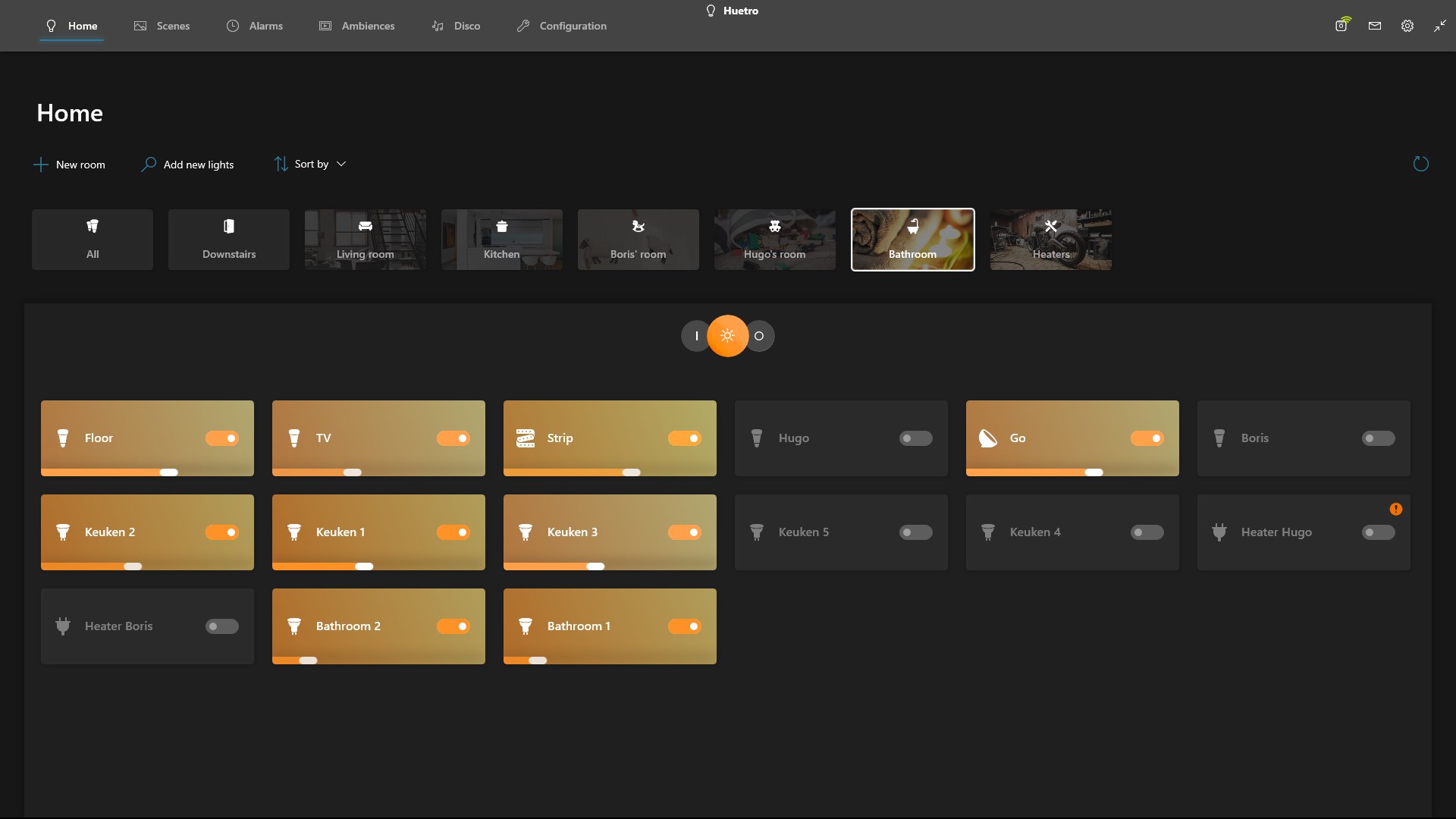
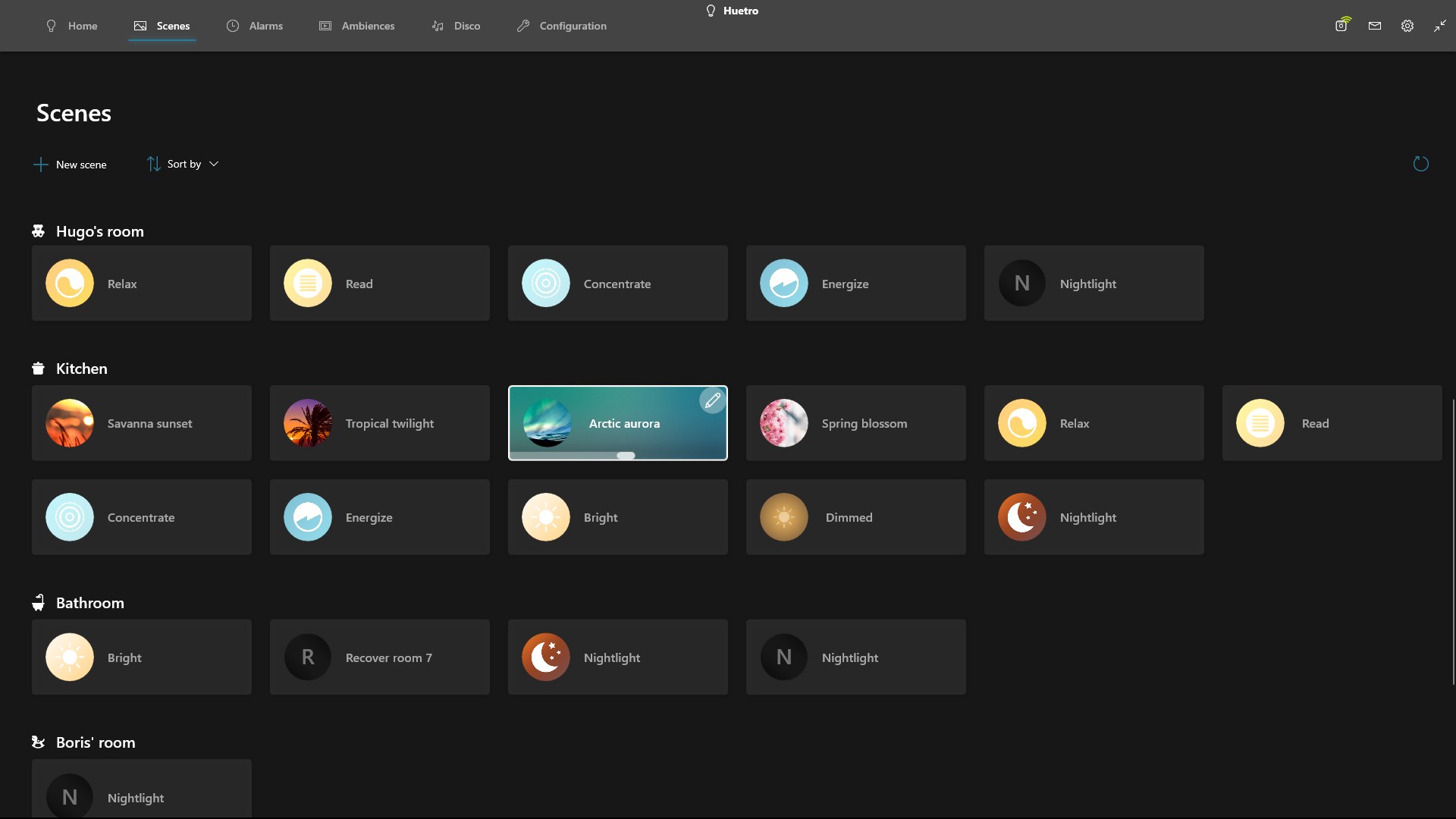
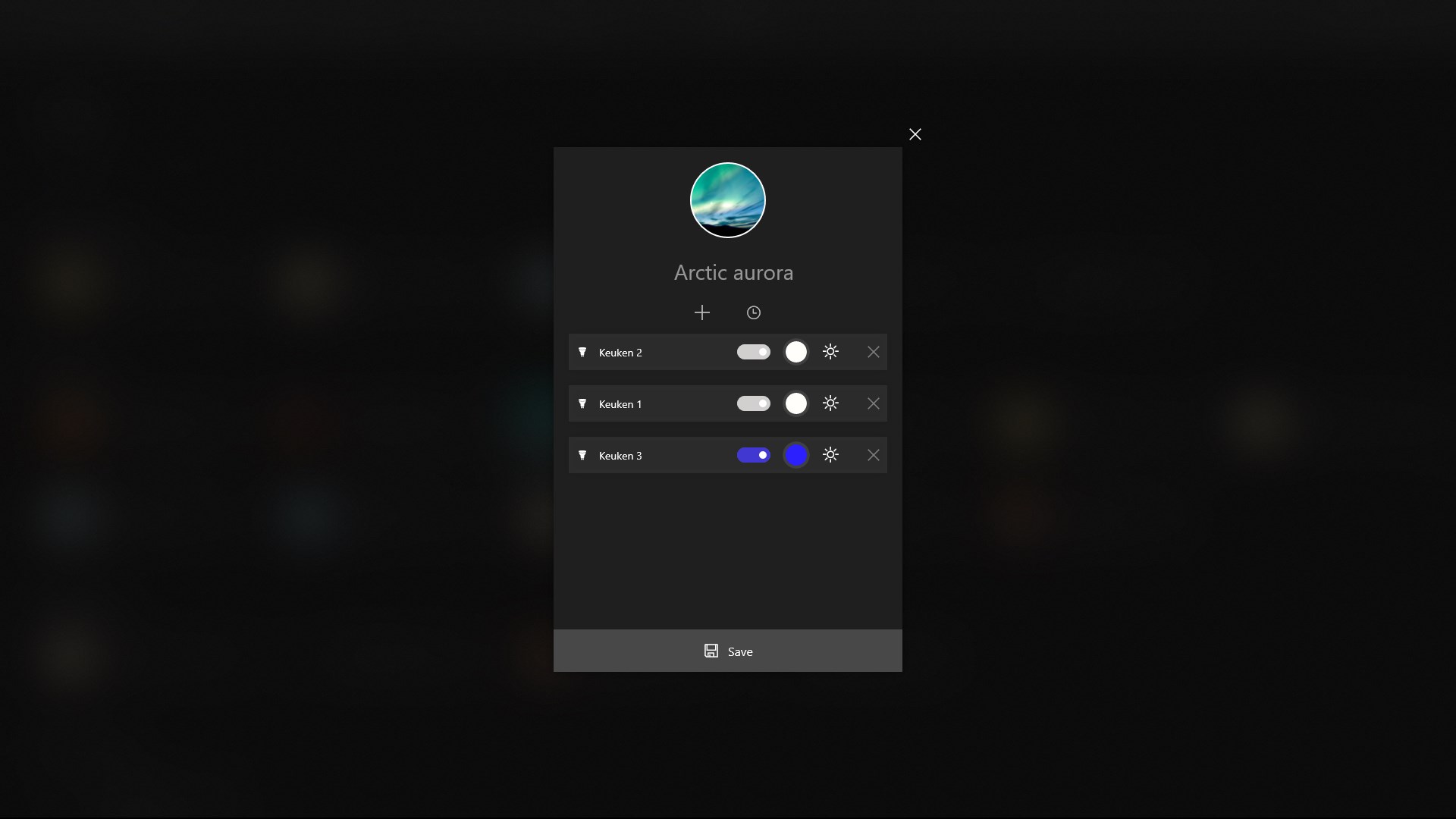
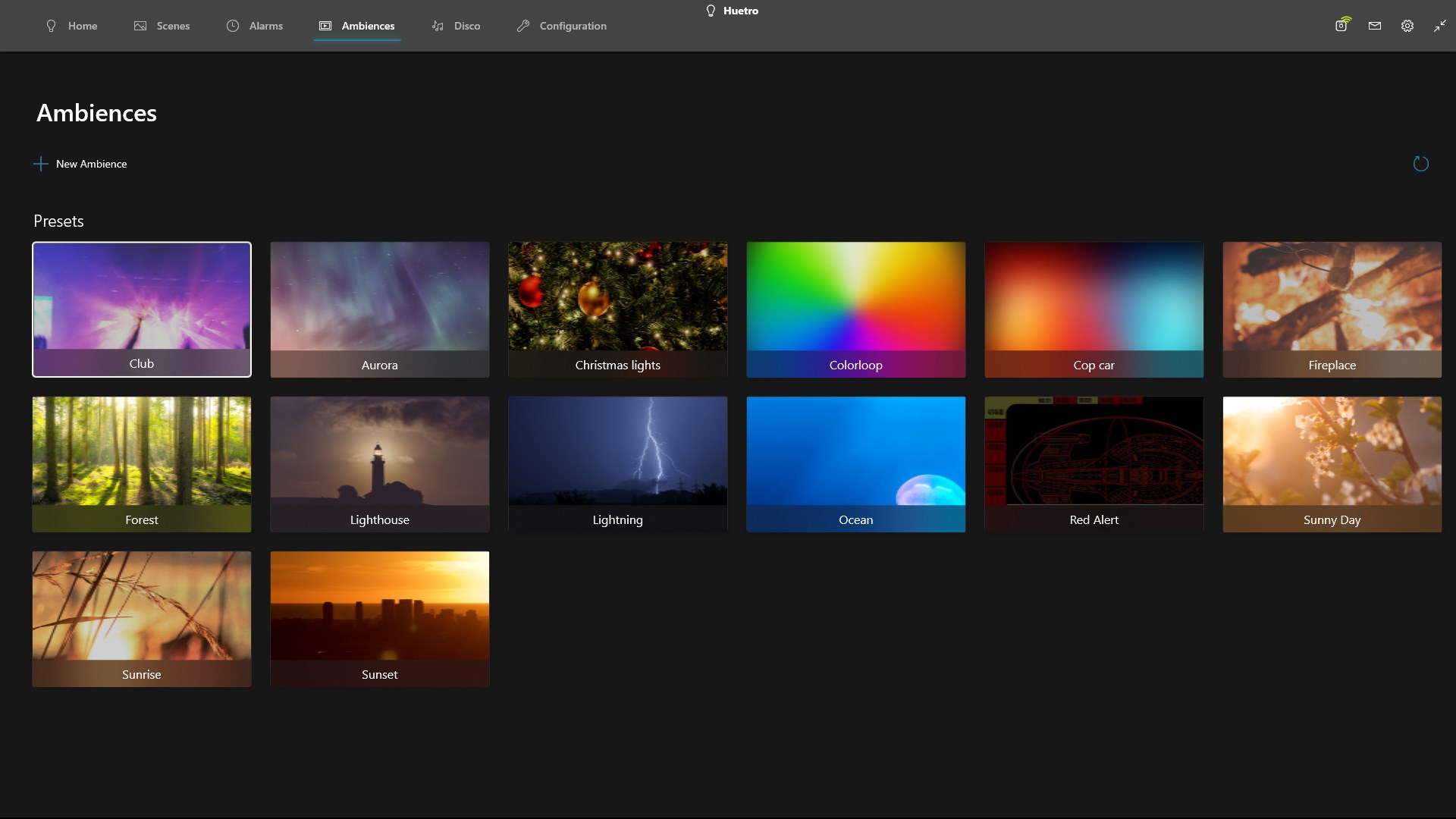
Huetro for Hue is an app for controlling Philips Hue smart lighting systems. It offers a simple setup process to connect a Hue system and includes a color picker for choosing specific colors. Users can create custom scenes based on their favorite memories, with settings syncing automatically across Windows 10 devices. The Ambiences feature adds dynamic light shows for a different lighting experience. The app also supports alarms, Cortana integration and NFC for home automation, as well as geofencing to ensure lights are on when arriving home.
Show the developer's original descriptionHide the original description
Huetro is the best Hue app on the Windows Store. Use the simple setup to connect your Hue system, and start enjoying all the great features Huetro brings! Use the colorpicker to select a specific color, or create your new scenes by using your favorite memories - and all of this will sync across your Windows 10 devices! Ambiences brings a whole new experience to your lighting: enjoy dynamic light shows! Setup alarms, Cortana or NFC to automate your home and use geofencing to always arrive in a well lit home!
If there is a version of this app for iOS/Mac or Windows we don't know about, paste the store link here — we'll auto-detect the store.
How to find the URL:1. Open the app in its store. 2.In the App Store app: tap the Share icon → “Copy Link”. In the browser: copy the URL from the address bar — it contains apps.apple.com/…/id… or apps.microsoft.com/detail/…. 3. Paste it here.
Paste the original link from the Apple App Store or Microsoft Store. We fetch all details automatically.
How to find the URL:
1. Open the app in its store. 2.In the App Store app: tap the Share icon → “Copy Link”. In the browser: copy the URL from the address bar — it contains apps.apple.com/…/id… or apps.microsoft.com/detail/…. 3. Paste it here.
Android apps can only be listed by their developer.