


Screenshot appears after consentScreenshot appears after consentScreenshot appears after consentScreenshot appears after consentScreenshot appears after consentScreenshot appears after consentScreenshot appears after consentScreenshot appears after consentScreenshot appears after consentScreenshot appears after consentScreenshot appears after consentScreenshot appears after consent
Summary
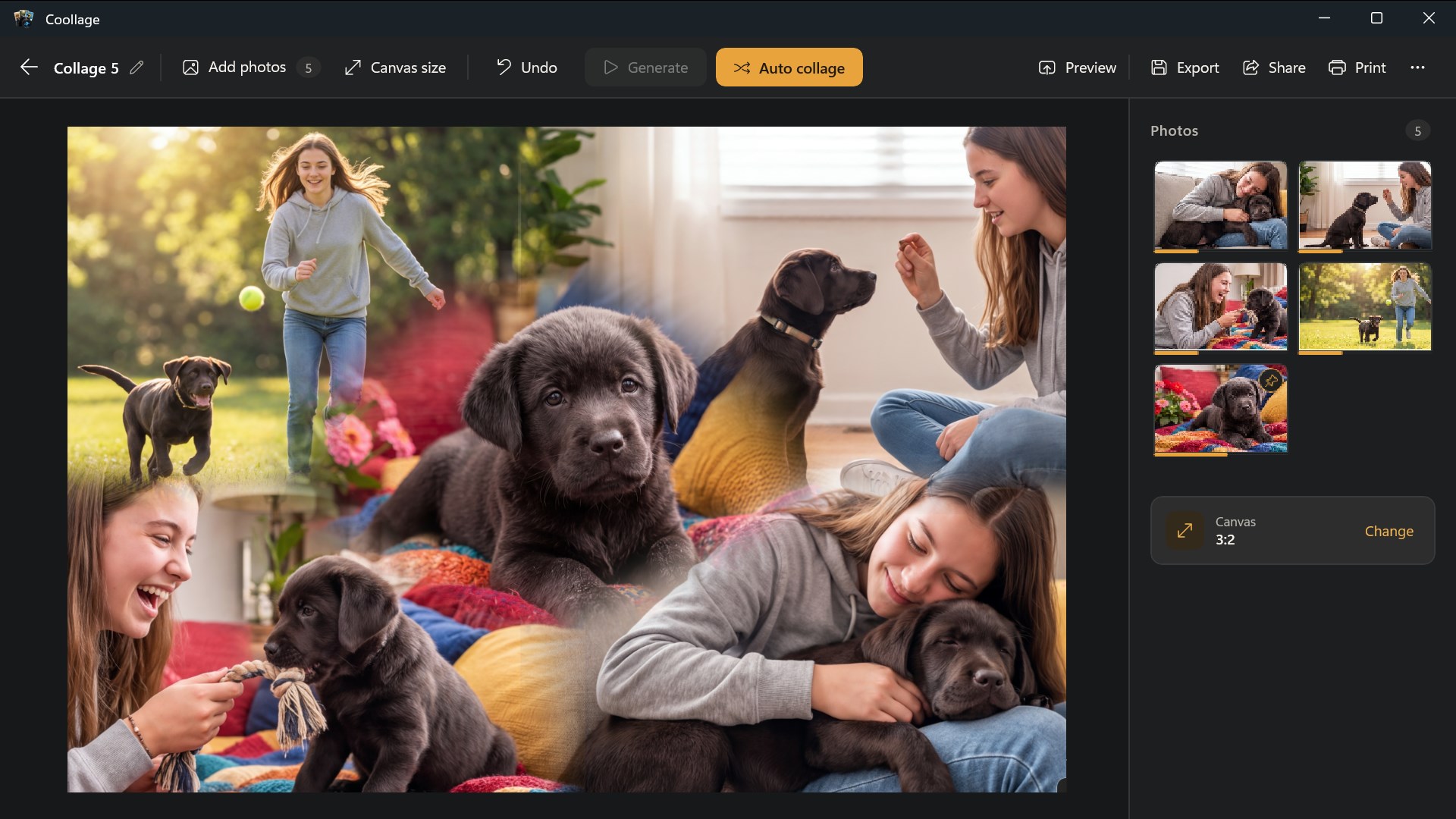
Coollage is a photo editing app for Windows that lets users create and edit collages with mouse, touch or keyboard. It offers an Auto collage feature that arranges pictures automatically, along with reshuffling, pinning photos in place, and smooth blending of overlapping images. Pictures can be moved, resized, zoomed and rotated, with 11 canvas formats and up to 30 undo steps. Collages are saved as editable projects in a local library and can be previewed full screen, exported as JPG or PNG, or printed, with photos processed locally rather than uploaded online. The Free edition supports up to 7 pictures per collage with exports up to Full HD.
Show the developer's original descriptionHide the original description
Turn your photos into beautiful, editable collages with Coollage, a native Windows collage studio designed for mouse, touch and keyboard.
Start with a blank canvas or choose your pictures and let Auto collage arrange them for you. Reshuffle the layout until it feels right, pin photos you want to keep in place, and smoothly blend overlapping images.
Fine-tune every picture by moving, resizing, zooming and rotating it. Choose from 11 landscape, portrait and square canvas formats, and undo up to 30 editing steps.
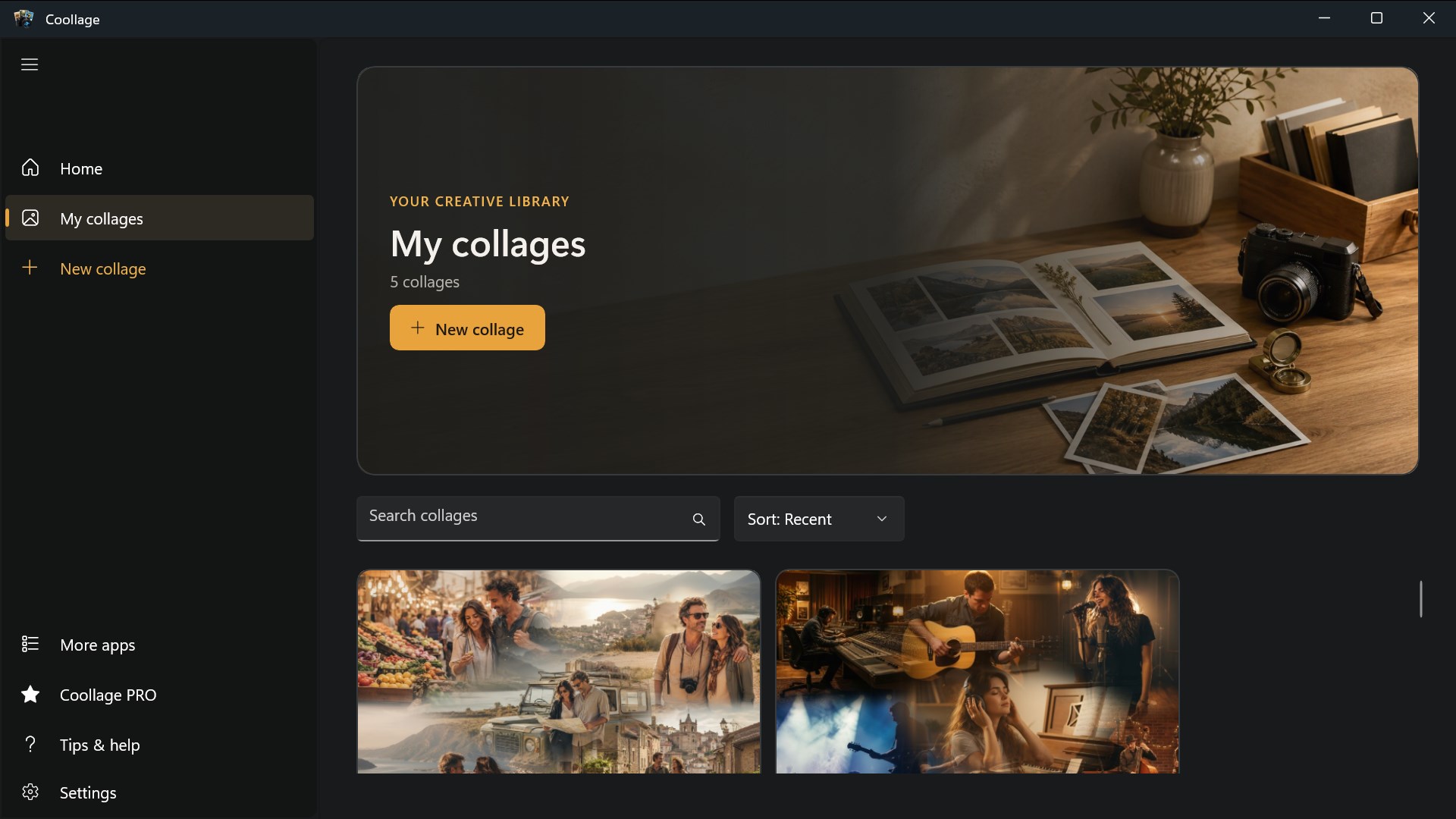
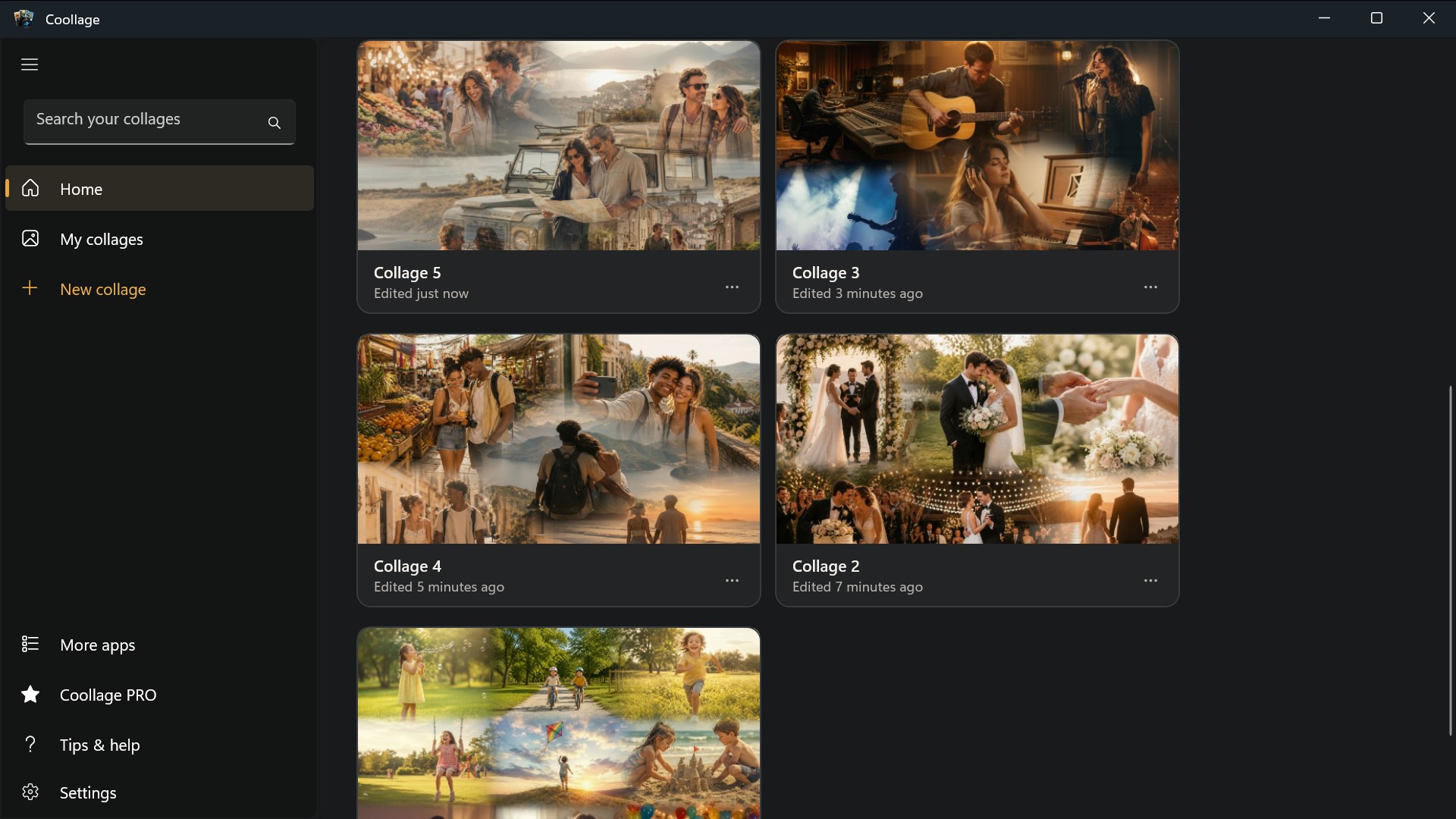
Keep your collages as editable projects in a local library. Preview them full screen, export as JPG or PNG, share through the Windows share sheet, or print through Windows.
Your photos are processed locally; Coollage does not upload them to an online photo service.
The Free edition supports up to 7 pictures per collage and exports up to Full HD. Free preview, export, sharing and printing include a small “Made with Coollage” watermark.
If there is a version of this app for iOS/Mac or Windows we don't know about, paste the store link here — we'll auto-detect the store.
How to find the URL:1. Open the app in its store. 2.In the App Store app: tap the Share icon → “Copy Link”. In the browser: copy the URL from the address bar — it contains apps.apple.com/…/id… or apps.microsoft.com/detail/…. 3. Paste it here.
Paste the original link from the Apple App Store or Microsoft Store. We fetch all details automatically.
How to find the URL:
1. Open the app in its store. 2.In the App Store app: tap the Share icon → “Copy Link”. In the browser: copy the URL from the address bar — it contains apps.apple.com/…/id… or apps.microsoft.com/detail/…. 3. Paste it here.
Android apps can only be listed by their developer.