
Screenshot appears after consentScreenshot appears after consentScreenshot appears after consentScreenshot appears after consent
Summary
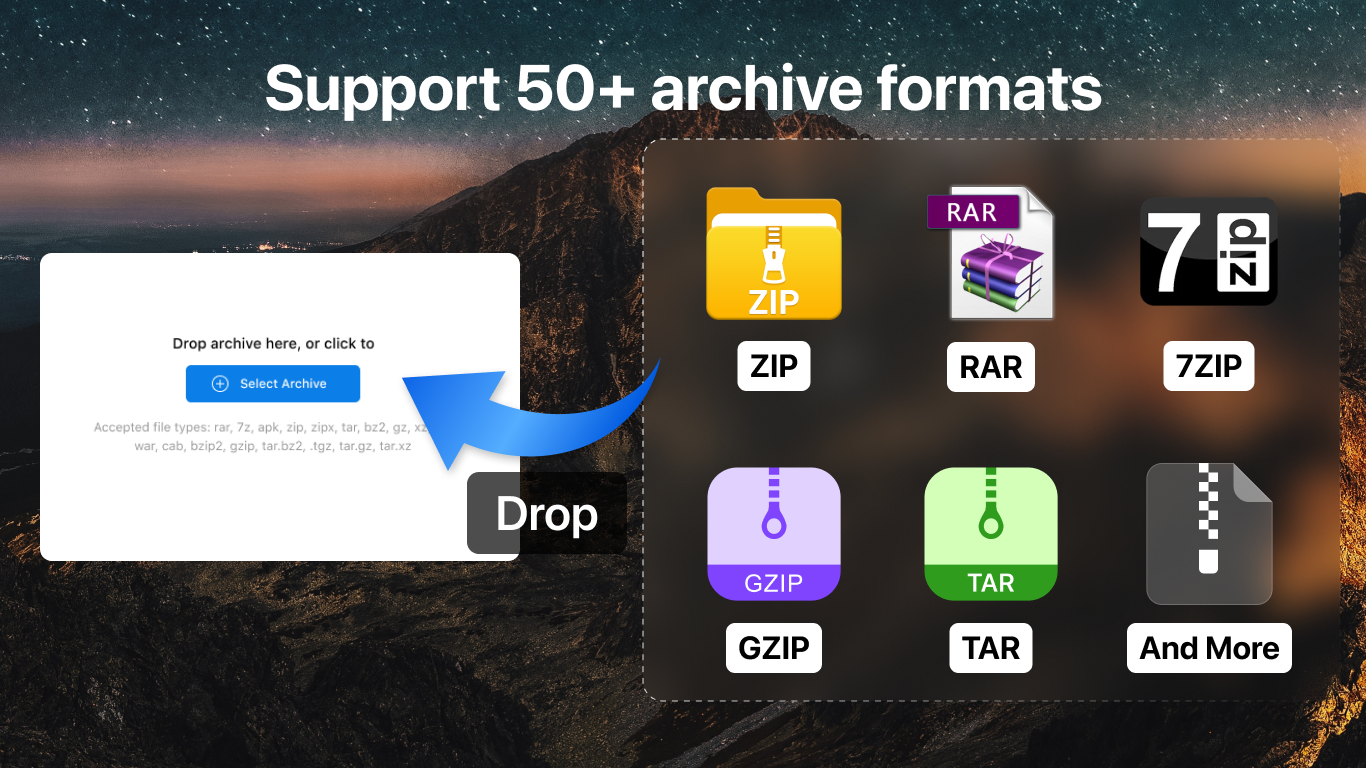
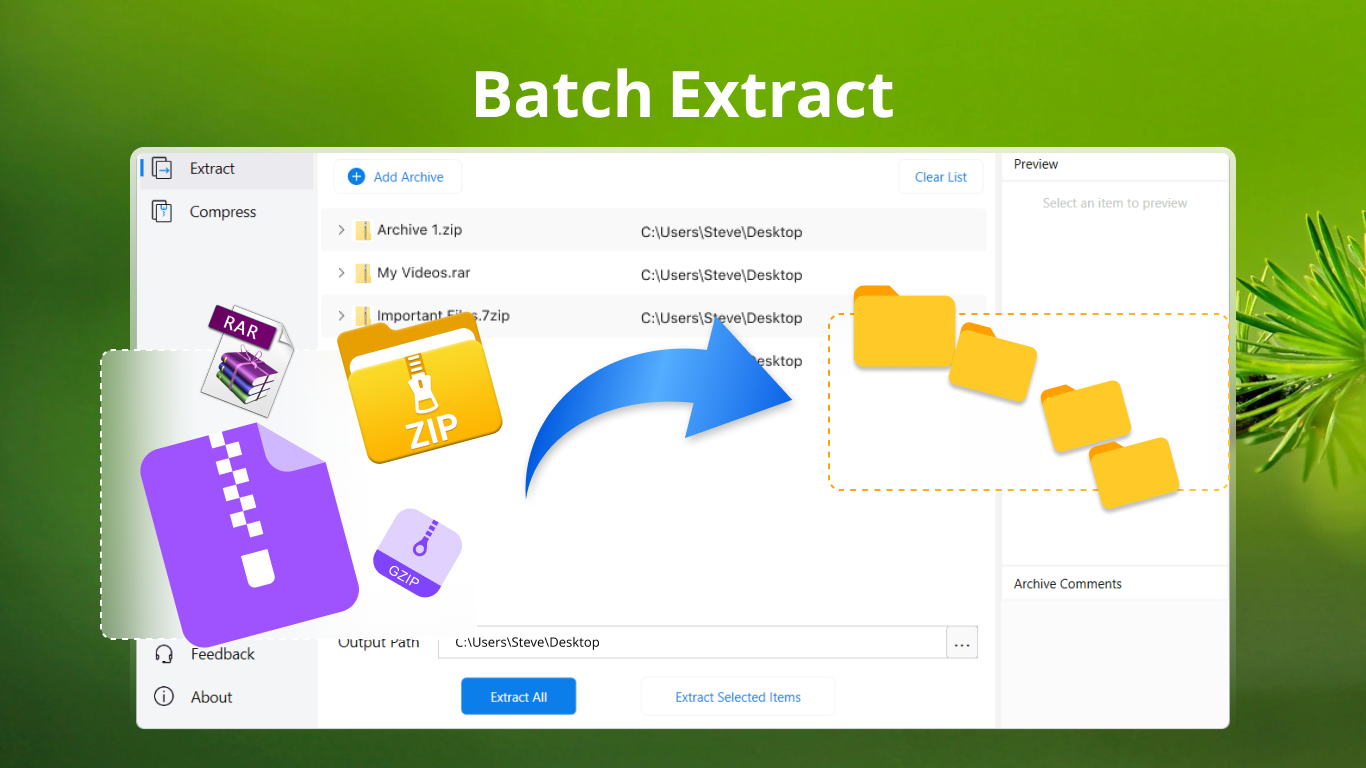
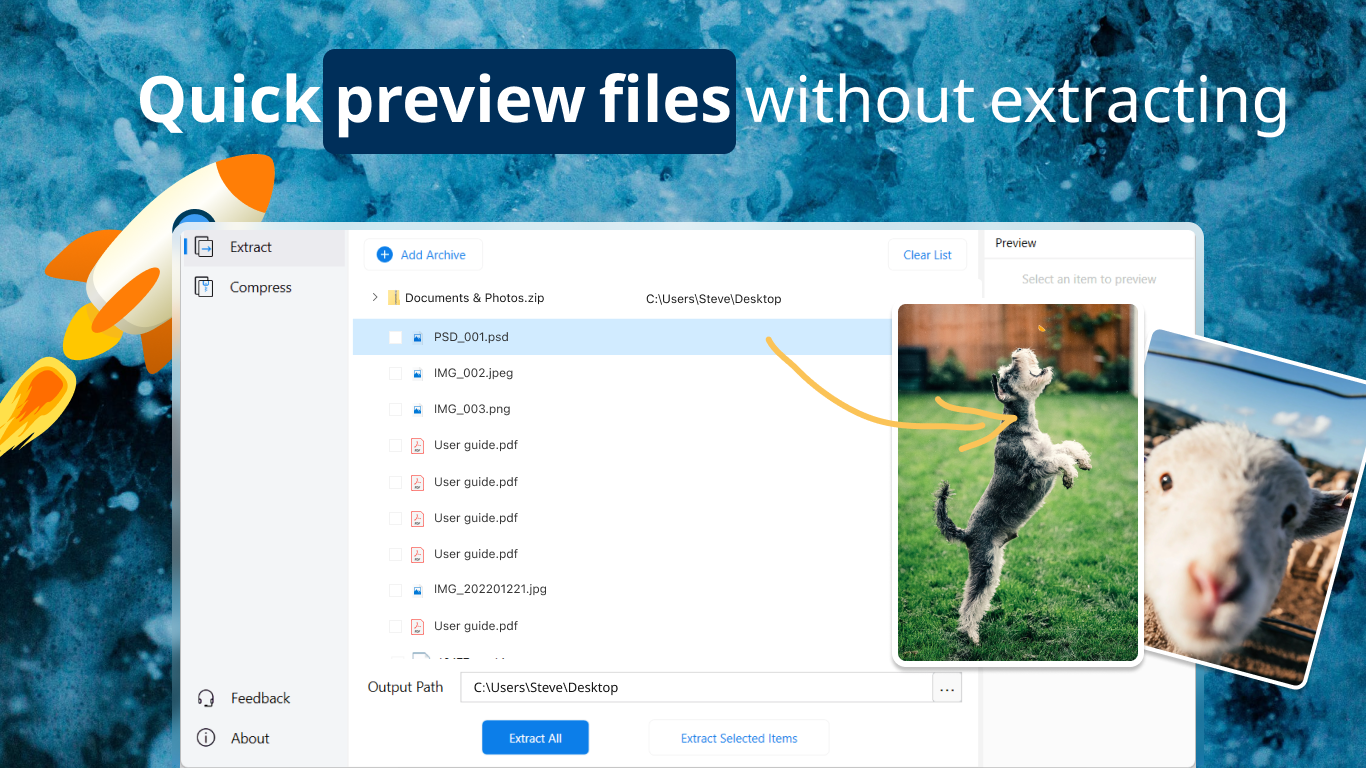
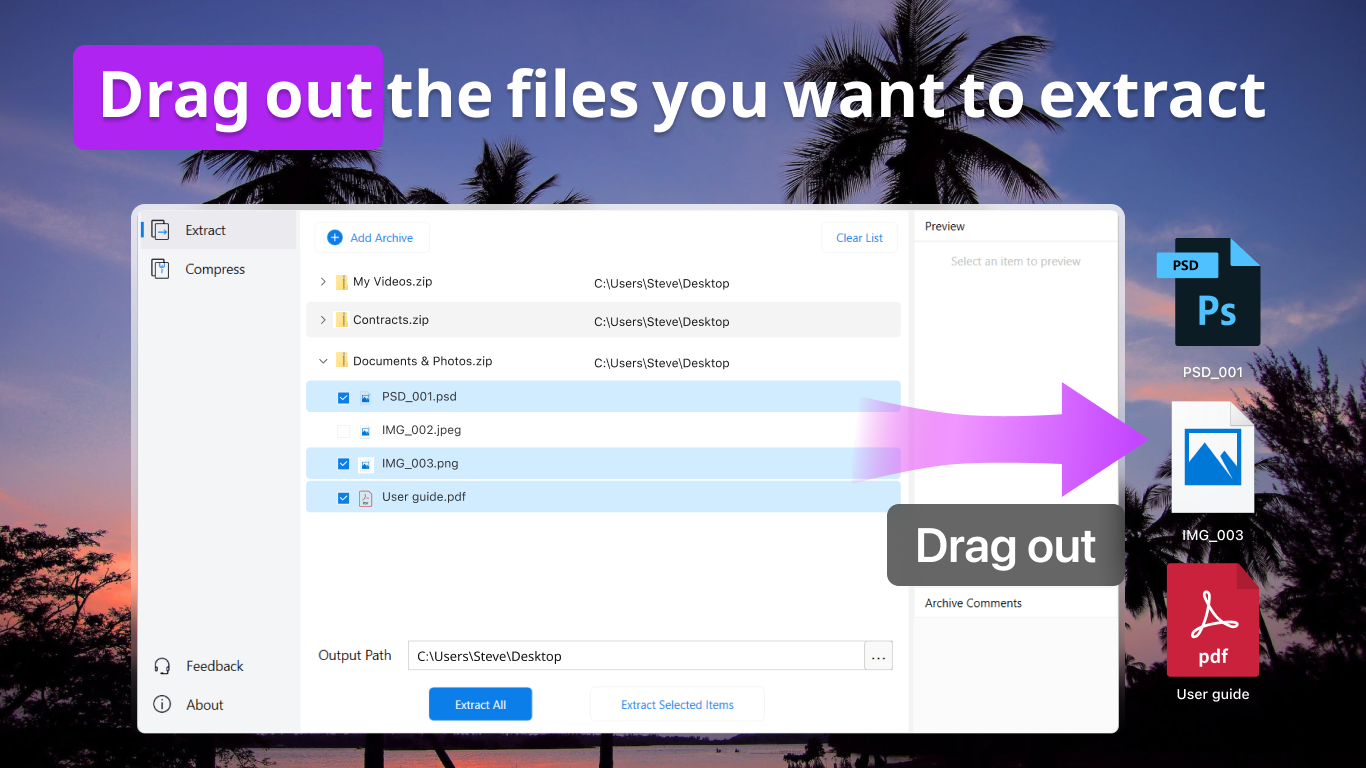
RAR Zip 7Z is a file compression utility for viewing, extracting and compressing archive files, supporting formats such as ZIP, RAR, 7Z, TAR, GZIP and many others. It extracts files from almost any archive format and compresses files quickly, including batch compression and batch extraction of multiple files and archives. It shows the file list inside an archive and allows previewing images without extracting them. Files can be added to archives by drag and drop, and archives can be protected with AES-256 encryption. A premium version adds batch processing, repair of broken archives, a right-click menu and efficient extraction of single files.
Show the developer's original descriptionHide the original description
AukZip is a superior utility for viewing, extracting archives, and compressing files into archives. An alternative to winrar, winzip, 7zip & bandizip.
All common archive file formats are supported: ZIP, 7Z, TAR, XZ, GZIP, BZIP2, WIM, APFS, AR, ARJ, CAB, CHM, CPIO, CramFS, DMG, EXT, FAT, GPT, HFS, IHEX, ISO, LZH, LZMA, MBR, MSI, NSIS, NTFS, QXOW2, RAR, RPM, SquashFS, UDF, UEFI, VDI, VHD, VHDX, VMDK, WIM, XAR, and Z.
Features in AukZip:
• Extract files in almost all file formats
• Compressed files rapidly
• View the file list in archive
• Preview the images in archives without extracting
• Batch compress files
• Batch extract & decompress specified files and archives
• Protected archives with AES-256 encryption strongly
• Drag and Drop to compress files
• High compression ratio to save space
[AukZip Premium: In-app Purchases Features]
• Compress & Extract Files in Batch
• Repair & Unzip Broken Files
• Right-click Menu for Quick Actions
• Extract a Single File Efficiently without Unzipping Entire Archive
Subscription plan: billed annually at $4.99/year
Lifetime license: one-time purchase for $9.99
If there is a version of this app for iOS/Mac or Windows we don't know about, paste the store link here — we'll auto-detect the store.
How to find the URL:1. Open the app in its store. 2.In the App Store app: tap the Share icon → “Copy Link”. In the browser: copy the URL from the address bar — it contains apps.apple.com/…/id… or apps.microsoft.com/detail/…. 3. Paste it here.
Paste the original link from the Apple App Store or Microsoft Store. We fetch all details automatically.
How to find the URL:
1. Open the app in its store. 2.In the App Store app: tap the Share icon → “Copy Link”. In the browser: copy the URL from the address bar — it contains apps.apple.com/…/id… or apps.microsoft.com/detail/…. 3. Paste it here.
Android apps can only be listed by their developer.