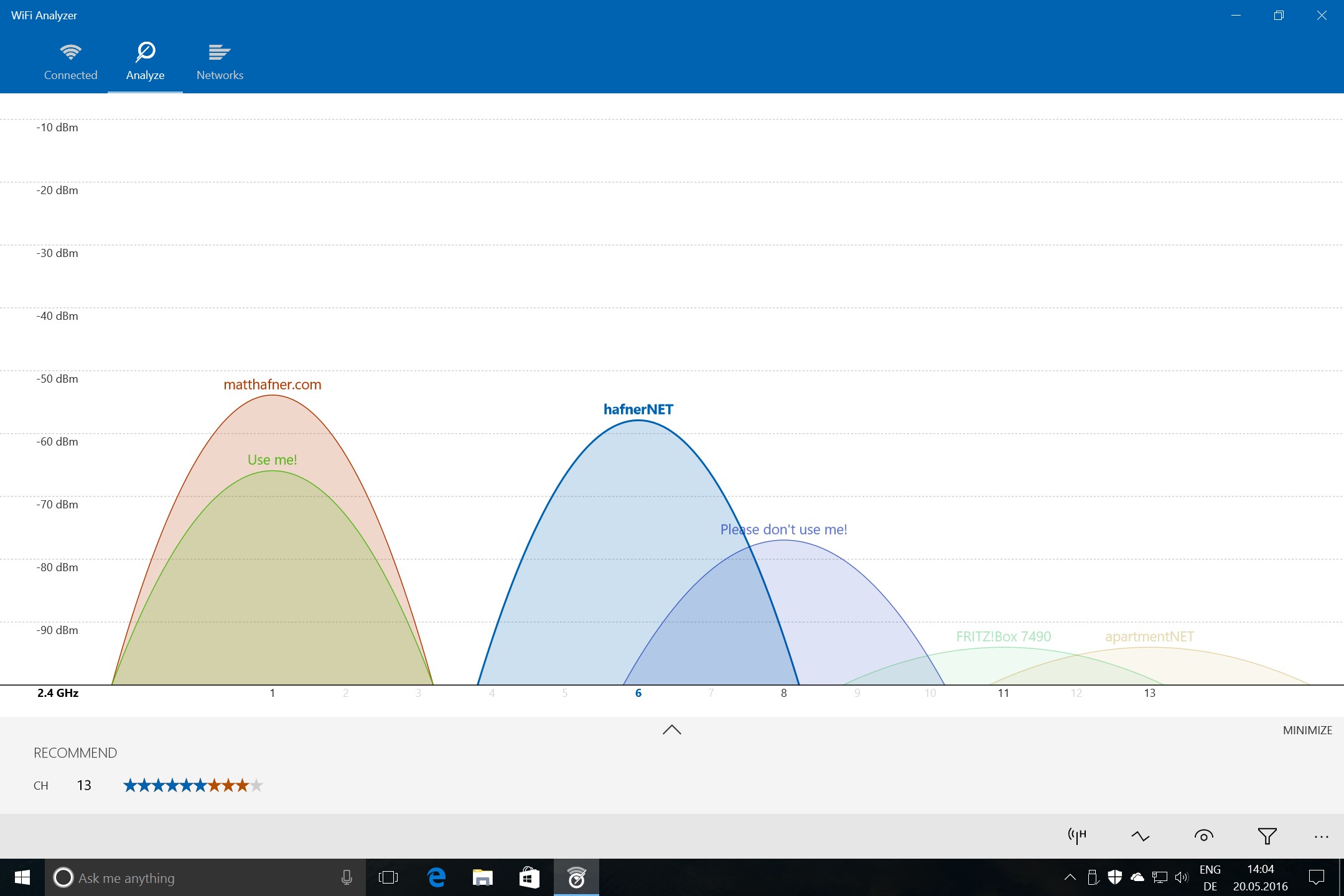
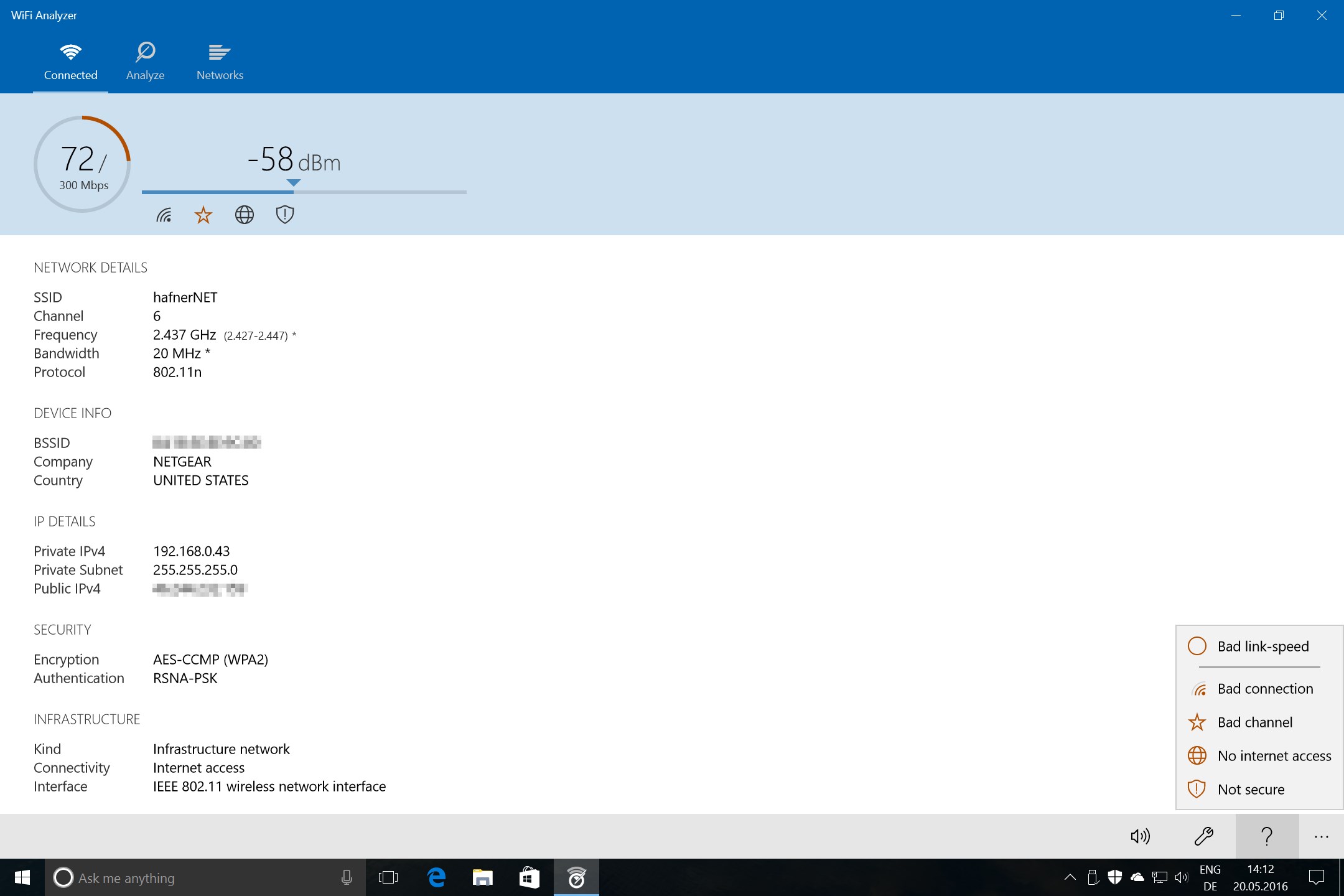
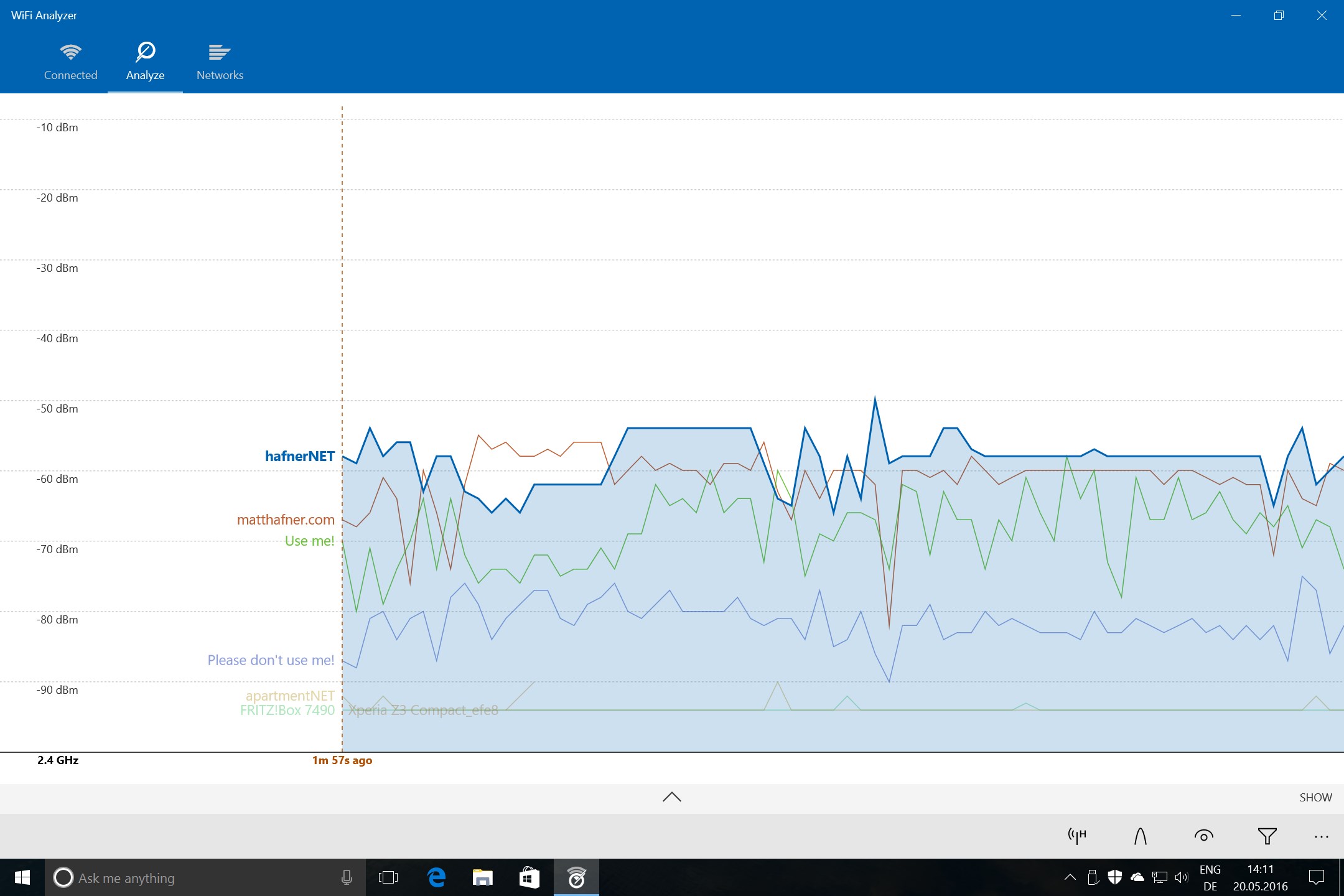
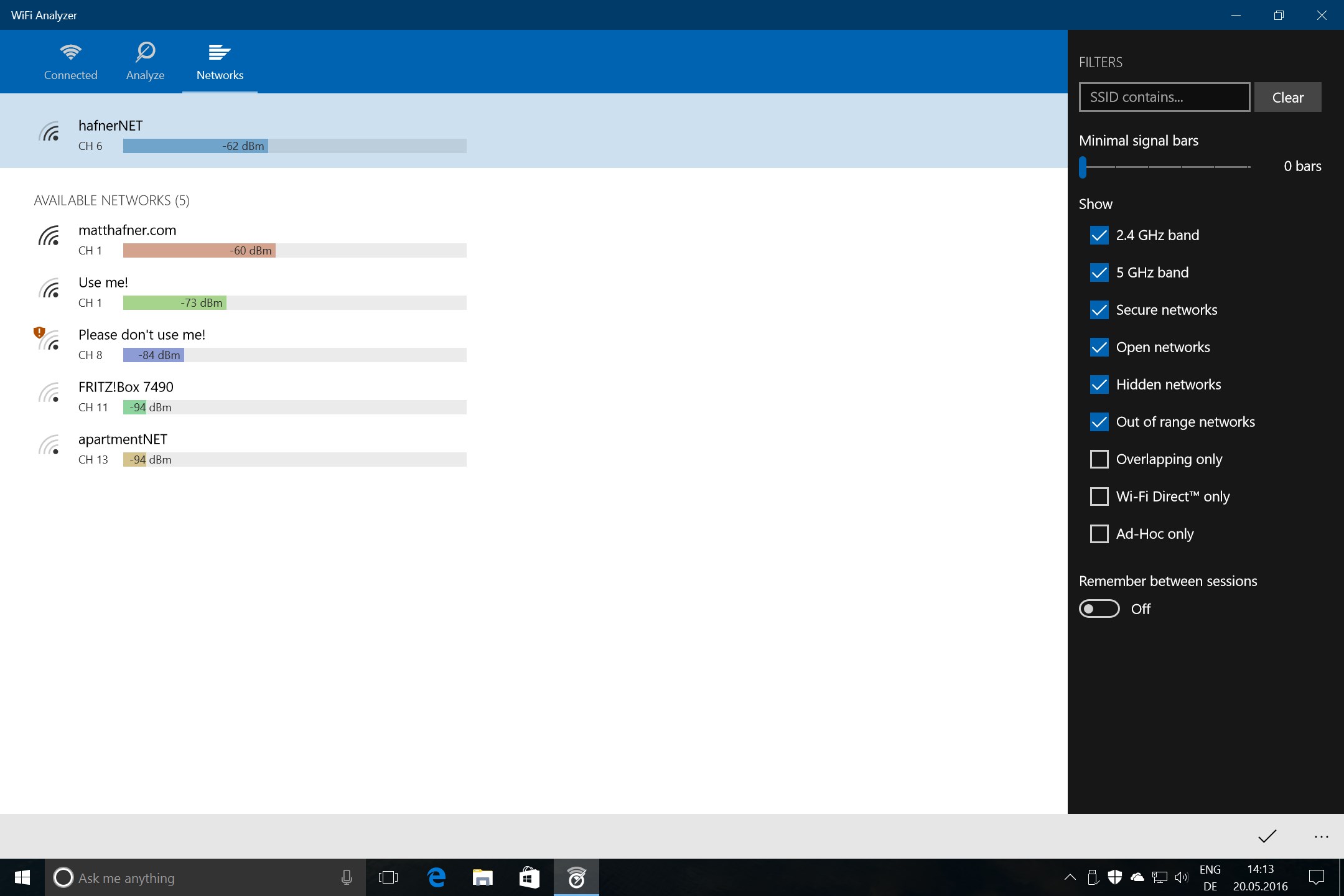
Screenshot appears after consentScreenshot appears after consentScreenshot appears after consentScreenshot appears after consentScreenshot appears after consentScreenshot appears after consentScreenshot appears after consentScreenshot appears after consentScreenshot appears after consentScreenshot appears after consentScreenshot appears after consentScreenshot appears after consentScreenshot appears after consentScreenshot appears after consentScreenshot appears after consentScreenshot appears after consent
Summary
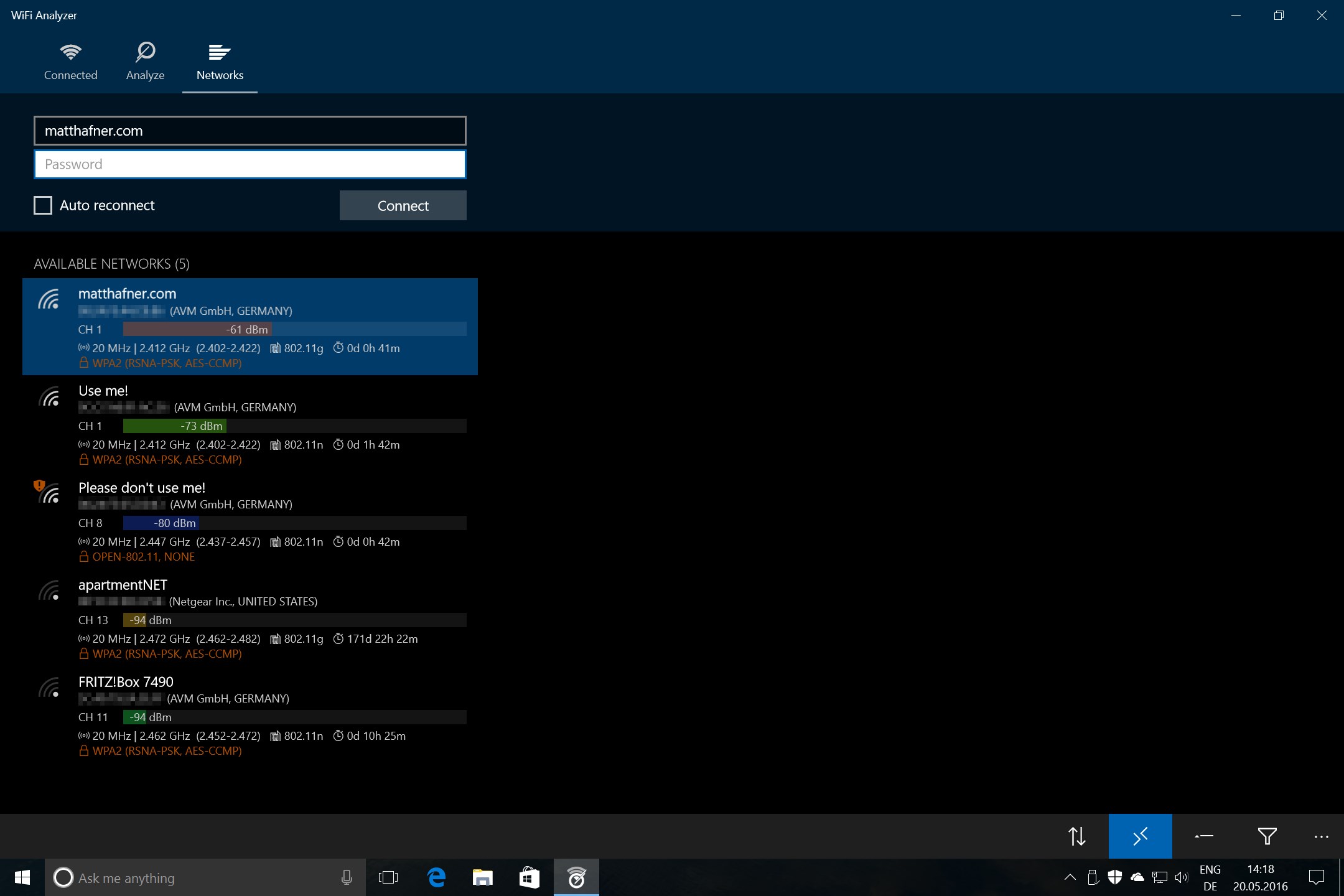
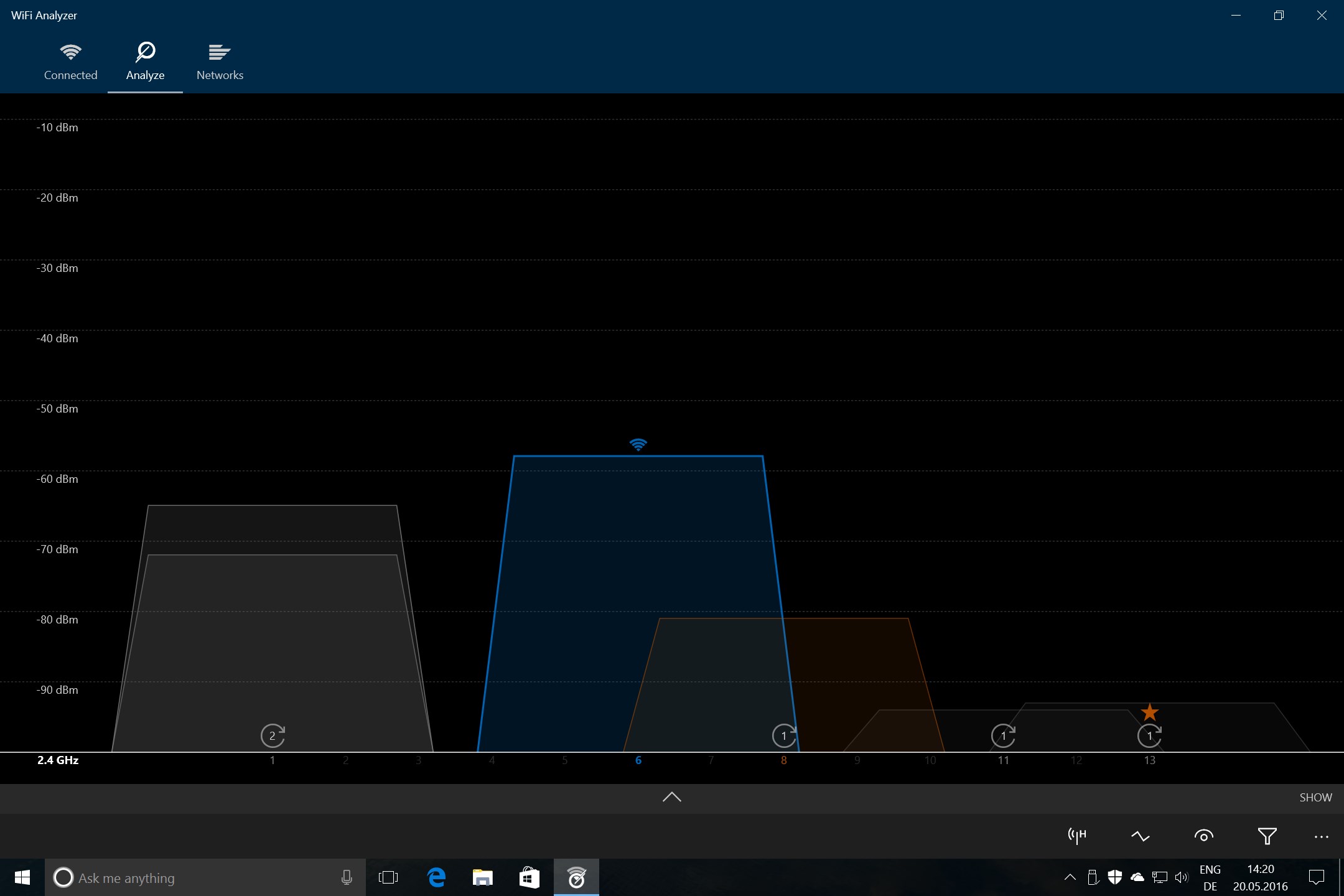
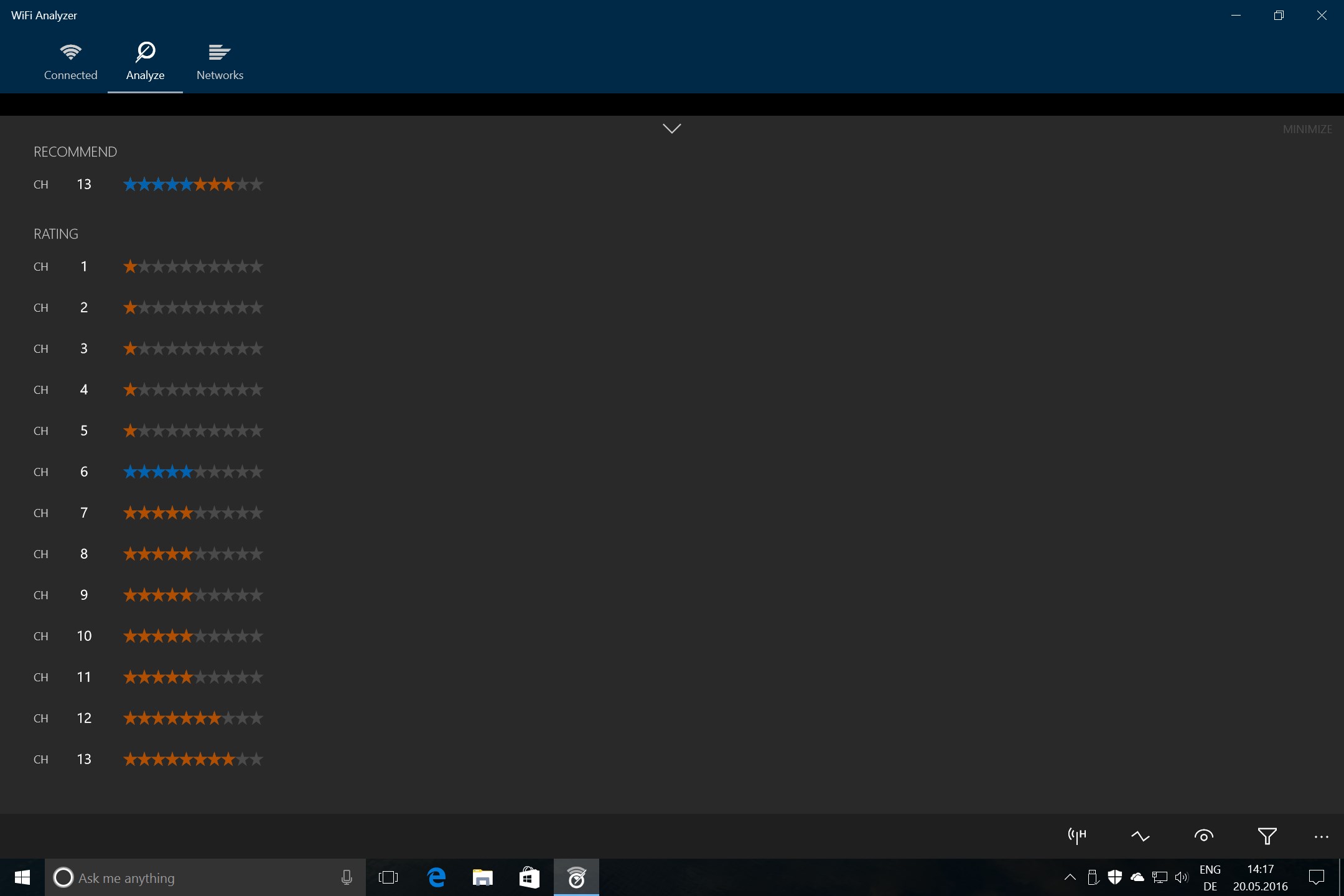
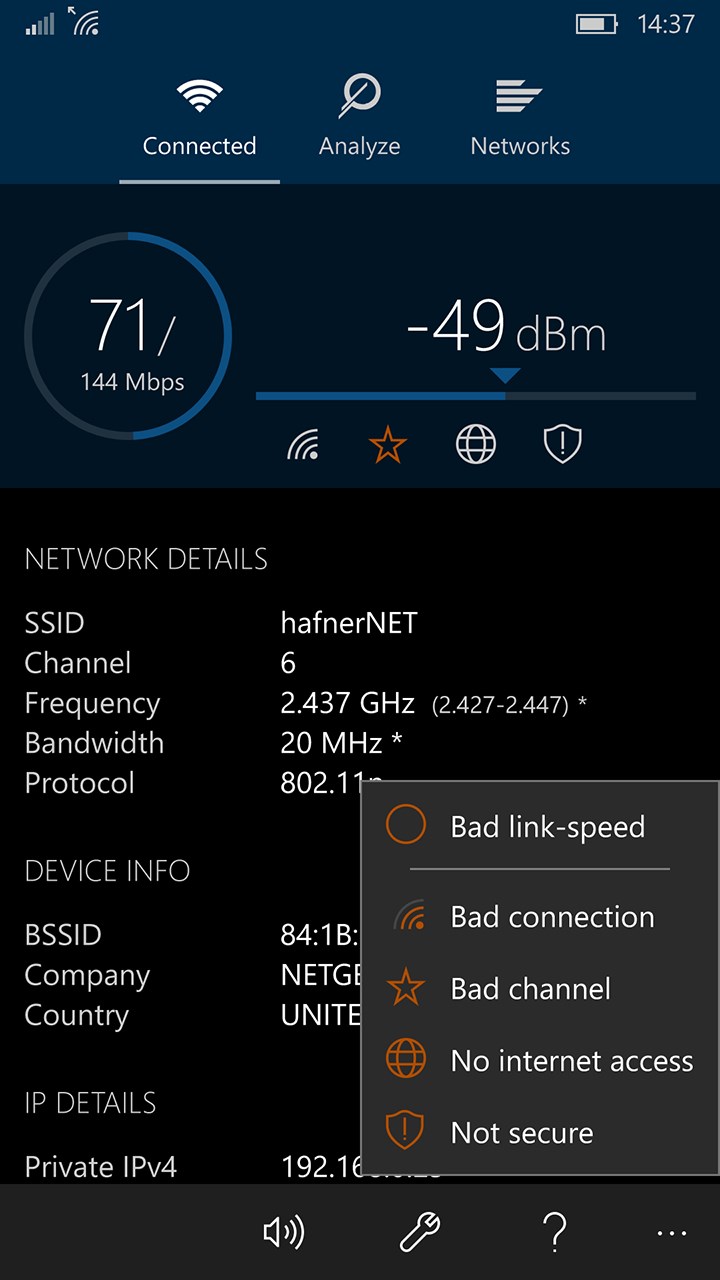
WiFi Analyzer is a wireless network analysis tool that turns a PC, laptop, tablet or mobile device into a scanner for Wi-Fi networks. It helps identify Wi-Fi problems, find the best channel and determine the best placement for a router or access point. The basic version is free of advertising, while additional features are available through an in-app purchase. These optional features include connecting to networks, applying filters, displaying SSID and BSSID information on graphs, adjusting signal strength borders, preventing screen timeout, locking screen rotation and showing network count and details.
Show the developer's original descriptionHide the original description
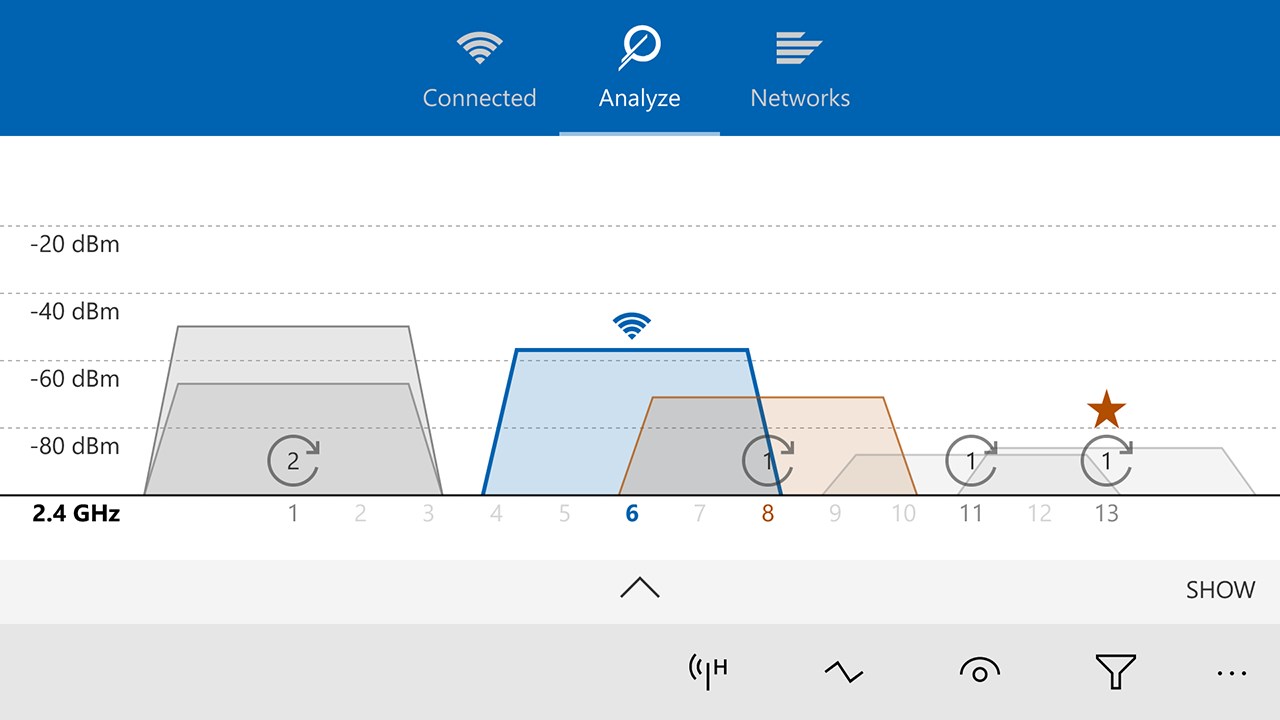
WiFi Analyzer can help you to identify Wi-Fi problems, find the best channel or the best place for your router/access-point by turning your PC/laptop, tablet or mobile device into an analyzer for your wireless network.
The basic version is completely ad-free and additional features can be bought via an in-app purchase.
PRO-Features
• Live-Tile support
• Beeper for signal strength
• Connect to networks
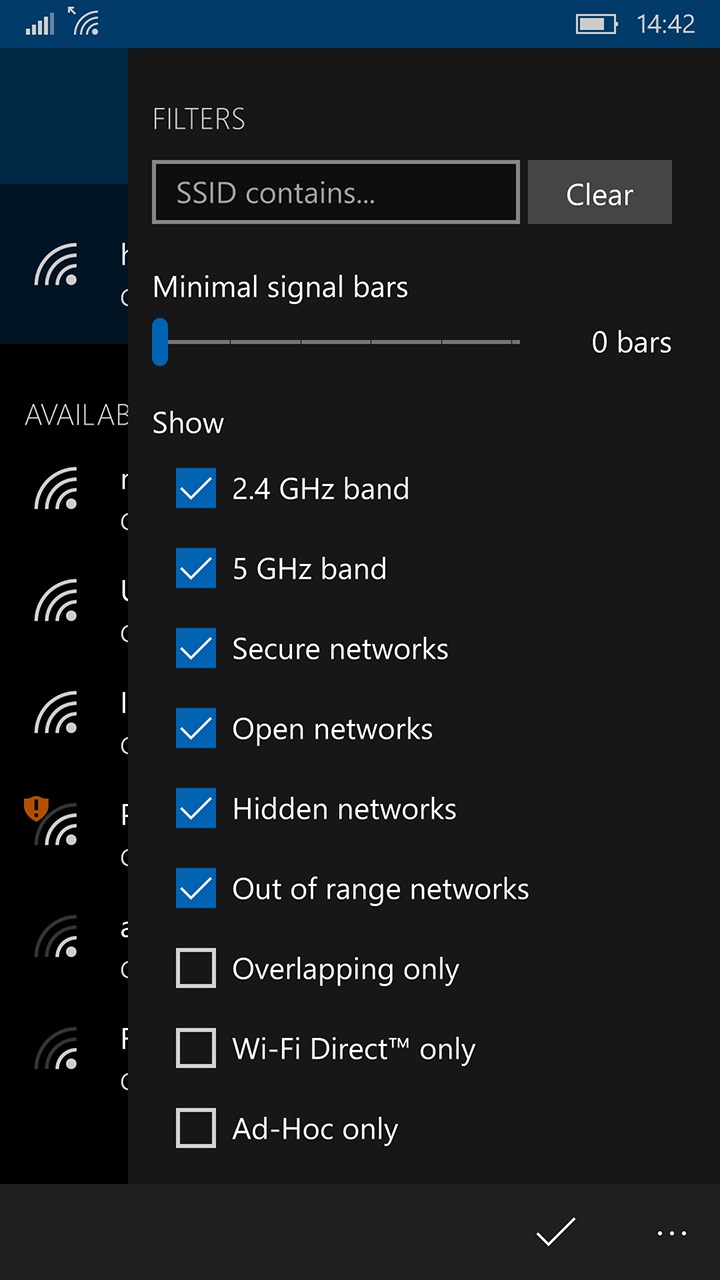
• Use filters
• Prevent screen timeout
• Lock screen rotation
• Change signal strength borders
• Show SSID on graphs
• Show BSSID on graphs
• Network count
• Network details
If there is a version of this app for iOS/Mac or Windows we don't know about, paste the store link here — we'll auto-detect the store.
How to find the URL:1. Open the app in its store. 2.In the App Store app: tap the Share icon → “Copy Link”. In the browser: copy the URL from the address bar — it contains apps.apple.com/…/id… or apps.microsoft.com/detail/…. 3. Paste it here.
Paste the original link from the Apple App Store or Microsoft Store. We fetch all details automatically.
How to find the URL:
1. Open the app in its store. 2.In the App Store app: tap the Share icon → “Copy Link”. In the browser: copy the URL from the address bar — it contains apps.apple.com/…/id… or apps.microsoft.com/detail/…. 3. Paste it here.
Android apps can only be listed by their developer.