Screenshot appears after consentScreenshot appears after consentScreenshot appears after consent
Summary
Screen Recorder‘ is a tool for capturing on-screen activity on Windows, aimed at tutorial makers, video makers and YouTubers. It captures the full screen, a target window or a custom area with sound, in resolutions up to 4K, and can also record system sound, microphone audio or other input devices. It supports game recording at up to 120 FPS for titles such as Minecraft, PUBG, Roblox, World of Warcraft and League of Legends. The app is free to use, with a subscription or one-time lifetime purchase unlocking unlimited recording length, watermark removal, 4K resolution and higher frame rates.
Show the developer's original descriptionHide the original description
Screen Recorder - Screen Record is an easy-to-use HD screen recorder for windows. Alternative to obs, streamlabs, bandicam, camtasia & screencast. How to record screen? This screen recorder app is for tutorial makers, video makers, and YouTubers. Screen recording games, video tutorials, lectures, webinars, live streams, Skype calls and much more. You can record screen along with audio and webcam. Best screen recorder for PC, and your screen capture pc app.
[Key Featuers]
HD Screen Recording
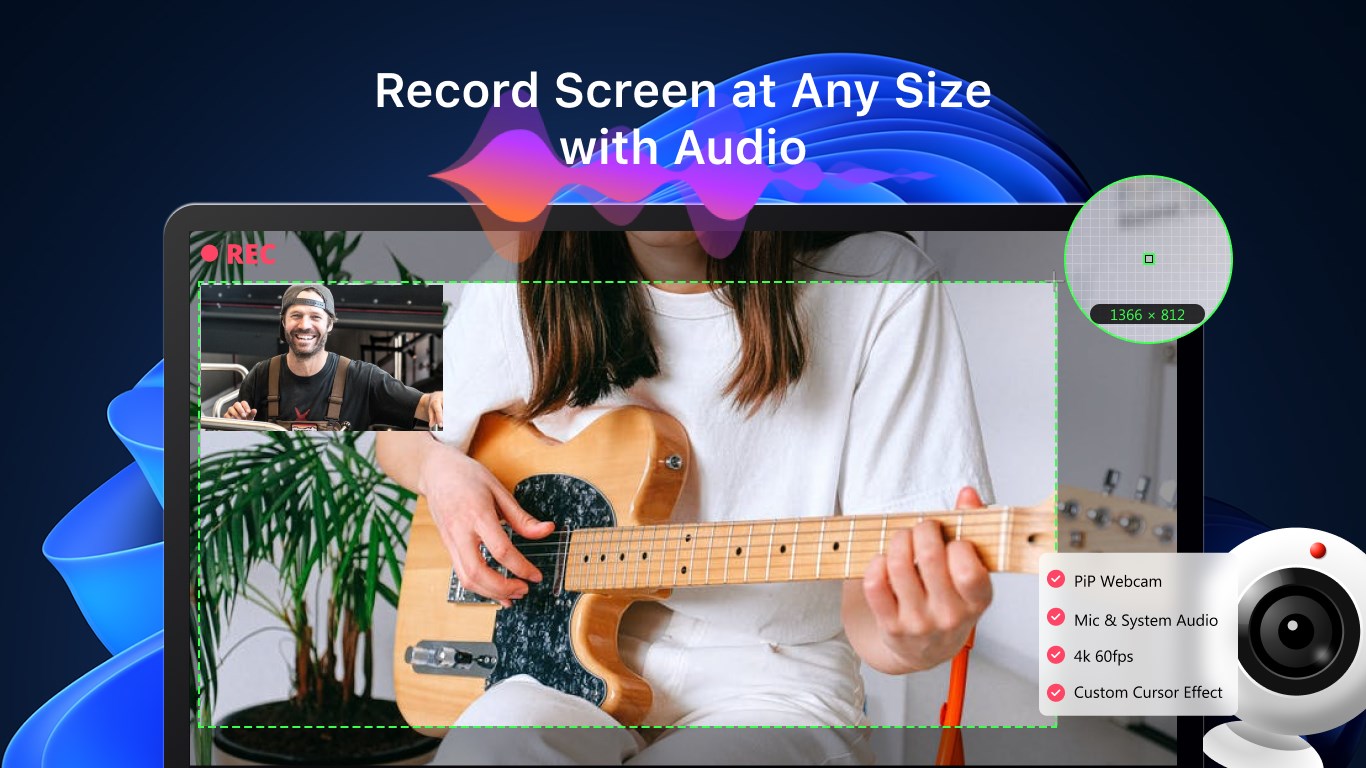
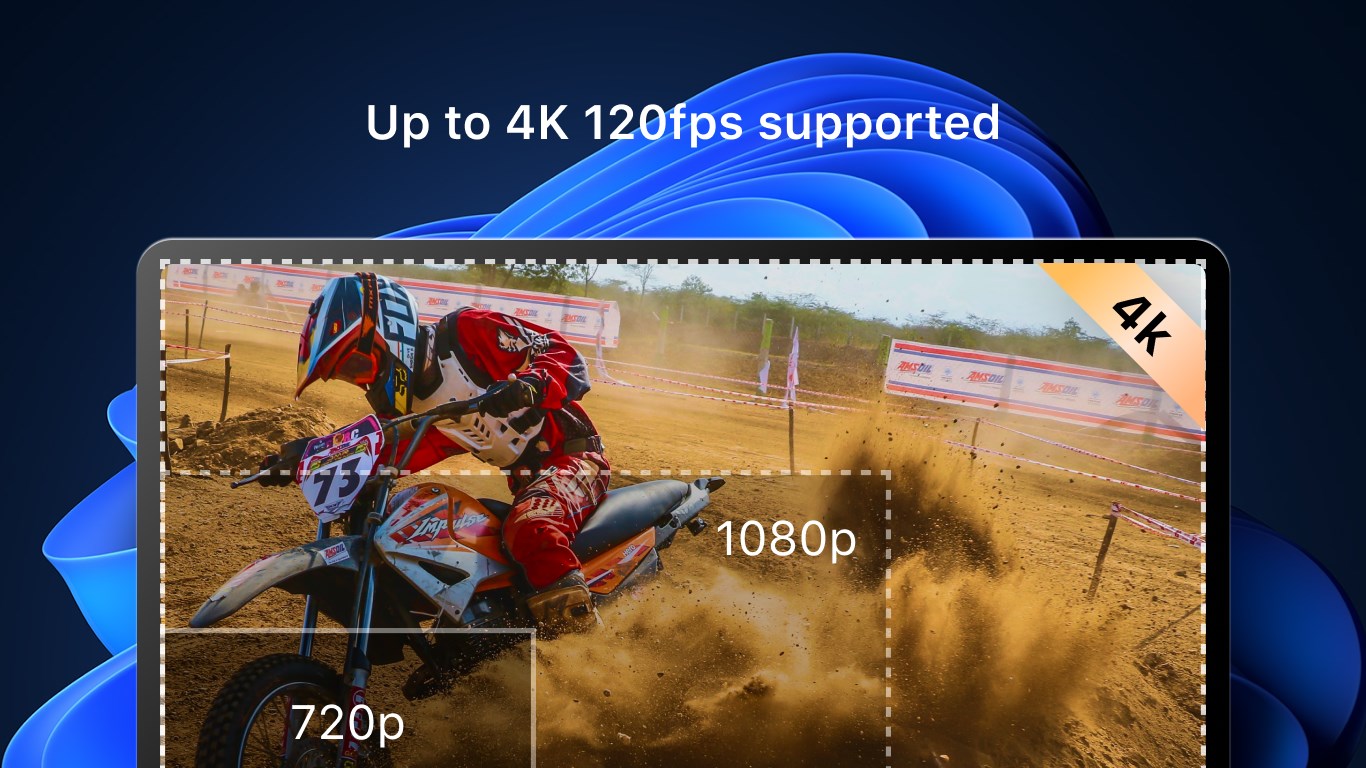
• Record your screen with sound in 1080P/4K resolution. Capture full screen, target window or custom recording area.
Screen Recorder with Audio
• Customize recording area
• Capture your PC screen at full screen or at any size
• Capture system sound, microphone sound or any other audio input devices' sound.
Game Recording(Game Screen Recorder)
• Record 4K UHD Video and capture up to 120 FPS Video.
• Record Gameplay Minecraft, PUBG, Roblox, World of Warcraft, and League of Legends(LoL), Post on YouTube
Webcam Recording(Webcam Recorder)
• Create YouTube videos with built-in camera or any camera
Overlay
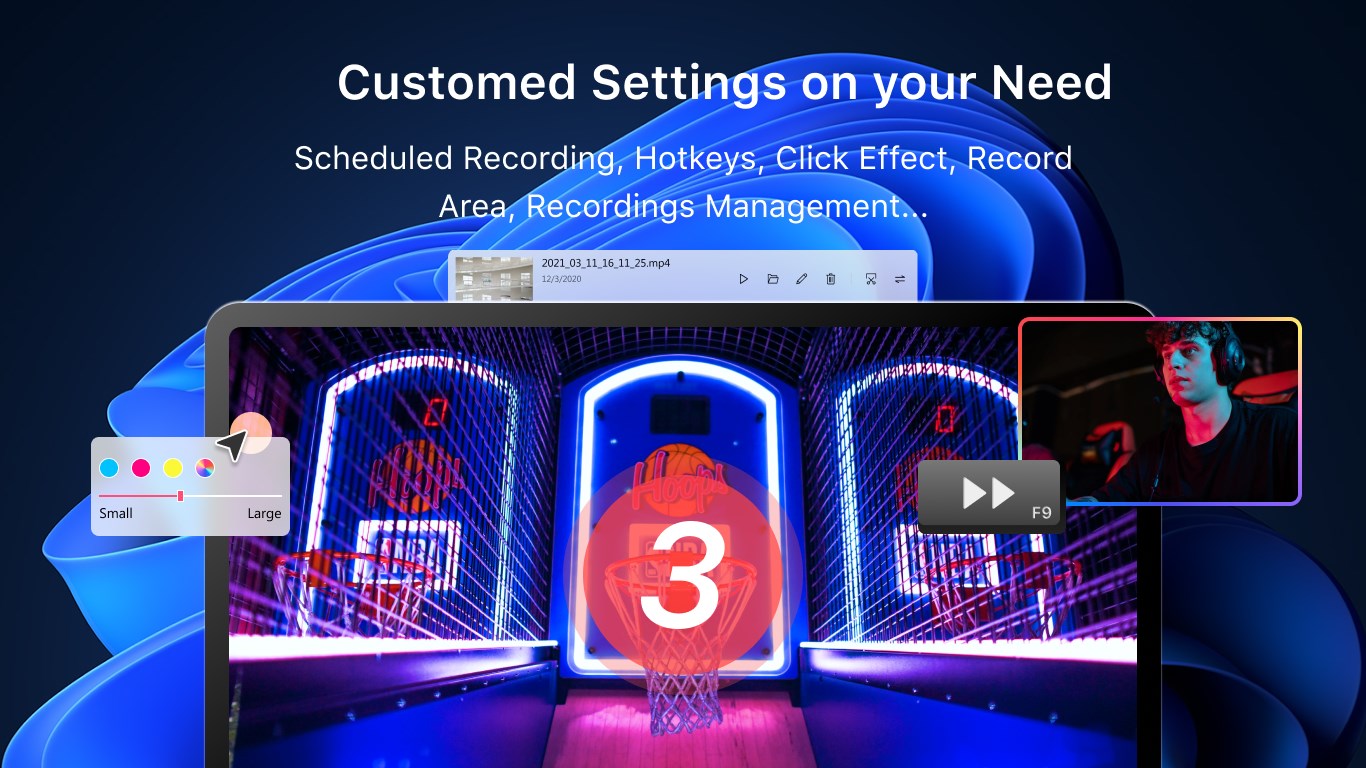
• Include or exclude mouse pointer
• Pointer highlighting
• Pointer click effects
Others
• Countdown timer
• Easy to pause/resume recording
[In-app Purchases Features]
• Unlimited recording duration
• Remove watermark (Screen Recorder No Watermark)
• 4K resolution and higher fps supported
• Custom cursor effect
Subscription plan: billed annually at $9.99/year
Lifetime license: one-time purchase for $14.99
If there is a version of this app for iOS/Mac or Windows we don't know about, paste the store link here — we'll auto-detect the store.
How to find the URL:1. Open the app in its store. 2.In the App Store app: tap the Share icon → “Copy Link”. In the browser: copy the URL from the address bar — it contains apps.apple.com/…/id… or apps.microsoft.com/detail/…. 3. Paste it here.
Paste the original link from the Apple App Store or Microsoft Store. We fetch all details automatically.
How to find the URL:
1. Open the app in its store. 2.In the App Store app: tap the Share icon → “Copy Link”. In the browser: copy the URL from the address bar — it contains apps.apple.com/…/id… or apps.microsoft.com/detail/…. 3. Paste it here.
Android apps can only be listed by their developer.



 Screen Recorder Lite
Record screen, audio and webcam with editing
 Screenbits - Screen Recorder
Record screen, audio and webcam in HD or 4K
 TapRecord: Screen Recorder
Record screen, audio and webcam in HD, then trim videos
 Record Screen - Video & Audio Recorder
Record screen in Full HD up to 60 fps
 Fine Screen Recorder – Screen Recorder for Windows
Record screen content with audio and watermarks
 Screen Recorder Plus
Record screen, windows and audio in multiple formats