

Screenshot appears after consentScreenshot appears after consentScreenshot appears after consentScreenshot appears after consentScreenshot appears after consent
Summary
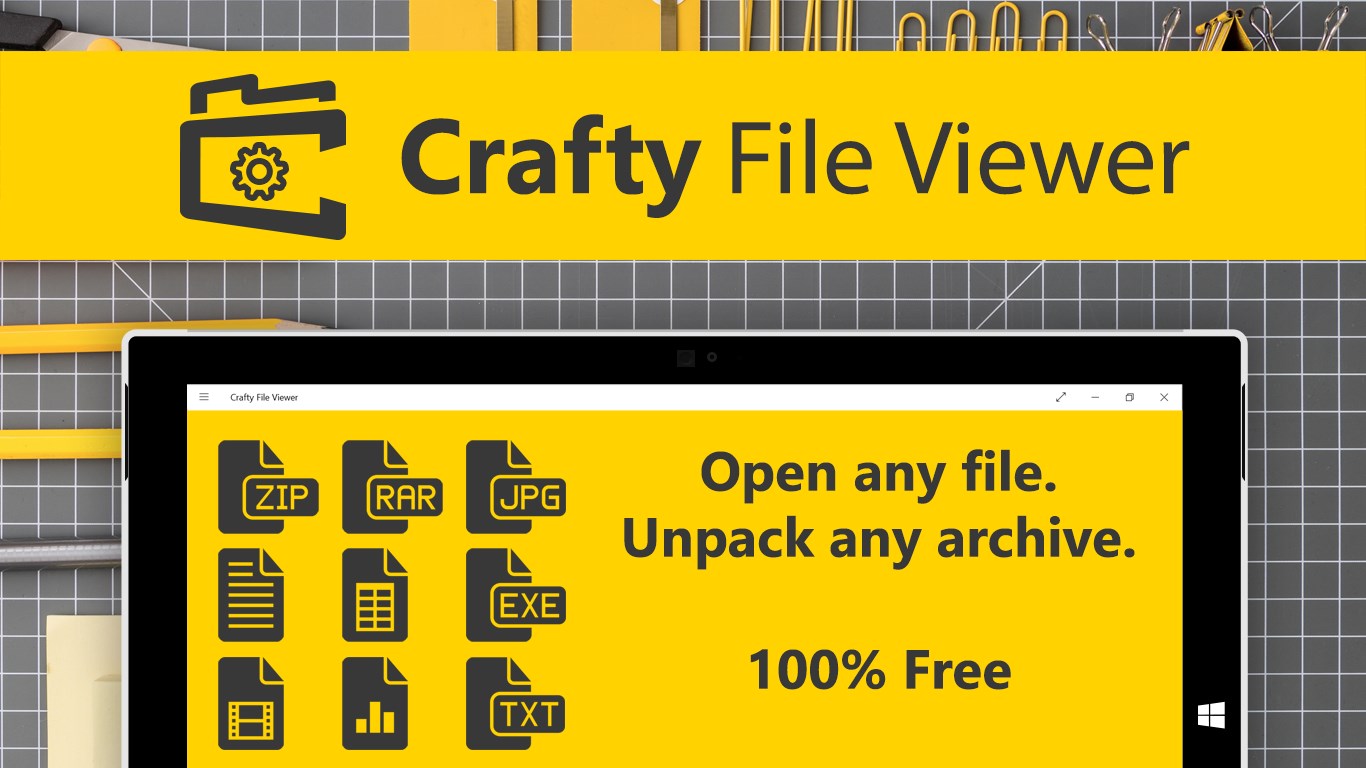
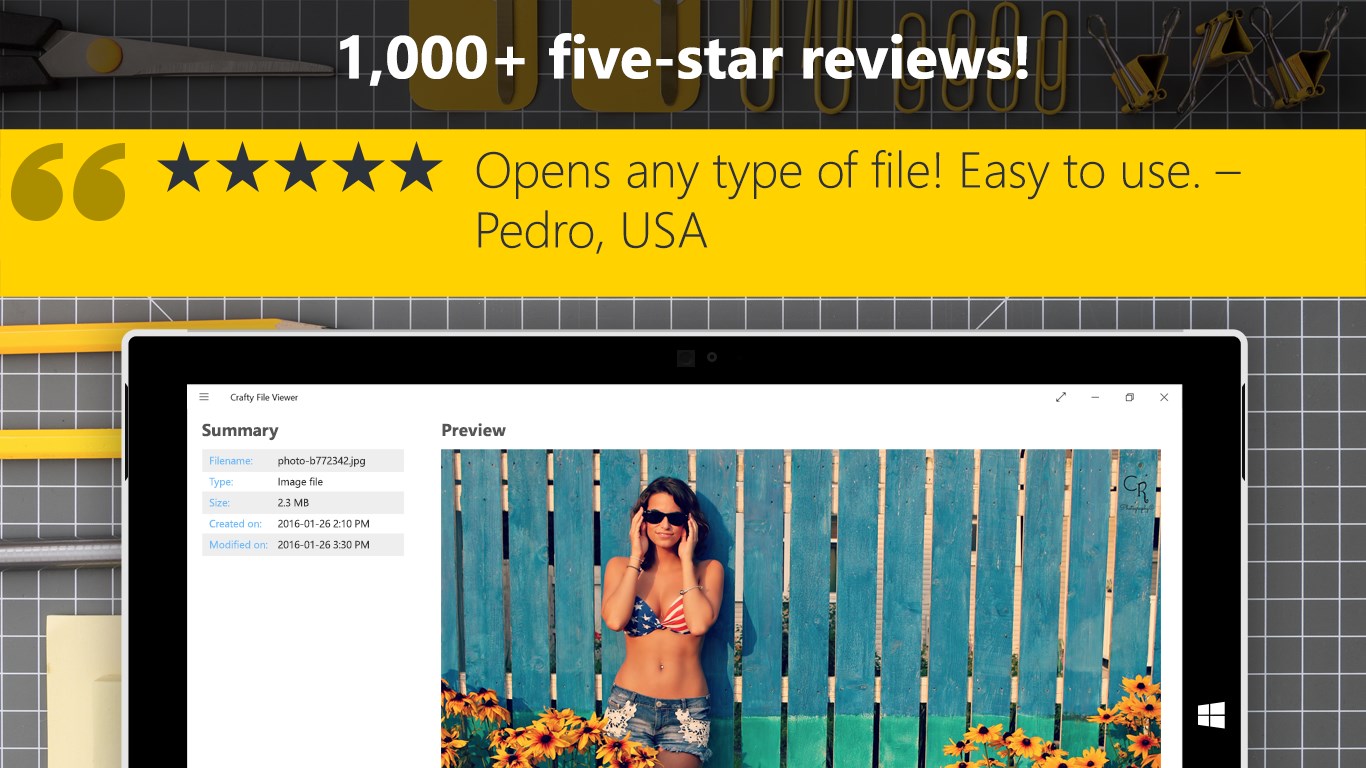
Crafty File Viewer is a file viewer that previews videos, photos, text documents, internet documents and other file types without needing the original program. It opens compressed archives such as ZIP, RAR and 7Z and lets users access their contents directly. Binary files can be inspected through a hex dump view. It also displays file properties not normally shown, including creation and modification dates, exact size in bytes, and hash values such as MD5, SHA1, SHA256, SHA384 and SHA512. Crafty File Viewer is free to download.
Show the developer's original descriptionHide the original description
Peek inside ANY file and automatically preview videos and photos, open ZIP or RAR files, and more.
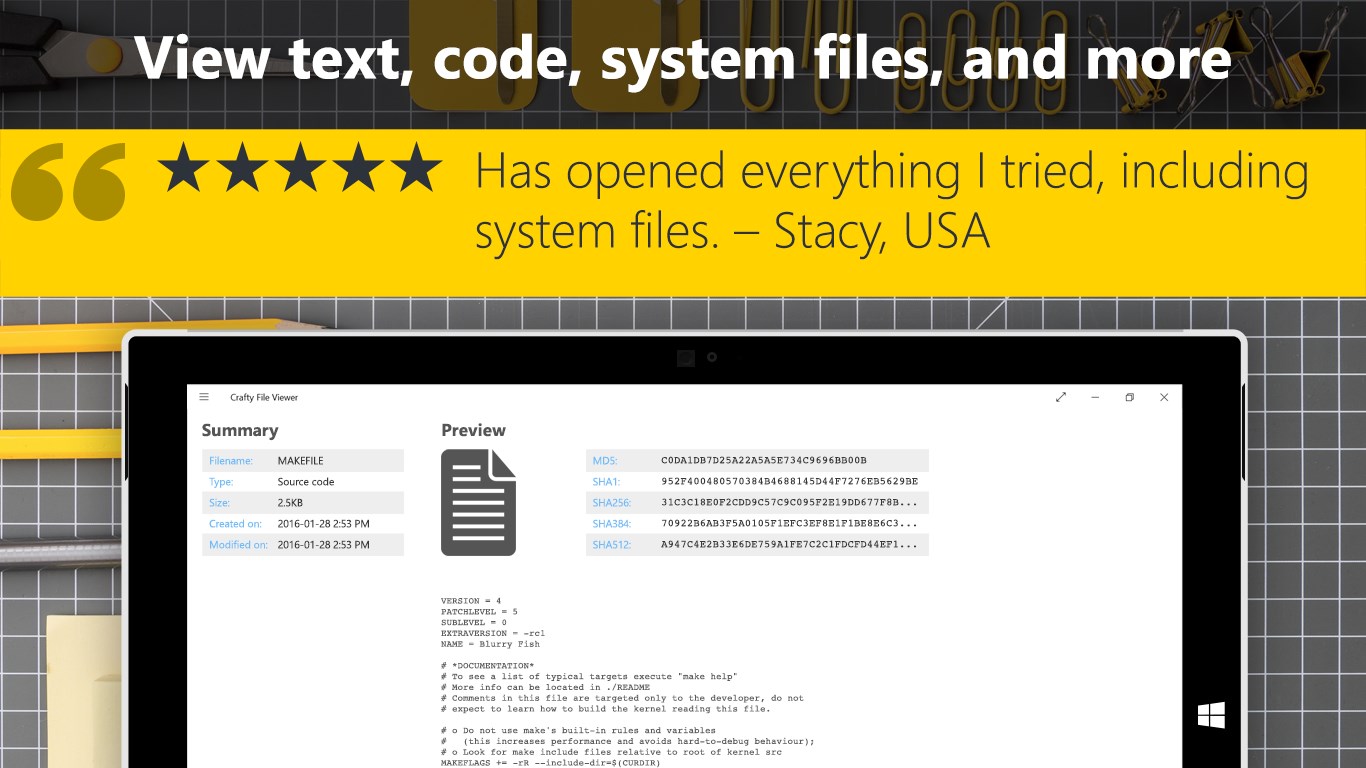
Do you have a file you cannot open, or simply need more information than Windows can give you? Crafty File Viewer can preview any file, from many types of videos, to photos, text documents, Internet documents, compressed archives like ZIP, RAR and 7Z, configuration files and even various scripts and code snippets.
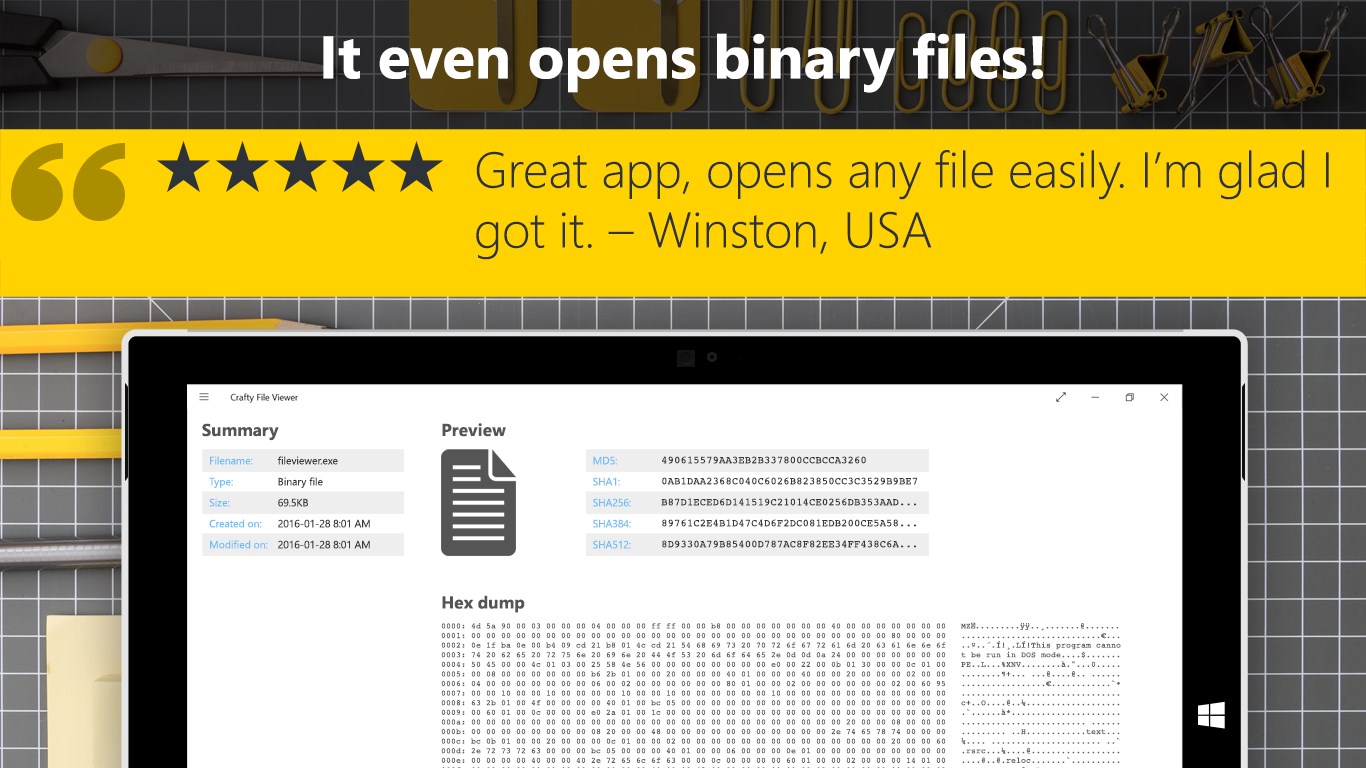
Binary files are no mystery for Crafty File Viewer, with its blazingly fast Hex Dump view. At a glance you’ll see what’s inside any binary file.
If the file you want is inside an archive you don’t recognize (like 7Z or RAR), Crafty File Viewer will unpack those archives and let you directly access what’s inside.
No matter what file you view, you’ll see important file properties normally not shown to you: created and modified dates, exact size in MB, KB and bytes, and the file’s hash values for popular MD5, SHA1, SHA256, SHA384 and even SHA512.
So view any file like a pro and download the free Crafty File Viewer.
If there is a version of this app for iOS/Mac or Windows we don't know about, paste the store link here — we'll auto-detect the store.
How to find the URL:1. Open the app in its store. 2.In the App Store app: tap the Share icon → “Copy Link”. In the browser: copy the URL from the address bar — it contains apps.apple.com/…/id… or apps.microsoft.com/detail/…. 3. Paste it here.
Paste the original link from the Apple App Store or Microsoft Store. We fetch all details automatically.
How to find the URL:
1. Open the app in its store. 2.In the App Store app: tap the Share icon → “Copy Link”. In the browser: copy the URL from the address bar — it contains apps.apple.com/…/id… or apps.microsoft.com/detail/…. 3. Paste it here.
Android apps can only be listed by their developer.